

How do I build a year of training with Coach Jack plans?
Build a year of training on the TrainerDay website by creating one Coach Jack plan for your main event, then adding more Coach Jack plans that start right after it on My Calendar.
- On the website, in the left sidebar under Training Plans, click Plan Builders (app.trainerday.com/coach-jack).
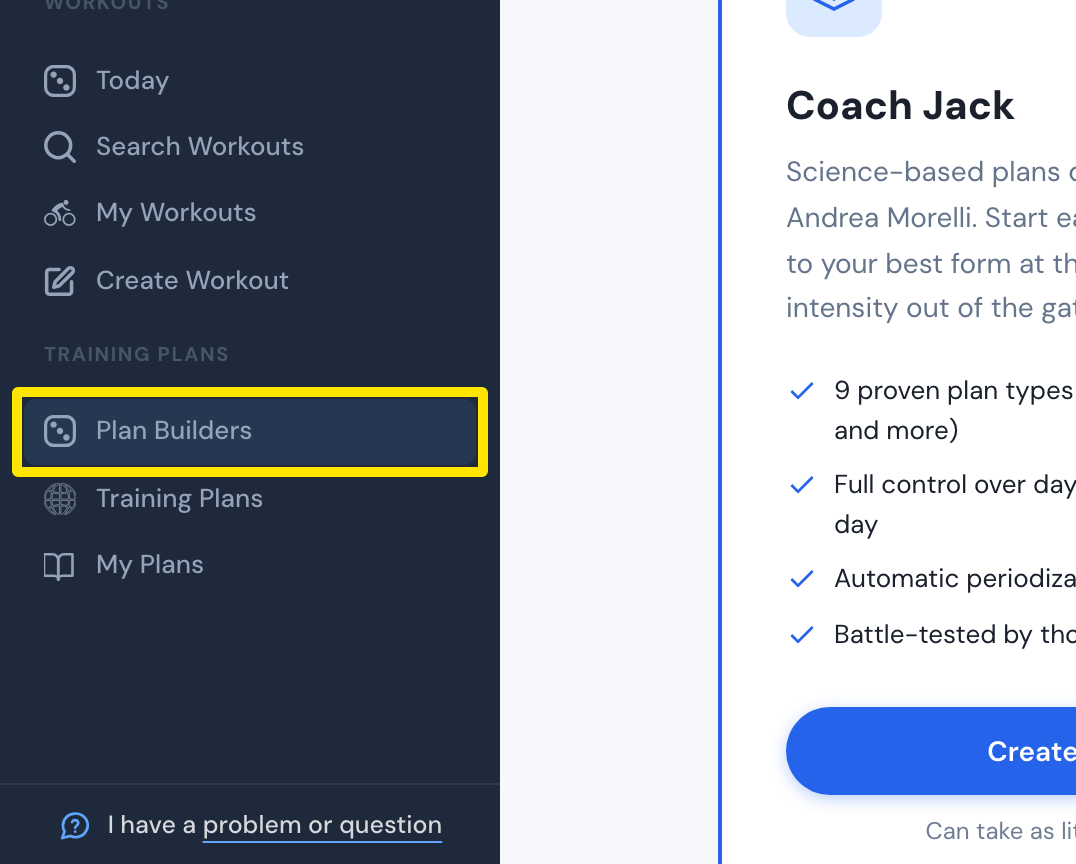 Where: Website · Plan Builders · open it
- On the Coach Jack card, click Start with Coach Jack → (it reads Create New Plan → once you have built a plan). For your main event, answer Yes to "Do you have a specific date for an event or goal?" and give its date.
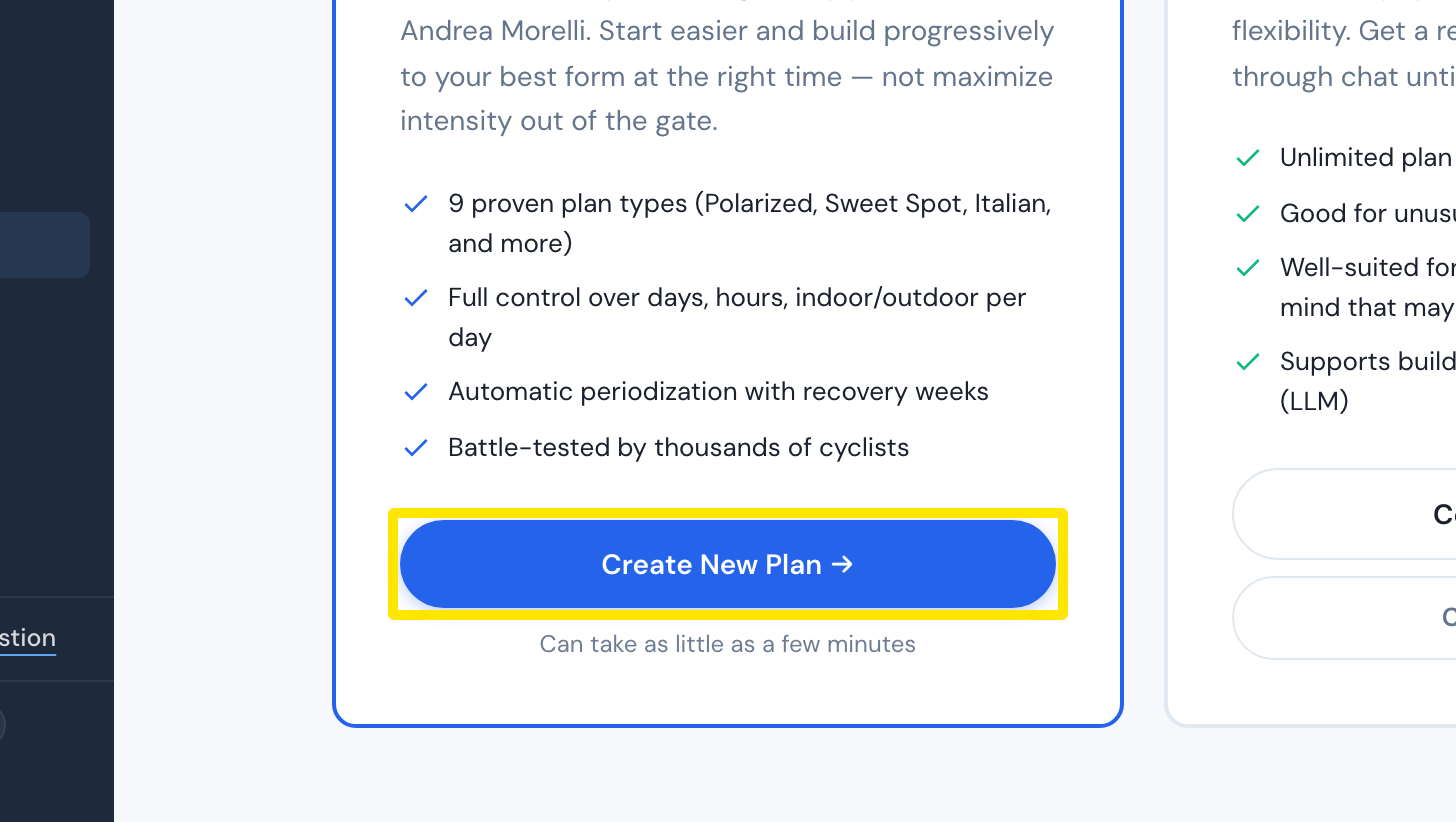 Where: Website · Plan Builders · open it
- Click Build My Plan →, then Save & Next and Send to My Calendar.
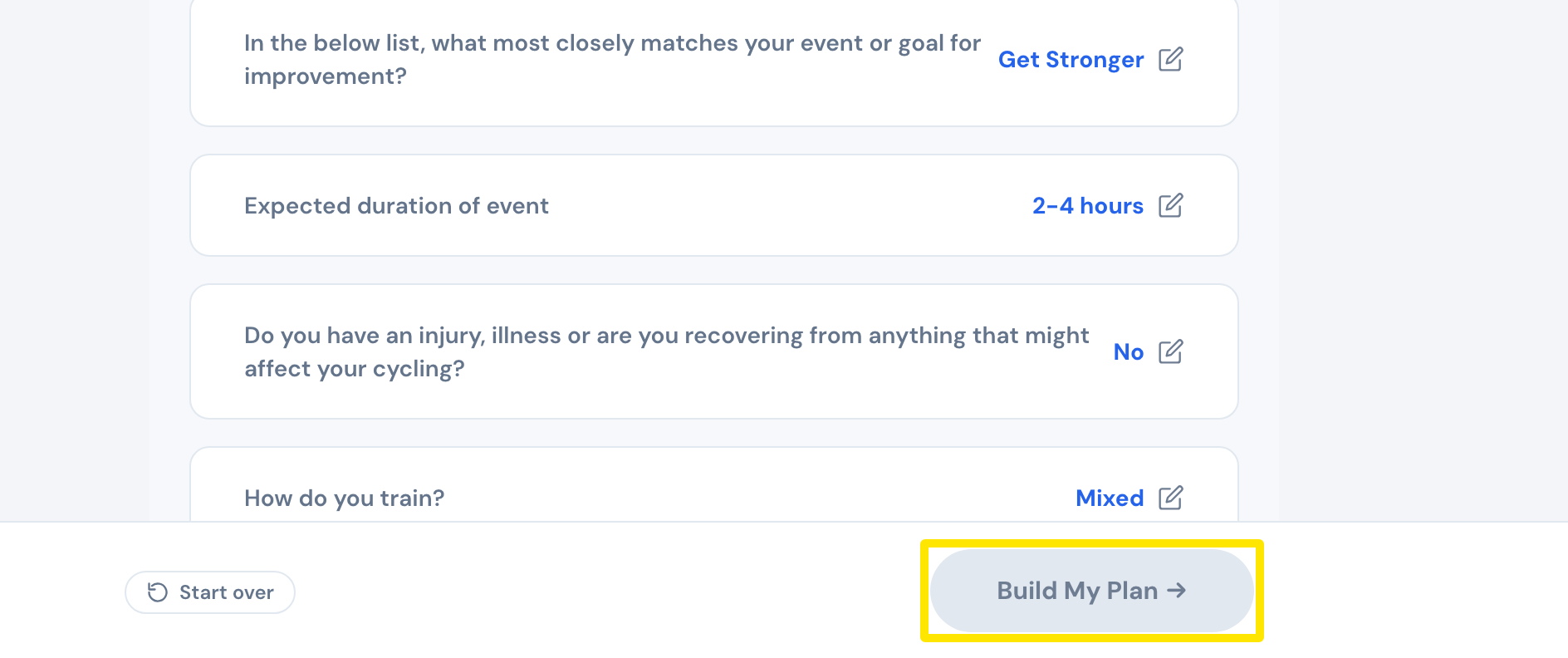 Where: Website · Coach Jack plan builder
- For the next block, build another Coach Jack plan. In its Week 1 row, click the date and pick the Monday after the first plan ends. Send it to My Calendar too.
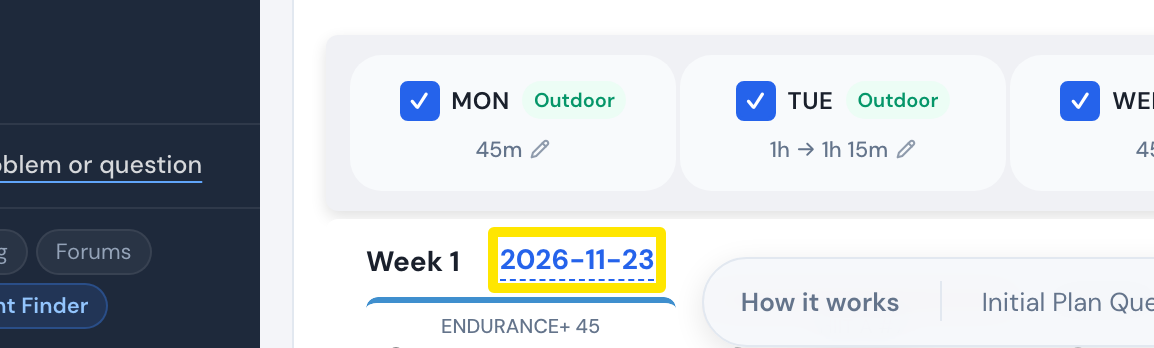 Where: Website · Coach Jack plan builder
- Go to My Calendar and click Plans to see every plan with its dates.
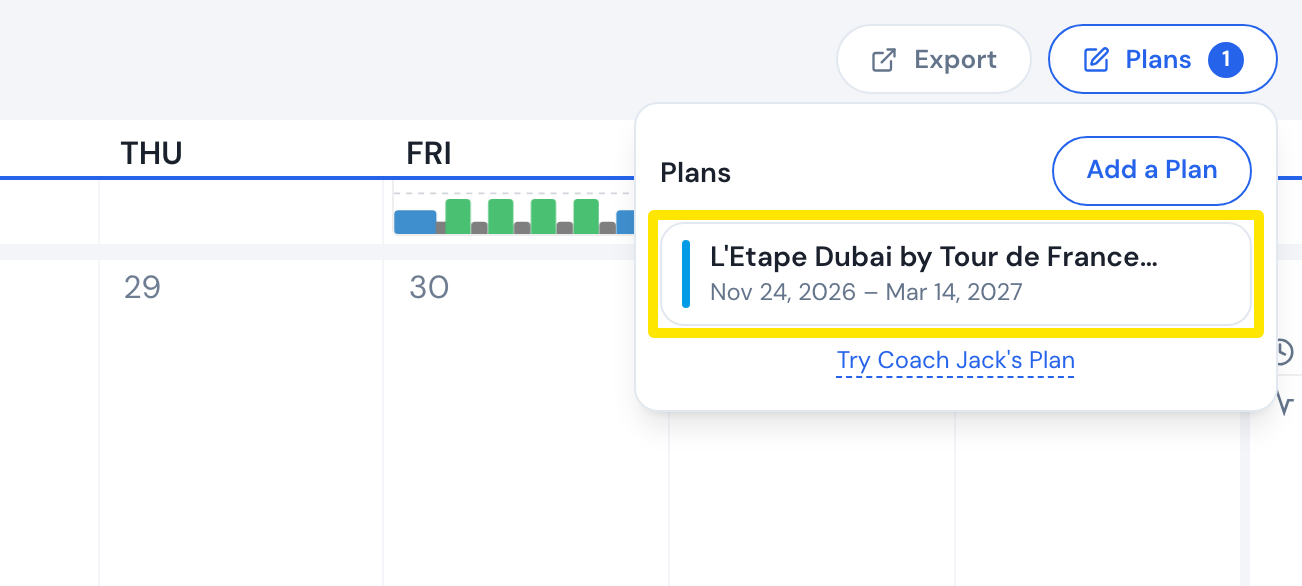 Where: Website · My Calendar · open it
Good to know: One Coach Jack event plan can be at most 49 weeks long. All four phases (Foundation, Build, Sharpen, Race) are included only when you give an event date.
Works on: Plans are built and put on the calendar on the website; the mobile and desktop apps ride them from My Calendar.