

How do I switch to a different training plan?
To switch training plans, delete your current plan from the Plans list in My Calendar on the website, then add the new plan from the same list.
- On the website, click My Calendar in the left sidebar (open it).
- Click Plans at the top of the calendar.
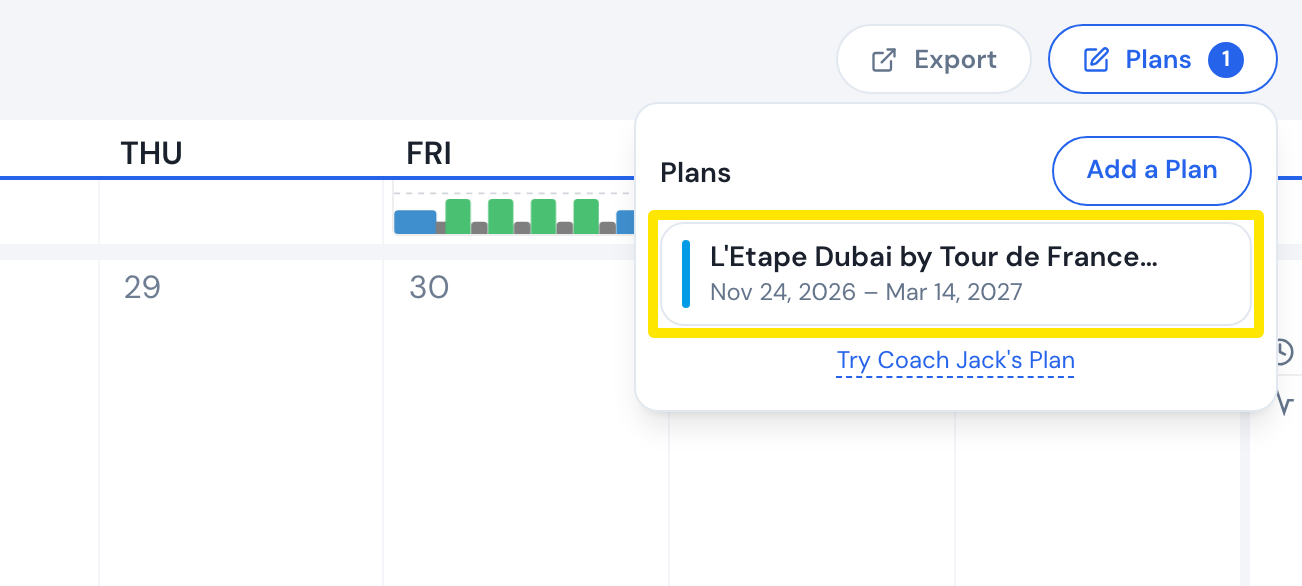 Where: Website · My Calendar · open it
- Point at the plan you are leaving, click its trash icon, then confirm Delete.
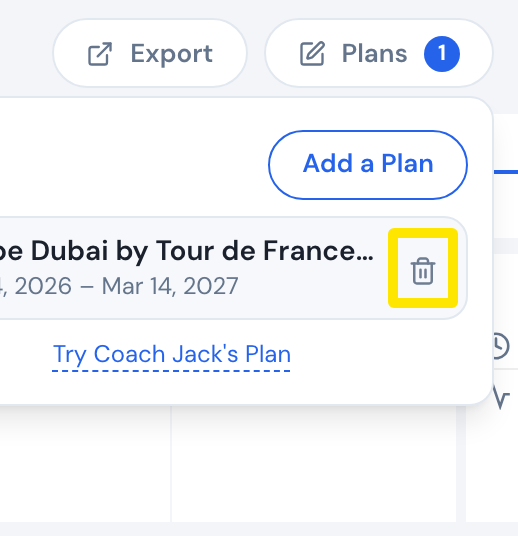 Where: Website · My Calendar · open it
- In the same list, click Add a Plan and choose Create Jack's plan or Add Community Plan.
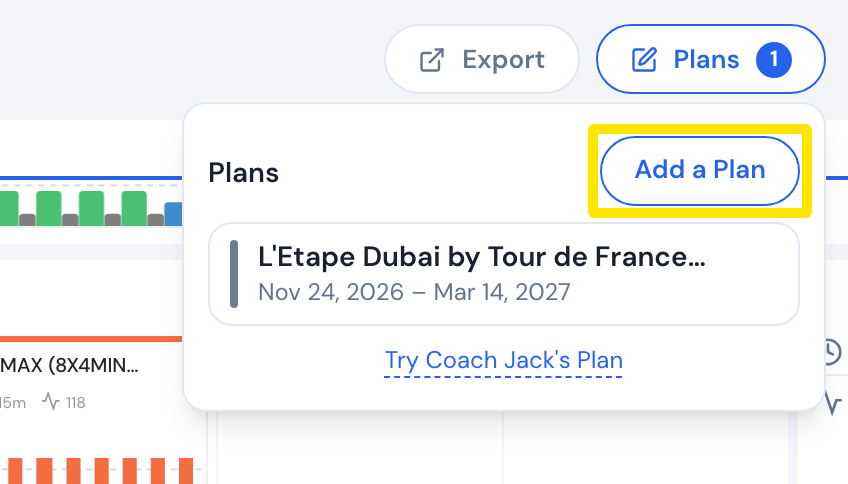 Where: Website · My Calendar · open it
Good to know: Deleting a plan keeps the workouts you completed and removes the rest, including past ones you did not complete.
Works on: Website only. The mobile and desktop apps follow My Calendar.