

How do I start a new plan after finishing my training plan?
To start a new plan after your training plan ends, build a new Coach Jack plan on the TrainerDay website under Plan Builders, set it to start the week after your old plan, and send it to your calendar, since Coach Jack does not make the next plan for you.
Want your new plan to build on your current fitness? See: How do I start a new Coach Jack plan without losing my progress?
- On the TrainerDay website, in the left sidebar under Training Plans, click Plan Builders. On the Coach Jack card, click Create New Plan.
- Answer the questions. Your top goal comes first. No race coming? Answer No to "Do you have a specific date for an event or goal?" and pick a length under Plan duration?. When you finish, the plan builder opens.
- In the plan builder, in the Week 1 row, click the date after "Week 1".
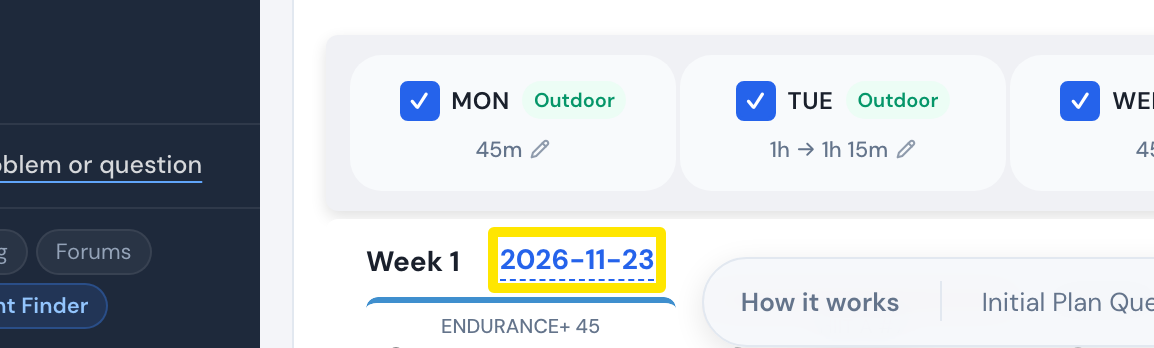 Where: Website · Coach Jack plan builder
- In the date picker, click a day in the week after your old plan ends.
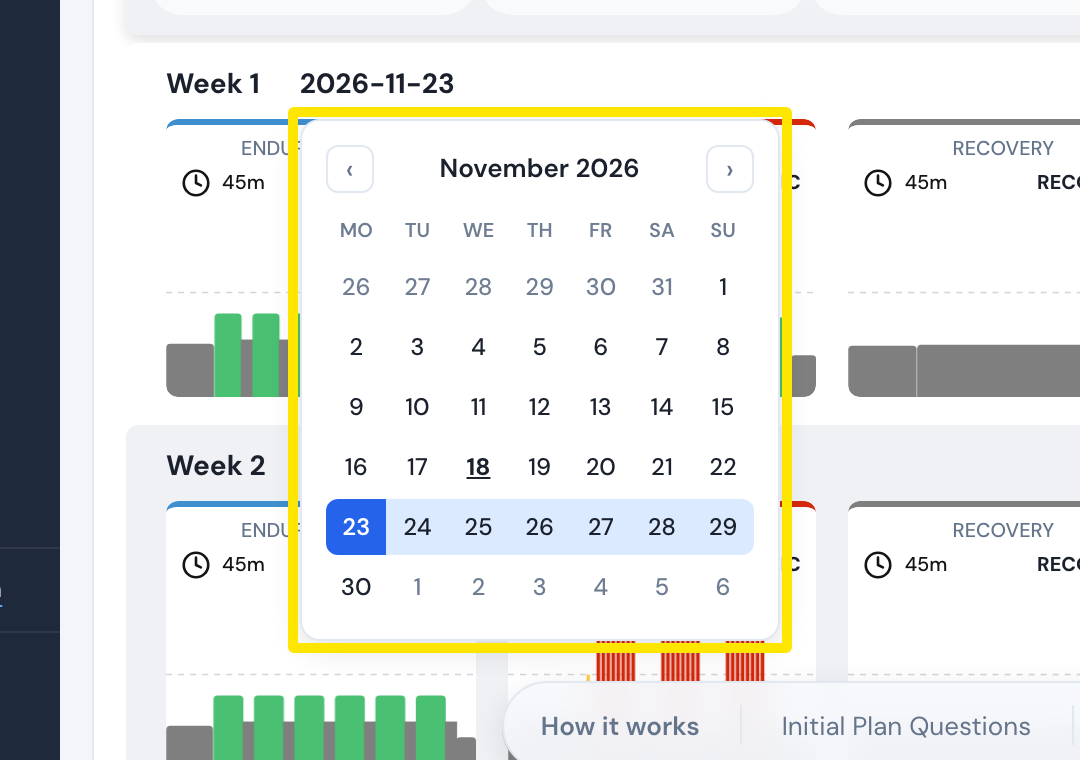 Where: Website · Coach Jack plan builder
- Click Save & Next, name the plan and click Send to My Calendar.
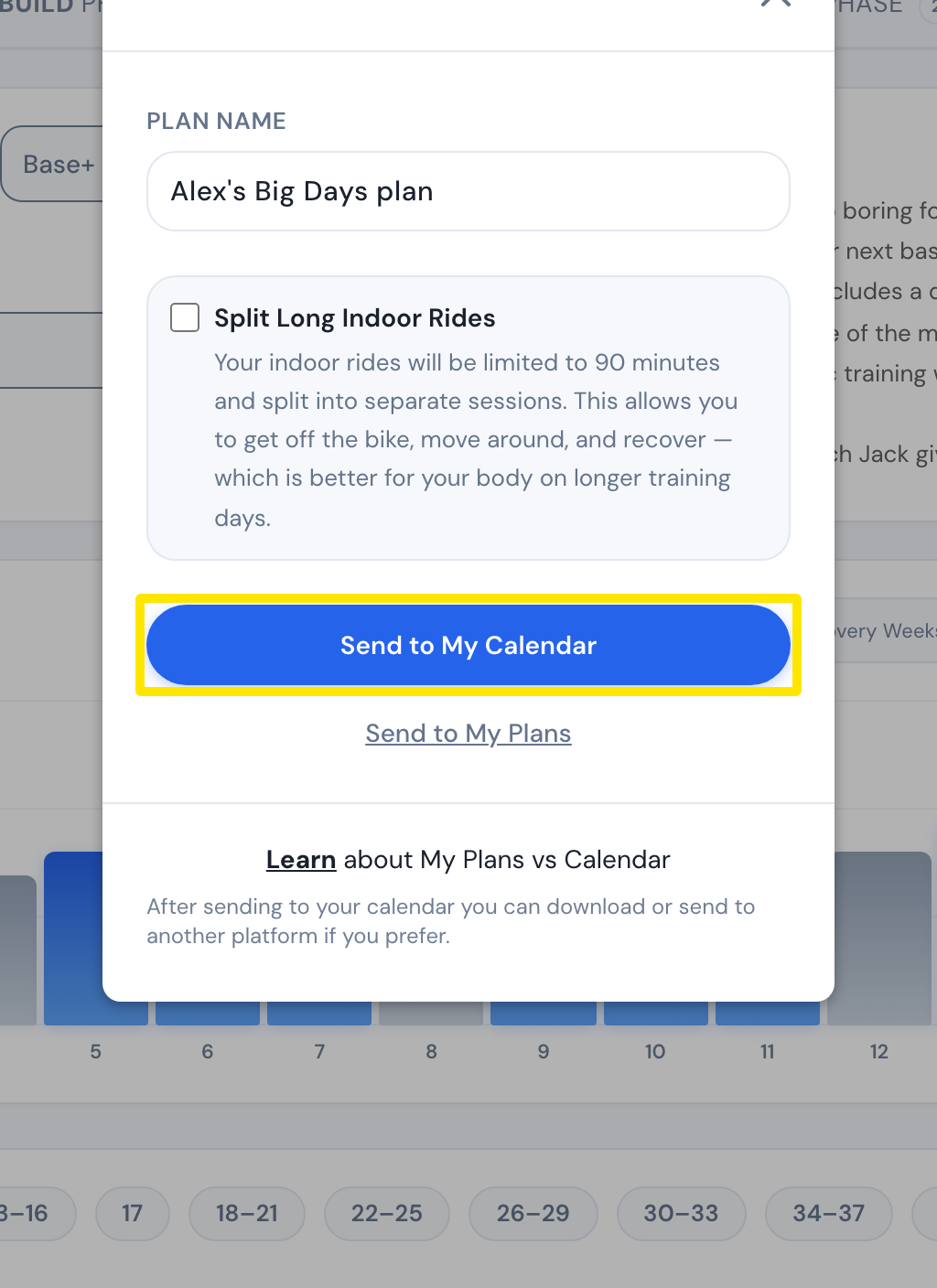 Where: Website · Coach Jack plan builder → Save & Next
- If you've selected a plan under App Plan source instead of using My Calendar, go to the website home page, click App Plan source and choose the new plan.
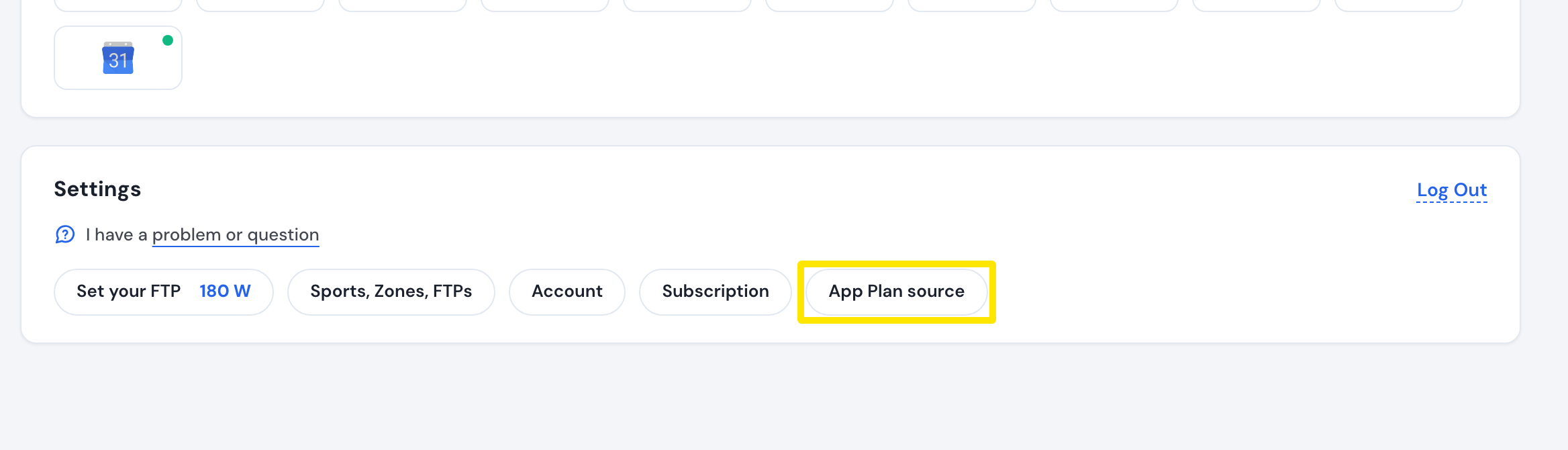 Where: Website · Home · open it
Good to know: Coach Jack does not create the next plan when one finishes. You have to build it yourself.
Works on: New plans are built on the website only. The mobile and desktop apps ride what is on My Calendar or the plan chosen under App Plan source.