

How do I create a training plan?
Most riders let Plan Builders make a plan; to build your own from your workouts, use My Plans on the TrainerDay website, then drag workouts onto the days and save.
Most riders let Plan Builders make the plan: click Plan Builders in the left sidebar and let Coach Jack or the AI Plan Builder build it for you. See How do I build a training plan with the AI plan builder?. To build one by hand, follow these steps.
- On the website, click My Plans in the left sidebar, then Create a new Plan at the top right.
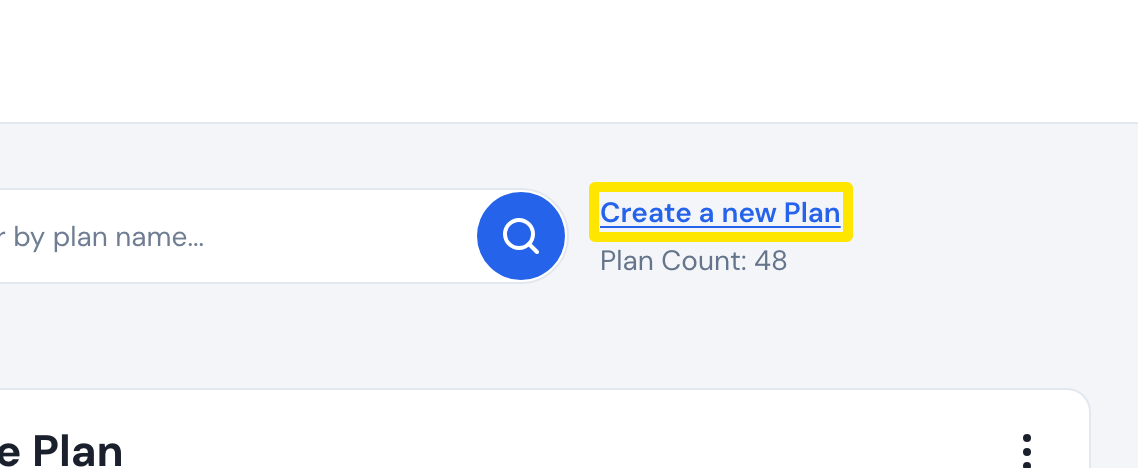 Where: Website · My Plans · open it
- In the Create Plan window, enter the Plan Name, Period Type and Number Of Weeks, then click Done.
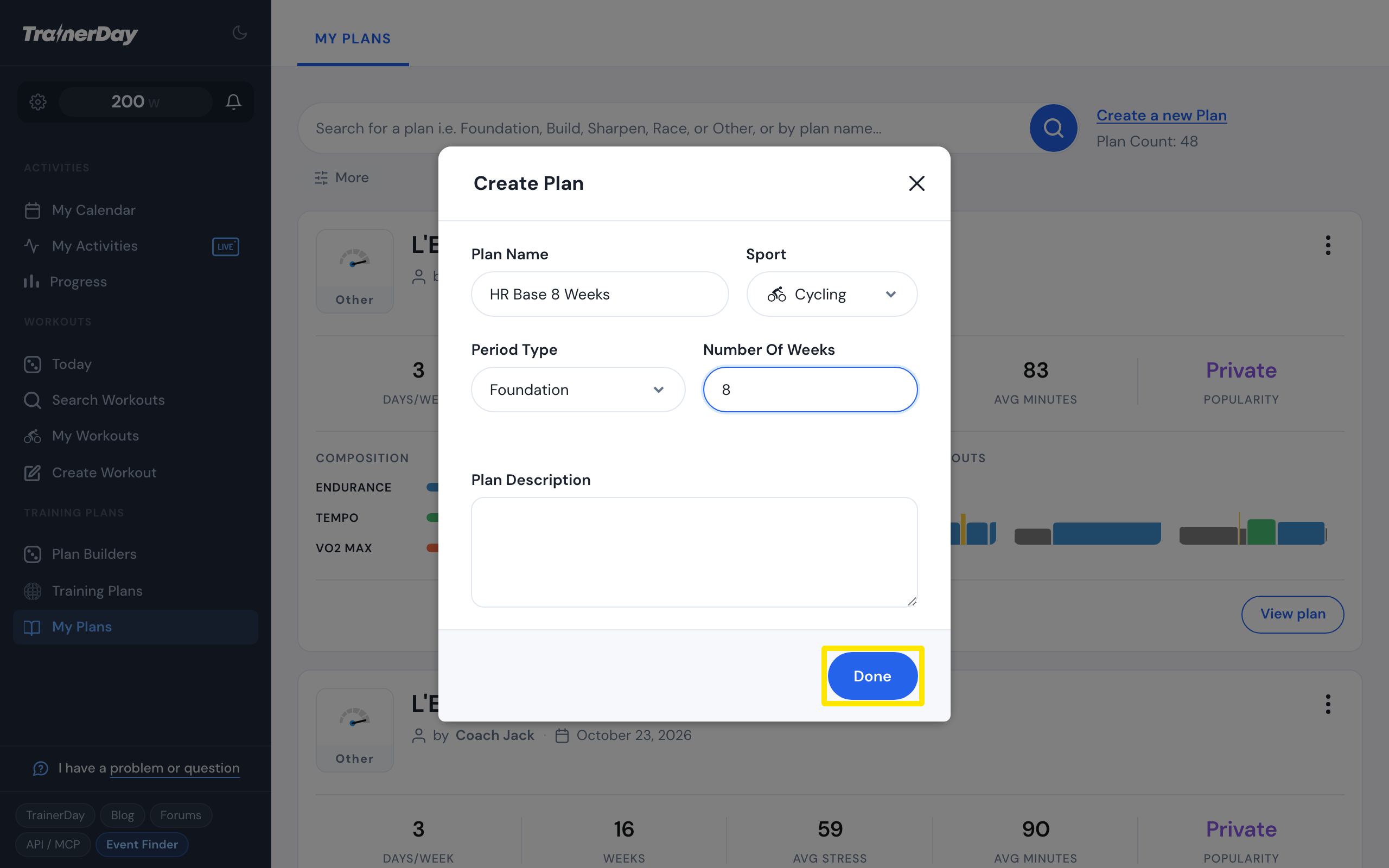 Where: Website · My Plans → Create a new Plan · open it
- Your new plan opens. Drag workouts from My workout library on the right onto the days (hold Alt to copy one), then click Save Changes.
- To share it, turn on Public plan on the plan page. Send or Download puts it on My Calendar.
Good to know: Number Of Weeks goes from 1 to 56, and Public plan needs at least 3 workouts.
Works on: You make plans on the website only. The mobile and desktop apps ride plan workouts from My Calendar.