

How do I build a training plan with the AI plan builder?
On the TrainerDay website, open Plan Builders, start the AI Plan Builder (Beta), describe your training in the chat, then save the plan to your calendar or your plans.
- On the website (app.trainerday.com), click Plan Builders in the left sidebar.
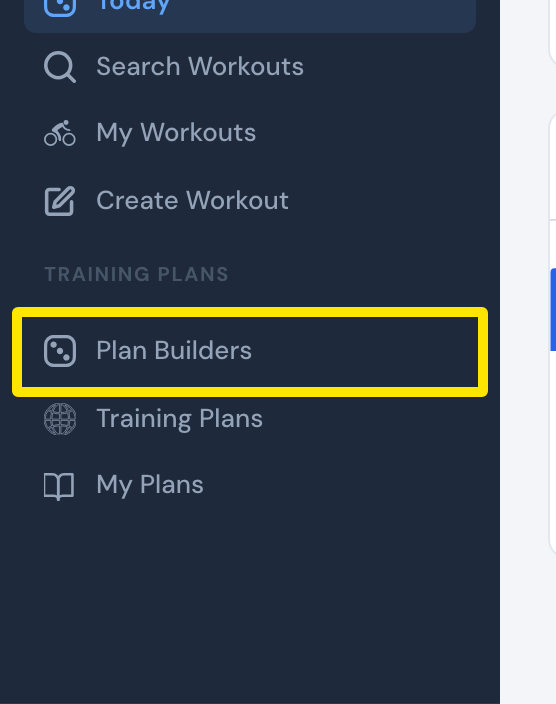 Where: Website · Today · open it
- On the AI Plan Builder (Beta) card, click Try AI Builder (or Create AI Plan → / Continue AI Plan → if you used it before).
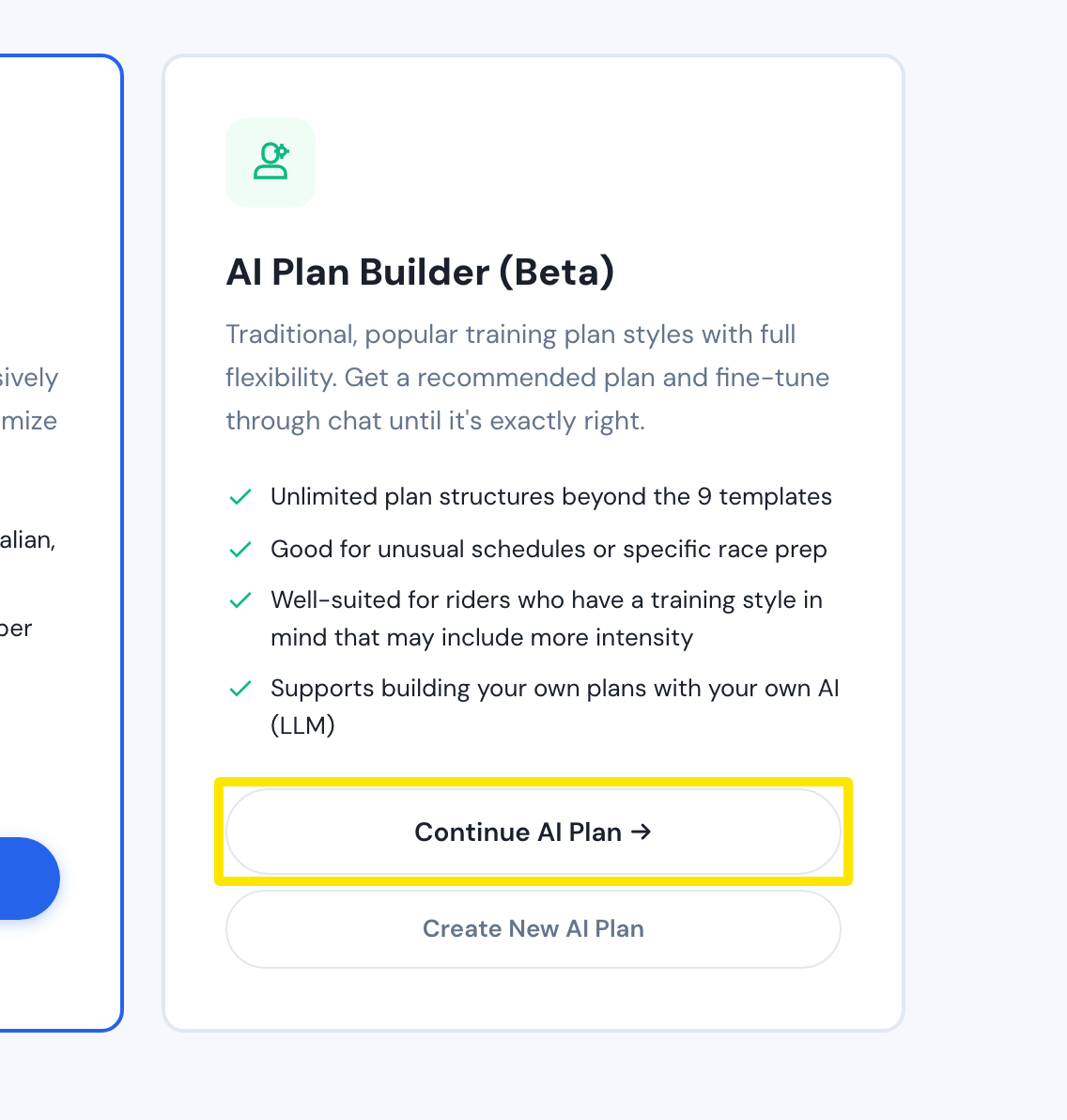 Where: Website · Plan Builders · open it
- Answer the questions (goal, event date, weeks, hours).
- In the chat, edit the prompt it wrote (add your training days and the workouts you like) and press the blue send button.
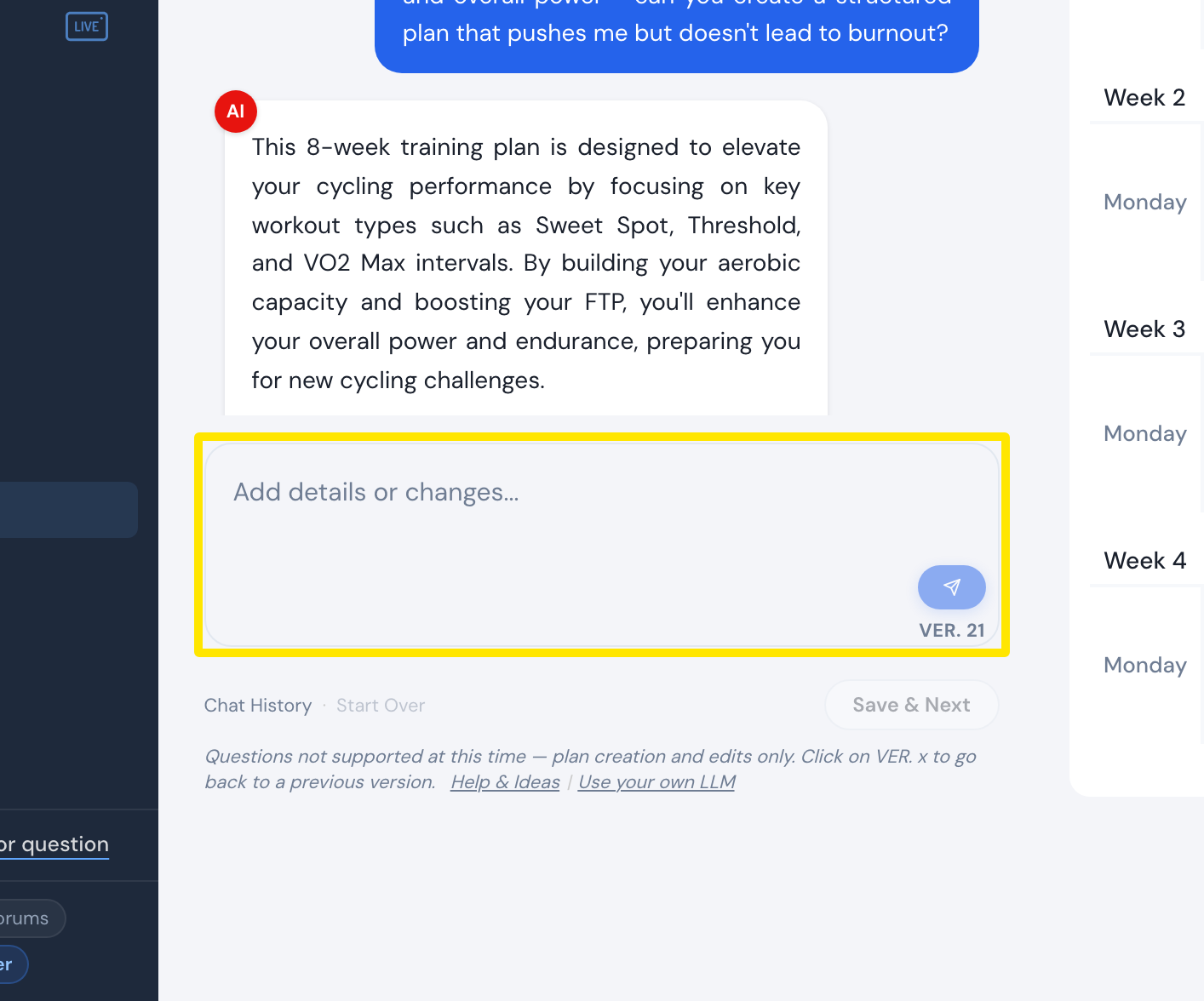 Where: Website · AI Plan Builder
- Check the plan in the calendar preview on the right and type changes in the chat. Each change becomes a new version (VER. buttons).
- Set the Starting Date above the preview, click Save & Next, name the plan and choose Send to My Calendar (or Send to My Plans).
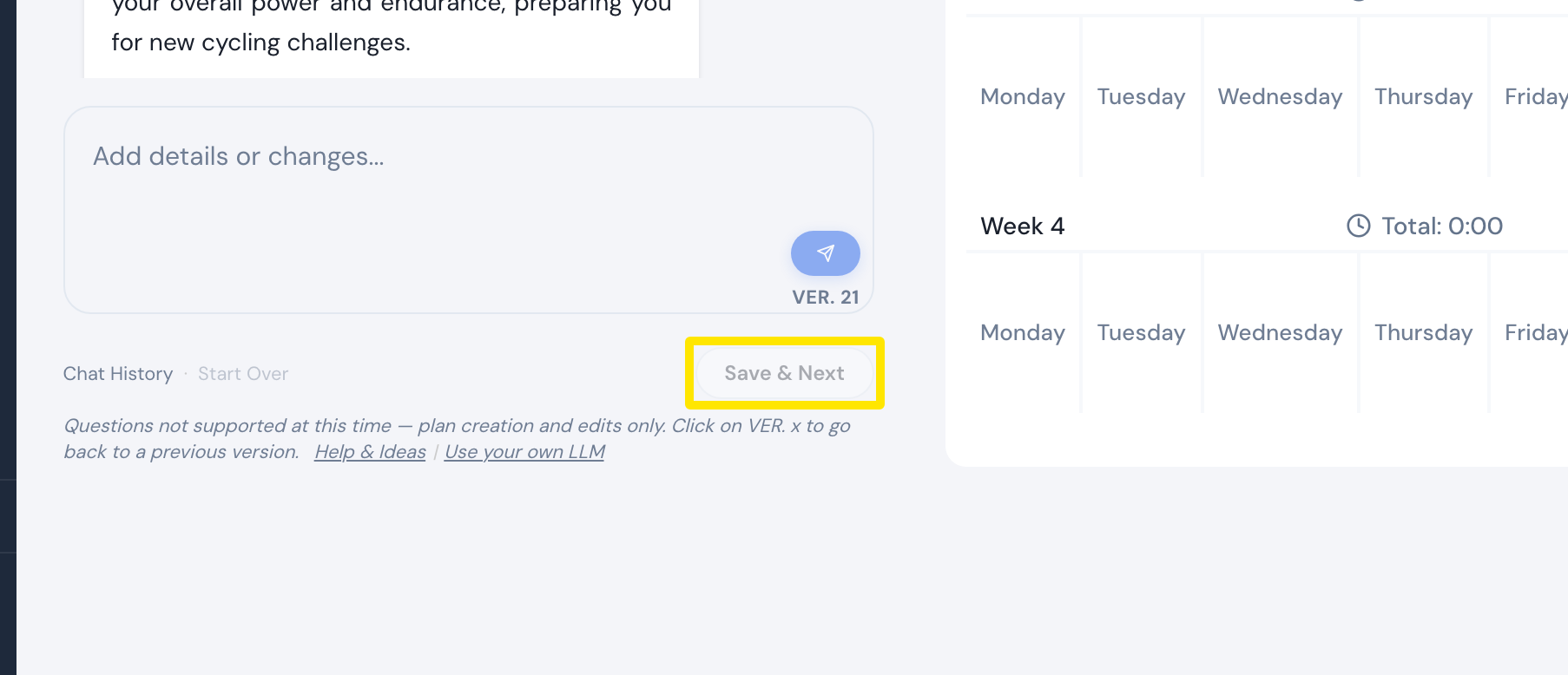 Where: Website · AI Plan Builder
Good to know: It needs a Pro account, is in beta, and can make mistakes. It does not look at your ride history or give training advice.
Works on: website only; a plan sent to My Calendar then shows in the mobile and desktop apps and syncs to Zwift and Garmin.