

How do I check and adjust an AI-built plan before I follow it?
On the website's AI Plan Builder, check each week in the plan preview, ask for changes in the chat box, then save the plan to your calendar or My Plans.
Most riders who are unsure let Coach Jack make the plan, which TrainerDay recommends over the AI Plan Builder. The AI Plan Builder is experimental and its plans can contain mistakes, so check every week before you follow one.
- On the website, in the left menu under Training Plans, click Plan Builders.
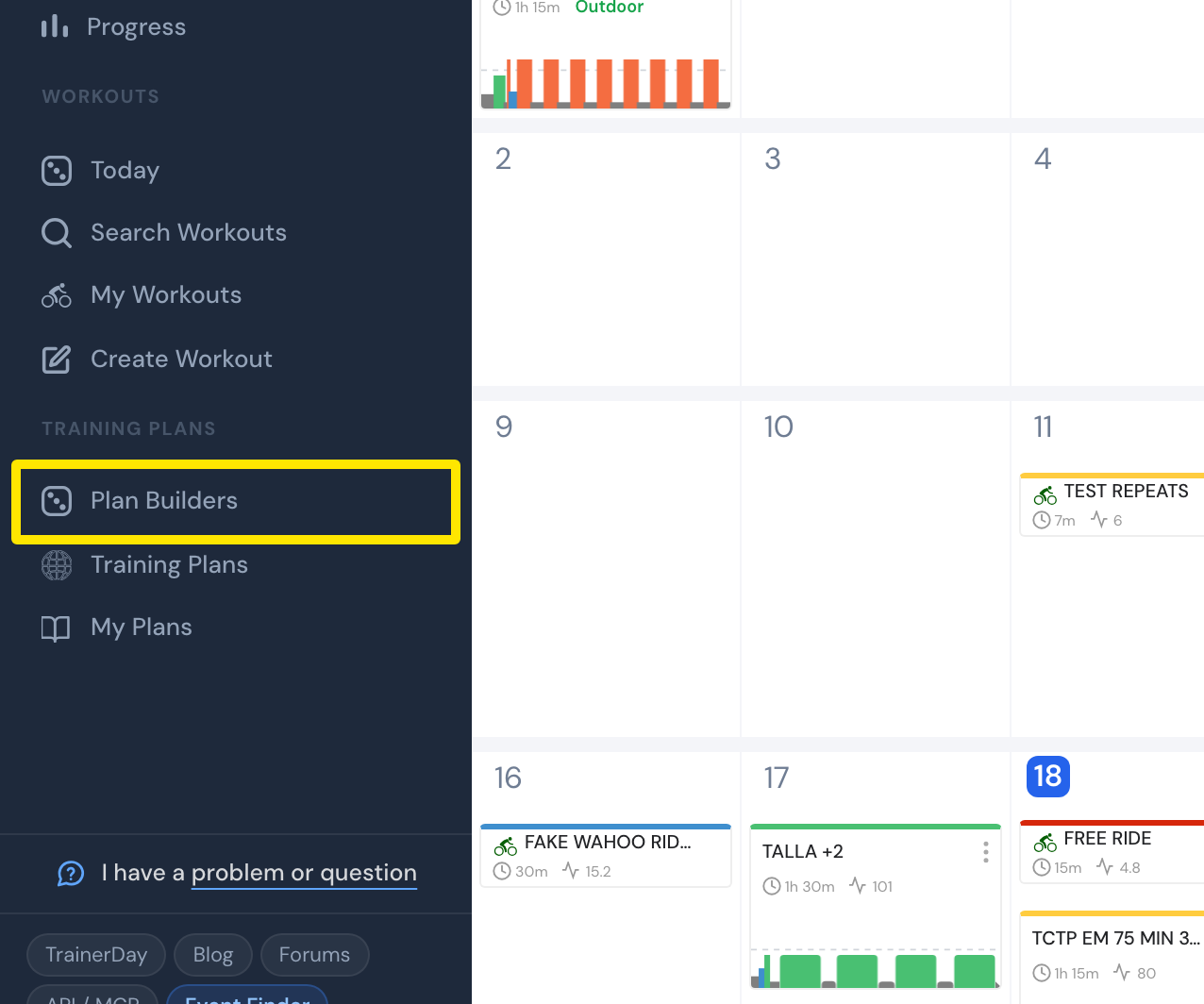 Where: Website · My Calendar · open it
- On the Plan Builders page, open AI Plan Builder (Beta) and build your plan (how to build it).
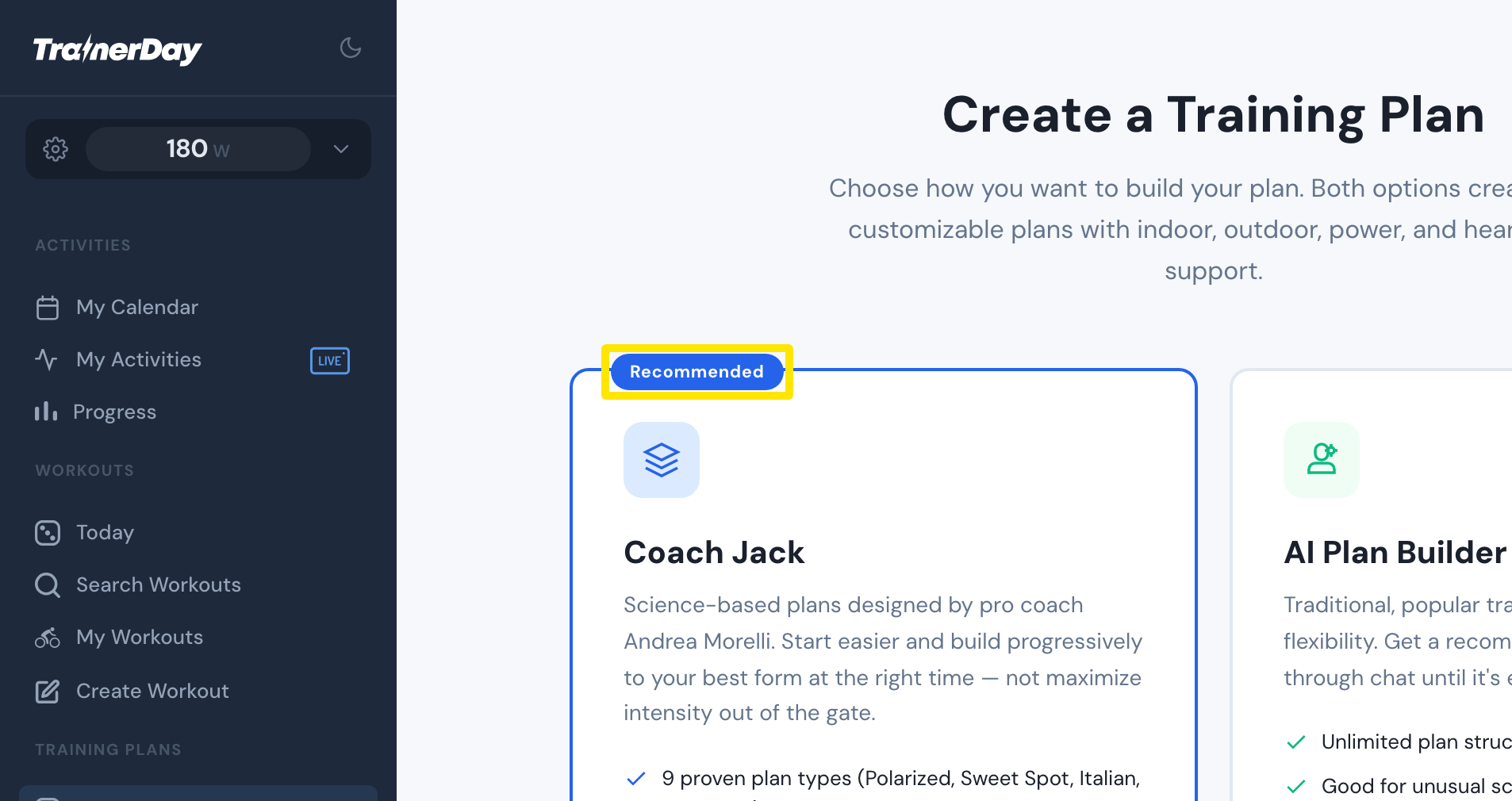 Where: Website · Plan Builders · open it
- Look through each week in the preview on the right. Check each week's total time and training stress, and click a workout to see it.
- To change something, type it in Add details or changes... and send it.
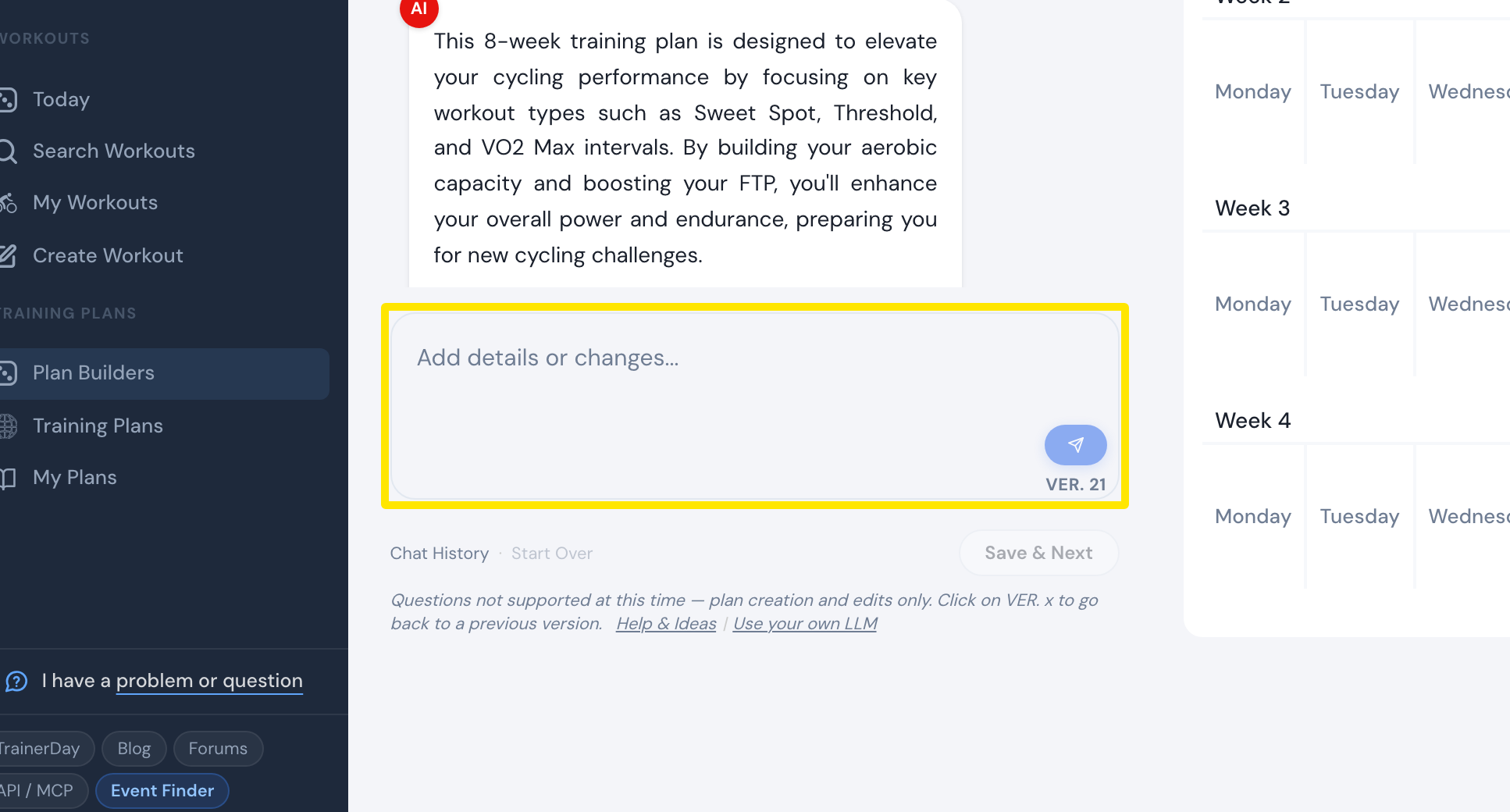 Where: Website · AI Plan Builder
- Each change makes a new version. Click a VER. button or Undo to go back.
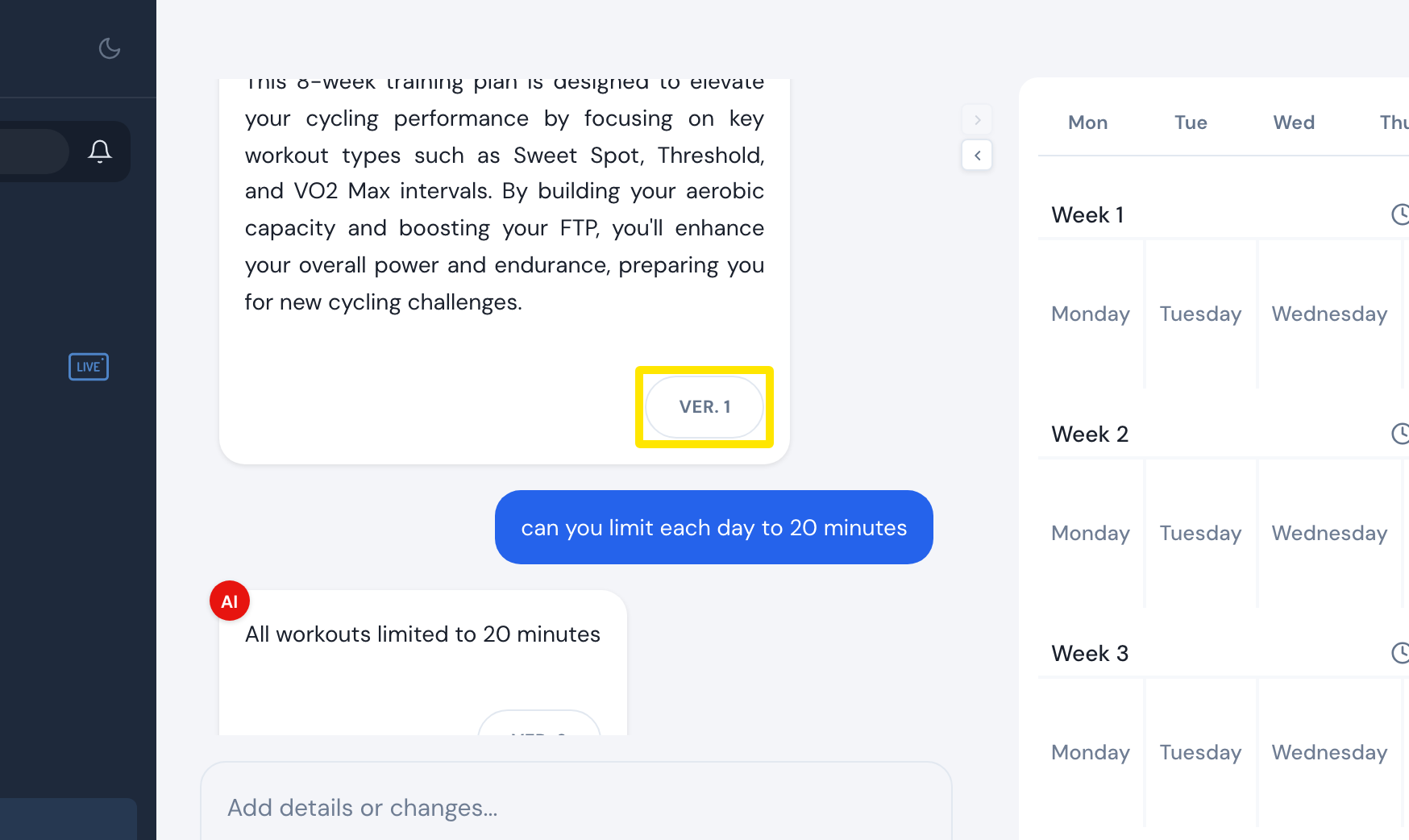 Where: Website · AI Plan Builder
- When the plan looks right, click Save & Next. Name the plan, then click Send to My Calendar or Send to My Plans.
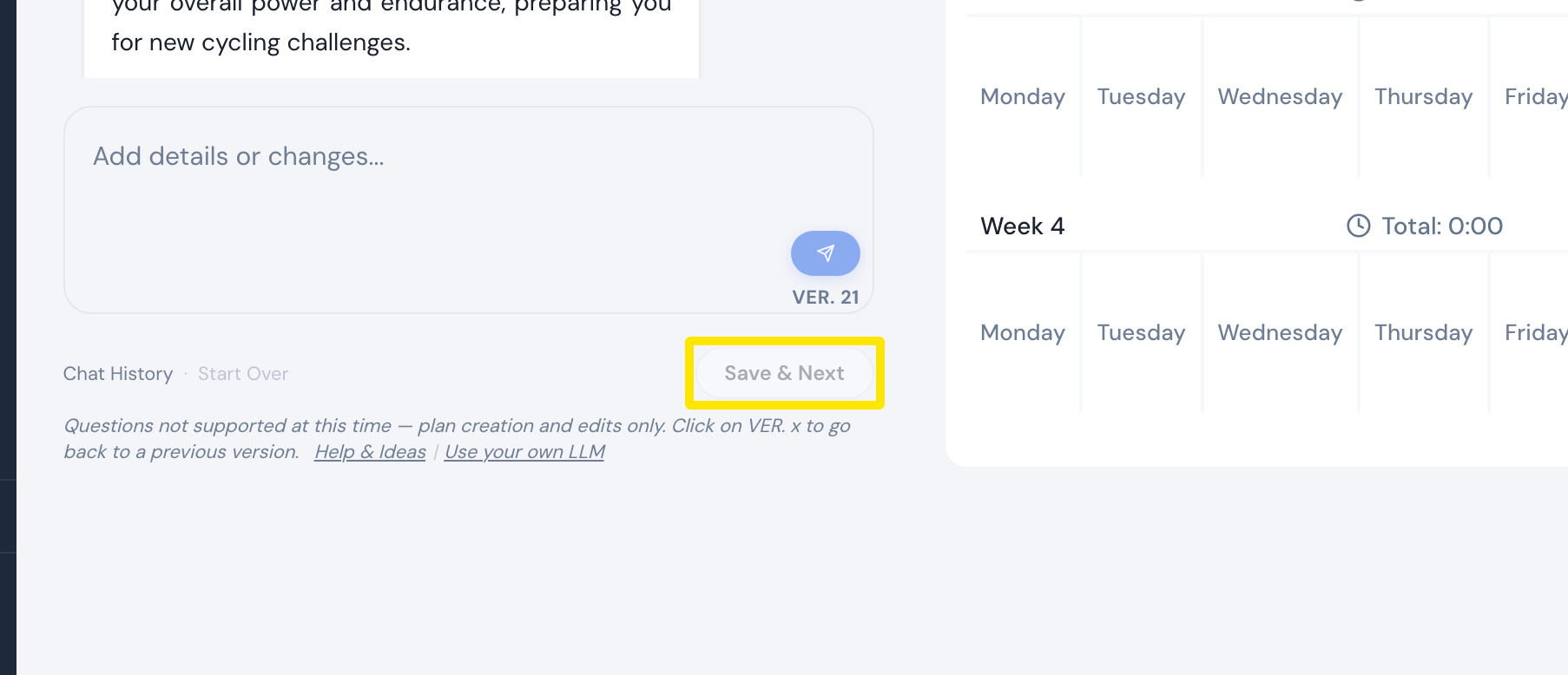 Where: Website · AI Plan Builder
Good to know: AI plans avoid three hard days in a row. They are harder than Coach Jack plans only if you ask for that.
Works on: Website only. In the mobile app, AI edit changes one workout at a time, not a whole plan.