

How do I find and open training plans?
On the website, open Training Plans in the left sidebar, pick a plan on the Premium plans or Community plans tab, and click View to open it.
- On the website, in the left sidebar under Training Plans, click Training Plans (app.trainerday.com/training-plans).
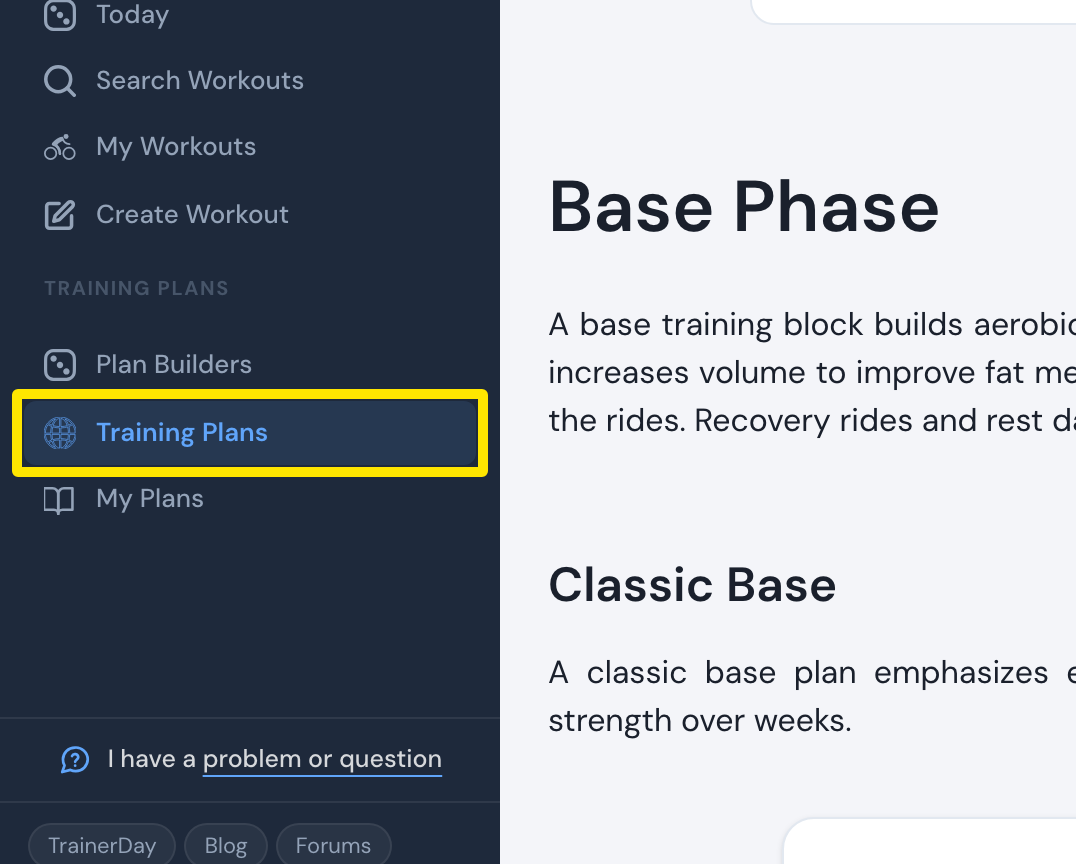 Where: Website · Training Plans · open it
- On the Premium plans tab, the plans are grouped by phase, with a card for each number of days a week and its hours.
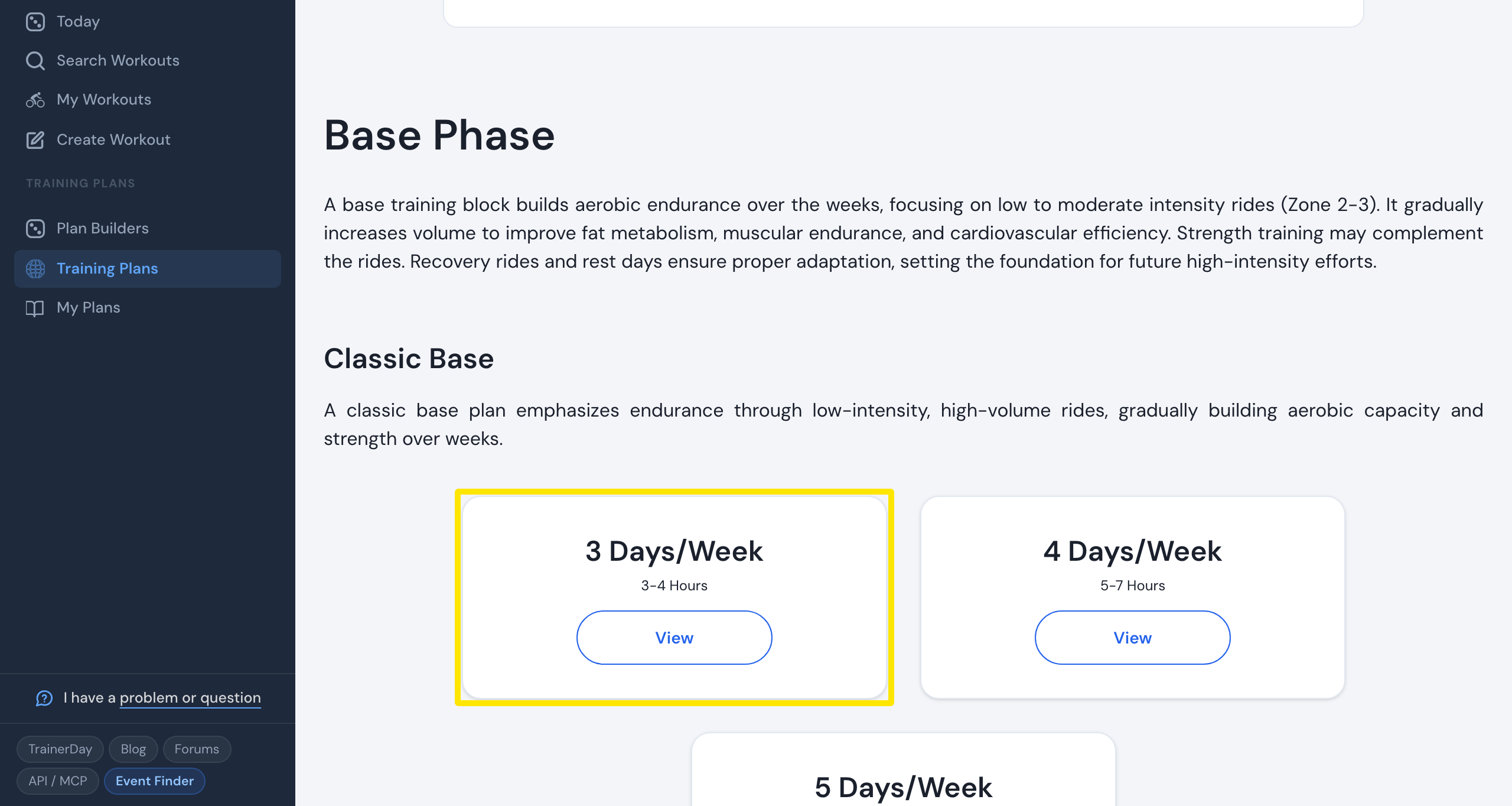 Where: Website · Training Plans · open it
- Click View on a card to open the plan.
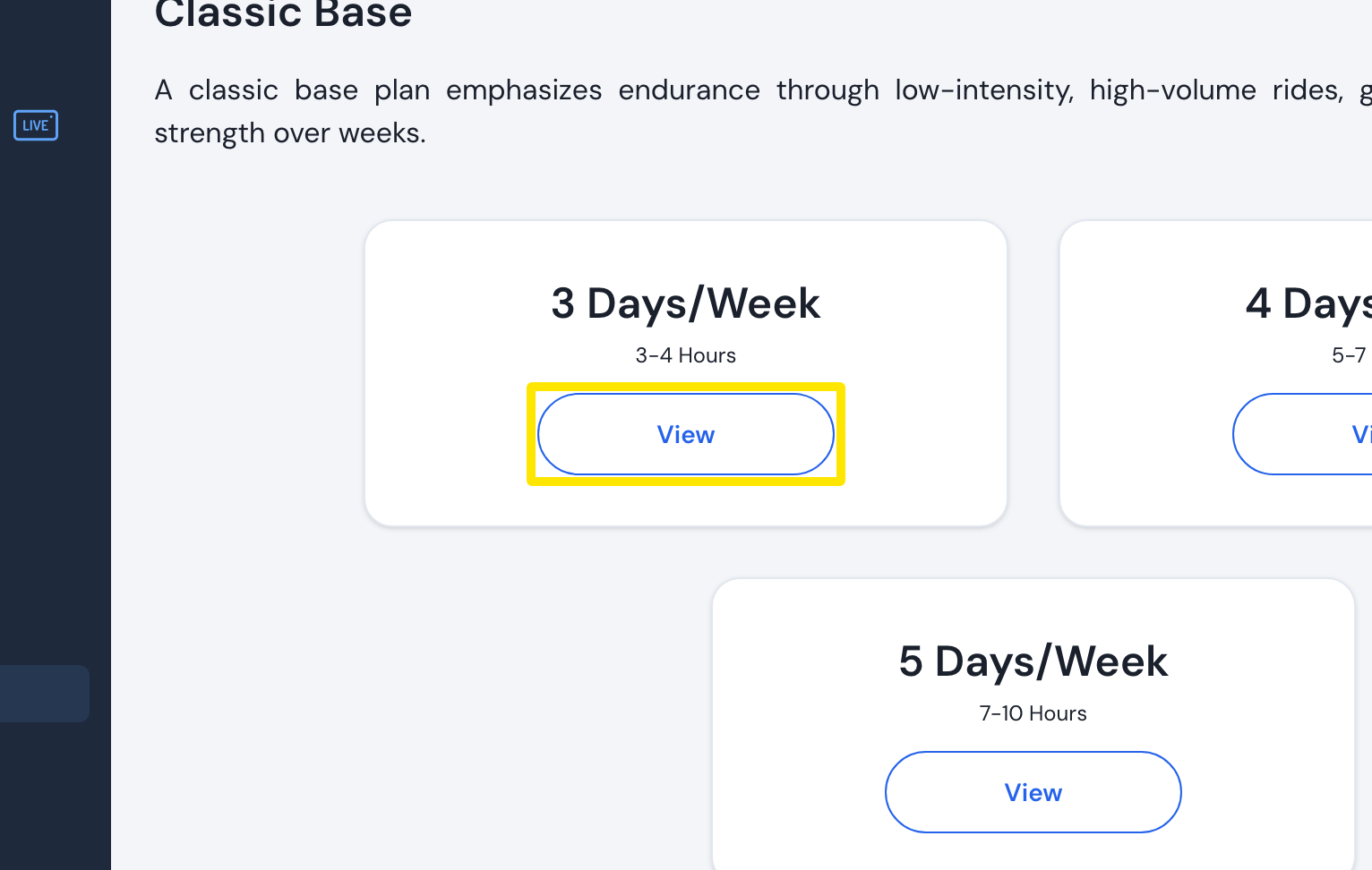 Where: Website · Training Plans · open it
- For plans made by riders, open the Community plans tab. Your saved plans are under My Plans in the sidebar.
Good to know: Opening a premium plan needs a Premium subscription. Without one, you see "A Premium Subscription is required to view this plan".
Works on: Website only for browsing plans. The mobile and desktop apps ride a plan once it is on My Calendar.