

How do I choose the right training plan for my goal?
Answer Coach Jack's questions on the website's Plan Builders page, and Coach Jack picks the plan type for each phase from your goal, event date and how you like to feel after a ride.
- On the website, in the left sidebar under Training Plans, click Plan Builders (app.trainerday.com/coach-jack).
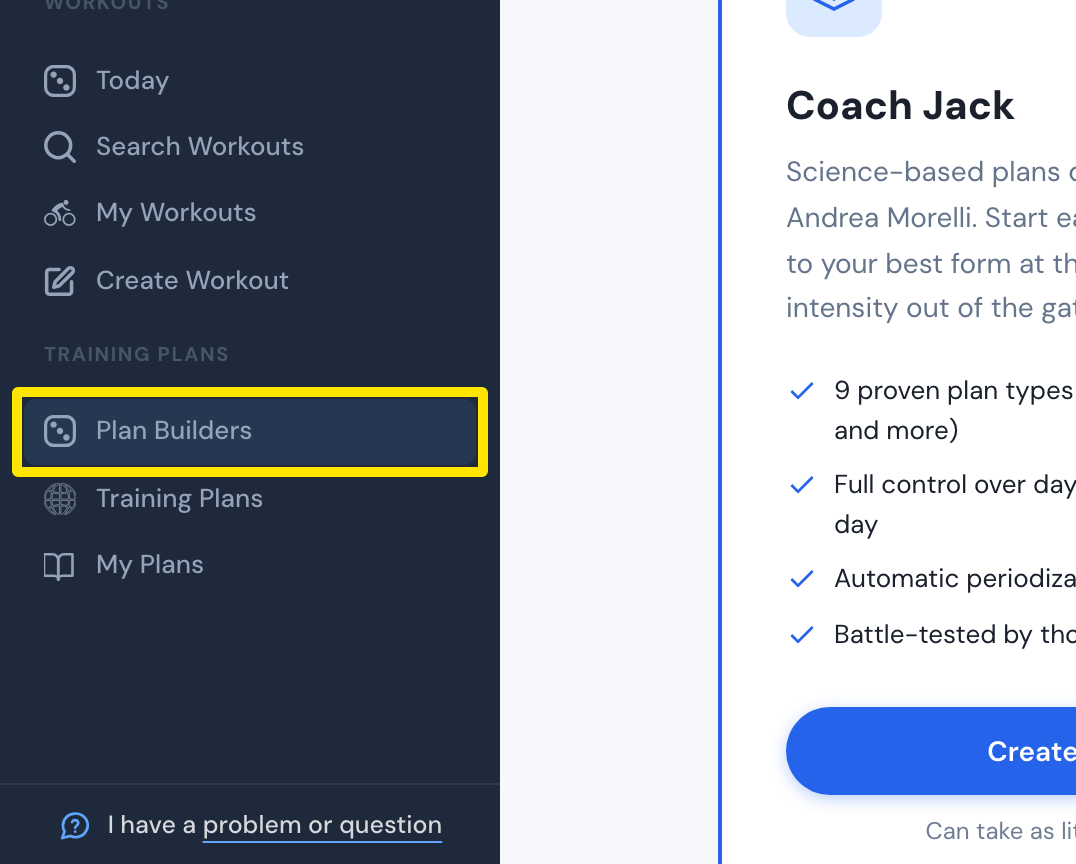 Where: Website · Plan Builders · open it
- On the Coach Jack card, click Start with Coach Jack → (it reads Create New Plan → once you have built a plan).
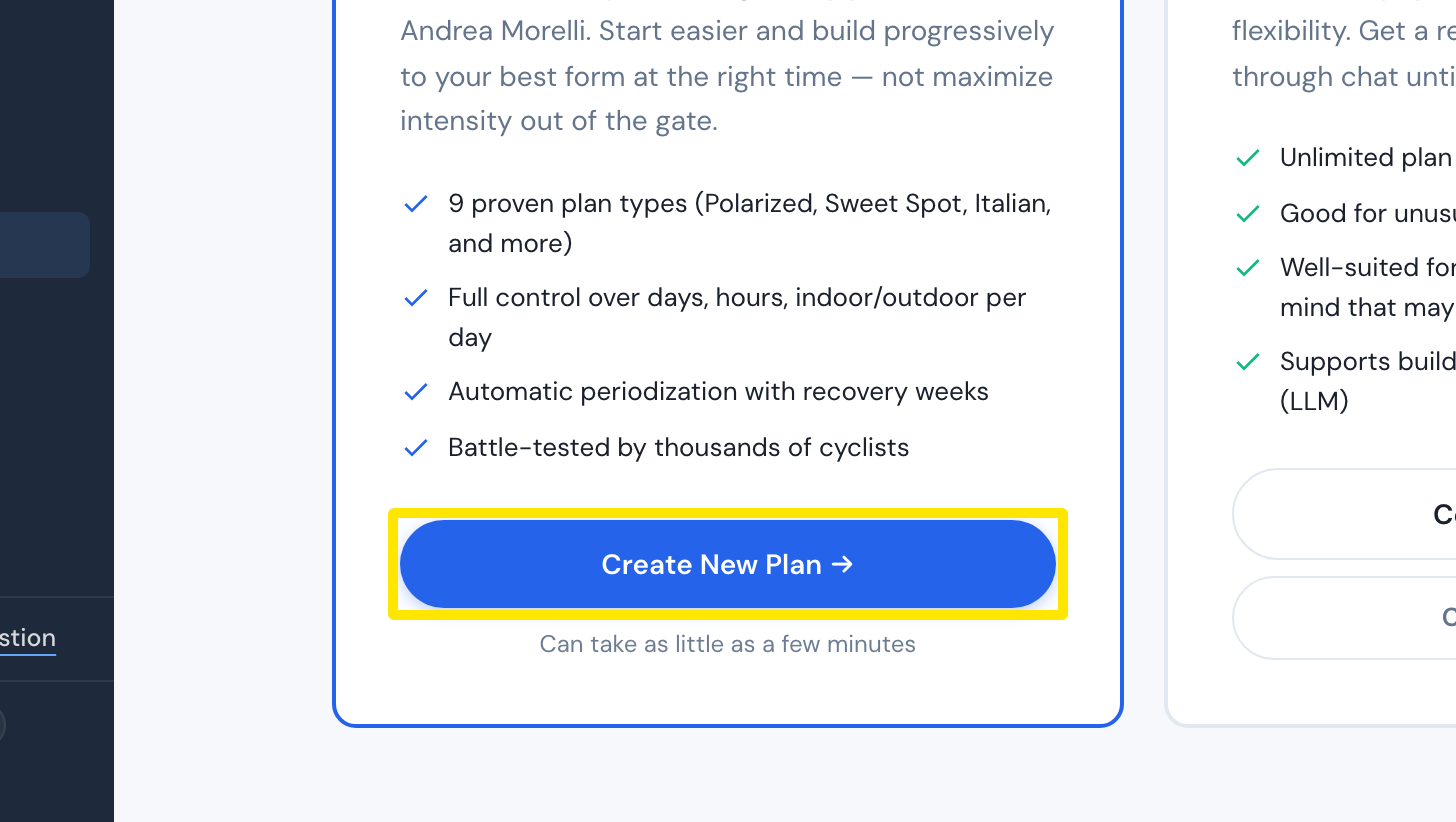 Where: Website · Plan Builders · open it
- Answer the questions. Your plan type comes from What is your top goal?, Do you have a specific date for an event or goal? and How do you like to feel at the end of a ride?
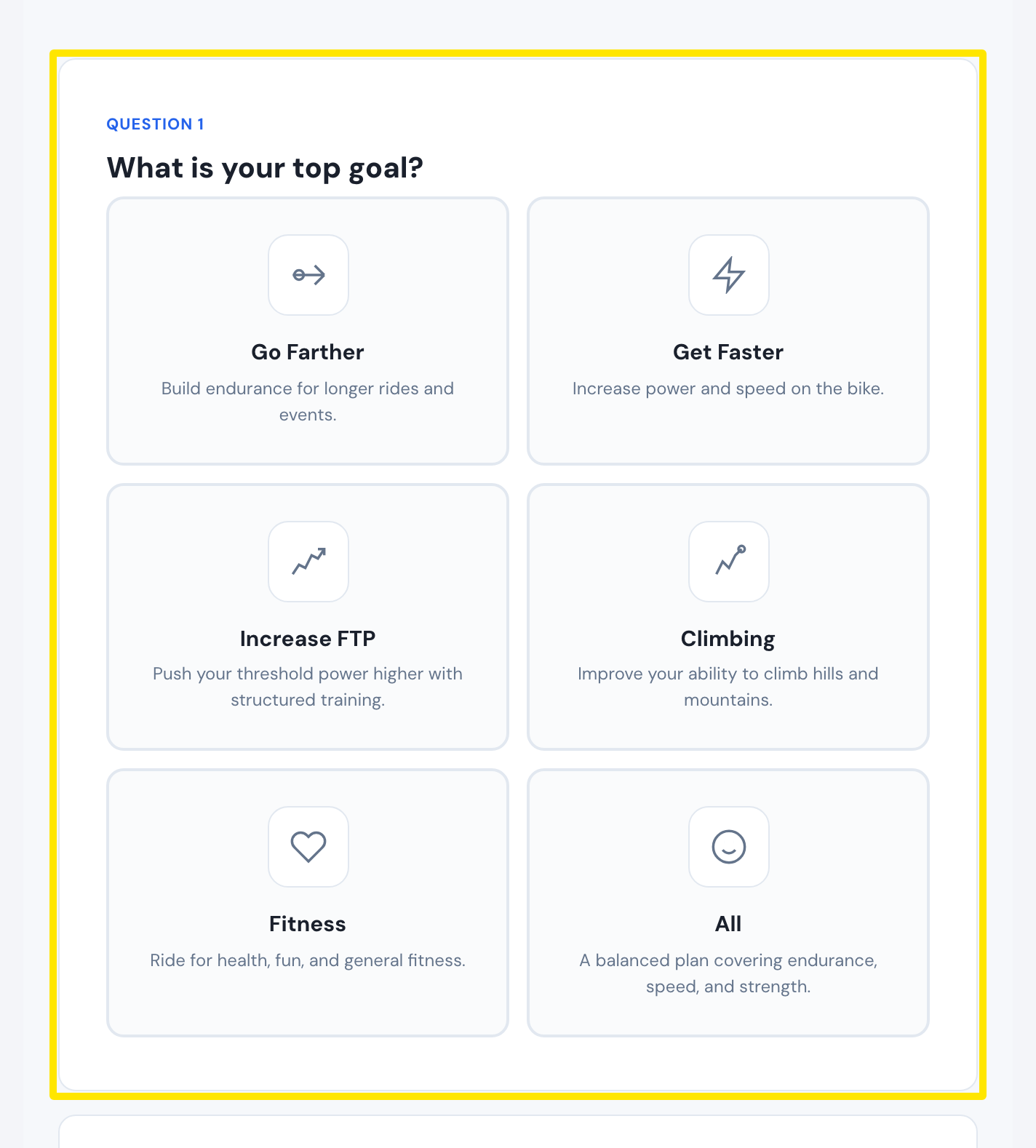 Where: Website · Coach Jack questionnaire
- Click Build My Plan →. Coach Jack picks a plan type for each phase.
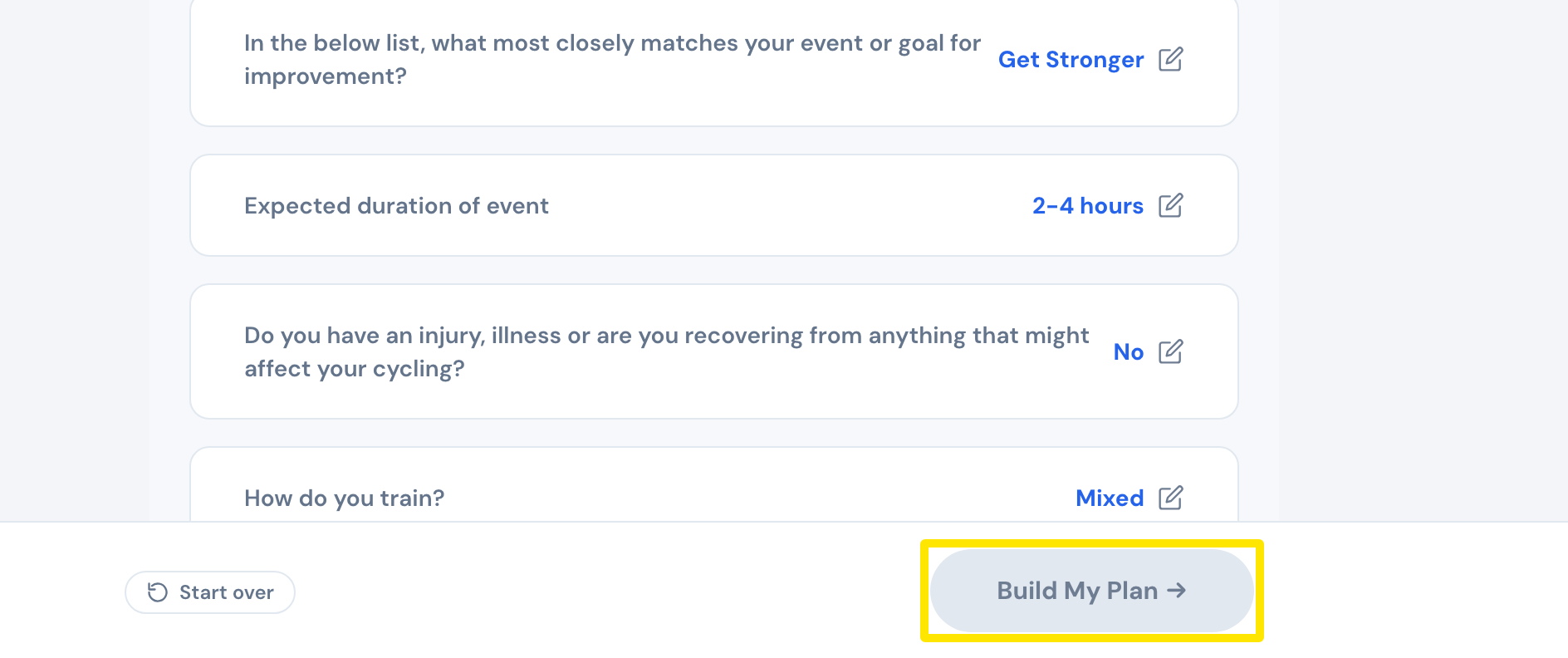 Where: Website · Coach Jack questionnaire
- To try another type, click a different plan type button at the top of the phase, such as Polarized or Crunched Power. Its description shows beside the buttons.
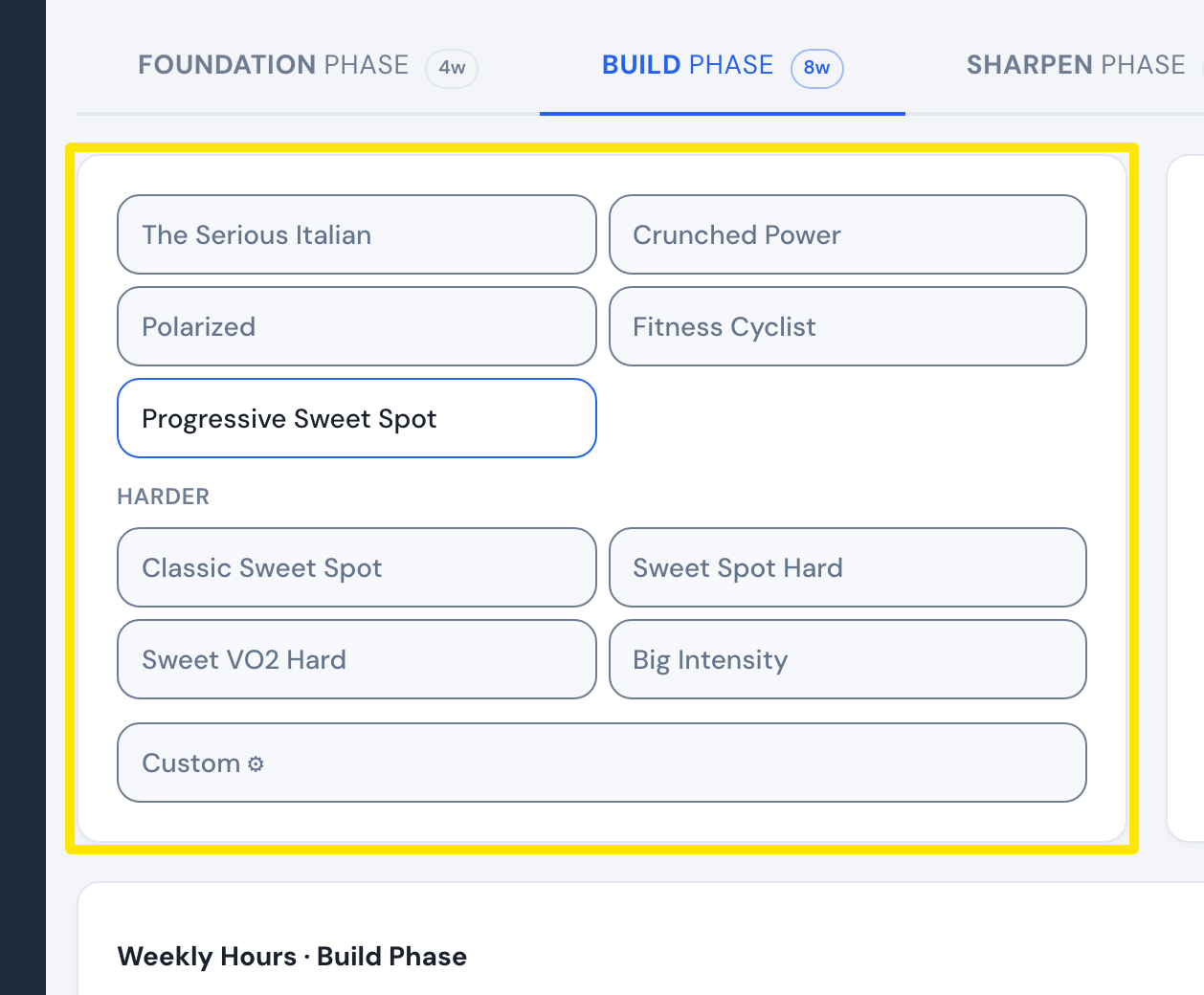 Where: Website · Coach Jack plan builder → a phase tab
Good to know: The Foundation, Build, Sharpen and Race phases are all in one plan only when you choose Specific Event Date.
Works on: Building a plan works on the website only. The mobile and desktop apps ride its workouts once the plan is on My Calendar or in My Plans.