

How do I check the FTP the AI Plan Builder uses?
The AI Plan Builder doesn't show an FTP: its workouts are in percent of FTP, so check your FTP at the top of the website's left menu, where you can also change it.
- On the website, open the AI Plan Builder from Plan Builders in the left menu. It shows no FTP. Its workouts are in percent of FTP.
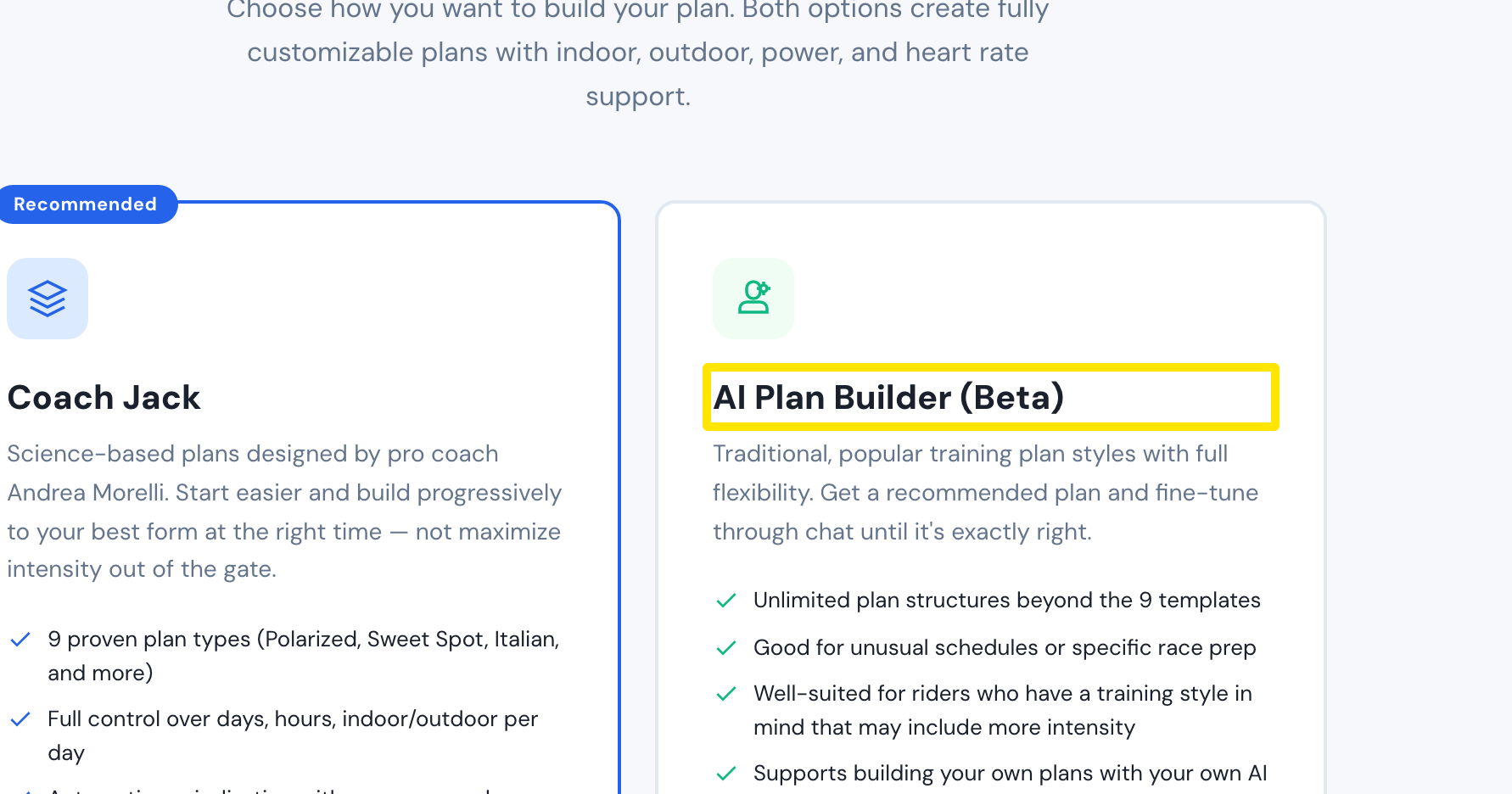 Where: Website · Plan Builders · open it
- Your FTP is the number at the top of the left menu. Click it.
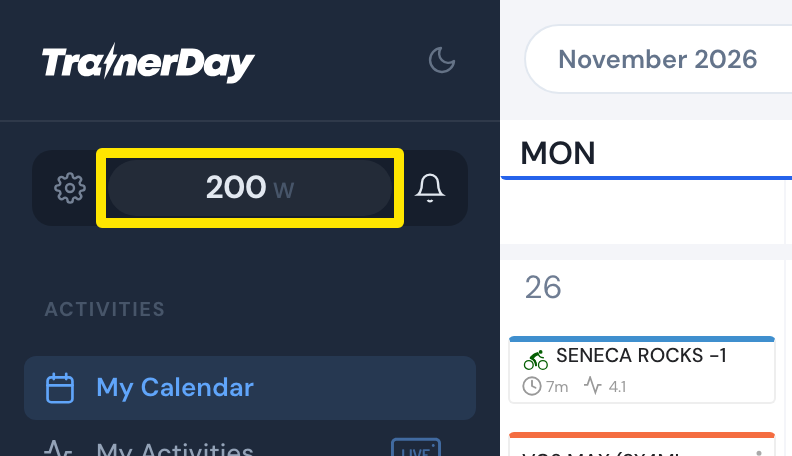 Where: Website · My Calendar · open it
- On Sports, Zones, FTPs, check or change your FTP. FTP History on the same page shows past values.
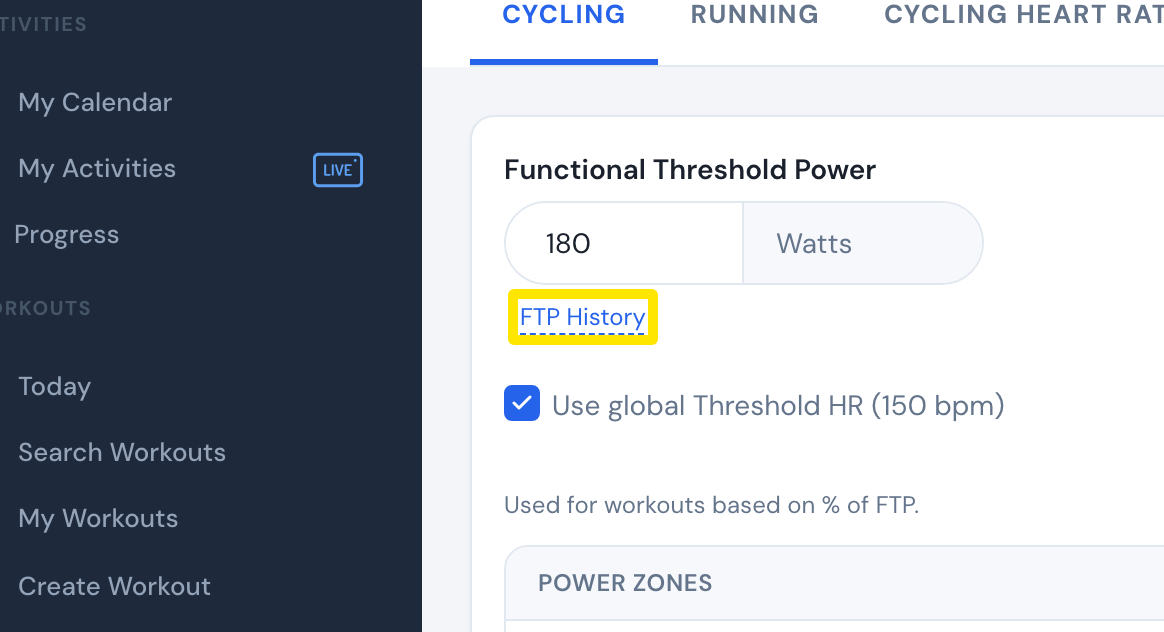 Where: Website · Sports, Zones, FTPs · open it
Good to know: When you ride a plan workout, its watts come from this FTP.
Works on: Website to check and change it; the mobile and desktop apps use the same profile FTP when you ride the plan's workouts.