

What do I do if the plan builder won't load on the website?
If the plan builder won't load on the TrainerDay website, a cookie blocker is the cause: open it in Chrome with no blockers and do a hard refresh.
- Open the TrainerDay website in Chrome with any cookie blockers turned off.
- In the left menu, under Training Plans, click Plan Builders.
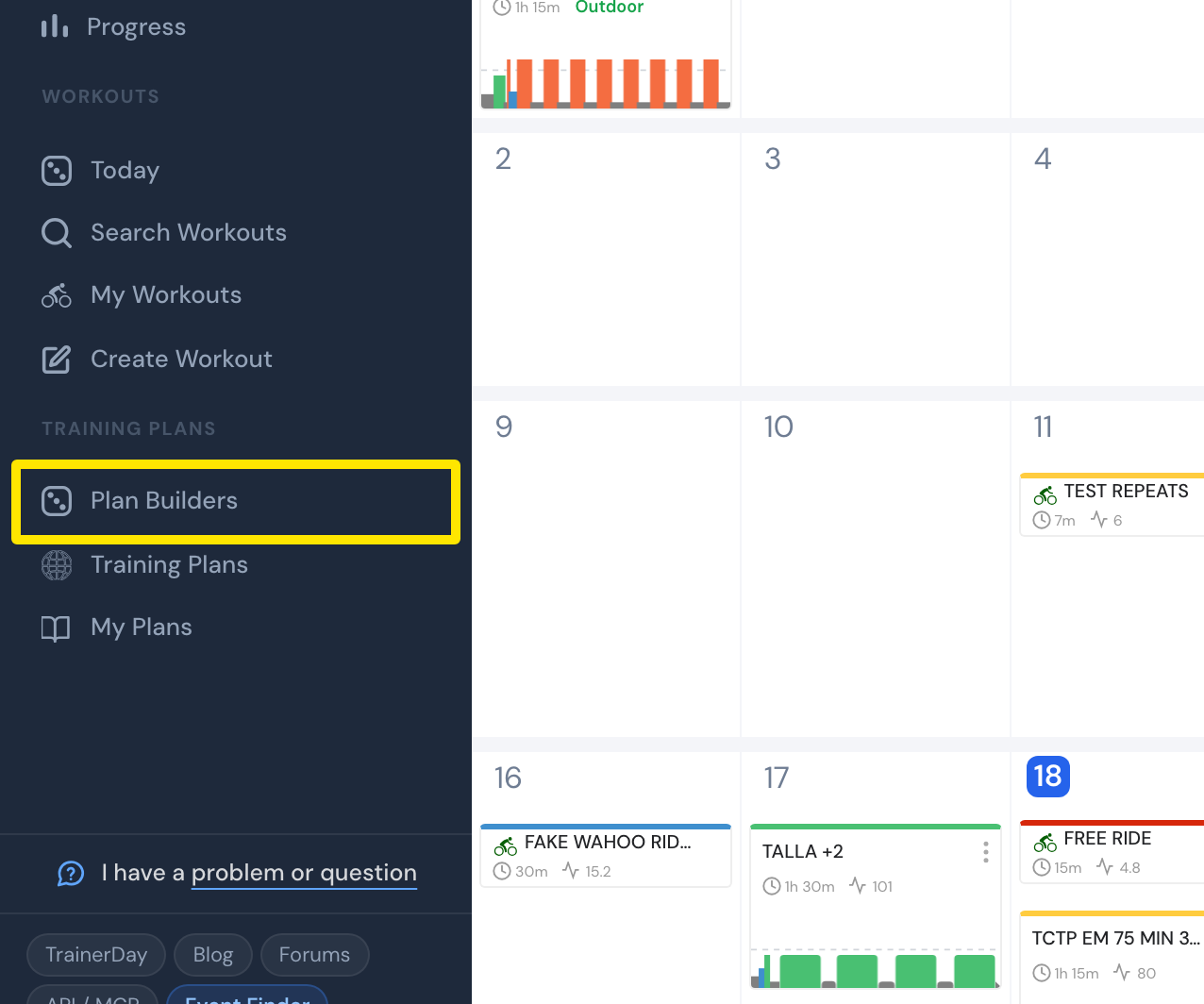 Where: Website · My Calendar · open it
- If the page still doesn't load, do a hard refresh. The Plan Builders page should now show its cards.
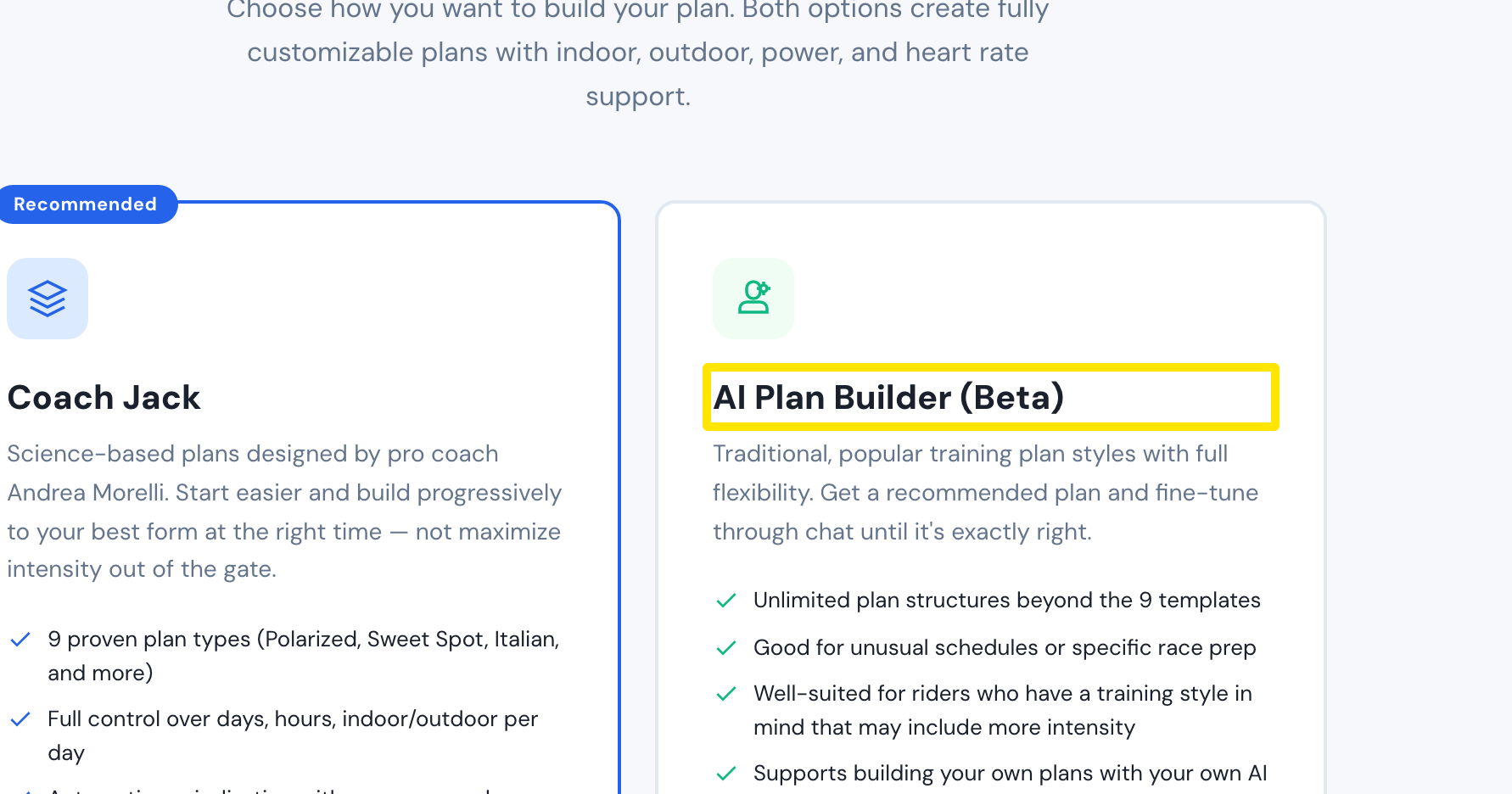 Where: Website · Plan Builders · open it