

How do I tell the AI Plan Builder my custom schedule and intervals?
Open the AI Plan Builder on the TrainerDay website and type your days, durations, plan length and intervals in plain words in the chat, then refine it by chatting.
- On the website, open Plan Builders and click the AI Plan Builder (Beta) card.
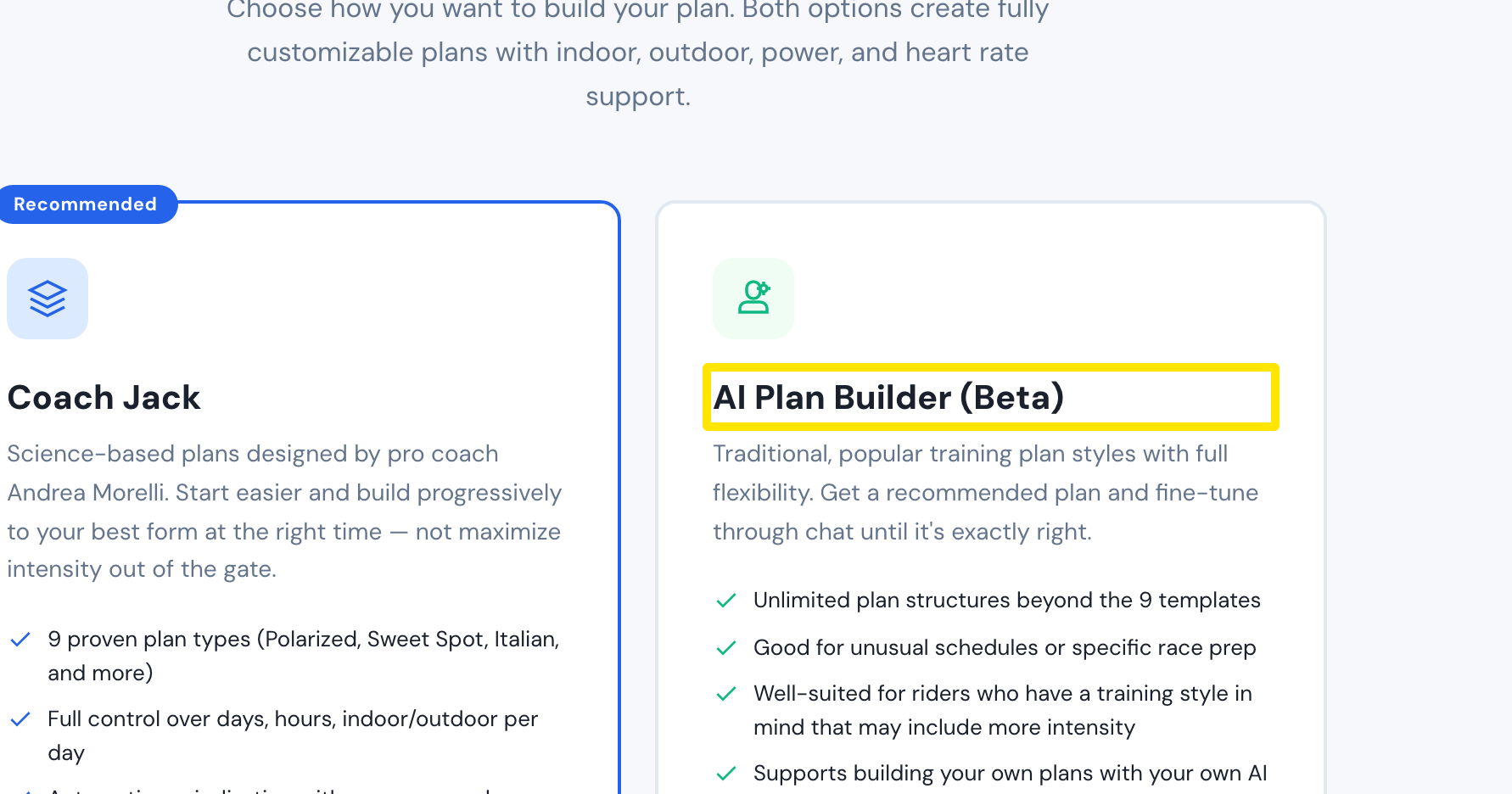 Where: Website · Plan Builders · open it
- In the chat box, write your schedule and intervals in plain words: which days, how long each day, the plan length in weeks or your event date, and the workout types (for example "Tuesday 4 x 8 min threshold"). Add "Coach Jack" to get Coach Jack's interval sequences.
- Press the blue send button. A new version (VER. n) appears and the preview on the right updates.
- To change it, type the change in the Add details or changes... box (for example "move Wednesday's workout to Thursday") and send again. Undo or a VER. button takes you back.
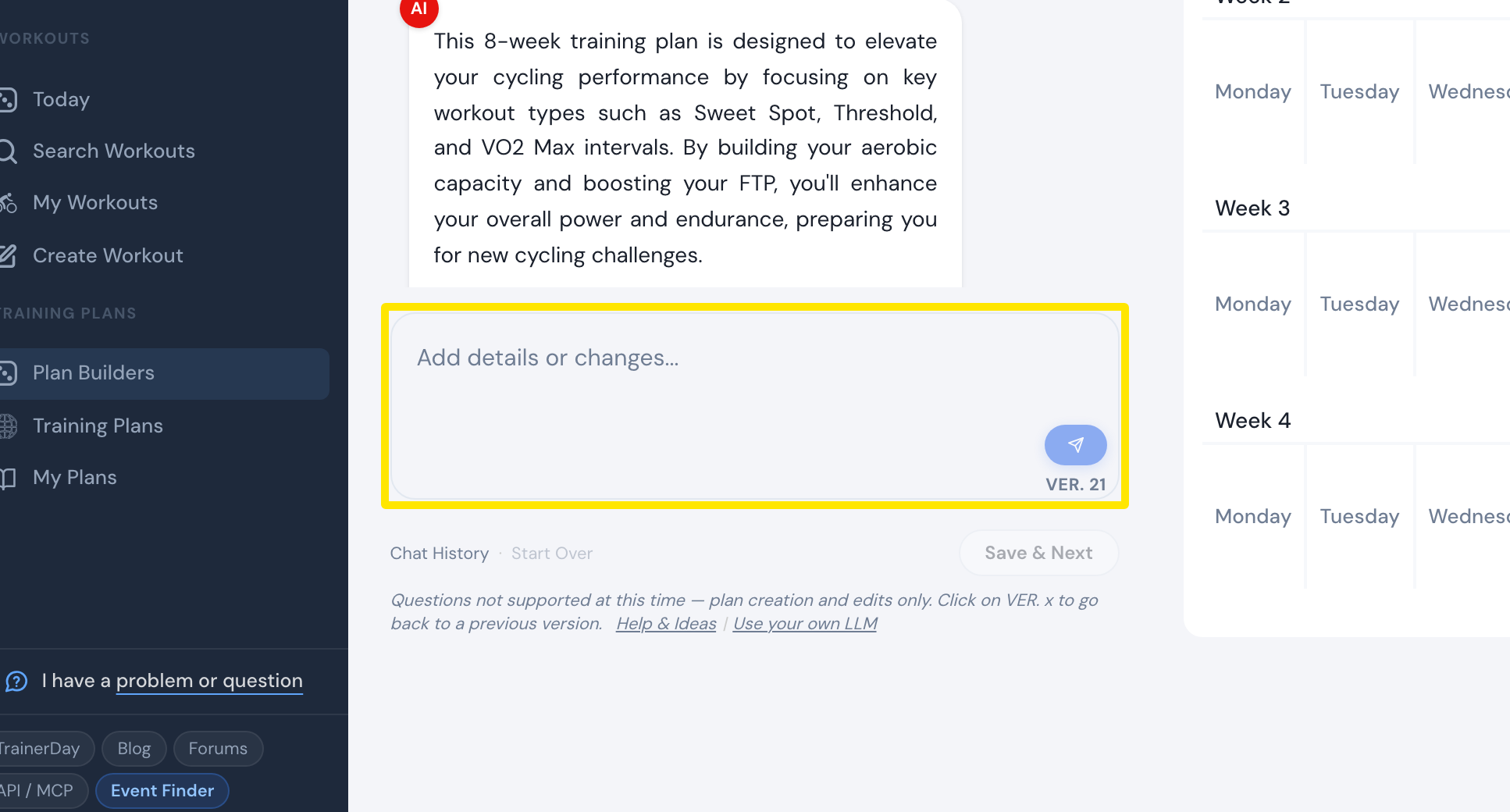 Where: Website · AI Plan Builder
Good to know: With no event date or week count the plan is 8 weeks (at most 52), and a target FTP in your prompt does not change the watts, since workouts follow the FTP in your profile.
Works on: Website only.