

How do I create a workout by describing it to the AI?
On the website, open Create Workout, pick the AI Generate tab, switch to Create, describe your workout in plain text and click Generate to build it.
- On the website, click Create Workout in the left sidebar (app.trainerday.com/workouts/create).
- Click the AI Generate tab at the top of the page.
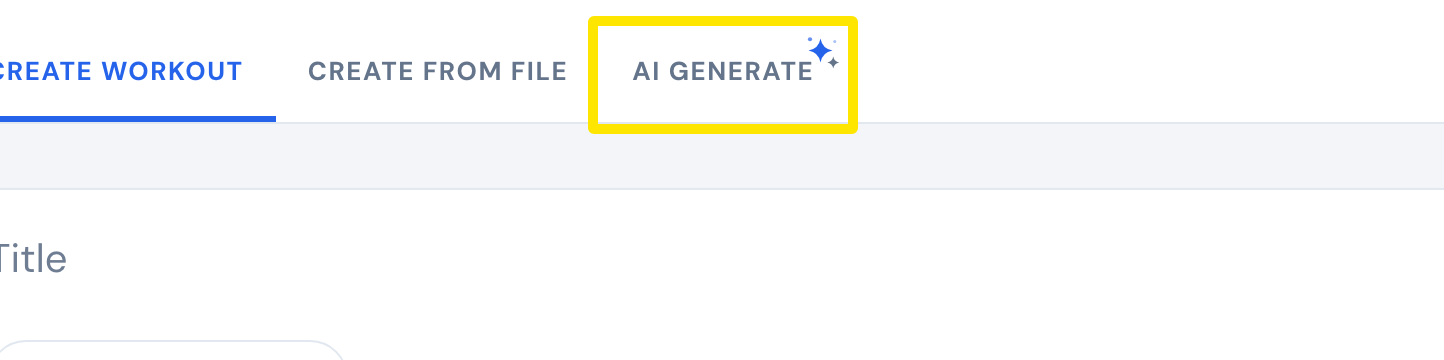 Where: Website · Create Workout · open it
- Click Create on the Search / Create switch. Search only finds existing workouts.
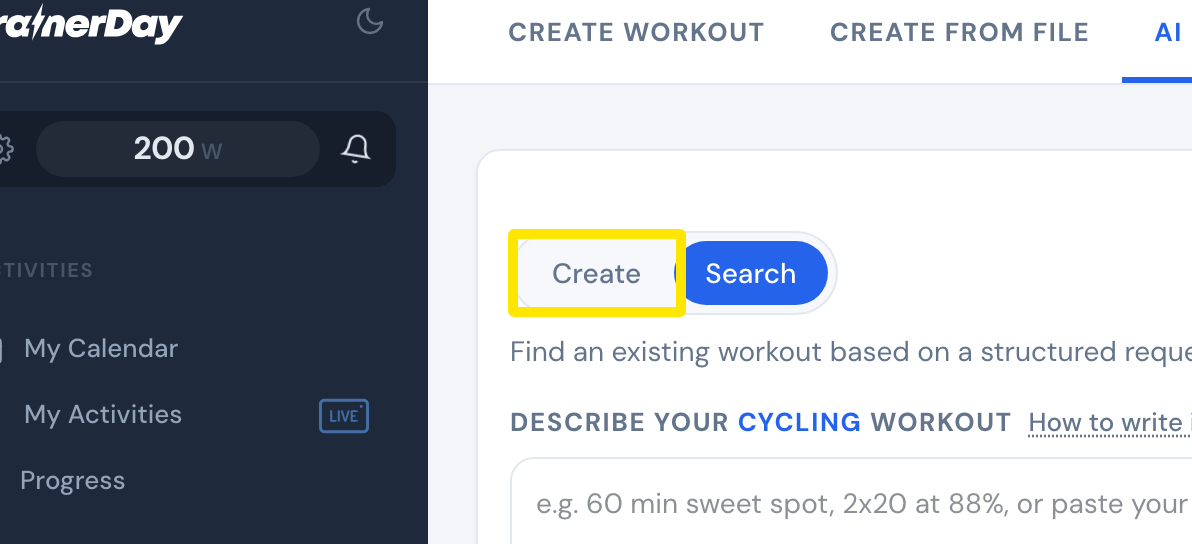 Where: Website · Create Workout · open it
- Describe the workout in the box, for example "3x12 min at 205w, 4 min rest" or "5x(4 min at 105% + 3 min at 55%)", and click Generate.
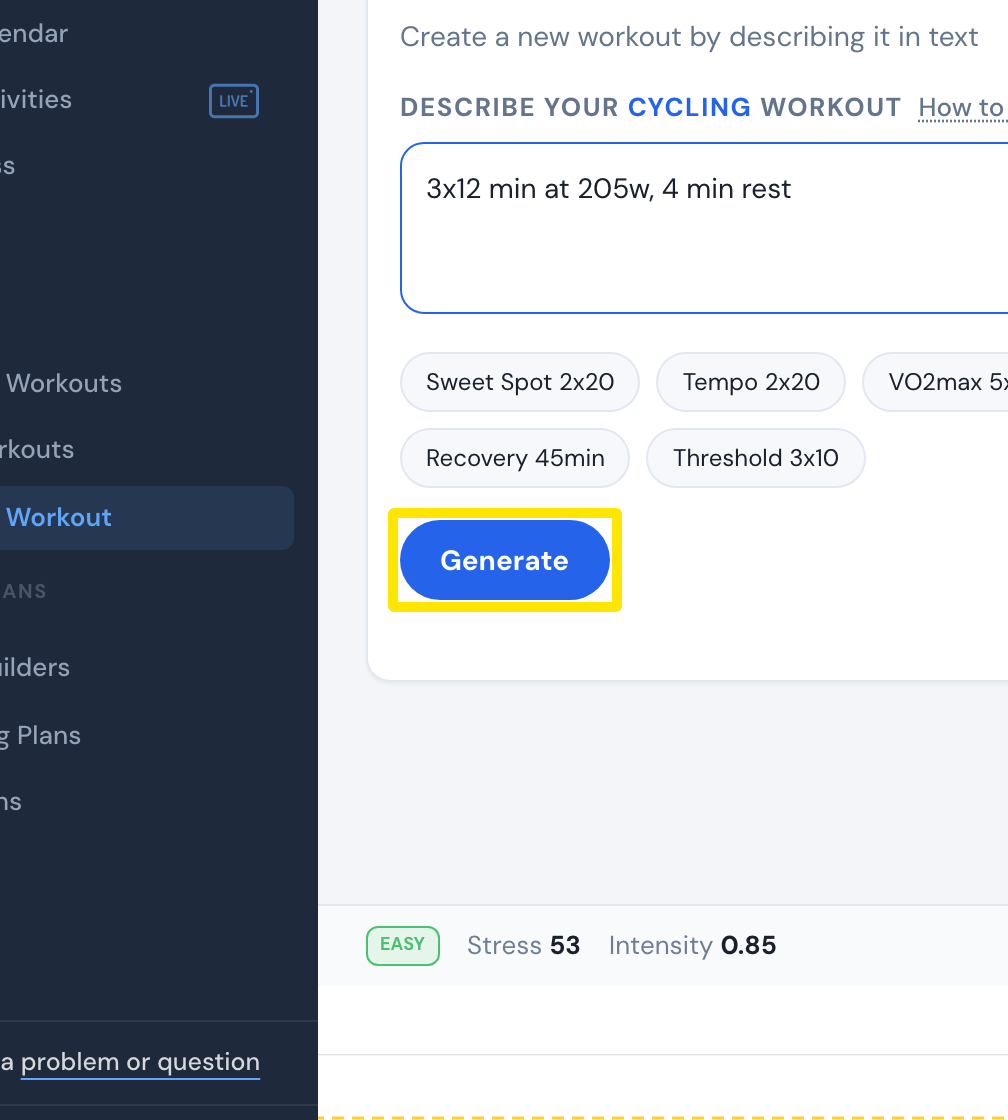 Where: Website · Create Workout · open it
- On the card you want, click Create this. The workout opens in the editor.
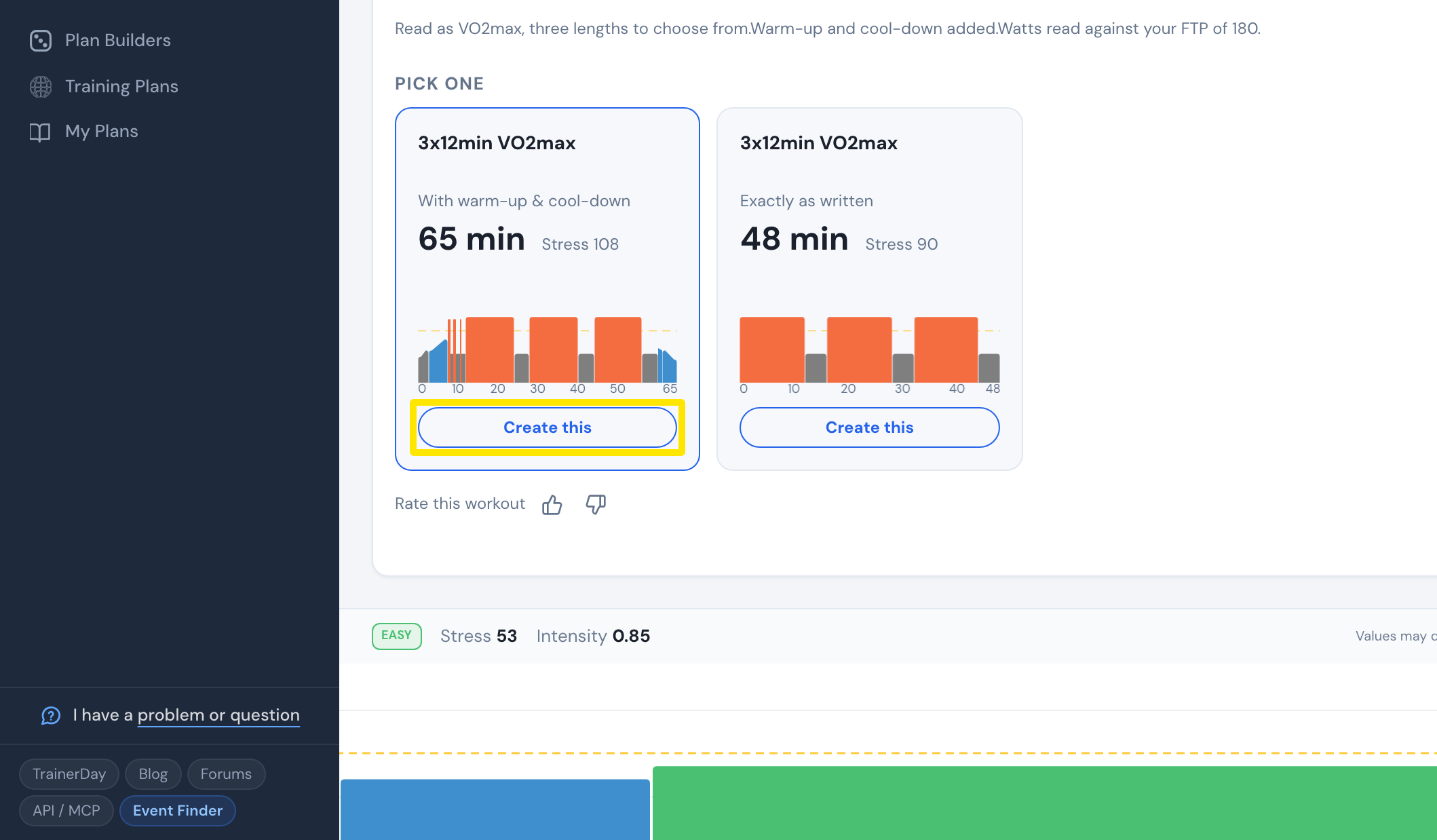 Where: Website · Create Workout → AI Generate tab · open it
- In the editor, click Save workout.
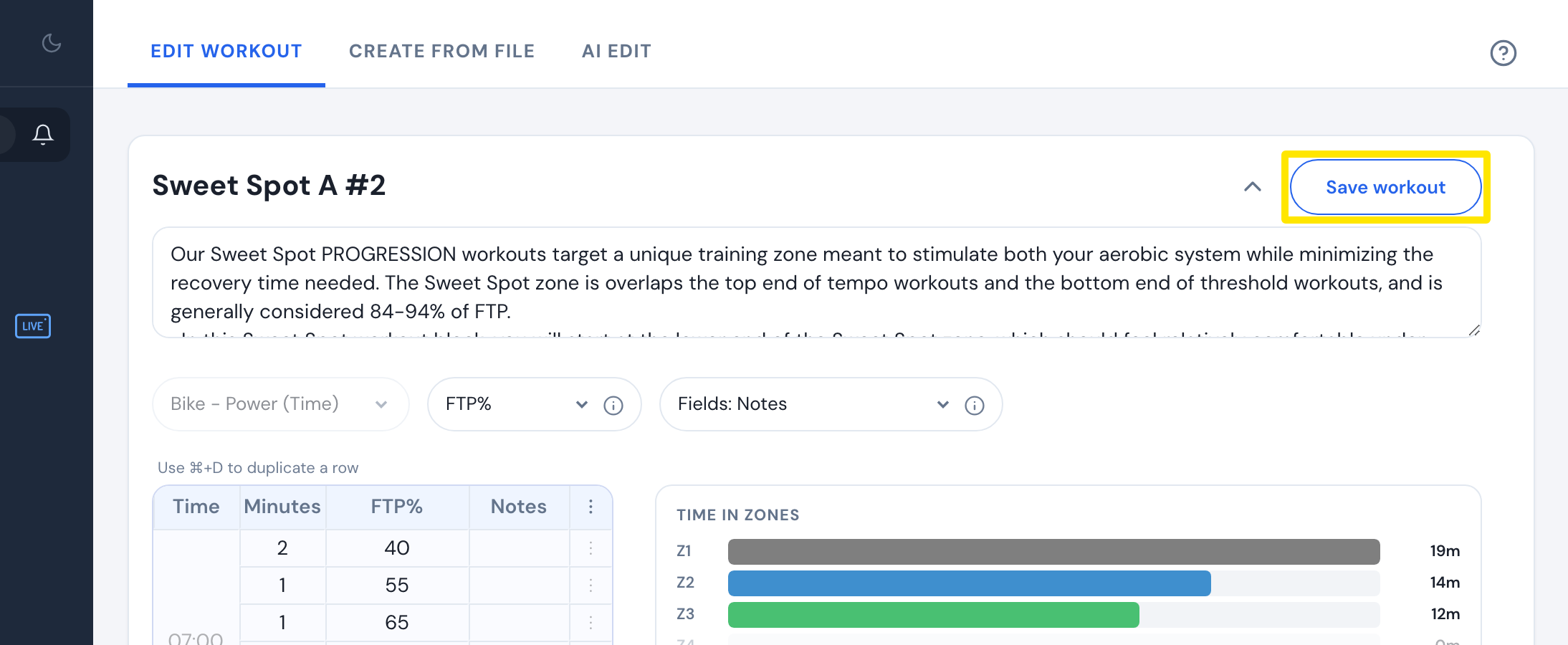 Where: Website · workout editor
Good to know: Typing your own description needs a Pro subscription. Free riders can only use the example buttons.
Works on: Website and mobile app (sparkle Create button on the Today tab, which has no Search / Create switch). Not on the desktop app.