

How do I change the length of an AI-made workout?
Change the length of a saved AI-made workout on the TrainerDay website by opening it in the workout editor and telling AI Edit the new length, such as "make it 45 min".
- On the website, click My Workouts in the left sidebar. Click the AI-made workout you saved.
- Click the workout's menu button and choose Edit workout. This option only appears for workouts you made.
- Click the AI Edit tab at the top of the editor.
- Type the change, for example "make it 45 min". Tick inc/dec intensity with length change if a shorter ride should be harder or a longer one easier. Click Apply changes.
- Check the result and click Save workout.
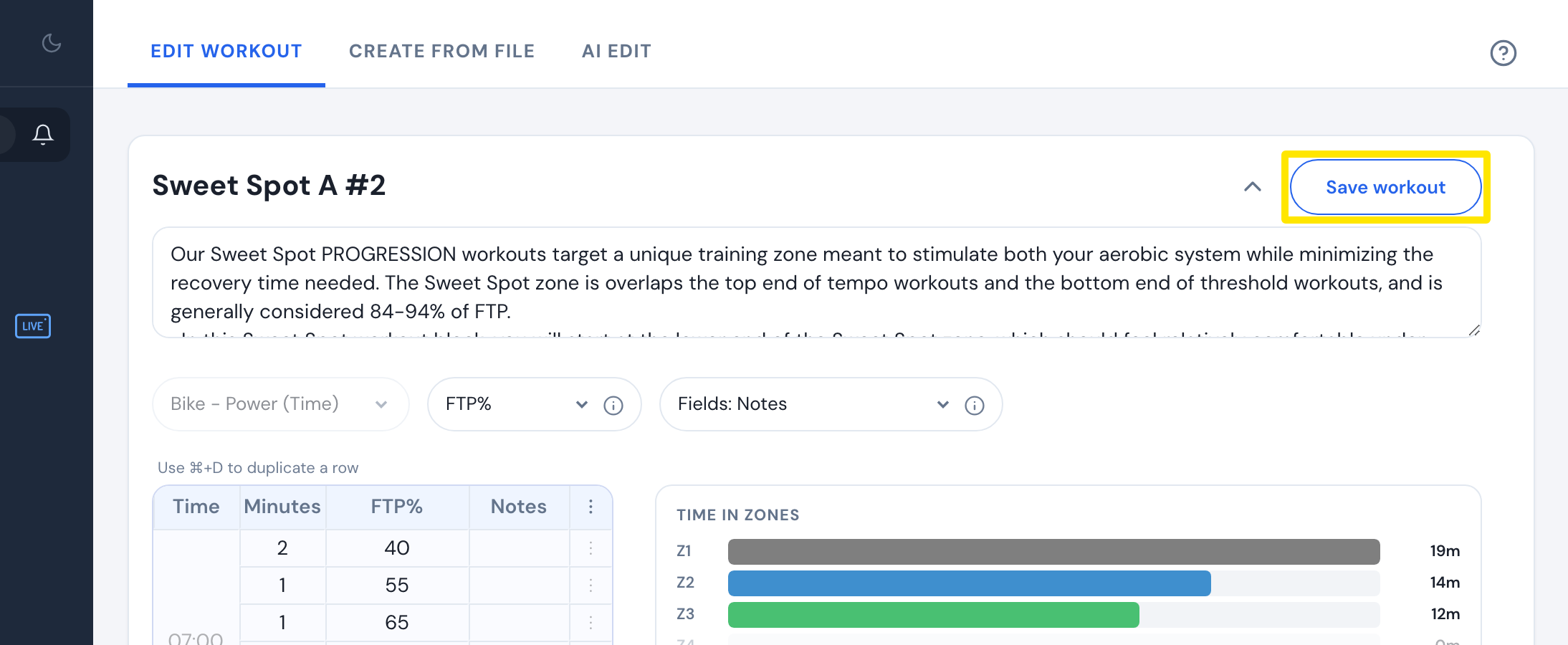 Where: Website · workout editor
Good to know: In the mobile app's AI Workout Builder, after Generate, tap +15 minutes, -15 minutes, +30 minutes or -30 minutes, or type the change under Describe your changes.
Works on: Website and mobile app. The desktop app has no AI editor.