

How do I quickly change the length or intensity of one scheduled workout?
Change the length or intensity of one scheduled workout from My Calendar on the website, using Edit workout and the AI Edit tab, so only that day's workout changes.
- On the website, click My Calendar in the left sidebar (open it).
- Open the workout's ⋯ menu and click Edit workout (Pro). It is there for plan workouts and your own workouts.
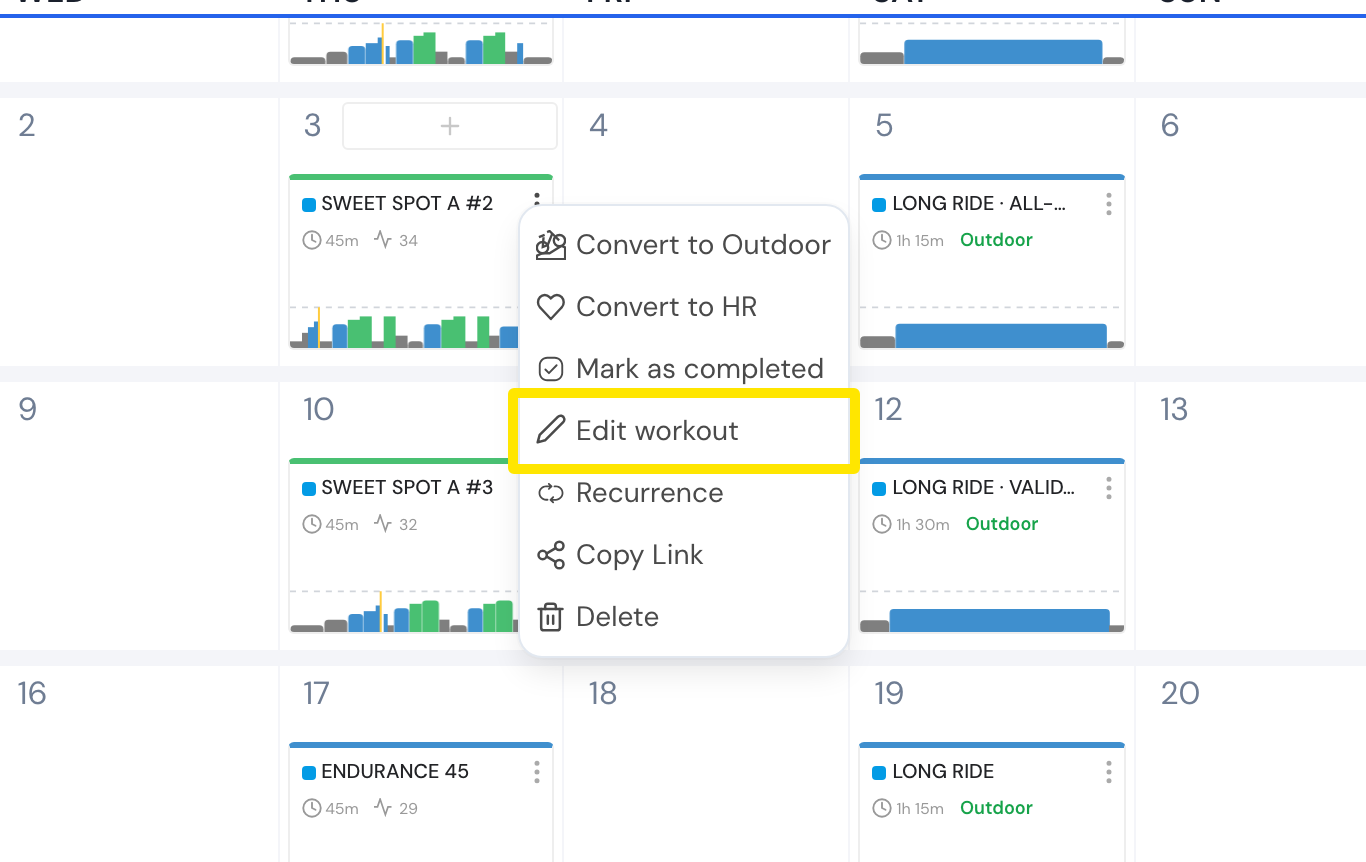 Where: Website · My Calendar · open it
- The workout opens in the editor. Click the AI Edit tab at the top.
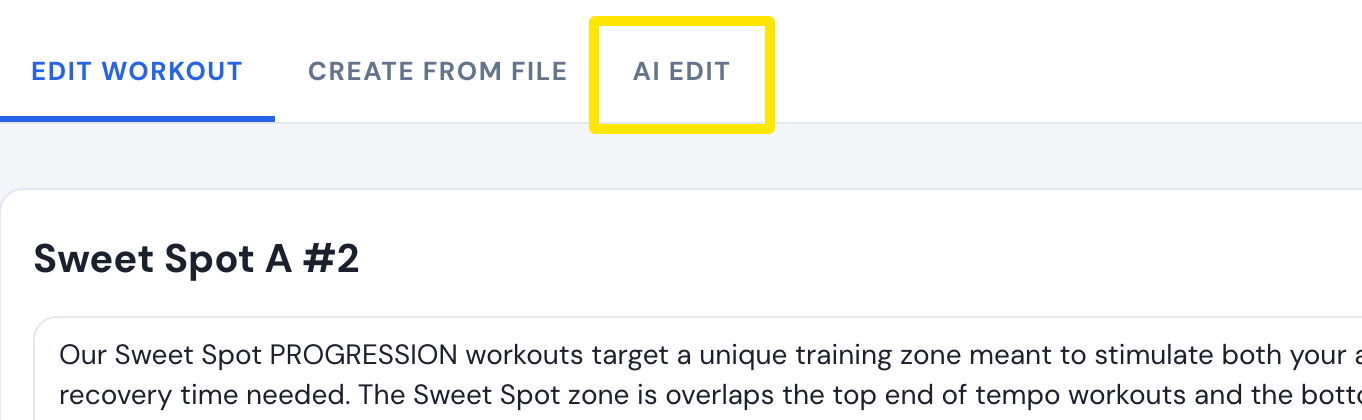 Where: Website · My Calendar → workout ⋯ → Edit workout · open it
- Type the change, for example "make it 45 min" or "a bit harder". Tick inc/dec intensity with length change if a shorter ride should be harder, or a longer one easier. Click Apply changes.
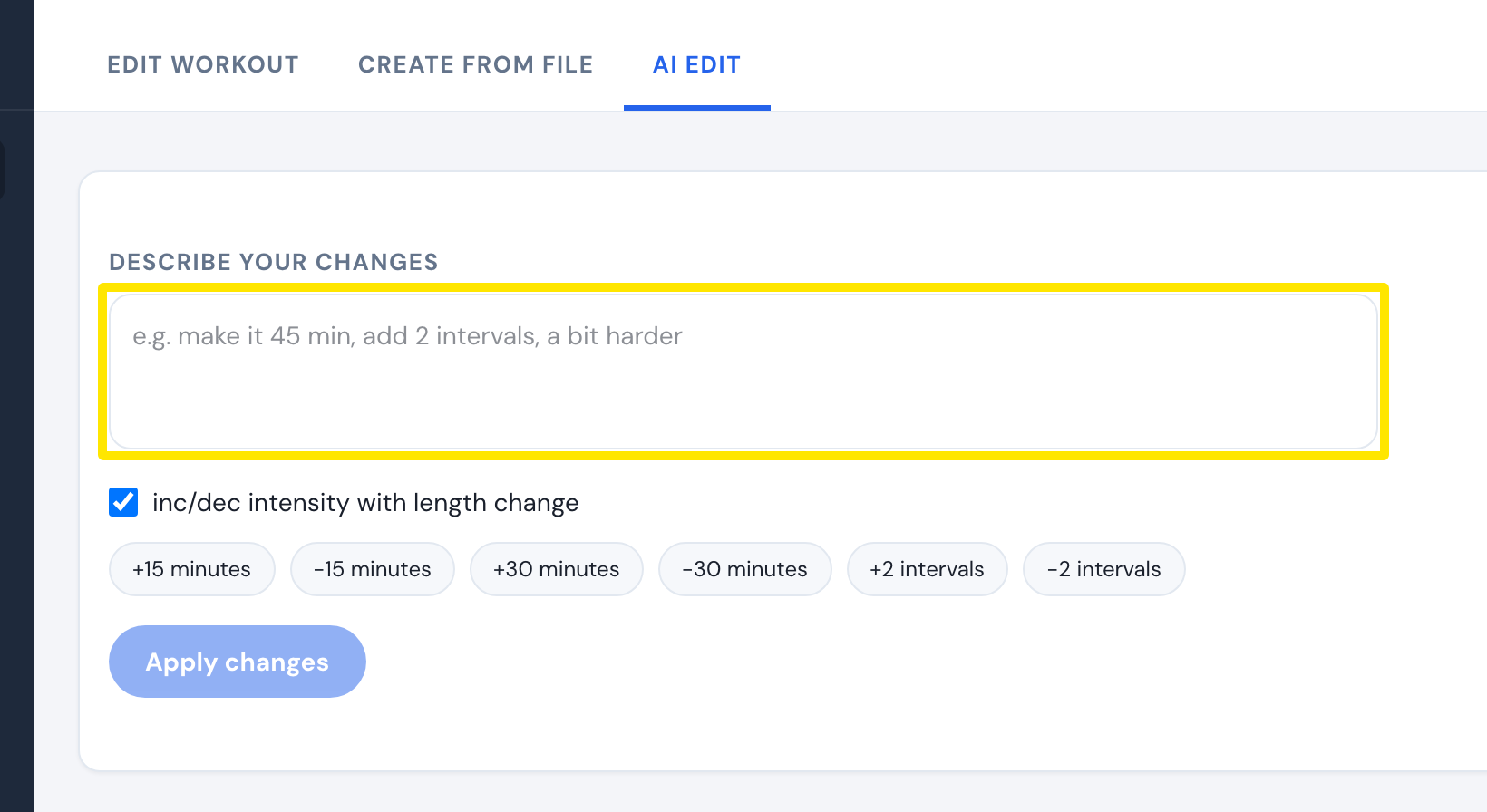 Where: Website · My Calendar → workout ⋯ → Edit workout → AI Edit · open it
- Check the chart, then click Save workout. You go back to My Calendar.
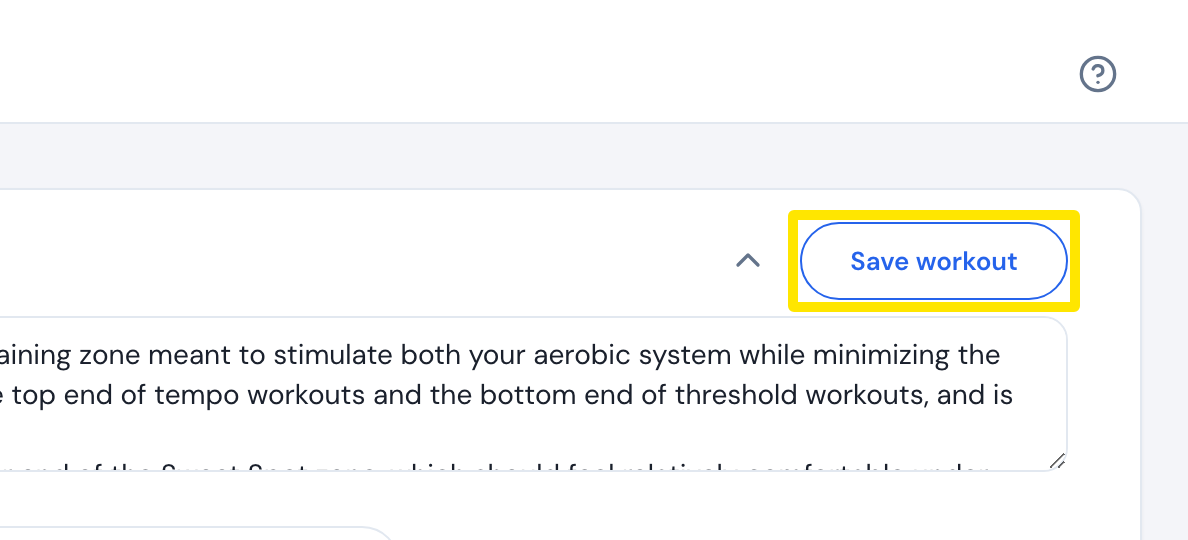 Where: Website · My Calendar → workout ⋯ → Edit workout · open it
Good to know: Only that day's workout on your calendar changes.
Works on: Website and mobile app. In the mobile app, open the workout's menu on the Calendar and tap Edit. This opens the AI Workout Builder. Describe the change and save it back to that day (Pro). The desktop app has no editor.