

How do I schedule a workout I just created?
Save your new workout on the website, then add it to any day from My Calendar with the + on that day.
- On the website, save the workout in the editor. It goes into My Workouts.
- Open My Calendar, point at the day and click the + at the top of it.
- Click Add a Workout, then the My Workouts tab.
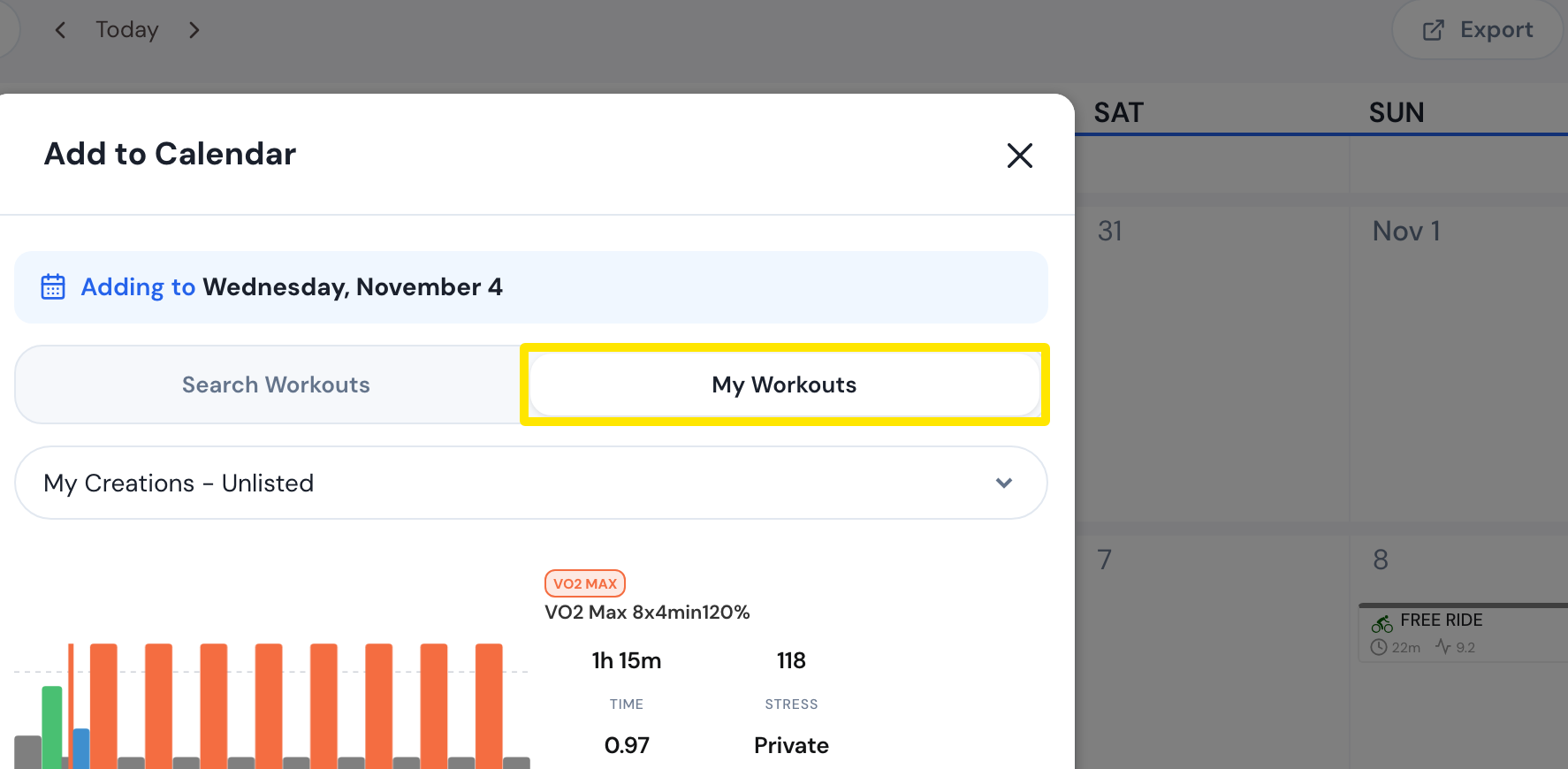 Where: Website · My Calendar · open it
- Choose the list and click your new workout.
- Check the Start Date (the day you clicked) and click Add to Calendar.
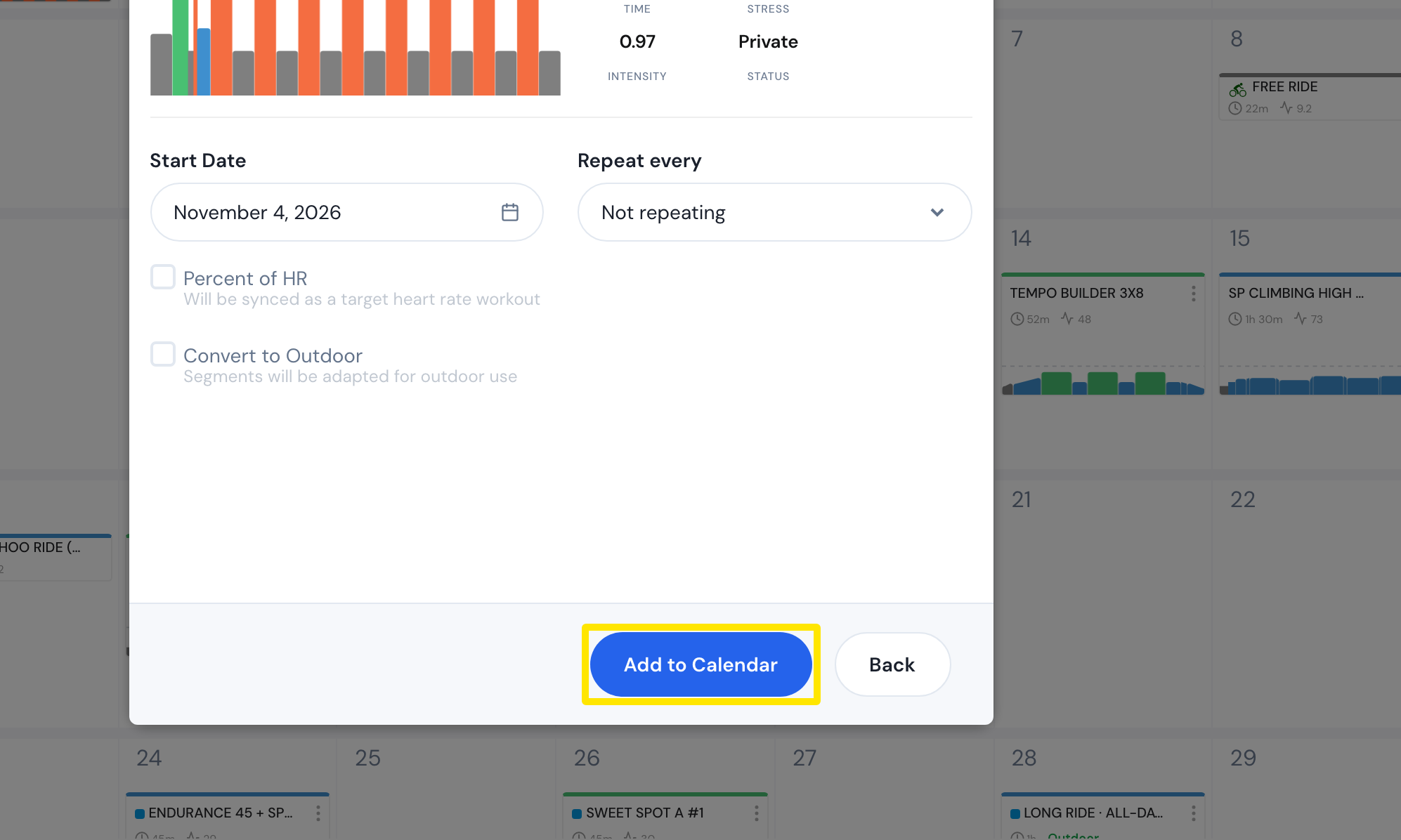 Where: Website · My Calendar · open it
Good to know: In the mobile app, go to Calendar, tap a day and tap Create workout. The Workout Builder opens, and its calendar button saves the new workout onto that day.
Works on: Website and mobile app. The desktop app has no workout creation or calendar.