

How do I remove a plan from my calendar?
Remove a plan from your calendar on the TrainerDay website from My Calendar → Plans, or in the mobile app from the Calendar tab's Plans list.
- On the website, open My Calendar and click Plans at the top of the calendar.
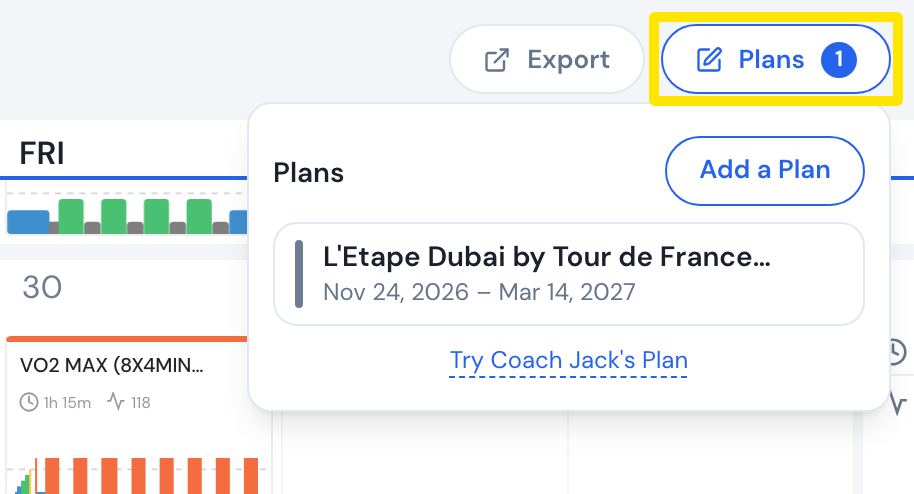 Where: Website · My Calendar · open it
- If the plan is not in the list, click Show all plans (N) under it. At first the list shows only the plans in the month on screen and the next one.
- Point at the plan and click its trash icon.
- In Deleting Plan, click Delete. The workouts you have not done are taken off the calendar. Completed workouts stay.
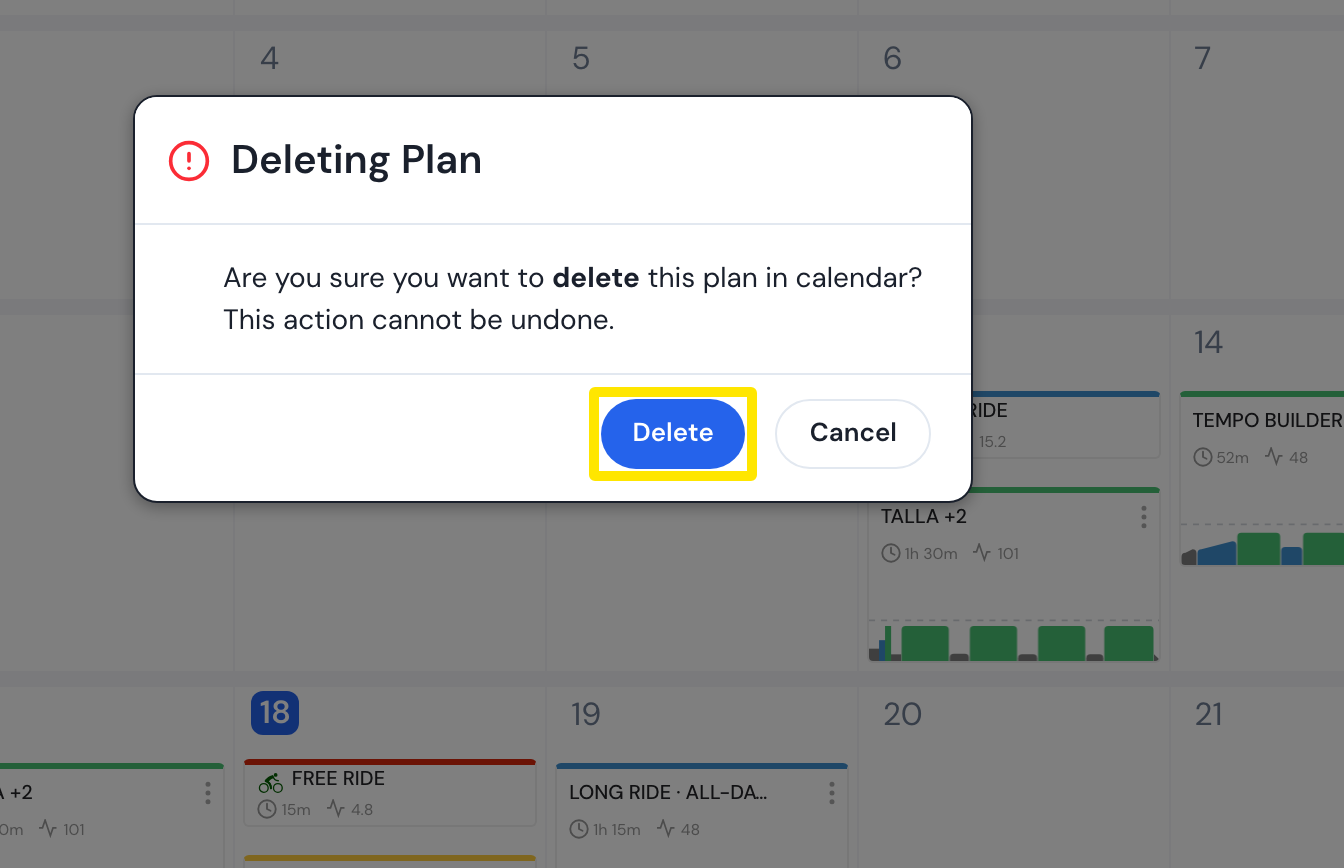 Where: Website · My Calendar · open it
Good to know: Deleting can't be undone. With calendar sync on, it also deletes the plan's not-yet-done workouts from Garmin Connect, TrainingPeaks, Intervals.icu, Zwift and COROS.
Works on: Website and mobile app (Calendar tab → Plans → Remove). Not the desktop app.