

How do I delete a training plan?
Delete a training plan on the TrainerDay website from My Plans, using the plan's three-dots menu and Delete Plan; its workouts also leave My Calendar.
If you only want the plan's workouts off your calendar and want to keep the plan, remove it from your calendar instead: see How do I remove a plan from my calendar?
- On the website, click My Plans under Training Plans in the left sidebar (app.trainerday.com/plans). Open the plan's three-dots menu and click Delete Plan.
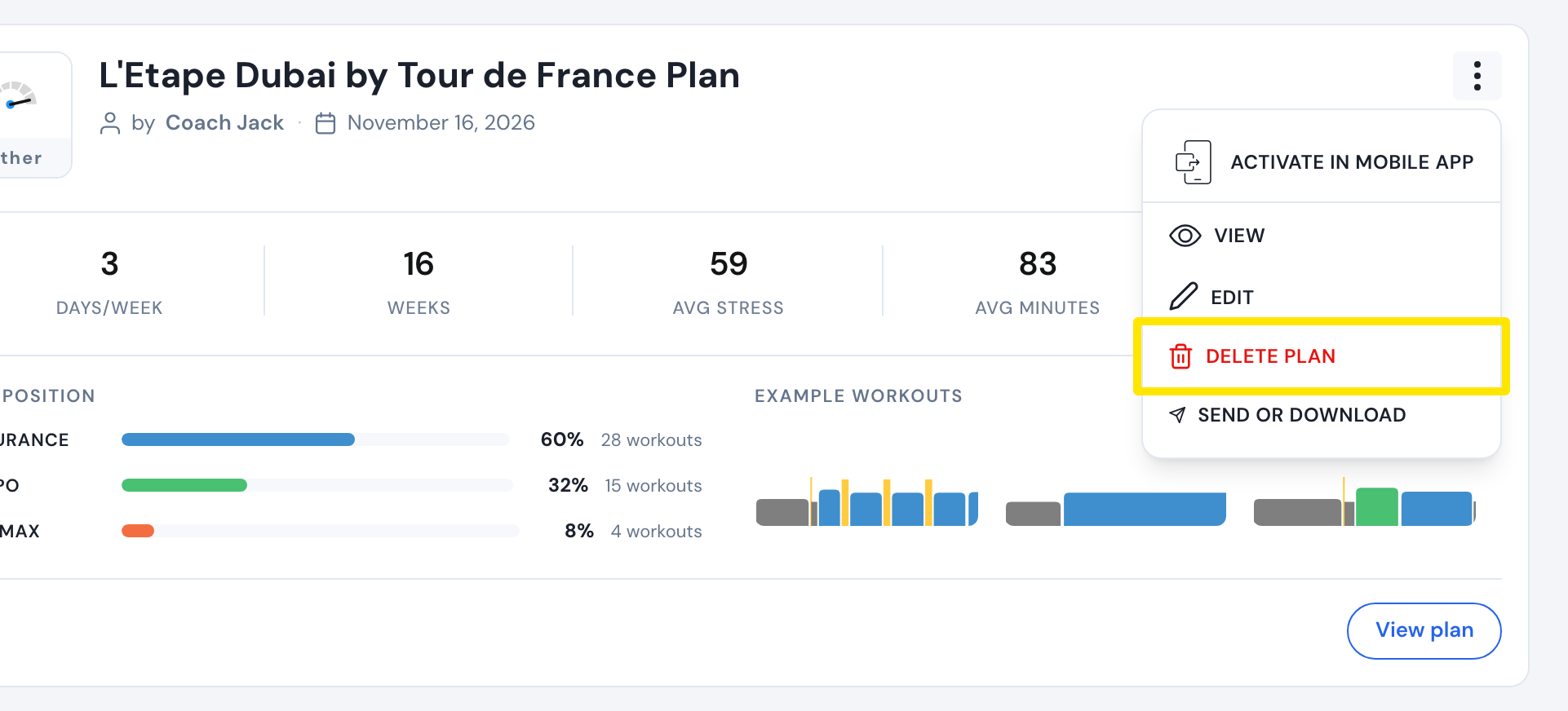 Where: Website · My Plans · open it
- In the Deleting Plan window, click Delete Plan to confirm. The plan's workouts leave My Calendar too.
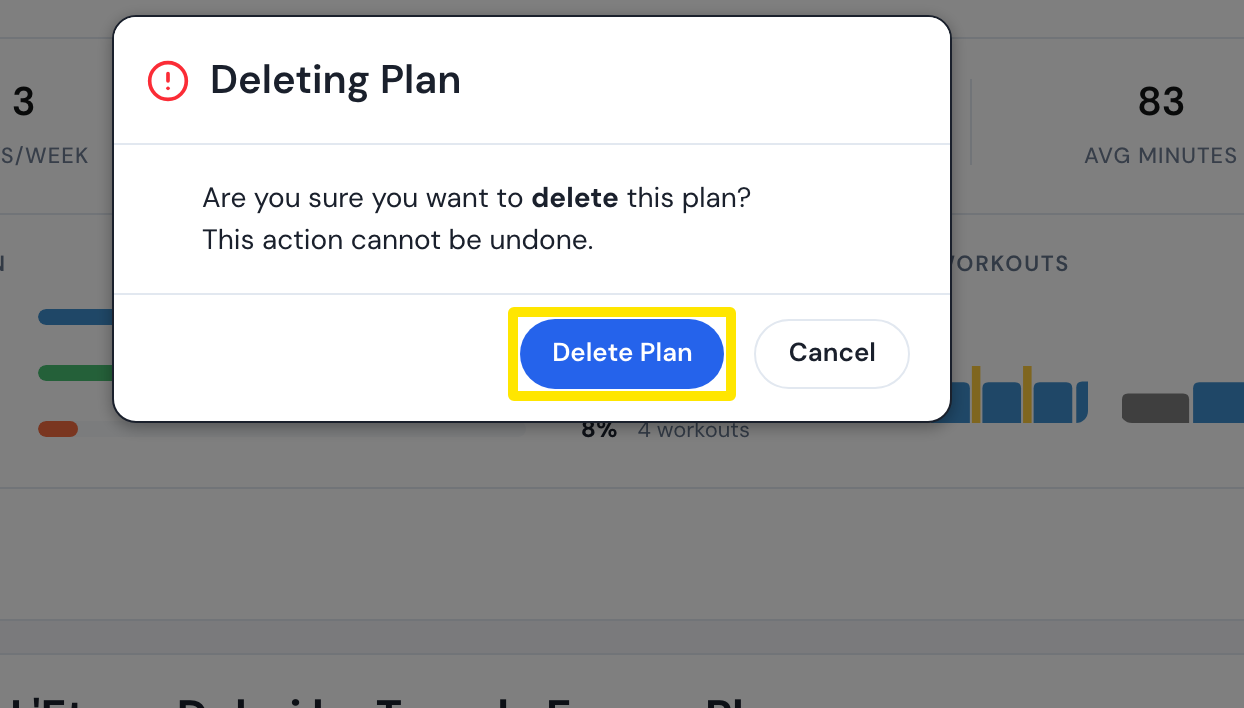 Where: Website · My Plans · open it
- If it says "You cannot delete an active plan", this plan is what the apps follow. Click Change source, pick another plan source, then delete the plan.
Good to know: Workouts you completed or paired with a ride stay on your calendar, and the workouts also leave synced Garmin, TrainingPeaks, Intervals.icu, Zwift or COROS.
Works on: website only.