

How do I change the length of the phases in my Coach Jack plan?
Change how many weeks each phase gets in the Phase lengths window of the website's Coach Jack builder, opened from the weeks button on a phase tab.
- On the website, open your plan in the Coach Jack builder: Plan Builders → Create New Plan, or My Plans → your plan → Edit Plan.
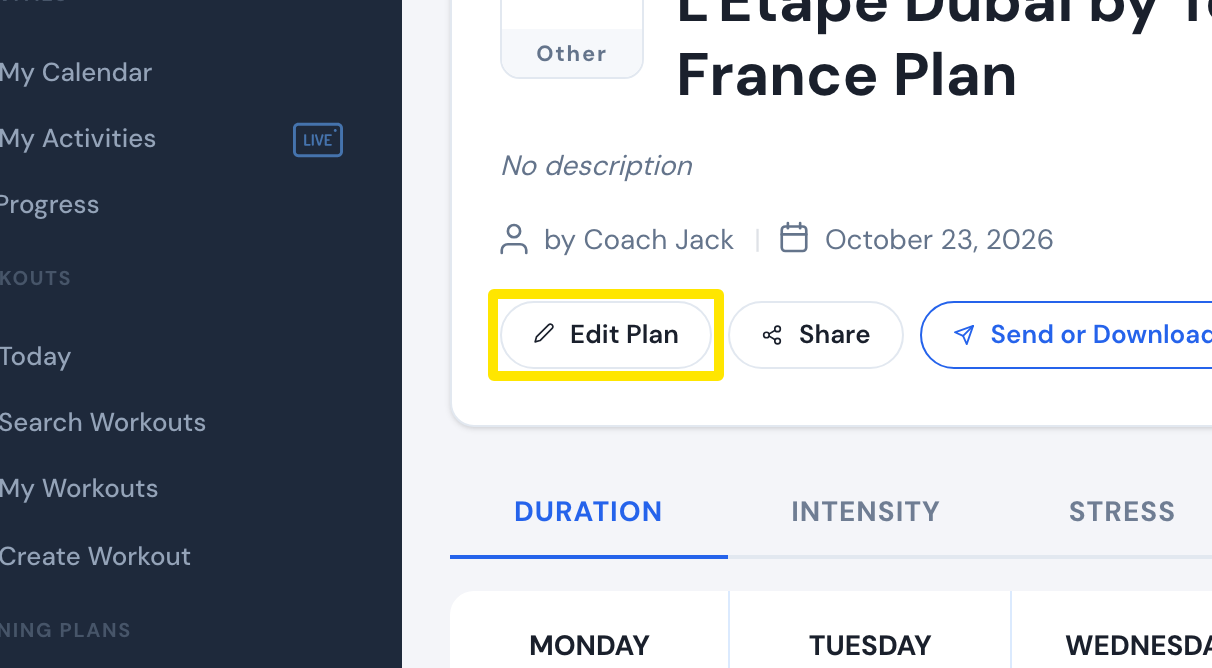 Where: Website · a plan's page (My Plans → View plan)
- In the builder, on the phase tabs (FOUNDATION / BUILD / SHARPEN PHASE), click the weeks button on a tab, for example "8w" (tooltip: "Change the phase lengths").
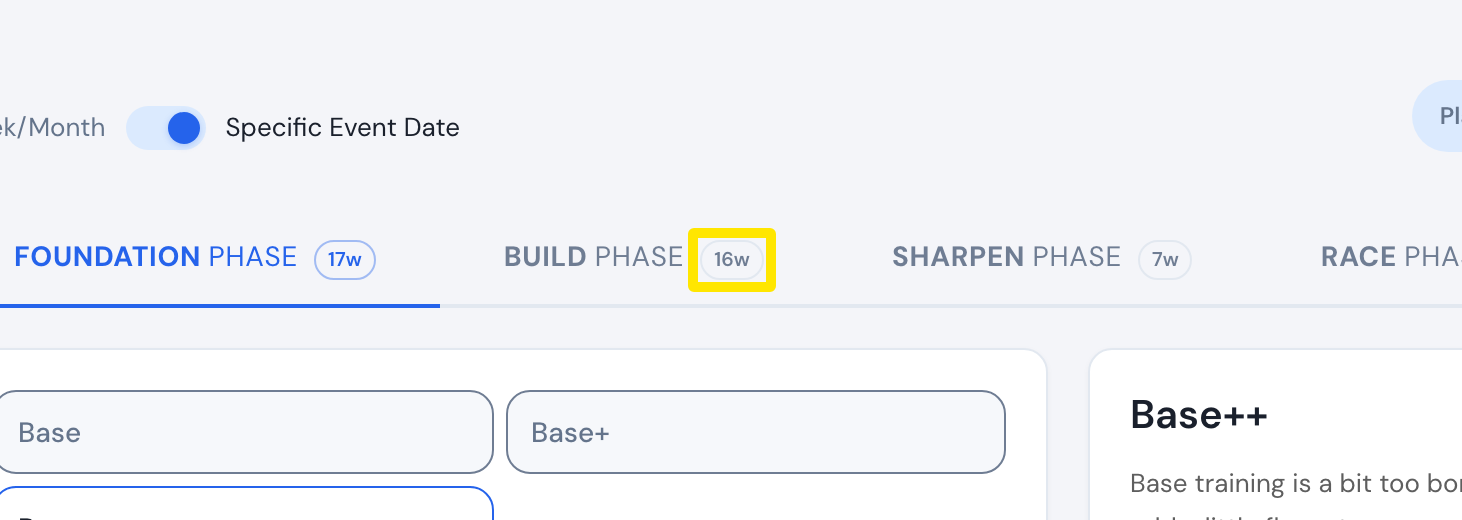 Where: Website · Coach Jack plan builder
- In Phase lengths, use − and + for each phase. Weeks you add to one phase must come out of another.
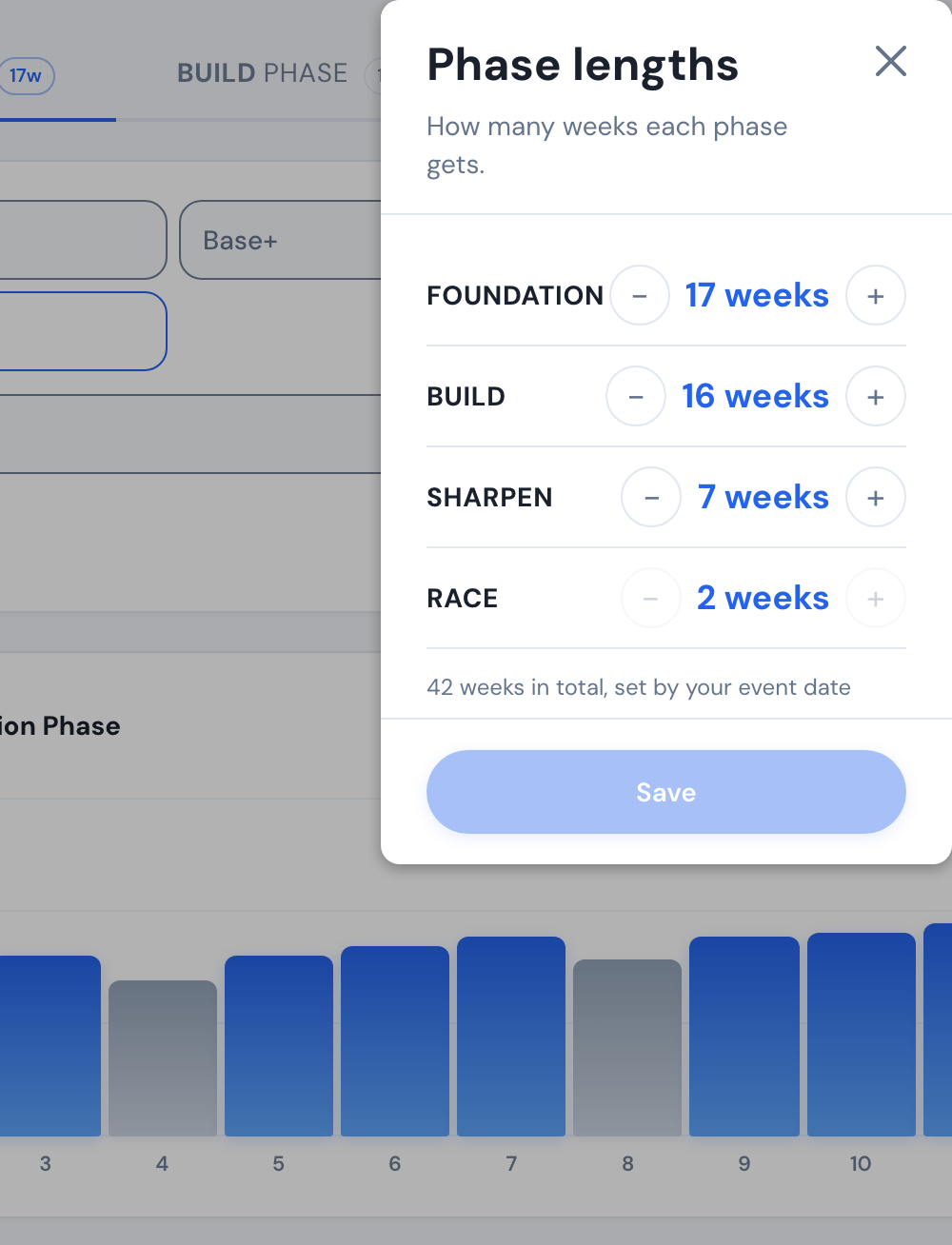 Where: Website · Coach Jack plan builder
- Click Save. The plan is rebuilt with the new phases.
Good to know: Foundation can be 0–20 weeks, Build 1–20, Sharpen 2–12 and Race 1–2, and they must add up to the total set by your event date or plan length.
Works on: website only; the mobile and desktop apps have no plan builder.