

How do I keep Coach Jack workouts within my time limit each day?
On the website, open your plan in the Coach Jack builder, set the phase hours, then set or lock each day's minutes so every workout fits your daily time.
- On the website, open your plan in the Coach Jack builder: left sidebar → Plan Builders → Create New Plan, or My Plans → your plan → Edit Plan.
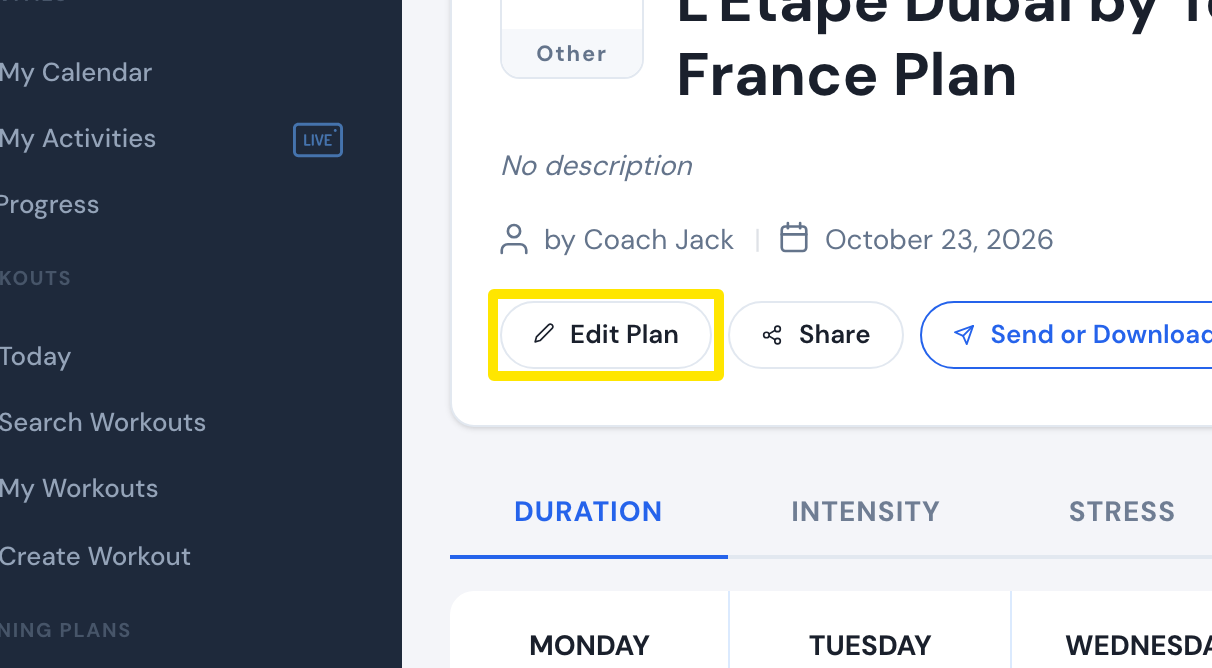 Where: Website · a plan's page (My Plans → View plan)
- Above the weekly hours chart, click the <phase> hours button (start – end hours, with a pencil), or the hours under a day's checkbox in the calendar.
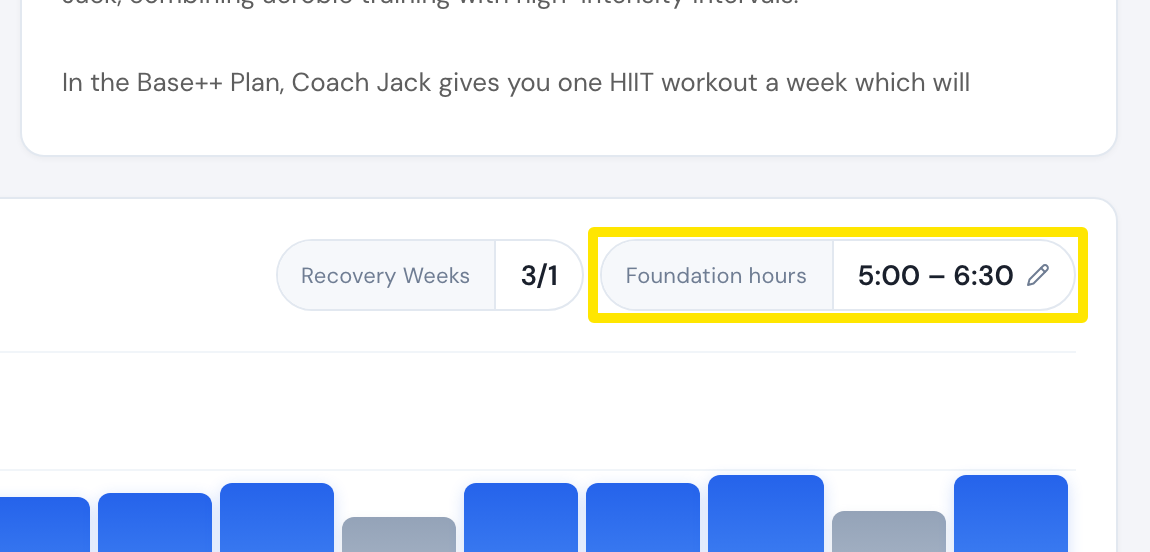 Where: Website · Coach Jack builder
- Set Start Hours and End Hours with the slider. Tick Lock weekly hours to hold them whatever days you add or remove.
- Under Fine-tune the days, set each day's minutes for Week 1 and the phase's last week, or click a day's lock to pin it at one duration every week.
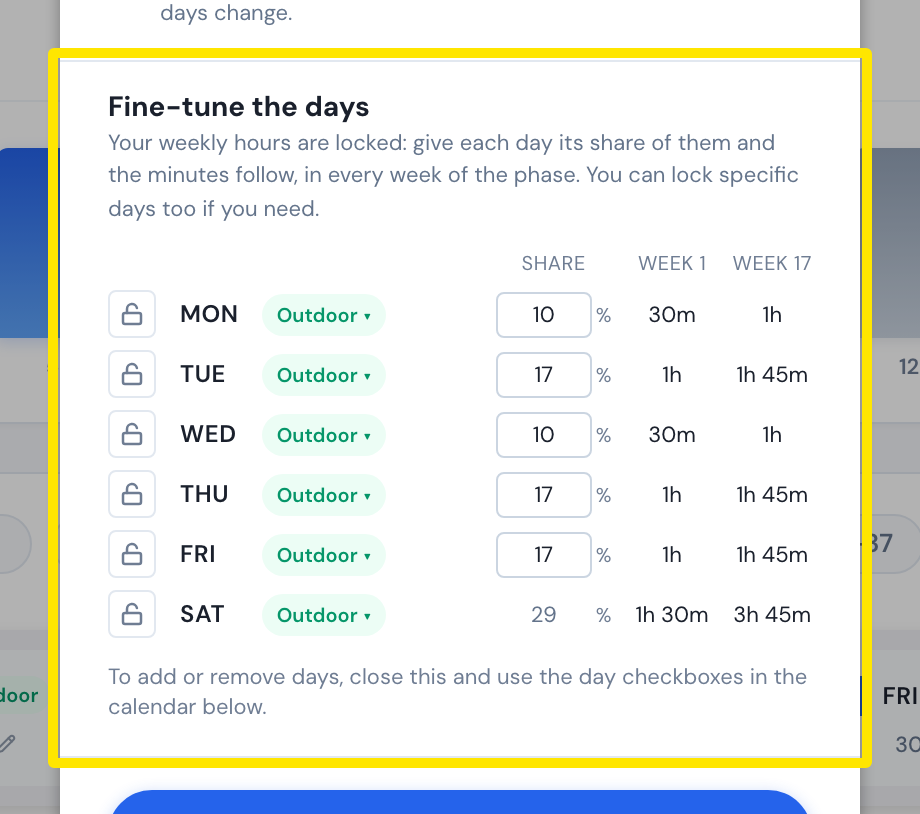 Where: Website · Coach Jack builder, phase hours window
- Click Save.
Good to know: Changing the phase hours overwrites your daily limits. Coach Jack rounds durations to 5 minutes under about 45 minutes and to 15 minutes above that. For indoor rides, tick Split Long Indoor Rides in the Save & Next window to keep each ride to 90 minutes.
Works on: Website only. The mobile and desktop apps have no plan builder.