

How do I edit my Coach Jack plan after creating it?
Edit a Coach Jack plan on the TrainerDay website by opening it from My Plans with Edit Plan, changing it in the Coach Jack builder, and syncing it back to My Calendar.
- On the website, in the left sidebar under Training Plans, click My Plans (app.trainerday.com/plans) and open your Coach Jack plan.
- On the plan page, click Edit Plan. The Coach Jack builder opens with your plan.
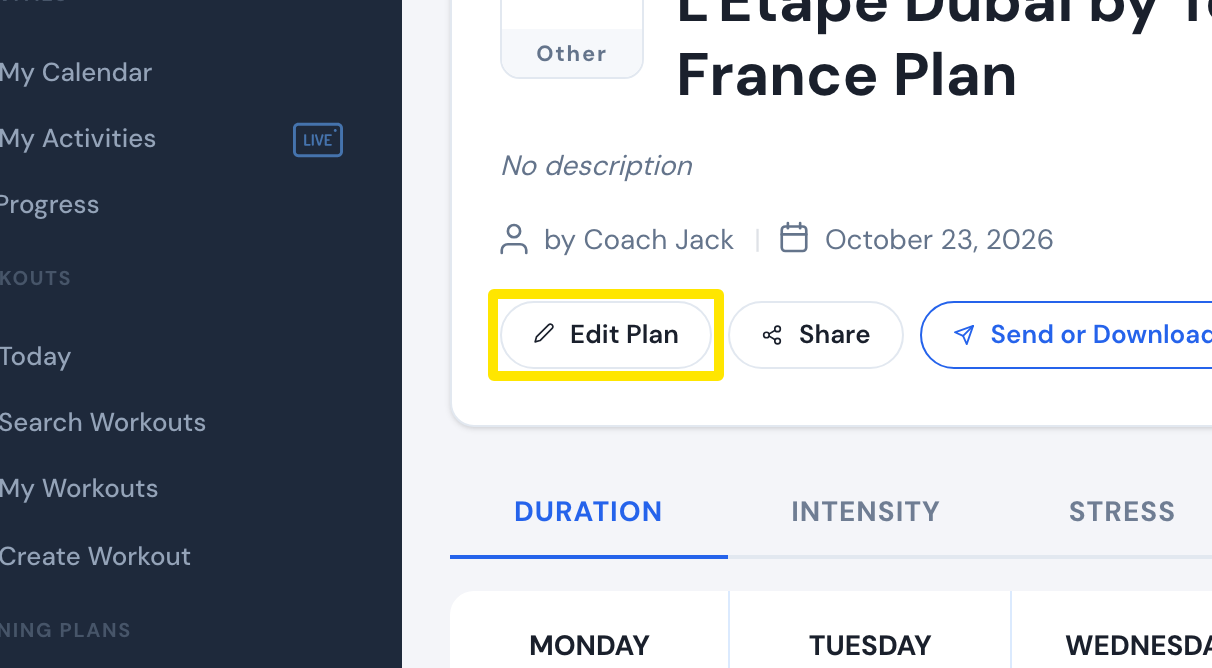 Where: Website · a plan's page (My Plans → View plan)
- Change the plan: the phase type buttons (or Custom ⚙ to pick your own 3 sequences), Ride Feel, the day checkboxes or My days, and the phase hours button. The plan is rebuilt at once.
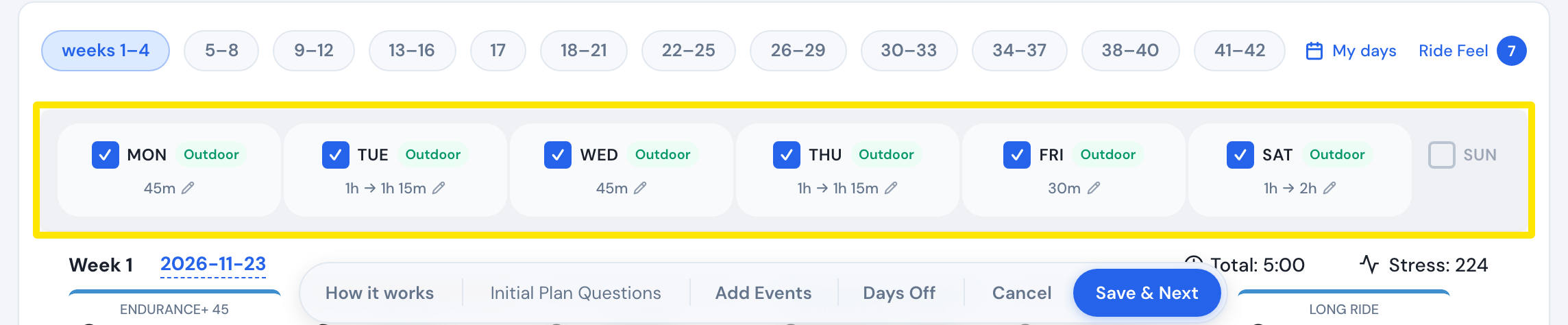 Where: Website · Coach Jack builder
- Click Save & Next, then Sync with My Calendar. The plan's workouts on your calendar are replaced with the changed plan.
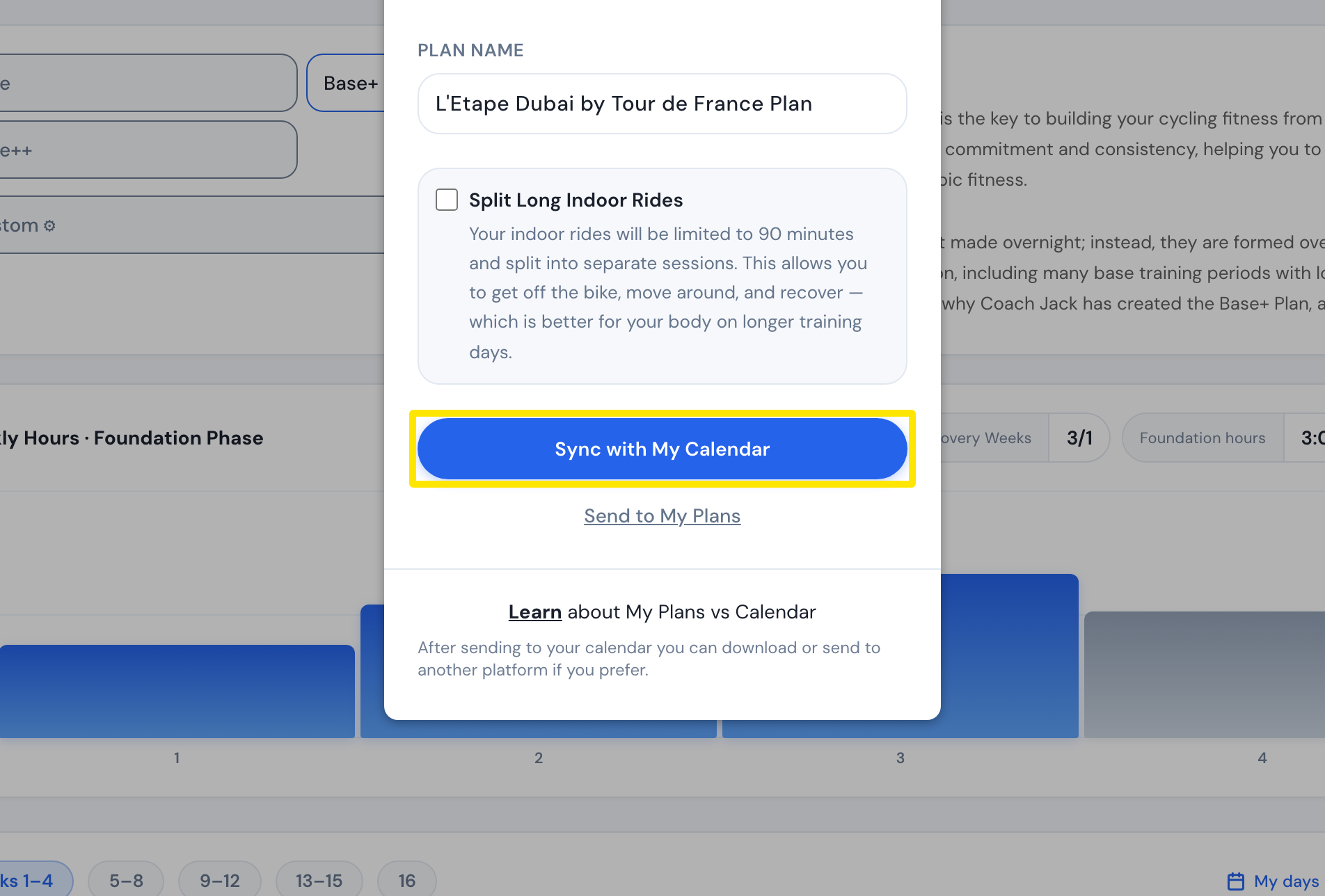 Where: Website · Coach Jack builder
Good to know: Clicking a workout in the builder only shows its details. You can't swap a single workout, and a Race Readiness plan's calendar is locked and can't be re-synced.
Works on: Website only. The mobile and desktop apps ride what the plan puts on My Calendar.