

How do I change the start date of my Coach Jack plan?
Change your Coach Jack plan's start date on the TrainerDay website: open the plan with Edit Plan, click the date in the Week 1 row, pick a new week, then save with Sync with My Calendar.
- On the website, open My Plans, open your plan, and click Edit Plan. The Coach Jack builder opens with your plan.
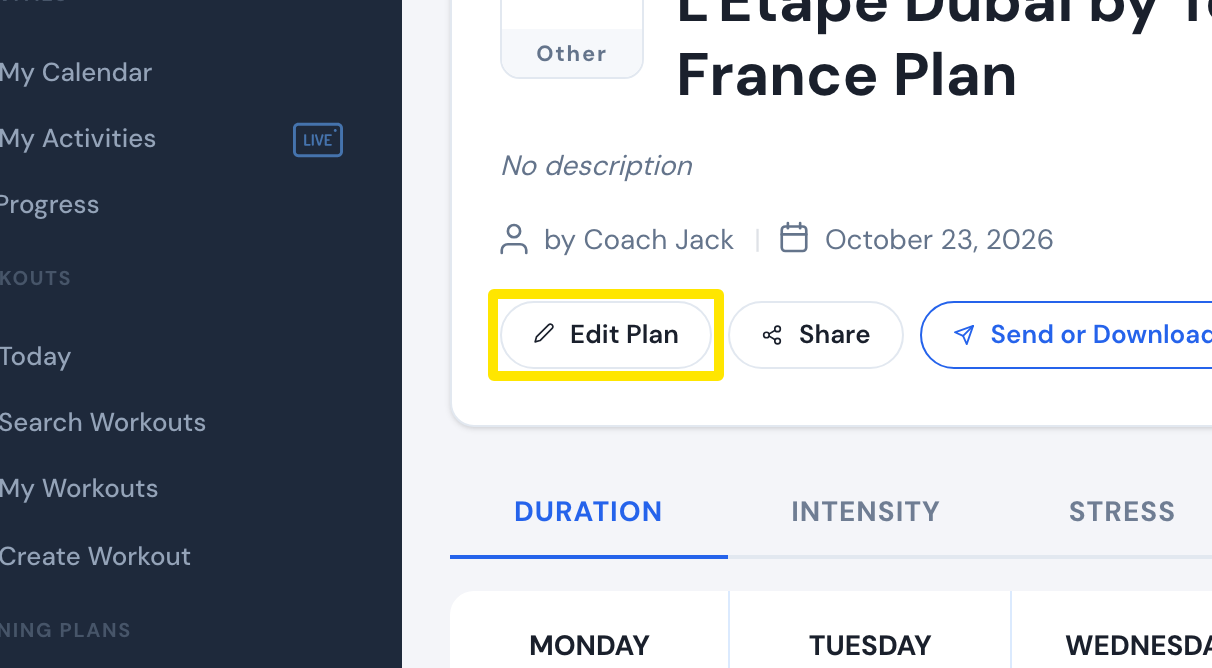 Where: Website · a plan's page (My Plans → View plan)
- In the calendar's Week 1 row, click the date after "Week 1".
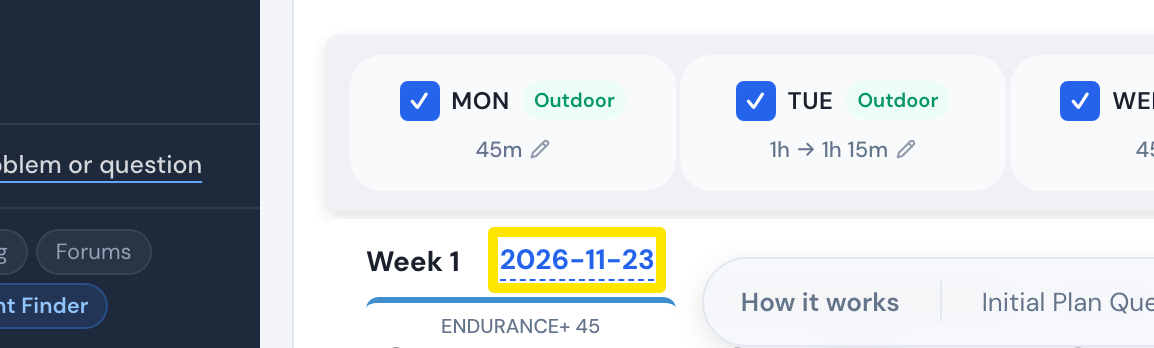 Where: Website · Coach Jack builder
- In the popup, click any day of the week you want. The plan starts on that week's Monday.
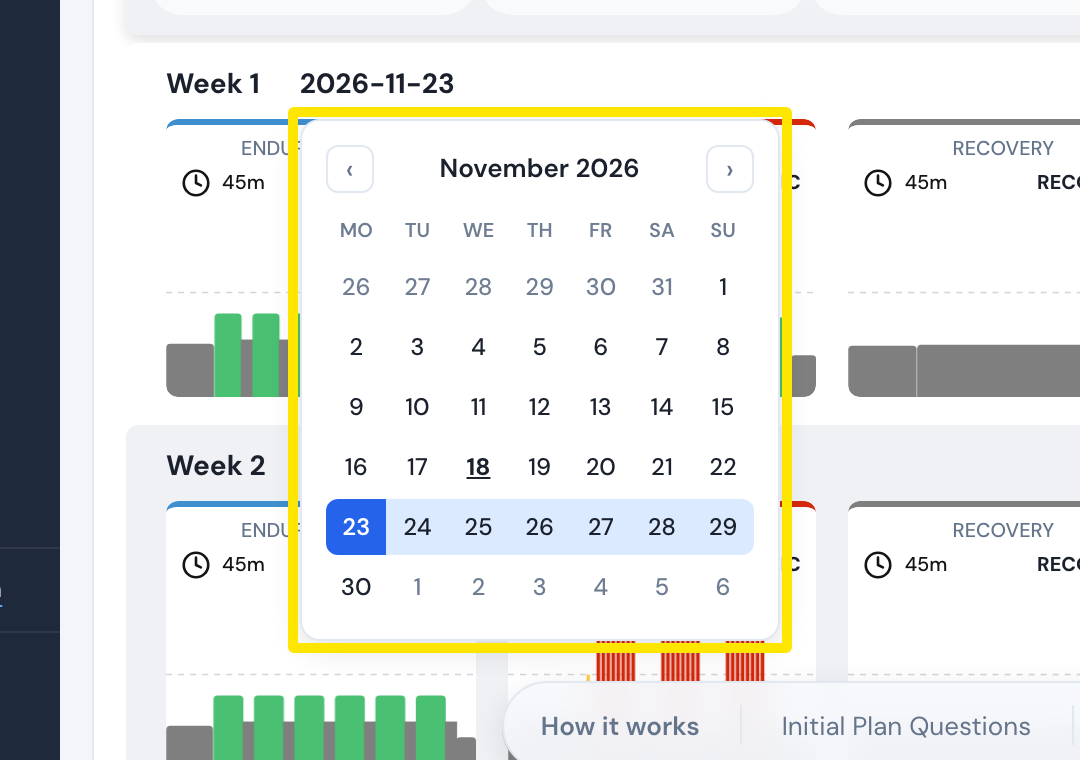 Where: Website · Coach Jack builder
- Click Save & Next, then Sync with My Calendar.
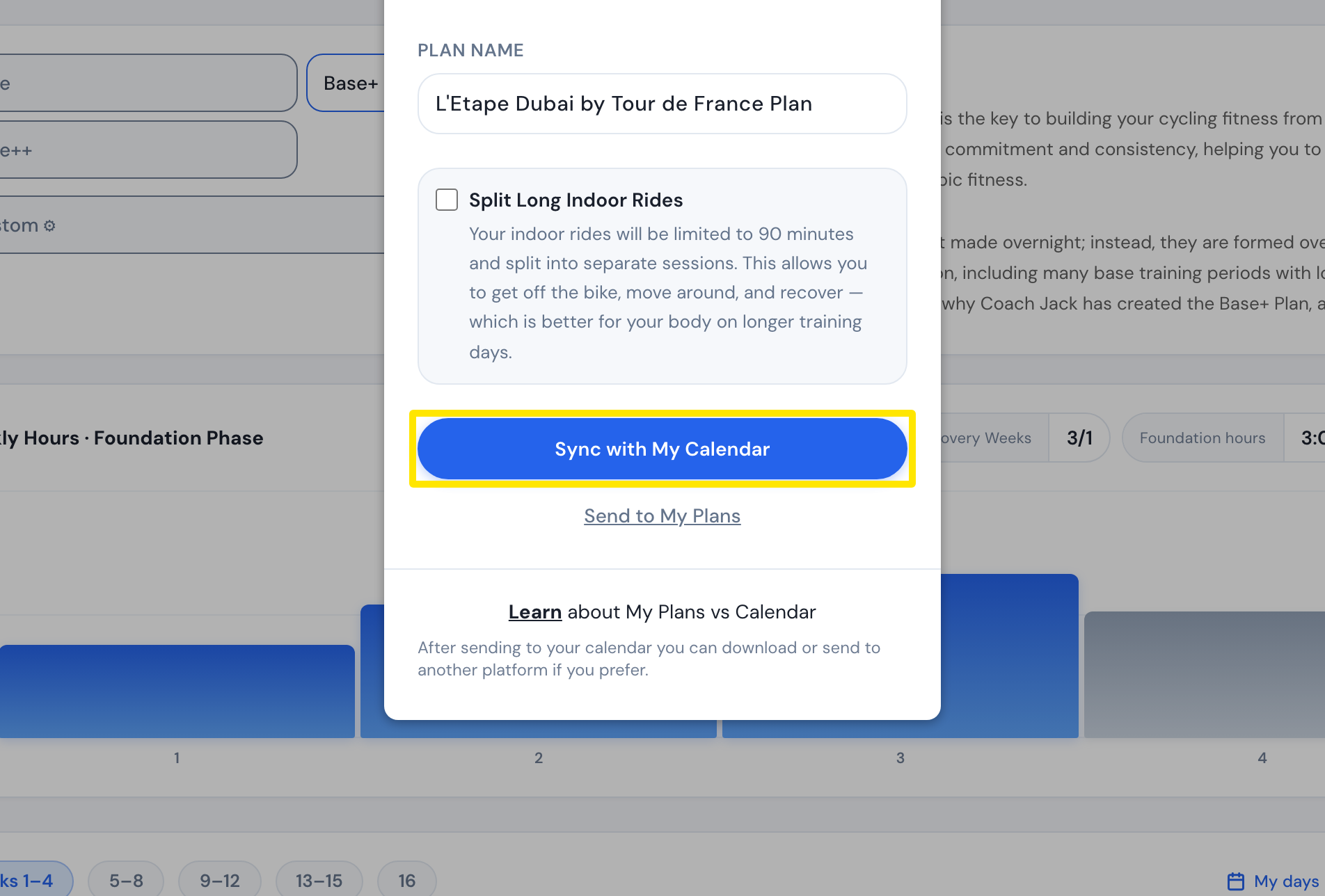 Where: Website · Coach Jack builder
Good to know: For a new plan, start from Plan Builders → Create New Plan and finish with Send to My Calendar.
Works on: Website only. The mobile and desktop apps have no plan builder.