

How do I start a new Coach Jack plan without losing my progress?
On the TrainerDay website, build a new Coach Jack plan from Plan Builders and send it to My Calendar as a new plan; your old plan and past rides stay, and you can delete the old plan's coming workouts from the calendar's Plans list.
- On the website, in the left sidebar under Training Plans, click Plan Builders (app.trainerday.com/coach-jack).
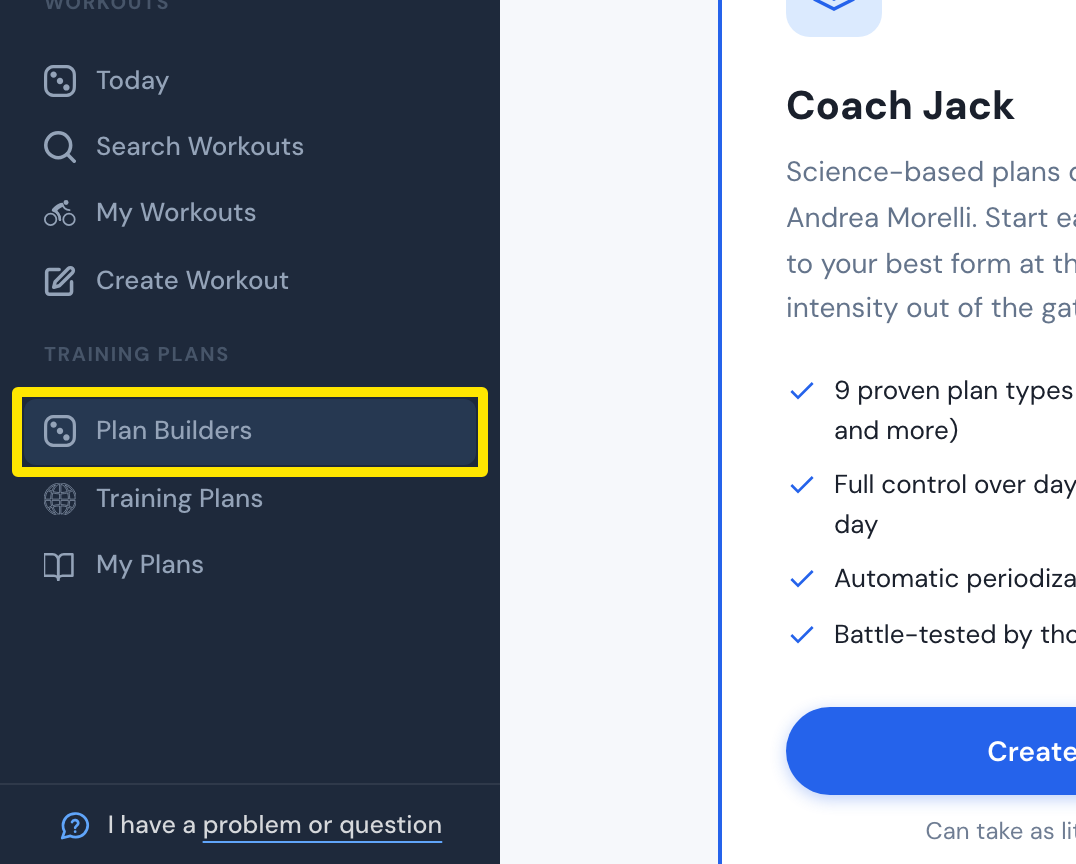 Where: Website · Plan Builders · open it
- On the Coach Jack card, click Start with Coach Jack → (it reads Create New Plan → once you have built a plan) and answer the questions.
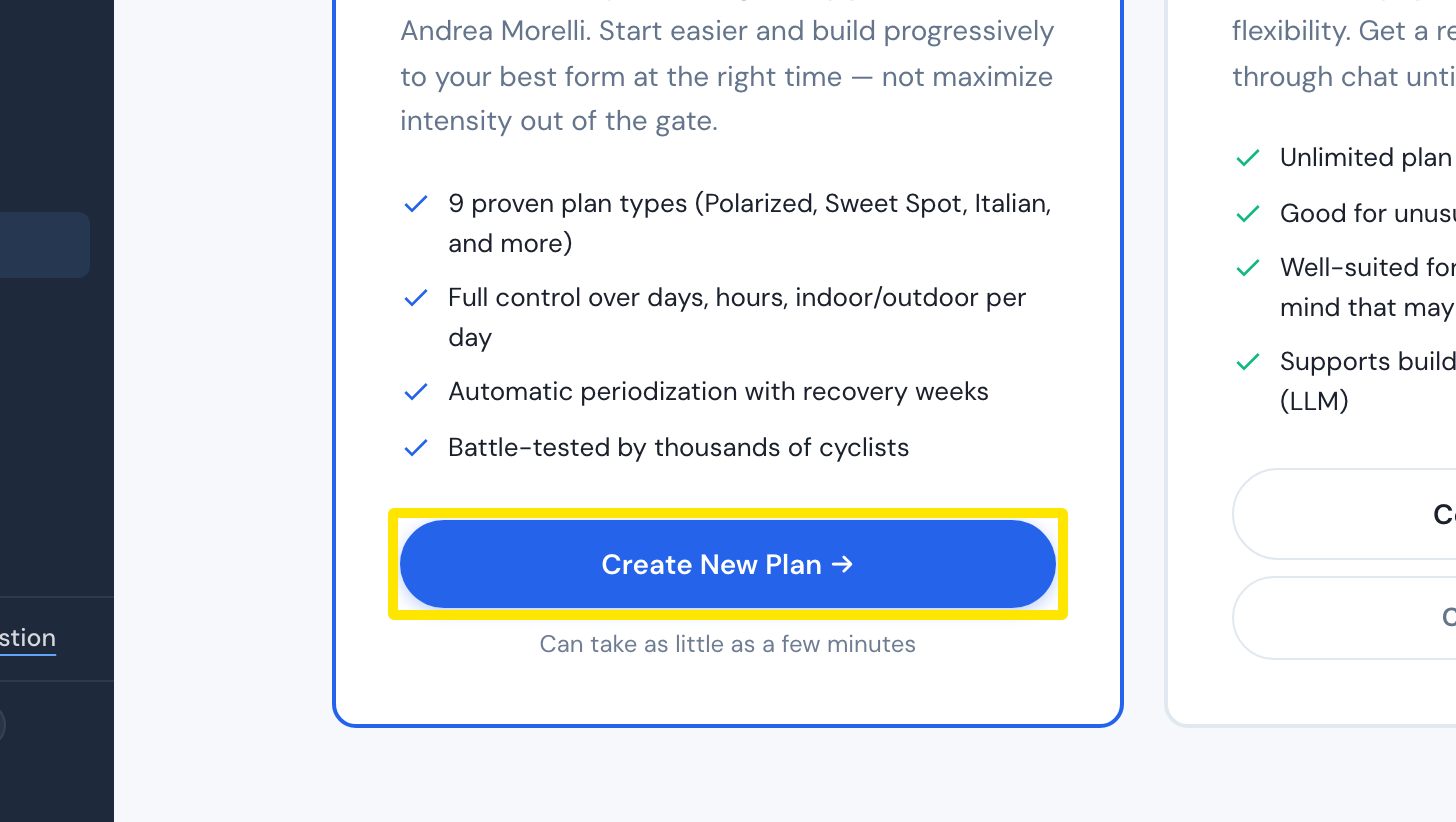 Where: Website · Plan Builders · open it
- Build the plan, click Save & Next, then Send to My Calendar. It is added as a new plan; your old plan and rides stay.
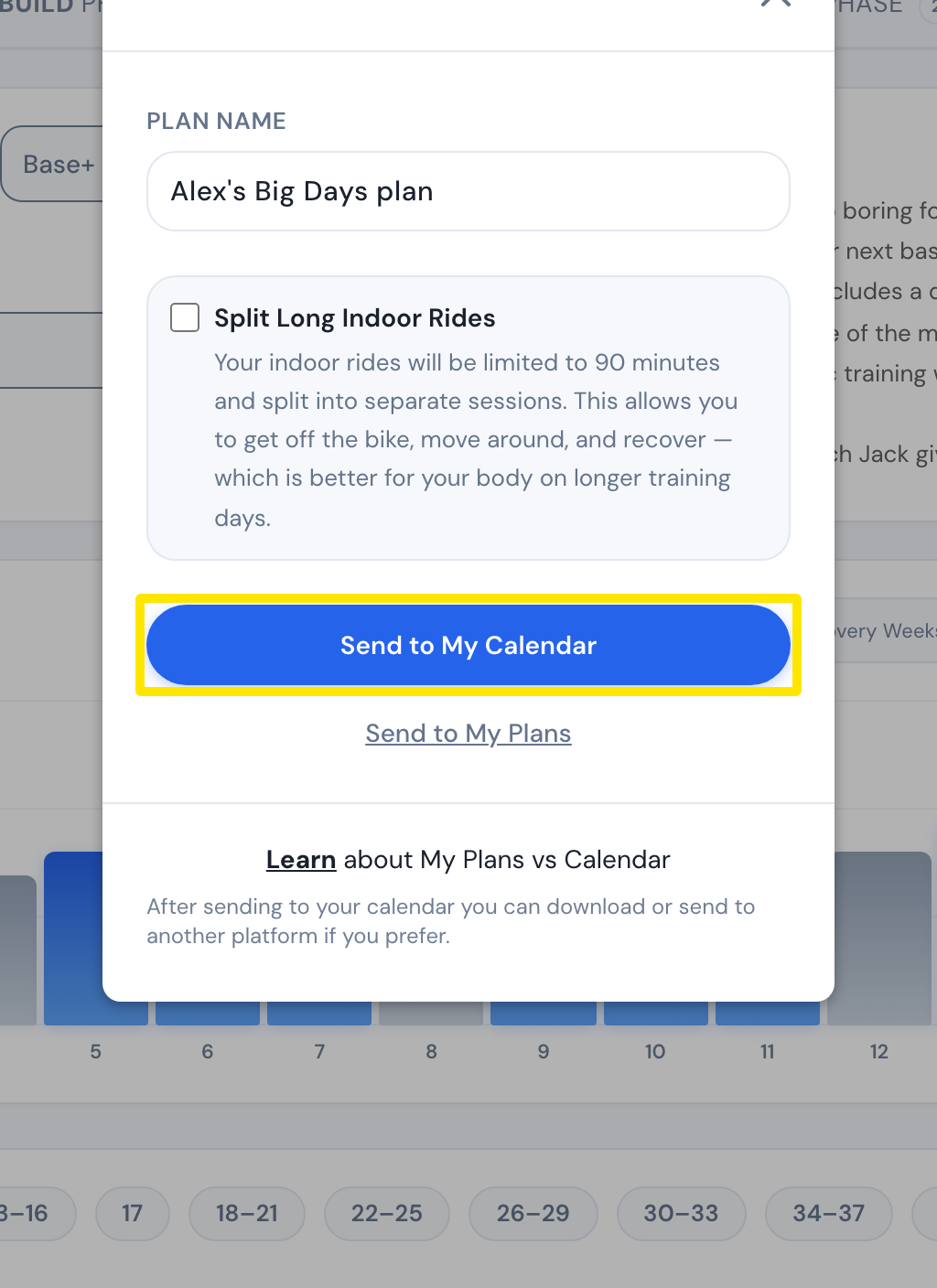 Where: Website · Coach Jack plan builder → Save & Next
- To clear the old plan's coming workouts, click My Calendar in the left sidebar, open Plans, point at the old plan, click its trash icon, then confirm Delete.
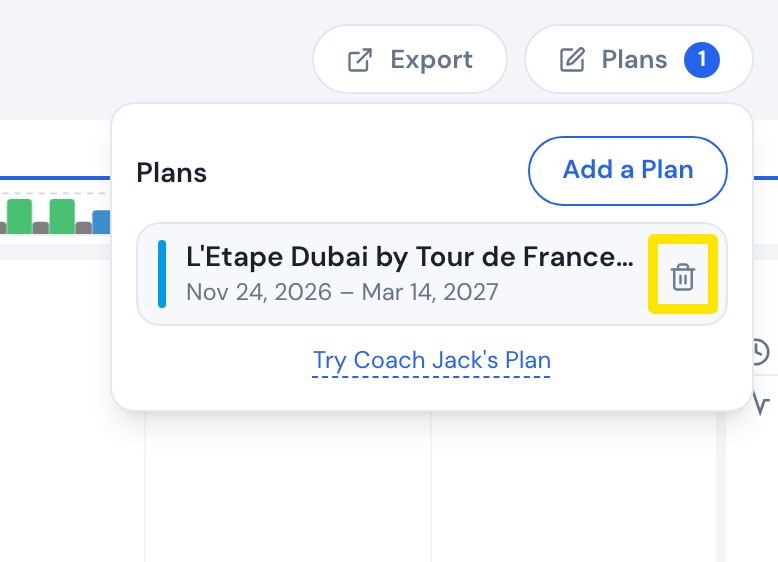 Where: Website · My Calendar · open it
Good to know: Deleting a plan keeps workouts you completed, whether you marked them done or they were matched to a ride. Your rides are never deleted.
Works on: Website only. Plans are built and removed on the website. The apps show whatever is on My Calendar.