

How do I use Coach Jack without Strava?
You can build a Coach Jack plan on the TrainerDay website without Strava: open Plan Builders, start Coach Jack, click Skip Strava, and answer the hours questions yourself.
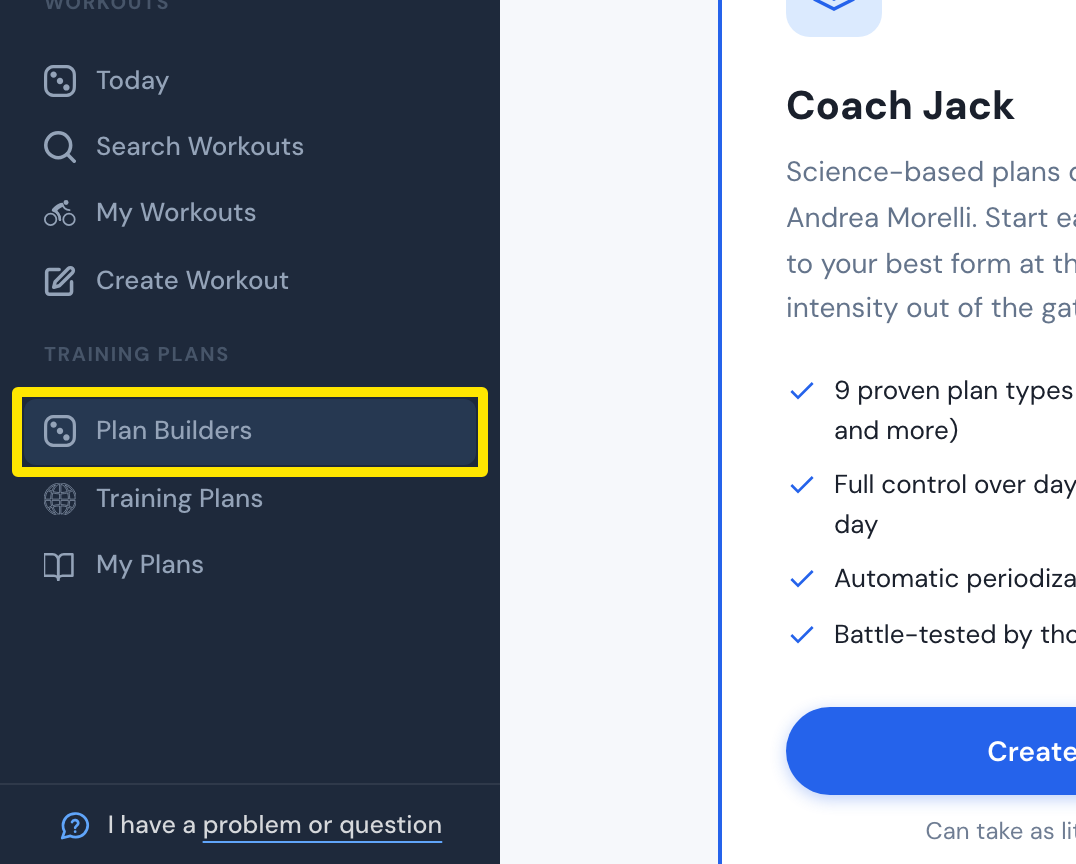
- On the website, in the left sidebar under Training Plans, click Plan Builders (app.trainerday.com/coach-jack).
 Where: Website · Plan Builders · open it
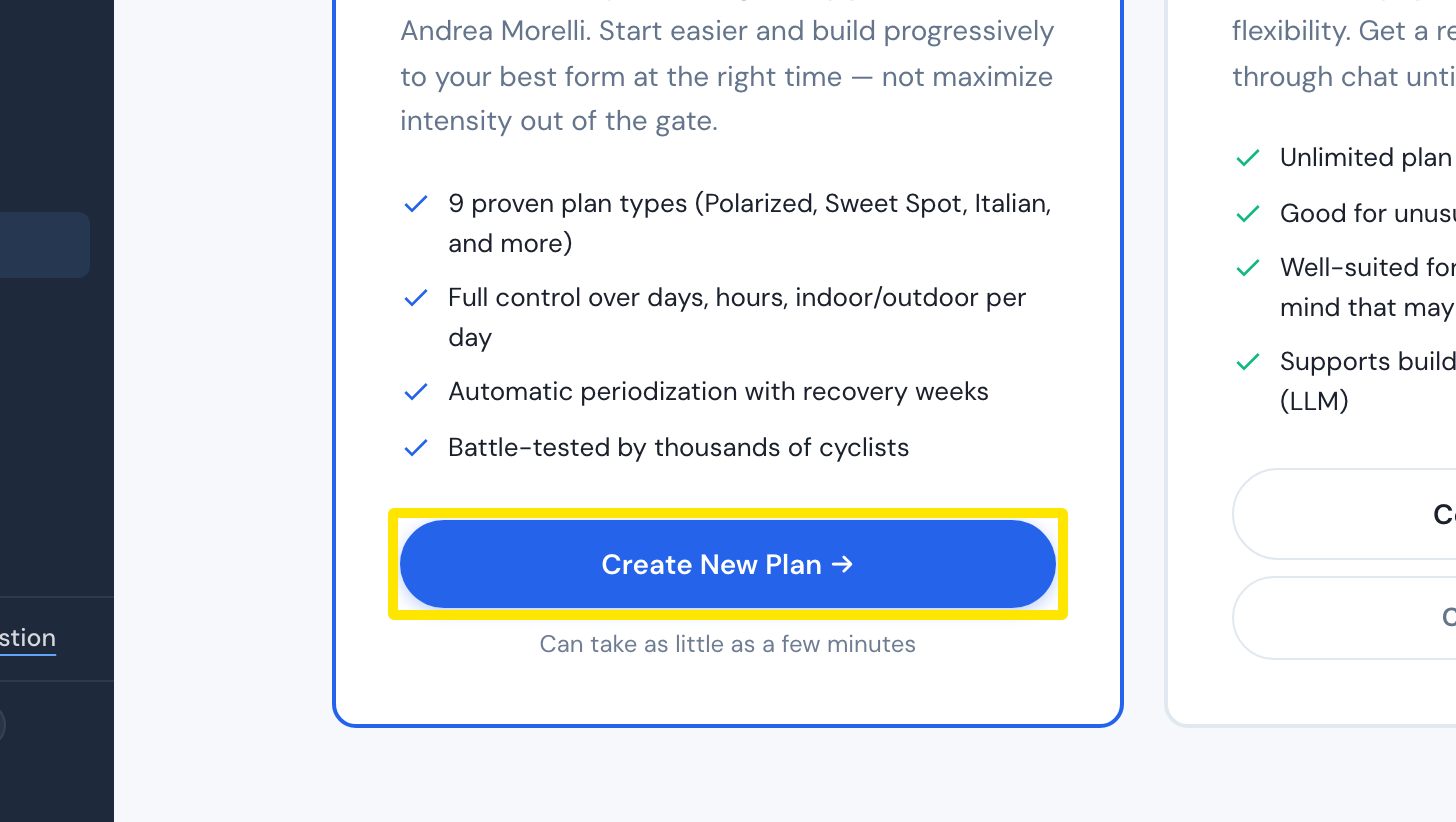
- On the Coach Jack card, click Start with Coach Jack → (it reads Create New Plan → once you have built a plan).
 Where: Website · Plan Builders · open it
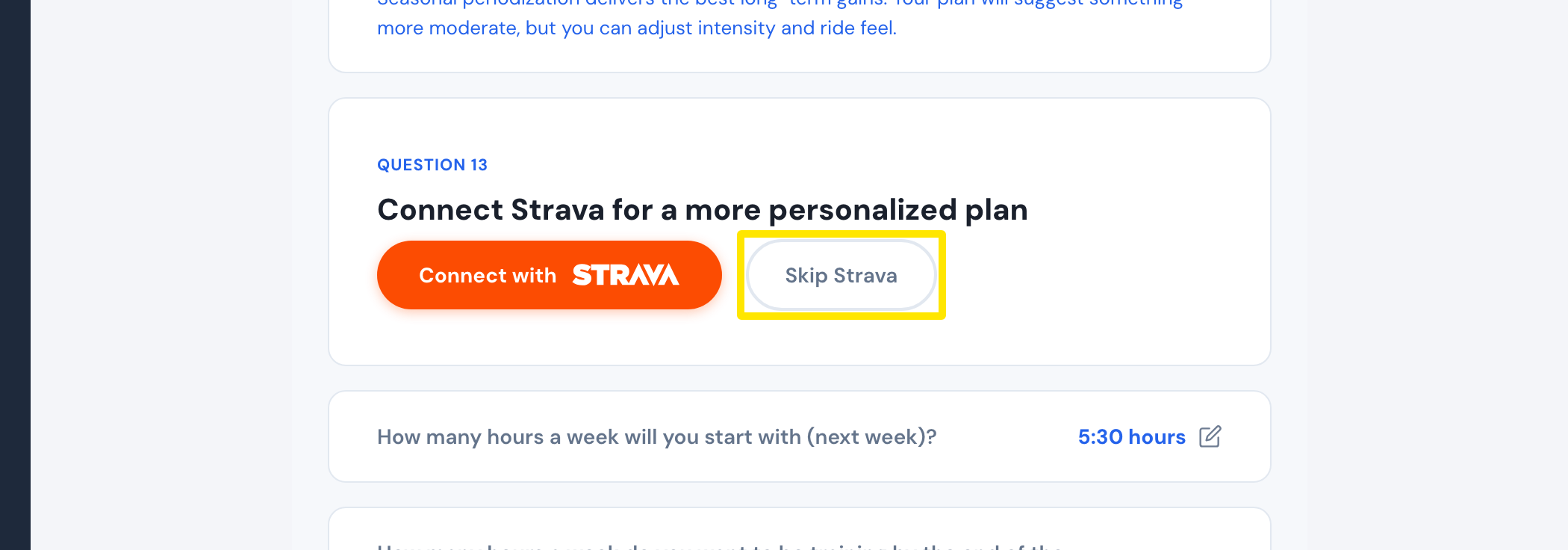
- At Connect Strava for a more personalized plan, click Skip Strava.
 Where: Website · Coach Jack questions
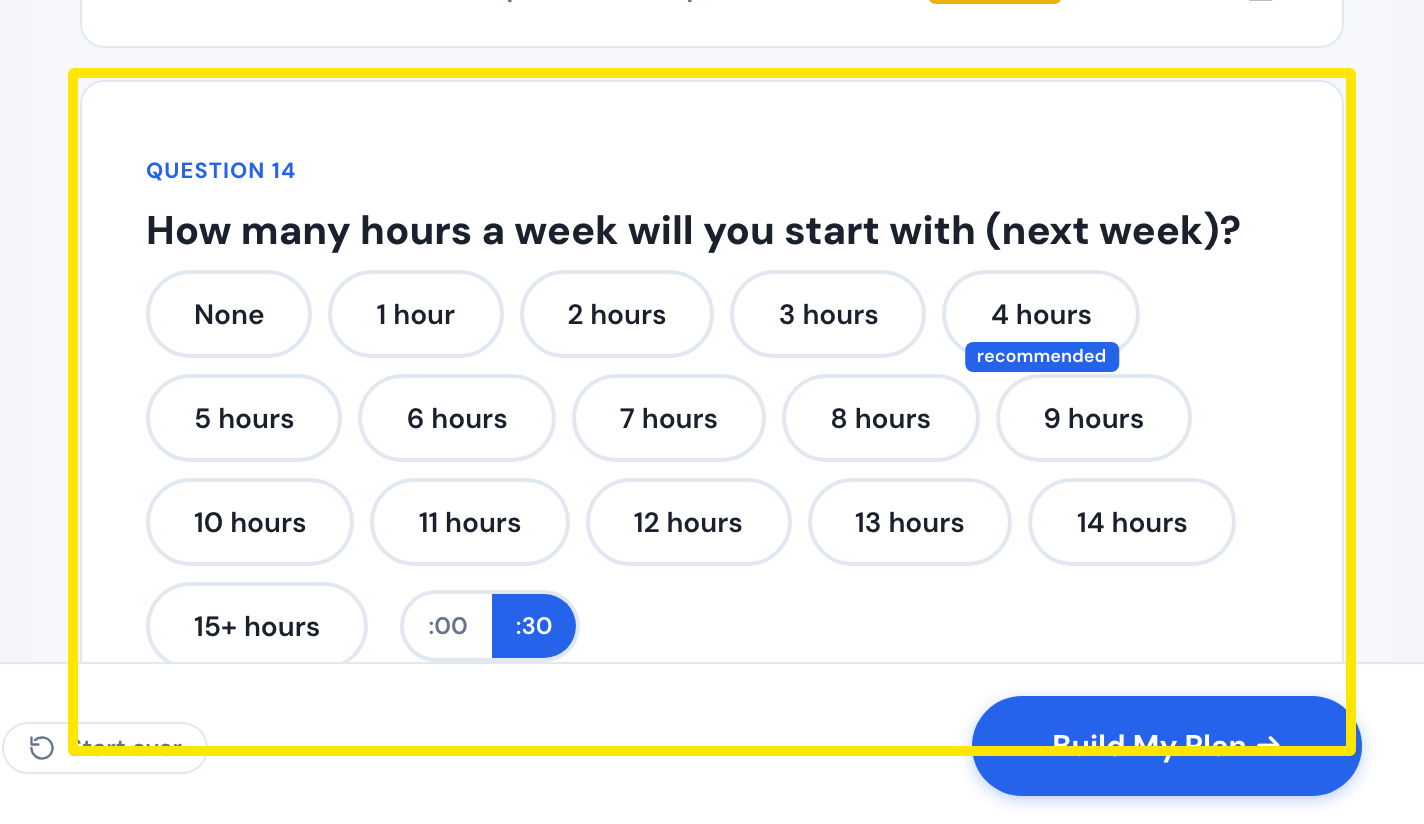
- Answer the hours questions yourself.
 Where: Website · Coach Jack questions
- Click Build My Plan →.
Good to know: Strava is optional. Coach Jack builds the plan either way, and your answers set the plan's volume.
Works on: Website only.