

How do I ride my Coach Jack workouts?
Build your Coach Jack plan on the TrainerDay website, send it to My Calendar, make sure the calendar is active in the mobile app, then tap Ride Now on the Today tab of the mobile or desktop app.
- On the website, in the left sidebar under Training Plans, click Plan Builders (app.trainerday.com/coach-jack).
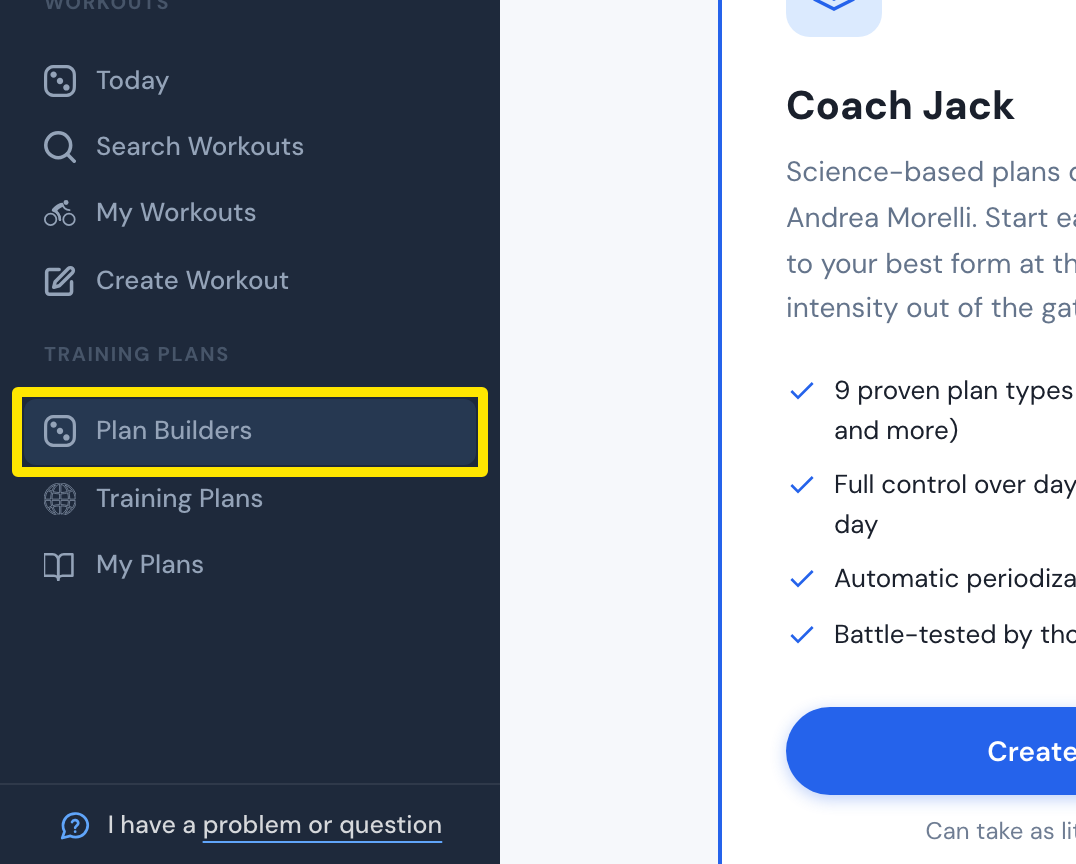 Where: Website · Plan Builders · open it
- On the Coach Jack card, click Start with Coach Jack → (it reads Create New Plan → once you have built a plan) and answer the questions.
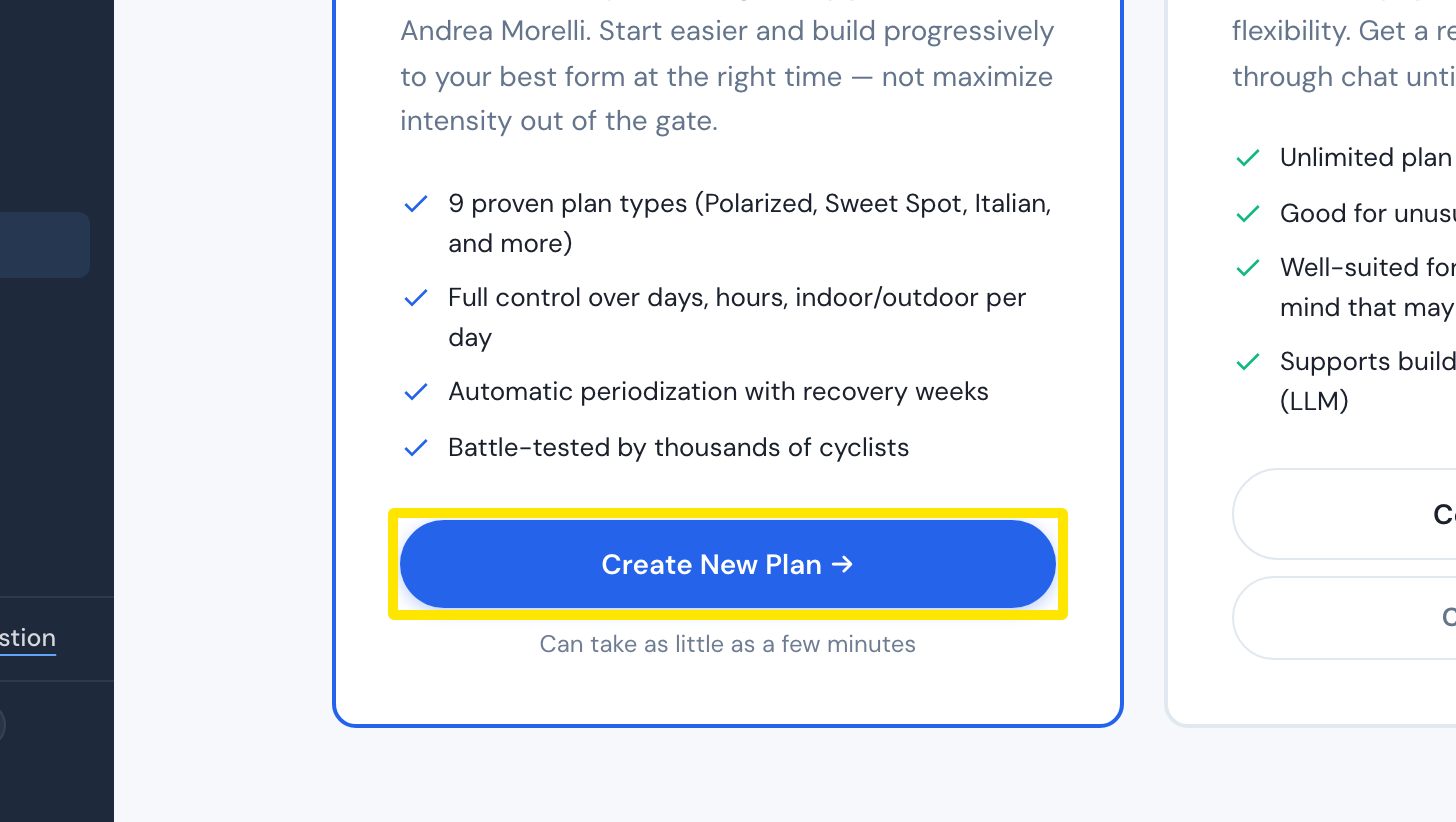 Where: Website · Plan Builders · open it
- When the plan looks right, click Save & Next at the bottom of the plan builder.
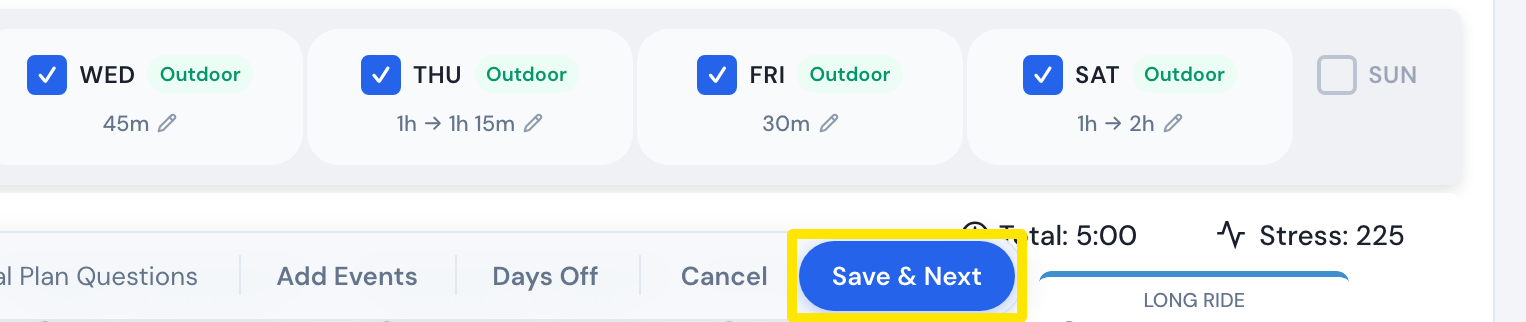 Where: Website · Coach Jack plan builder
- In the window that opens, click Send to My Calendar.
- In the left sidebar, click My Calendar and open the menu (≡) at the top. Under Settings it must say Active in Mobile App. If not, click Activate in Mobile App.
- Open the TrainerDay mobile or desktop app. The Today tab shows the day's plan workout. Tap Ride Now.
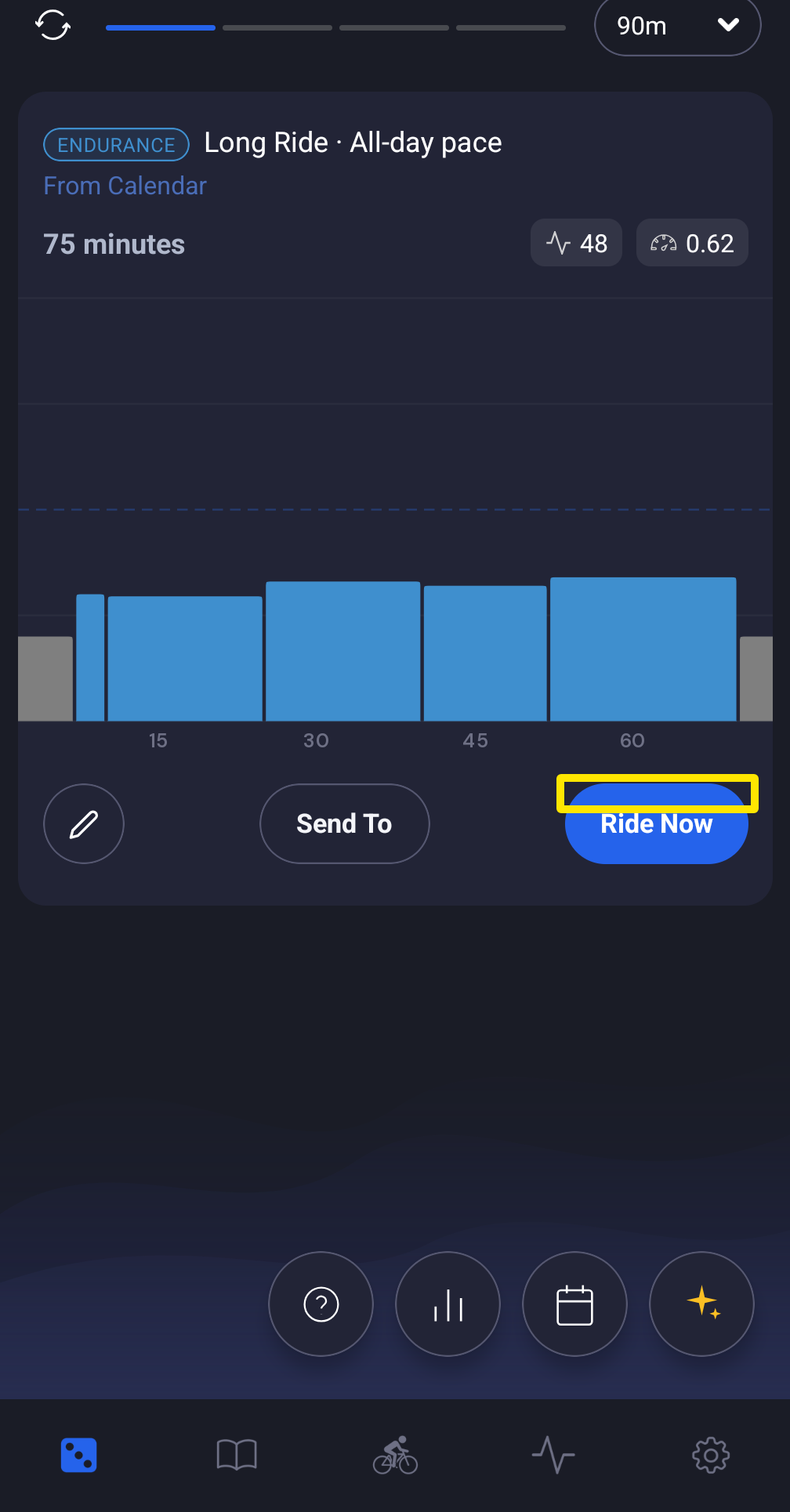 Where: Mobile app · Today tab
Good to know: Send to My Plans only saves the plan. It does not put the workouts on your calendar.
Works on: Build the plan on the website. Ride it in the mobile app or the desktop app.