

How do I set up a Coach Jack plan for an event, or with no event?
On the TrainerDay website, open Coach Jack from Plan Builders and answer Yes to set an event date, or No to pick a plan length with no event.
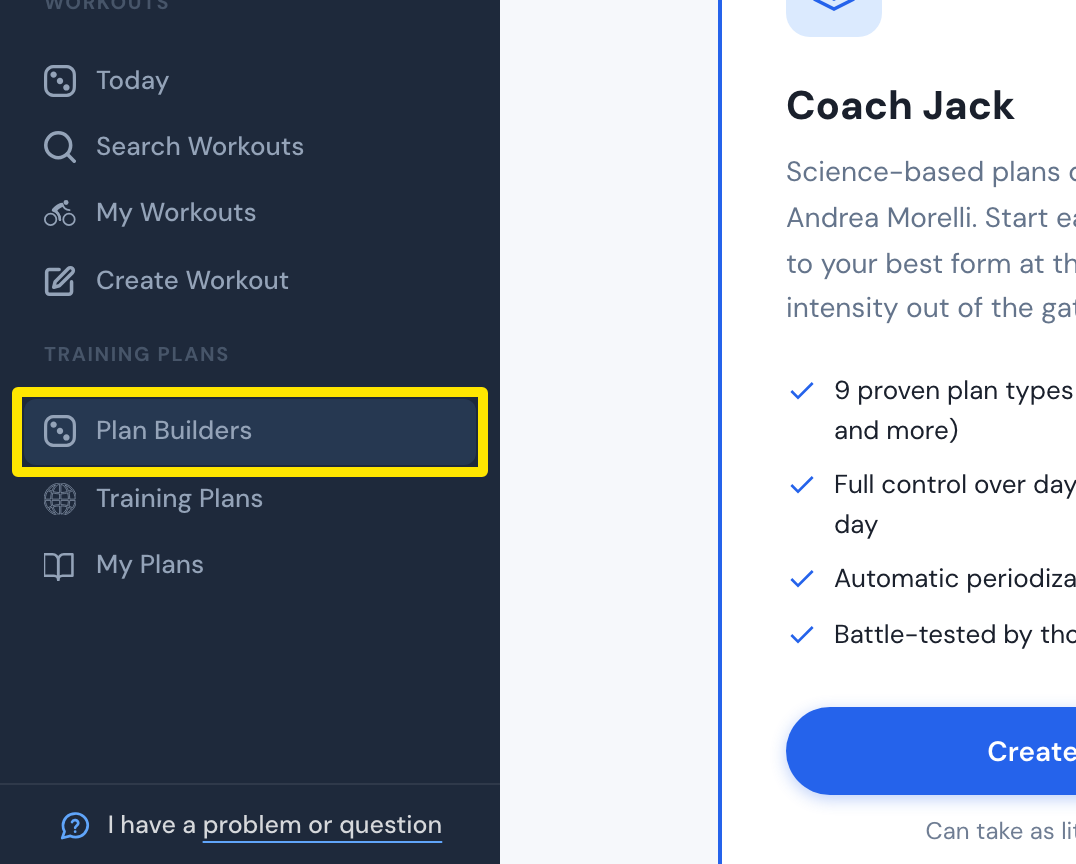
- On the website, in the left sidebar under Training Plans, click Plan Builders (app.trainerday.com/coach-jack).
 Where: Website · Plan Builders · open it
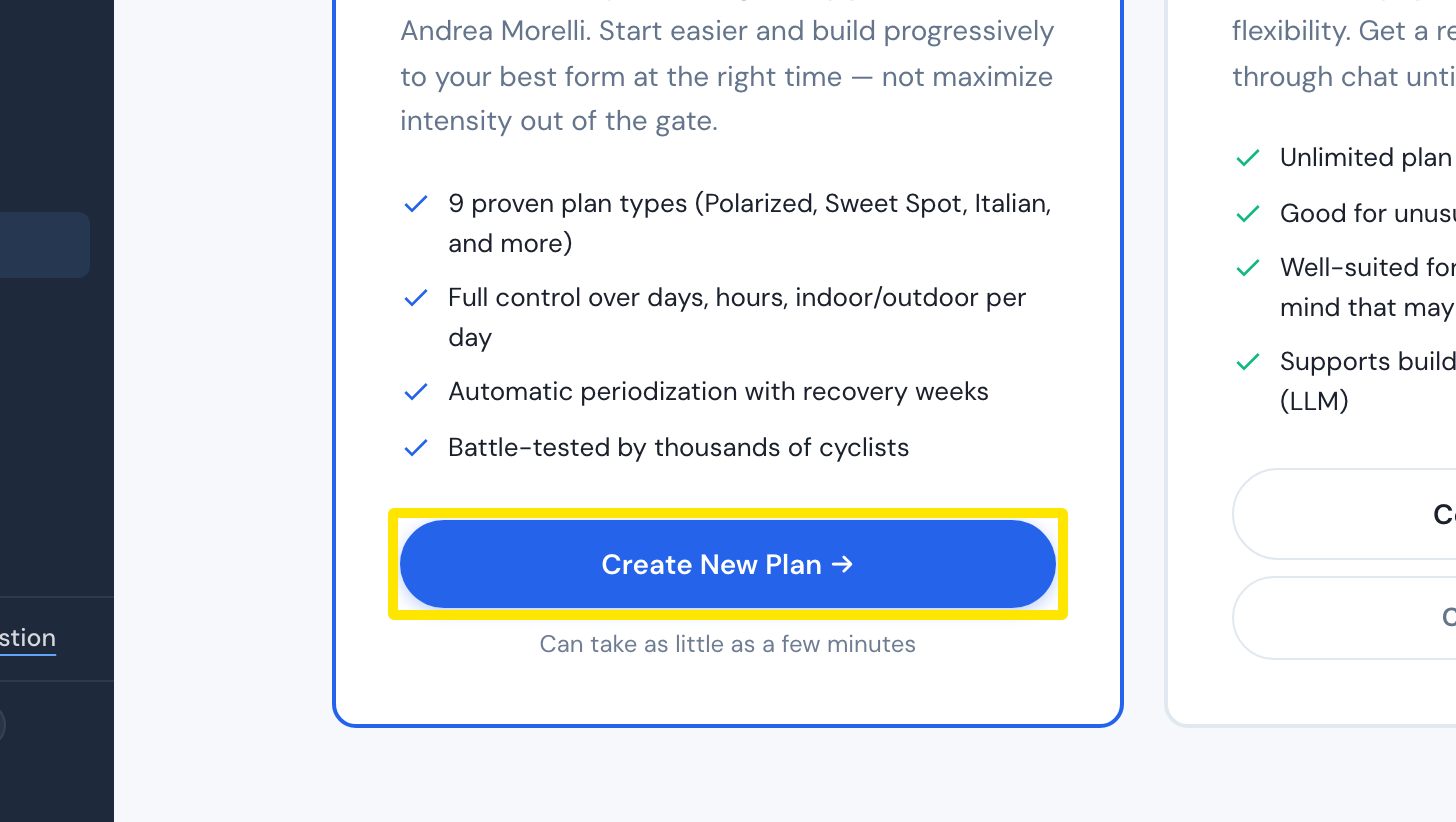
- On the Coach Jack card, click Start with Coach Jack →. If you have built a plan before, it reads Create New Plan →.
 Where: Website · Plan Builders · open it
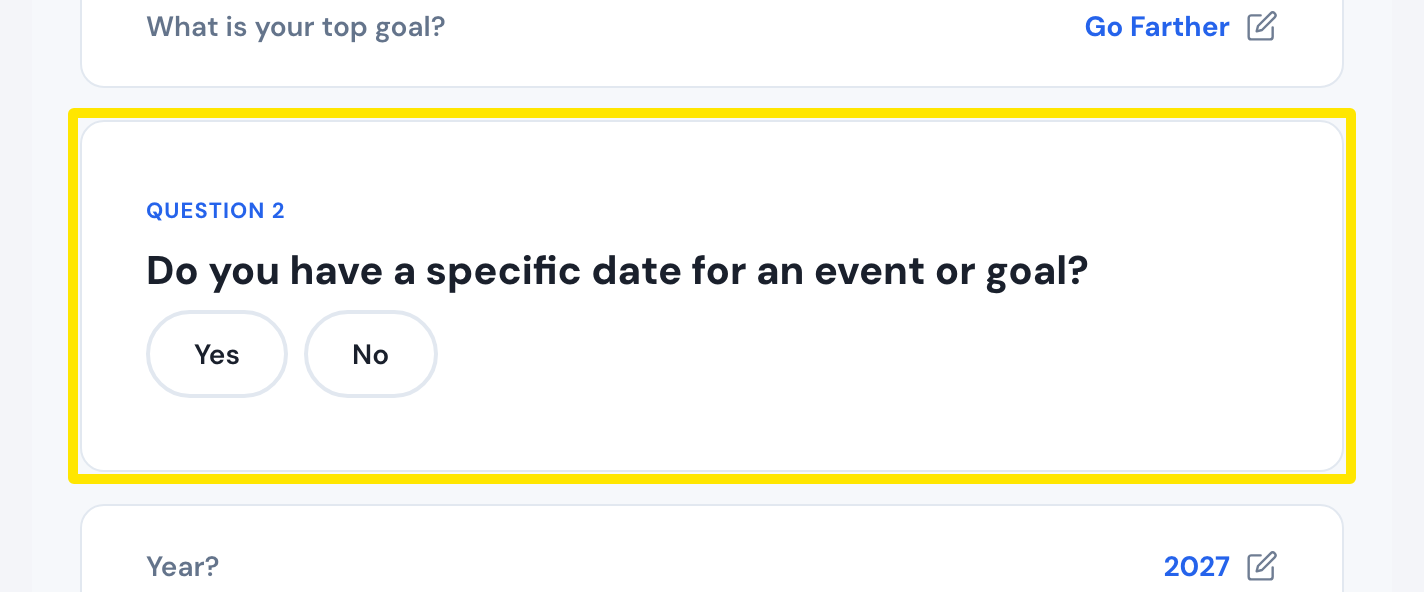
- At Do you have a specific date for an event or goal?, choose one path:
 Where: Website · Coach Jack questionnaire
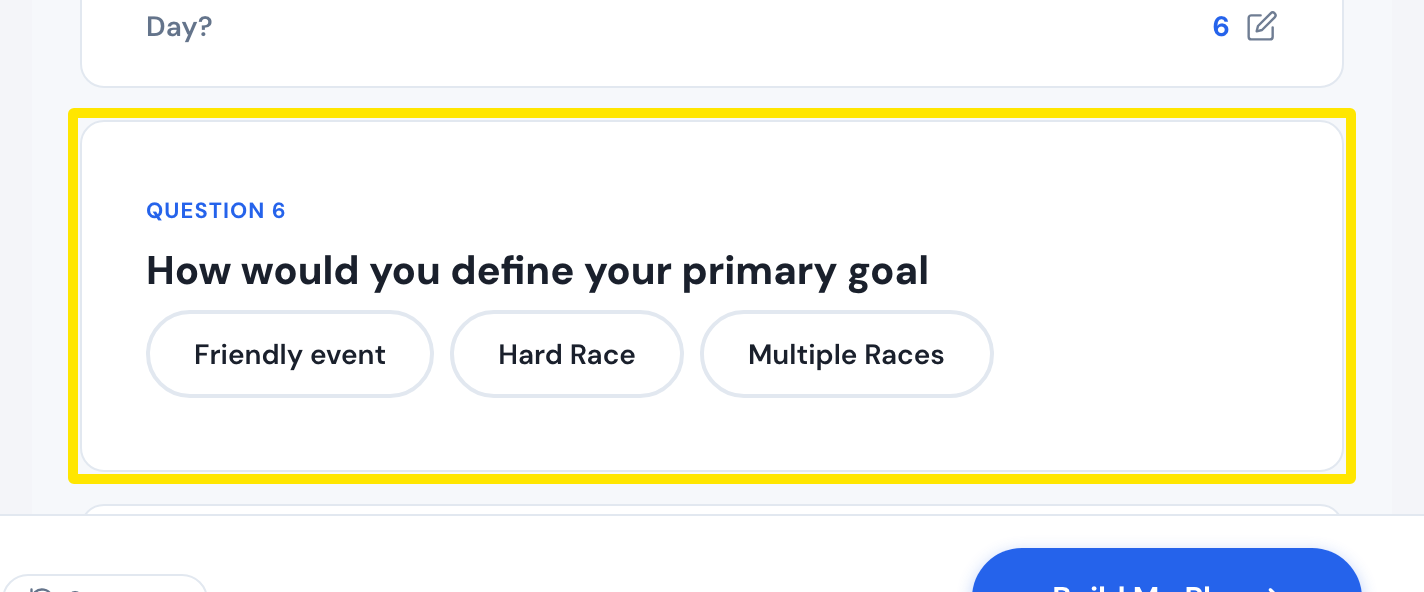
- With an event: Click Yes and pick the Year, Month and Day. Then answer How would you define your primary goal (Friendly event, Hard Race or Multiple Races) and the other event questions.
 Where: Website · Coach Jack questionnaire
- With no event: Click No and pick a Plan duration?: 4, 8, 12 or 16 weeks, or 6 months.
- With an event: Click Yes and pick the Year, Month and Day. Then answer How would you define your primary goal (Friendly event, Hard Race or Multiple Races) and the other event questions.
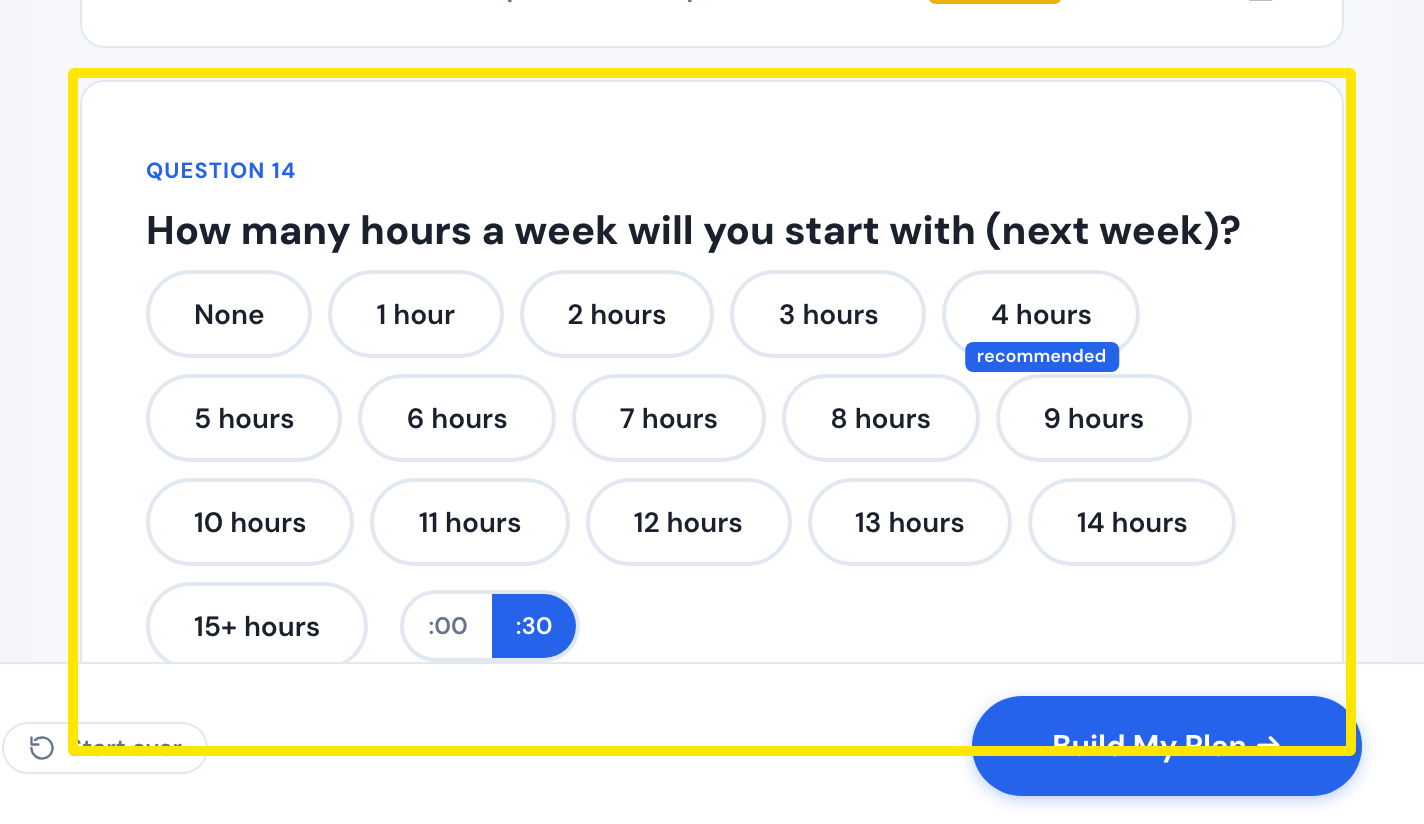
- Answer the remaining questions. Then click Build My Plan → at the bottom of the questionnaire. Your plan opens.
 Where: Website · Coach Jack questionnaire
Good to know: In your plan, the Week/Month ↔ Specific Event Date switch at the top changes between the two setups. You can also change the event date there.
Works on: Website only.