

How do I add races to my Coach Jack plan?
Add races to your Coach Jack plan on the website: open the plan builder, click Add Events in the bottom bar, and set each race's date, duration and type.
- On the website, in the left sidebar under Training Plans, click Plan Builders and start Coach Jack (or open your plan: My Plans → ⋯ → Edit). Your plan needs an event date ("Do you have a specific date for an event or goal?" → Yes). That is your primary event.
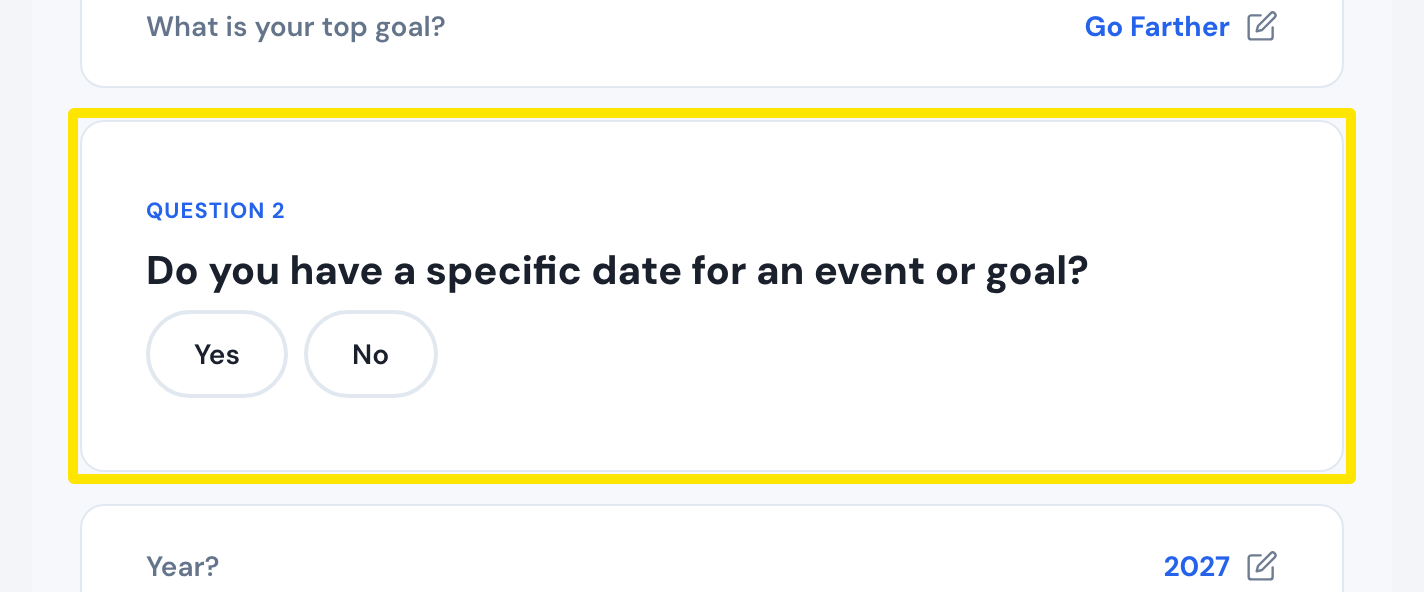 Where: Website · Coach Jack plan builder
- In the bar at the bottom of the plan builder, click Add Events. It reads Edit Events (n) once you have more.
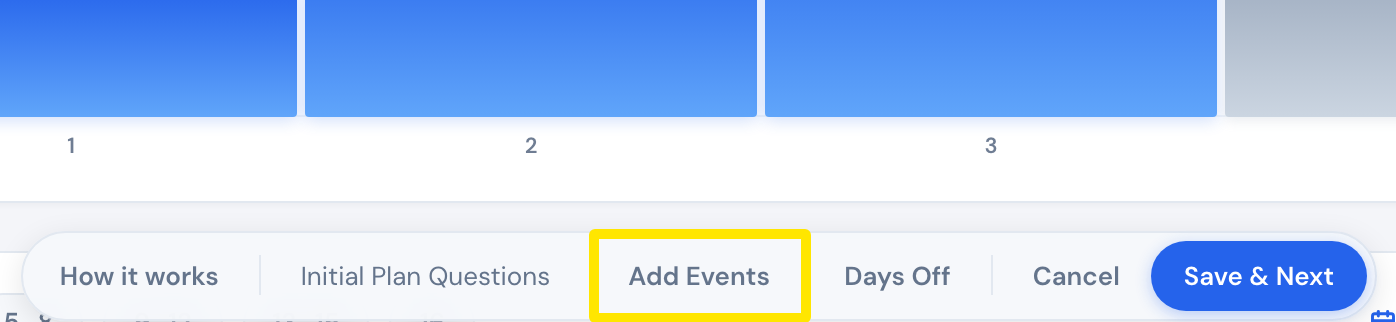 Where: Website · Plan Builders → Coach Jack plan builder
- In Multiple Event Schedule, pick the Date, the Duration and the Type (A Race, B Race, C Race or Event), then click Add.
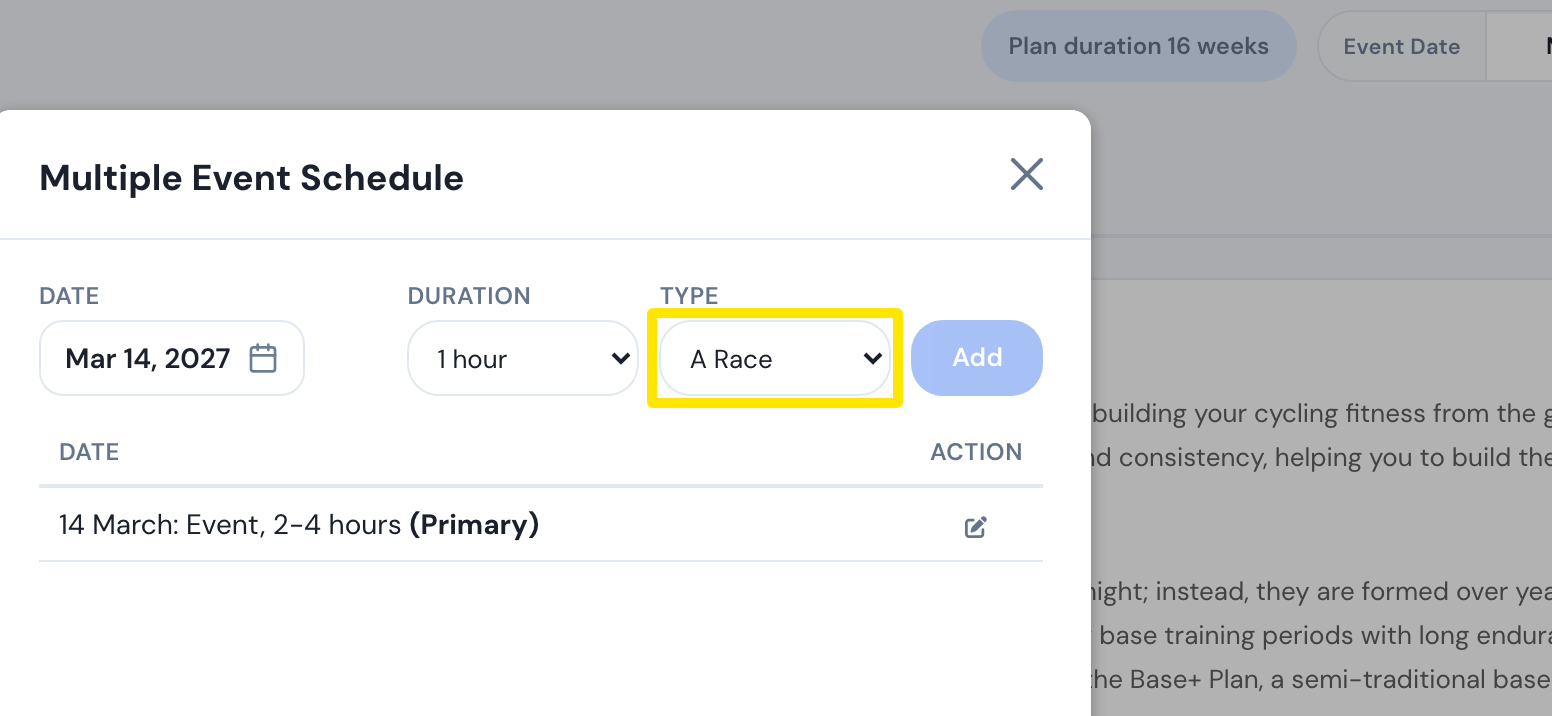 Where: Website · Plan Builders → Coach Jack plan builder
- To change or remove an event, use its pencil or trash icon in the list. The primary event has no trash icon.
- Click Save to rebuild the plan. Then click Save & Next → Sync with My Calendar.
Good to know: A and B races get shorter taper workouts before them and a day off after. A C Race or an Event gets a day off the day before. An event after your primary event makes the plan longer, up to 49 weeks.
Works on: Website only. The mobile and desktop apps show the plan's workouts.