

How do I set up a taper before my race?
Set your race date in the Coach Jack plan builder on the TrainerDay website, and Coach Jack builds the taper for you automatically.
- On the website, in the left sidebar under Training Plans, click Plan Builders and start Coach Jack. Answer Yes to "Do you have a specific date for an event or goal?" and enter your race date. There is no taper setting: the taper comes from this date.
 Where: Website · Coach Jack plan builder
- Coach Jack ends the plan with a Race phase. The week before race week is the taper. Every workout is about 60 % of its length. The long ride is shorter but still a long ride. The other rides become taper workouts with a few short efforts to stay sharp.
- In race week, the workouts before the race are about half length (at most 90 minutes). An A or B race gets a day off after it.
- To see the taper, click the RACE PHASE tab in the builder. Or click Save & Next → Send to My Calendar and look at the last weeks on My Calendar.
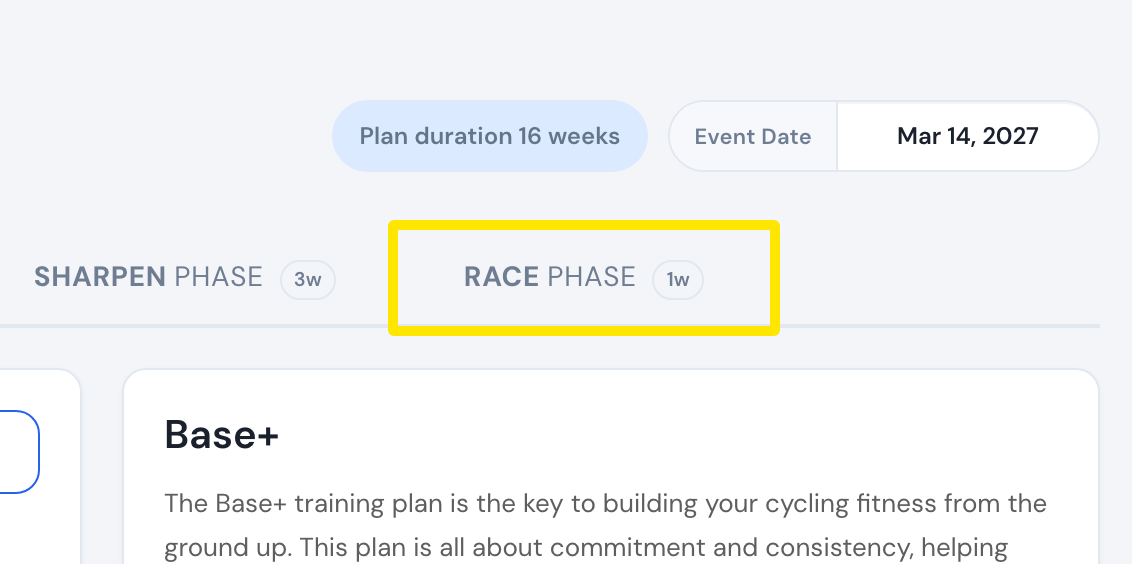 Where: Website · Plan Builders → Coach Jack plan builder
- To change a taper workout, edit it on My Calendar (⋯ → Edit workout).
Works on: Only the website's Coach Jack builder makes the taper. The mobile and desktop apps ride it.