

How do I check my outdoor ride against the plan?
On the website's My Calendar, open your planned outdoor workout to see its target Time, Stress and Intensity, then open it again after the ride syncs to compare your Duration and Stress with the plan.
- On the website, click My Calendar in the left sidebar (open it).
- Find your planned outdoor workout: its card shows an Outdoor badge instead of its Stress. Click it.
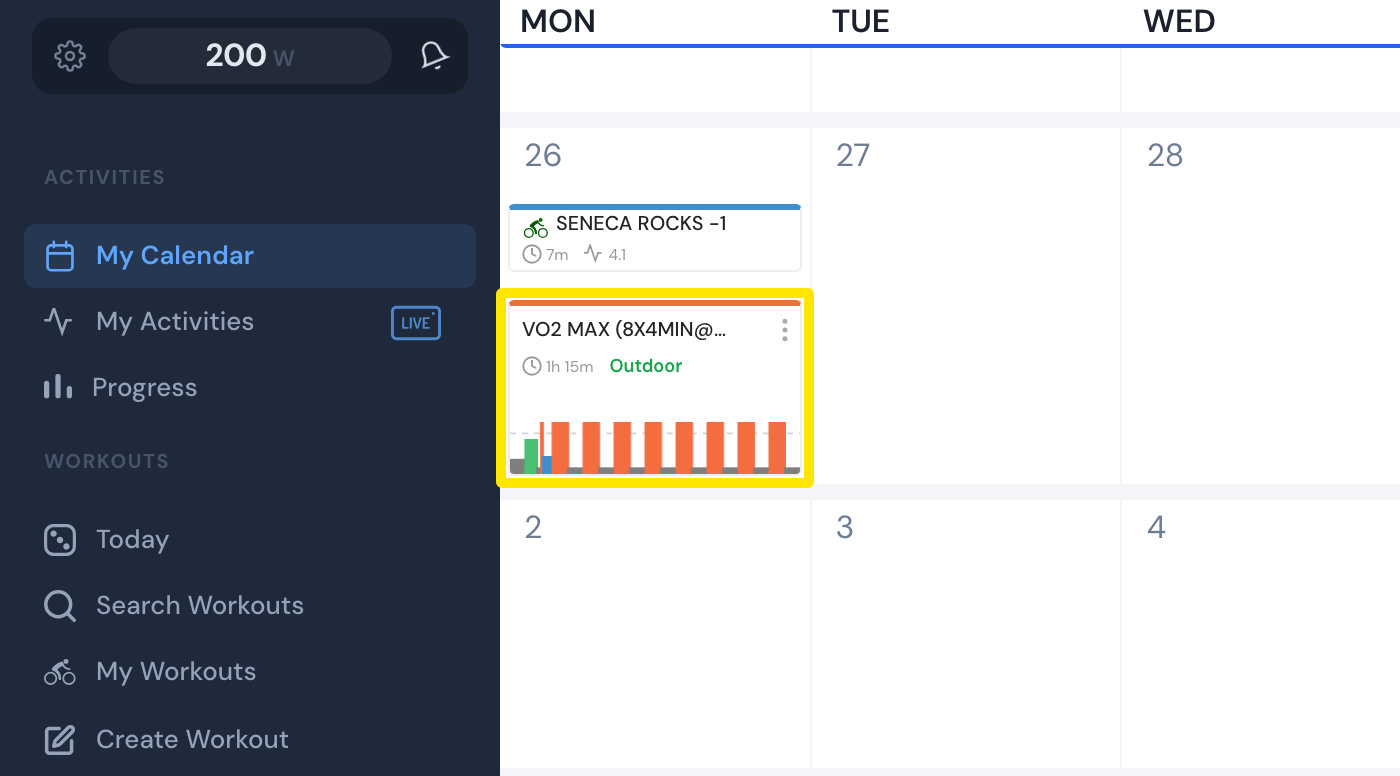 Where: Website · My Calendar · open it
- In Workout Details, read the planned Time, Stress and Intensity.
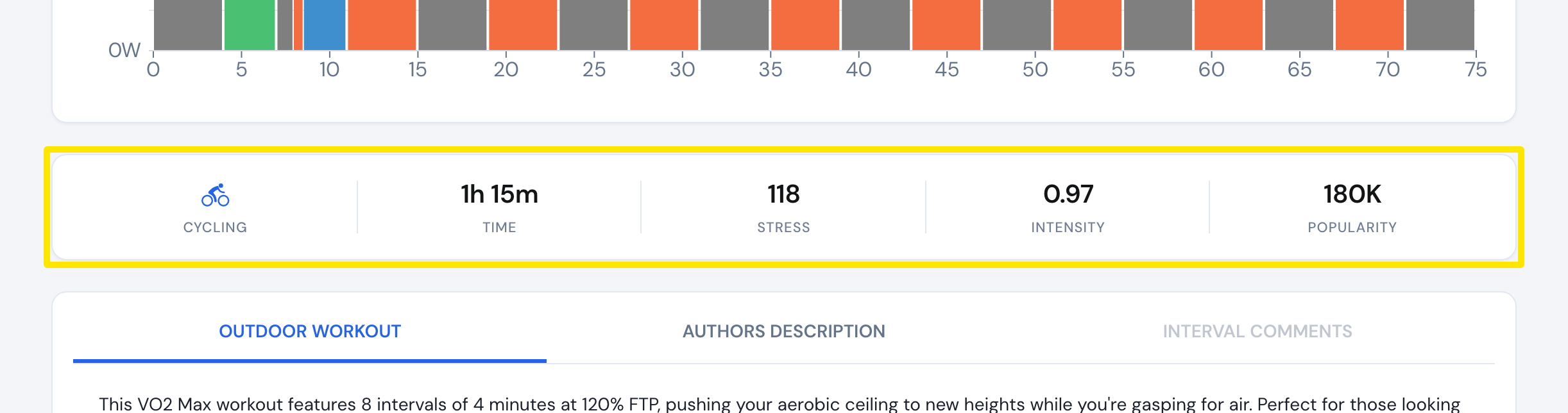 Where: Website · My Calendar → click a planned workout · open it
- After your ride has synced, go back to My Calendar and click the workout again. The You completed this workout card compares your Duration and Stress with the plan (with a %), and shows your average power and heart rate.
Good to know: Workout Details shows no Normalized Power figure.
Works on: website (the comparison was checked there only).