

How do I log an outdoor ride so it counts toward my plan?
Connect your ride app on the TrainerDay website, then pair the outdoor ride with the planned workout on My Calendar so it counts toward your plan.
- On the website, open the Connections page and connect the app that records your outdoor ride (Garmin, Wahoo, Strava, COROS…). Its new rides come into TrainerDay and show on My Calendar and My Activities.
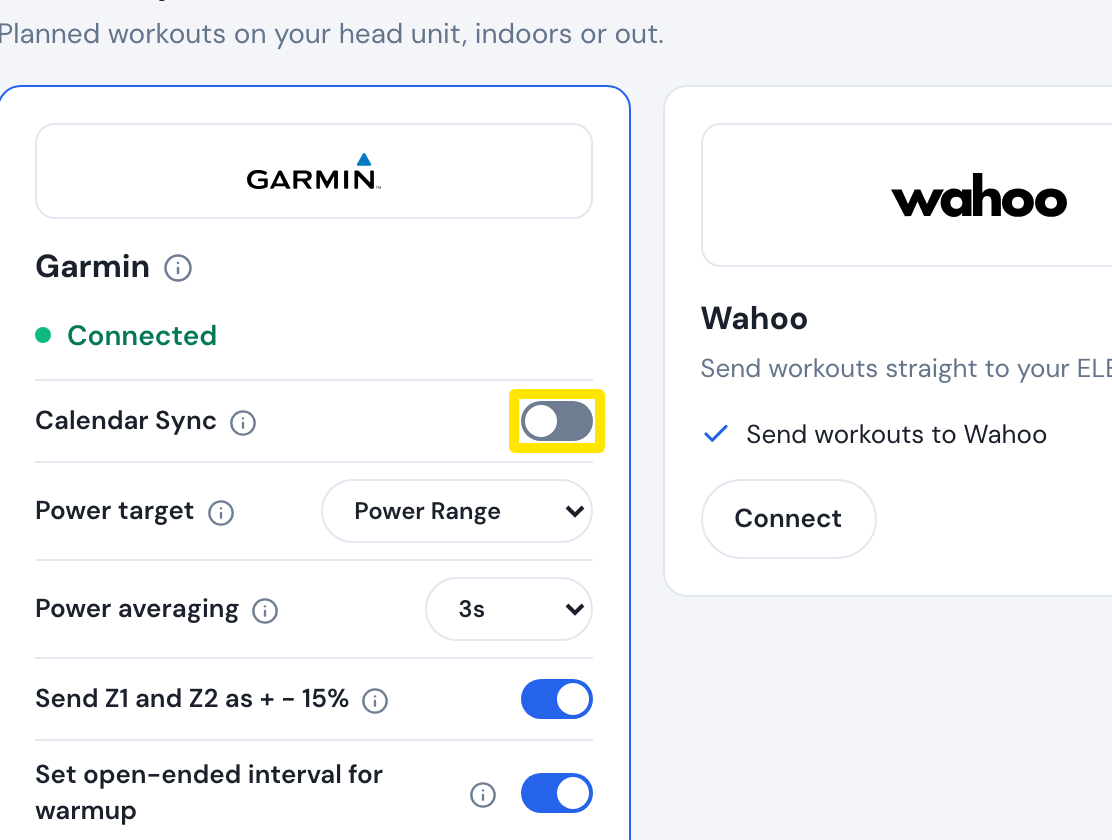 Where: Website · Connections · open it
- Open My Calendar. A ride done from a planned workout shows together with that workout by itself.
- Otherwise, click the 3-dots button on that day's planned workout and choose Pair. Pick the ride and click Yes, pair. The workout and ride become one calendar event.
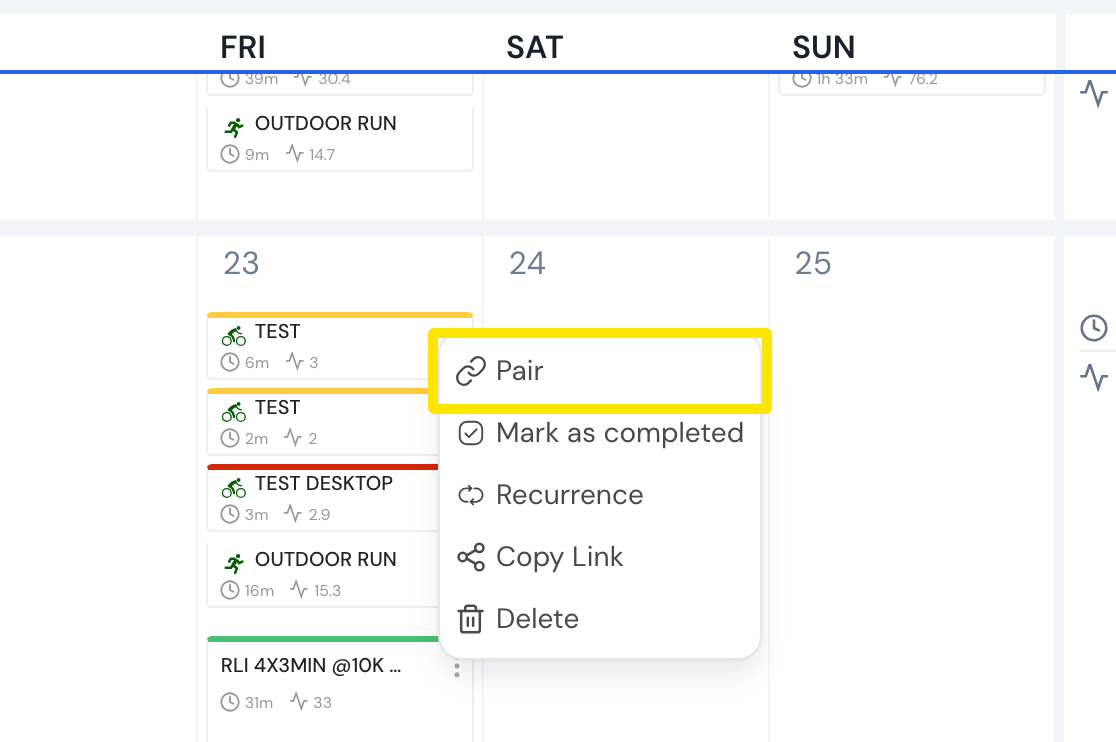 Where: Website · My Calendar · open it
- No recorded ride? Click the 3-dots button on the planned workout and choose Mark as completed.
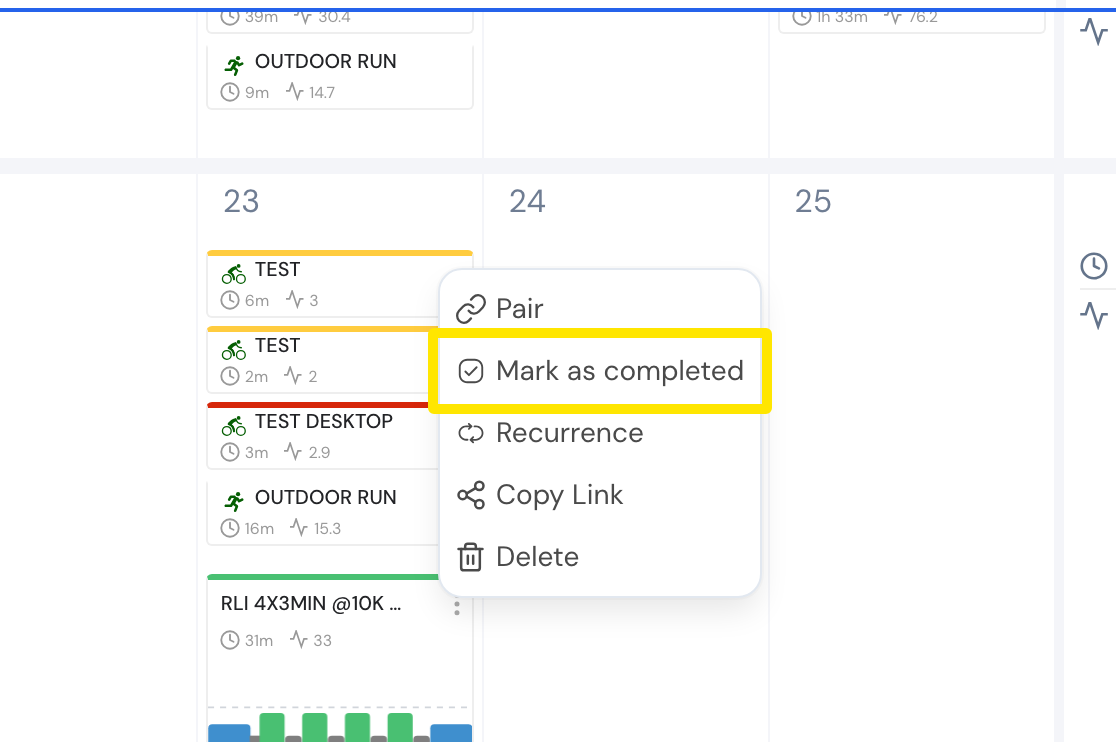 Where: Website · My Calendar · open it
Good to know: Pair and Mark as completed are greyed out on a free account. The mobile app records no GPS route, so it records an outdoor ride only with Bluetooth sensors.
Works on: Pairing is on the website calendar. Rides recorded in the mobile and desktop apps upload by themselves.