

How do I send a plan workout as an outdoor ride?
On the TrainerDay website, open the plan workout on My Calendar and click Convert to Outdoor in its three-dots menu, or send it once with Send To using the Simplified format.
- On the website, click My Calendar in the left sidebar (app.trainerday.com/calendar) and find the plan workout.
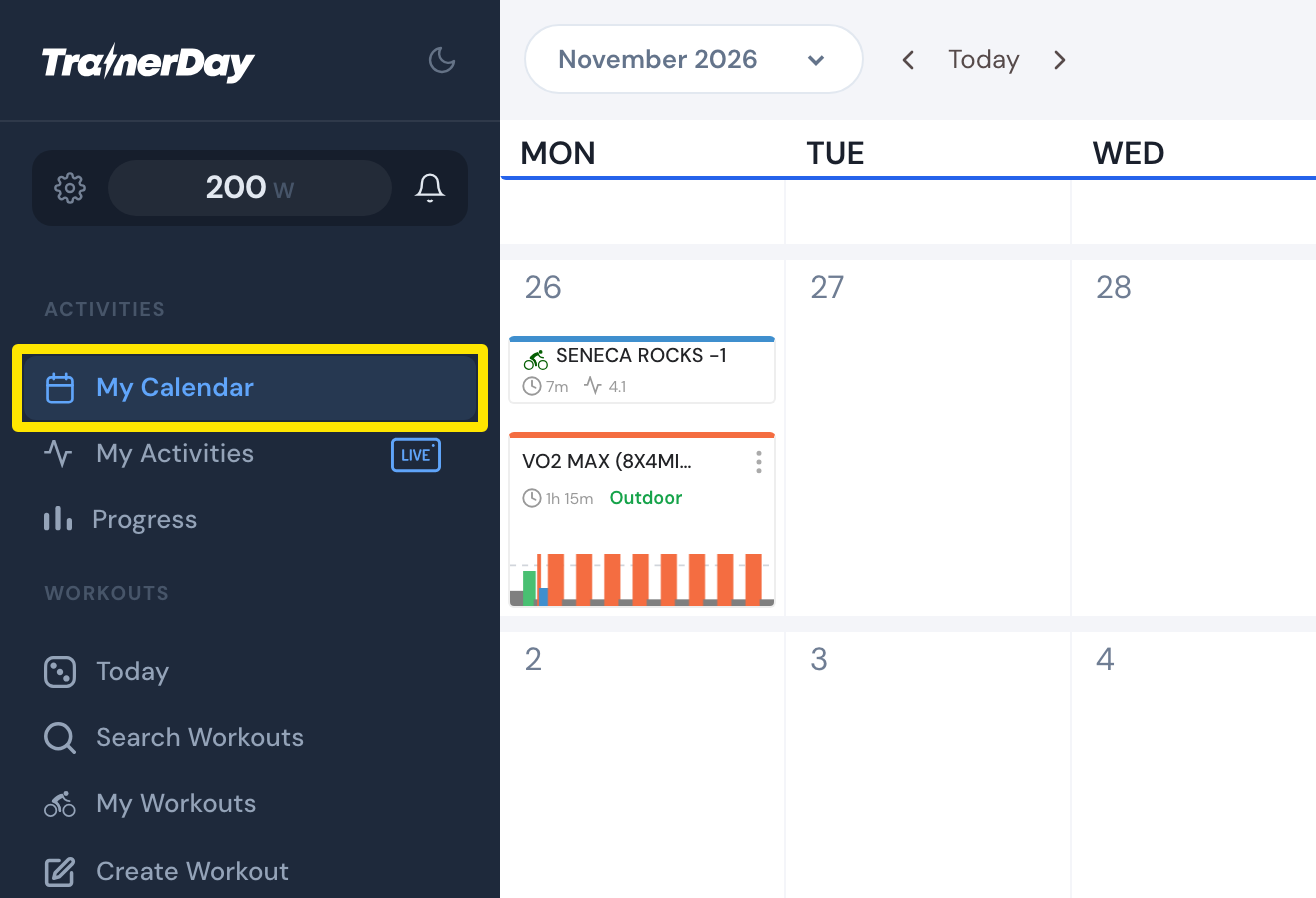 Where: Website · My Calendar · open it
- Open the workout's three-dots menu and click Convert to Outdoor (a paid feature). Synced apps such as Garmin now get the simplified outdoor version. Convert to Indoor in the same menu puts it back.
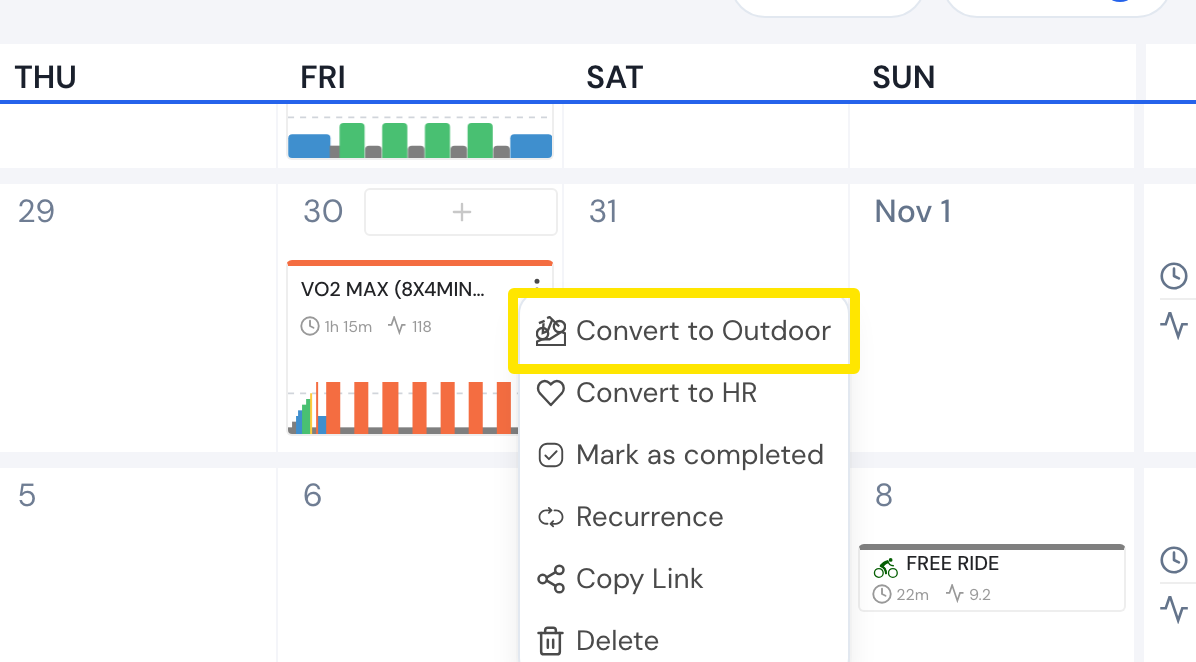 Where: Website · My Calendar · open it
- Or send it once yourself: back on My Calendar, click the workout's name, then click Send To.
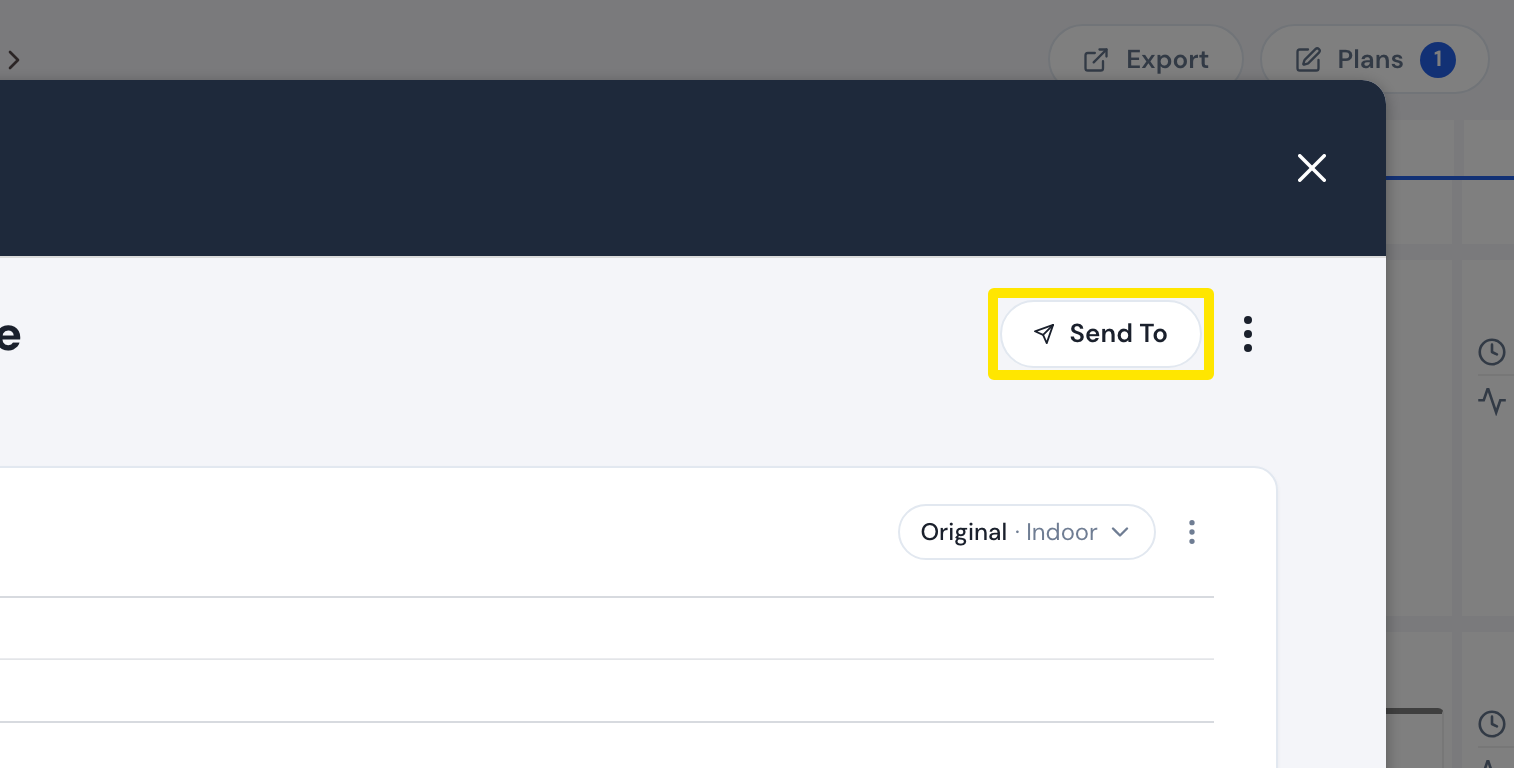 Where: Website · My Calendar → click a planned workout · open it
- Choose the app, keep Power, set the format to Simplified instead of Original, and click Send.
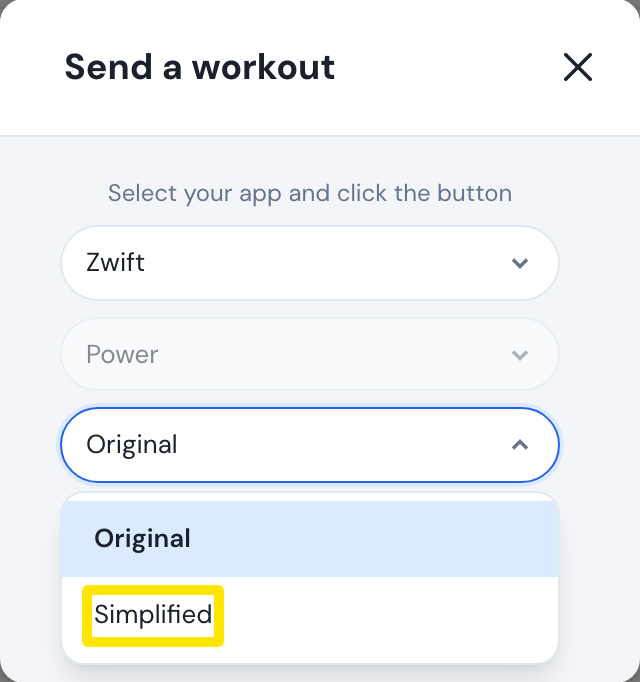 Where: Website · My Calendar → click a planned workout → Send To · open it
Good to know: In a Coach Jack plan, a day set to Outdoor in the builder already puts that day's workouts on your calendar as outdoor workouts.
Works on: Website only.