

How do I send a workout to Garmin as indoor or outdoor?
On the TrainerDay website, open the workout, click Send To, choose Garmin, then pick Original for indoor or Simplified for outdoor before you click Send.
- On the website, open the workout and click Send To, then choose Garmin.
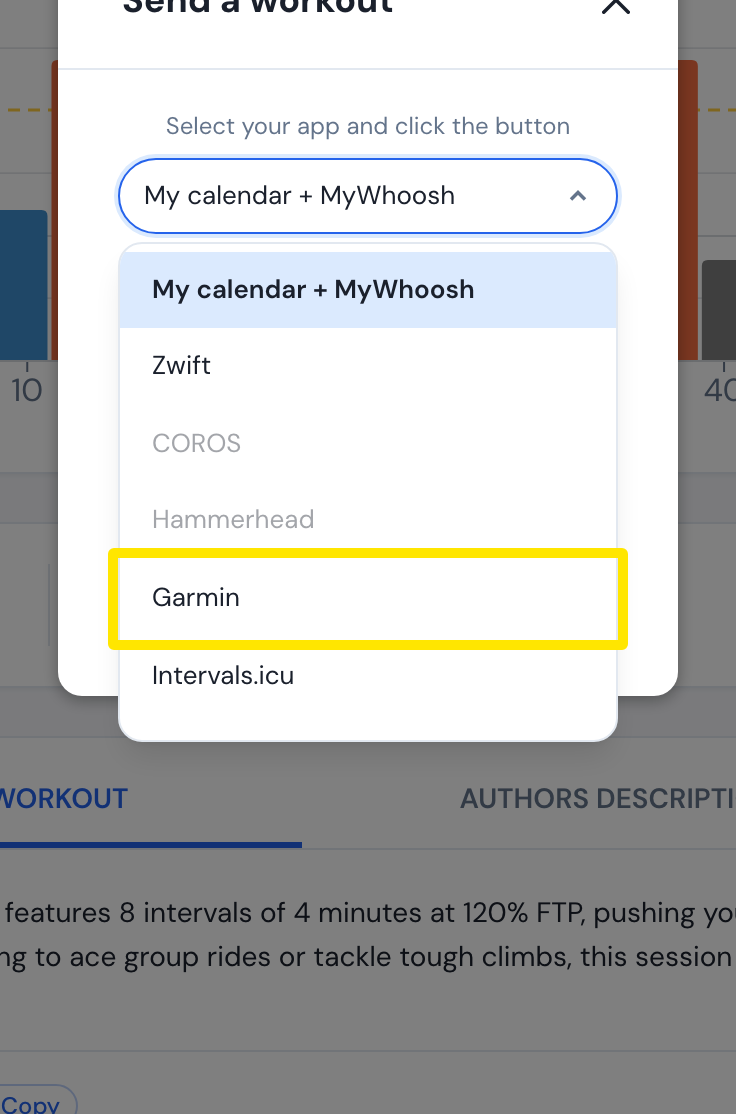 Where: Website · a workout's page
- Keep Power and open the format menu: pick Original (good for indoor) or Simplified (good for outdoor). A Simplified workout is named "… - (Outdoor)" on Garmin.
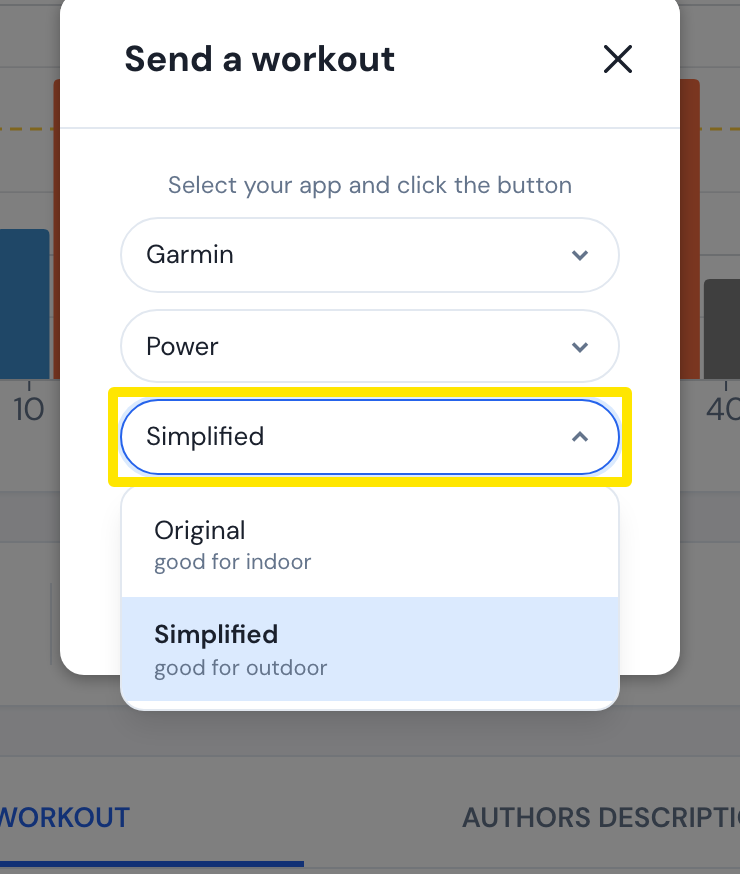 Where: Website · a workout's page
- Click Send.
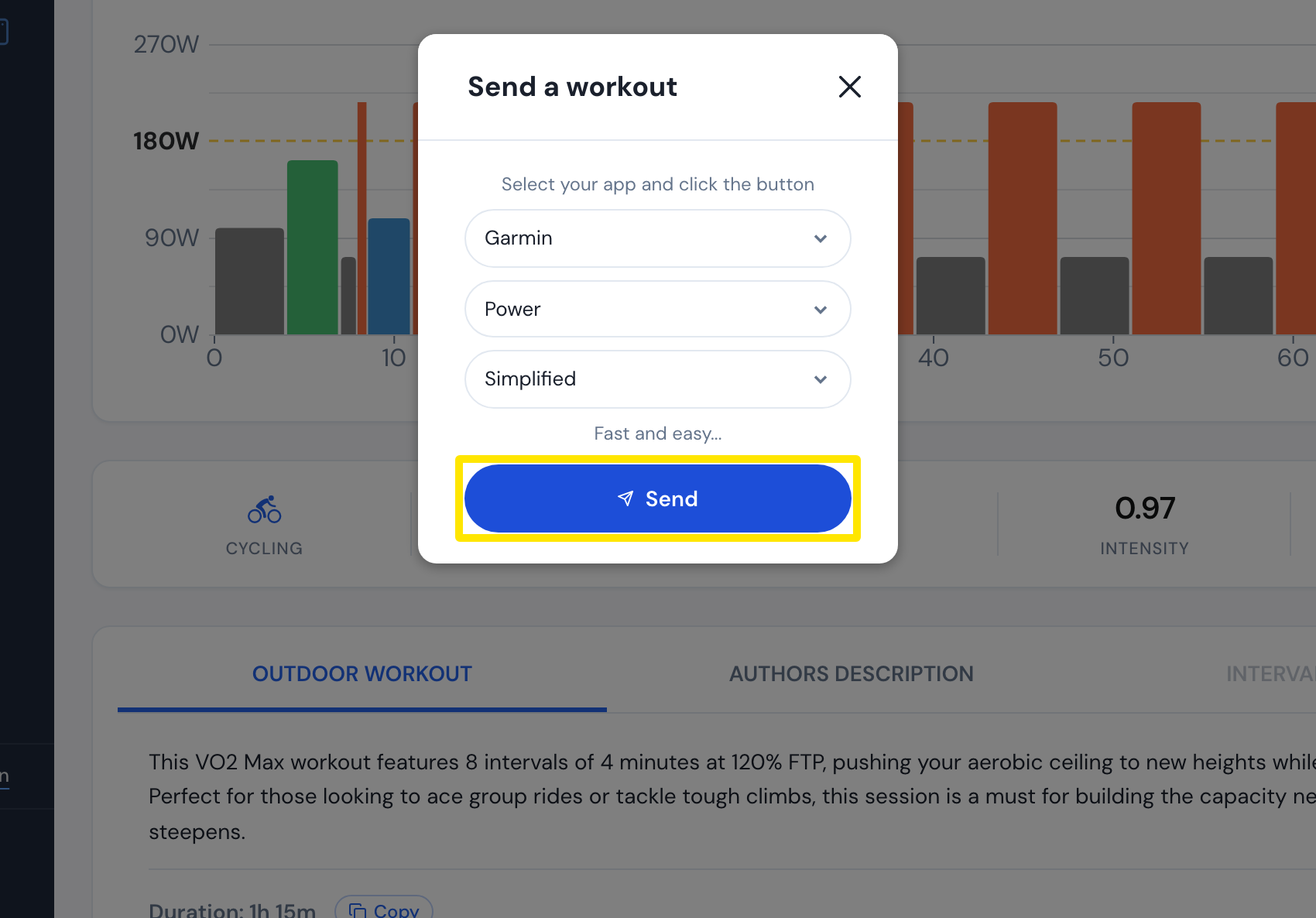 Where: Website · a workout's page
- For workouts that go to Garmin by Calendar Sync: on My Calendar, click the workout's 3-dots button and choose Convert to Outdoor or Convert to Indoor.
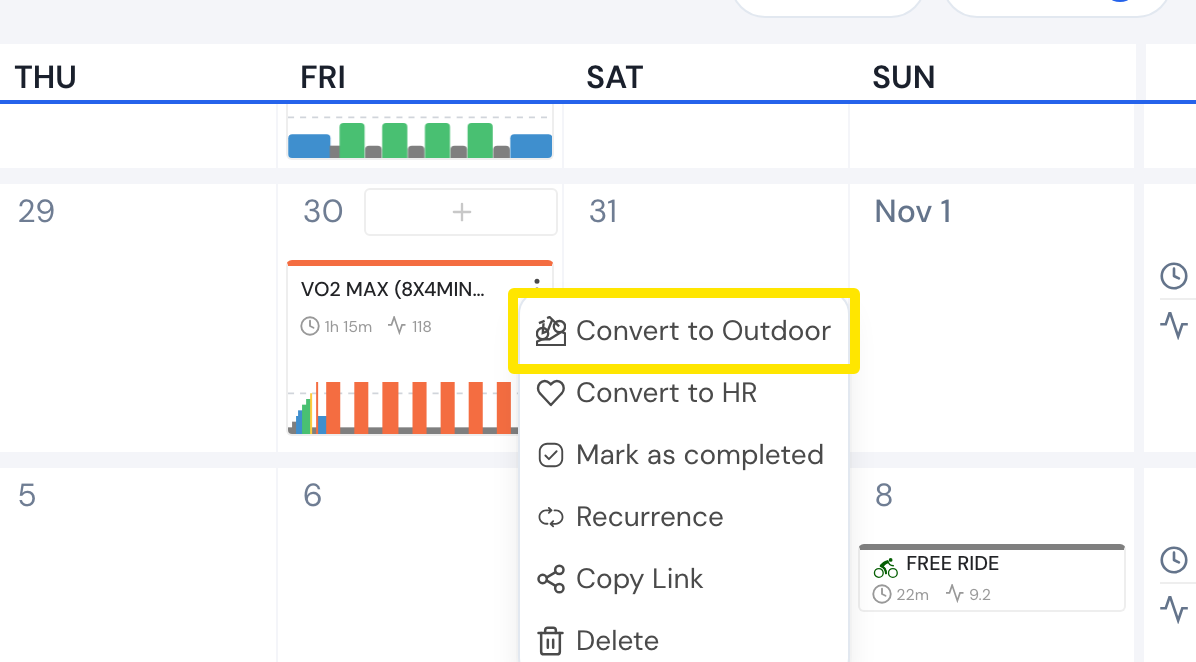 Where: Website · My Calendar · open it
Good to know: The format menu is hidden when you pick HR instead of Power.
Works on: Website (Original / Simplified); mobile app and desktop app have an Indoor / Outdoor choice in the Send To window.