

How do I make my synced Garmin workout move past the warm-up without pressing Lap?
Turn off "Set open-ended interval for warmup" in the Garmin settings on the website's Connections page, and your synced warm-up will end on its own instead of waiting for Lap.
- On the website, open the Connections page and click Settings on the Garmin tile.
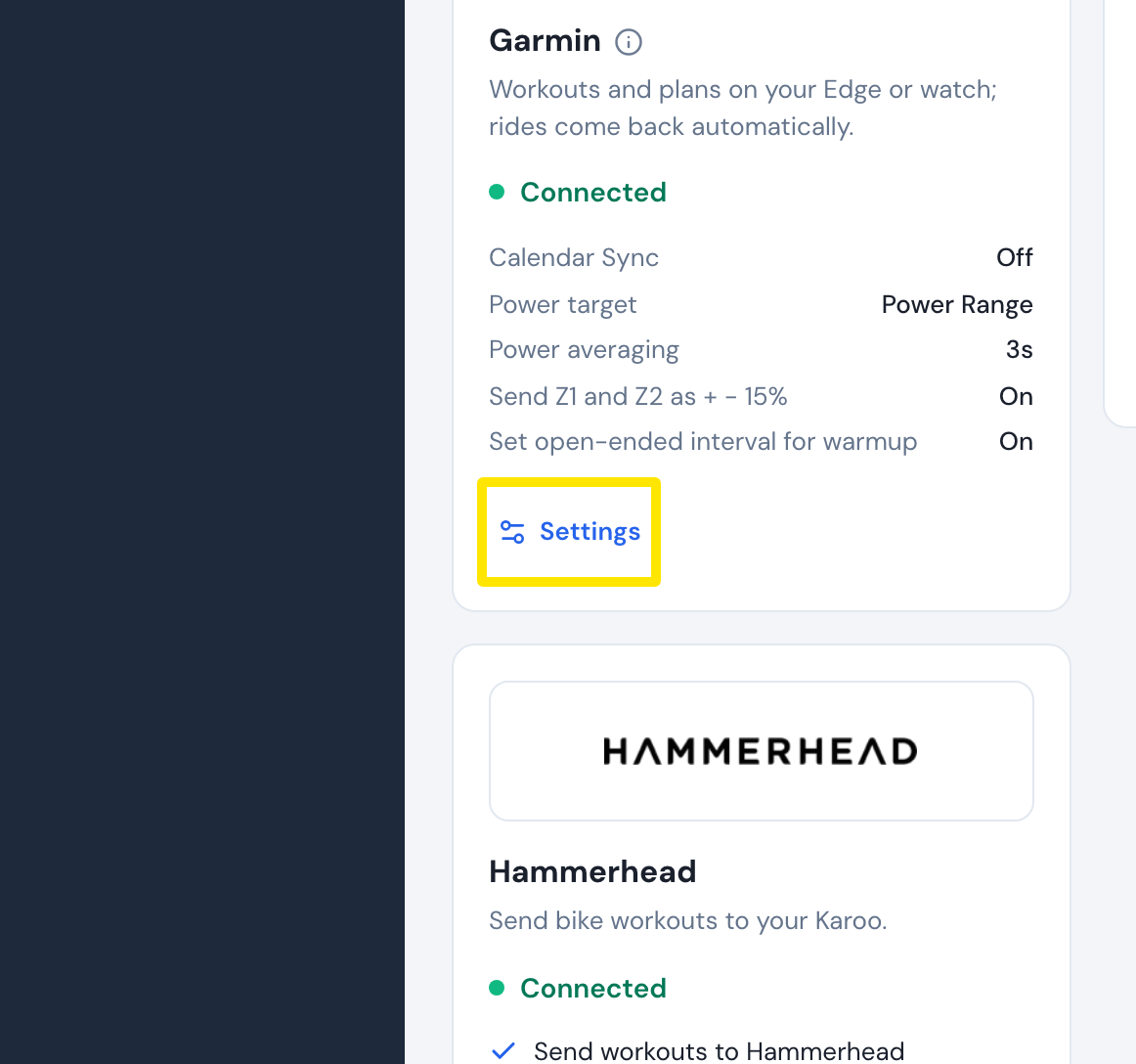 Where: Website · Connections · open it
- In the Garmin settings, turn Set open-ended interval for warmup off. It is on by default.
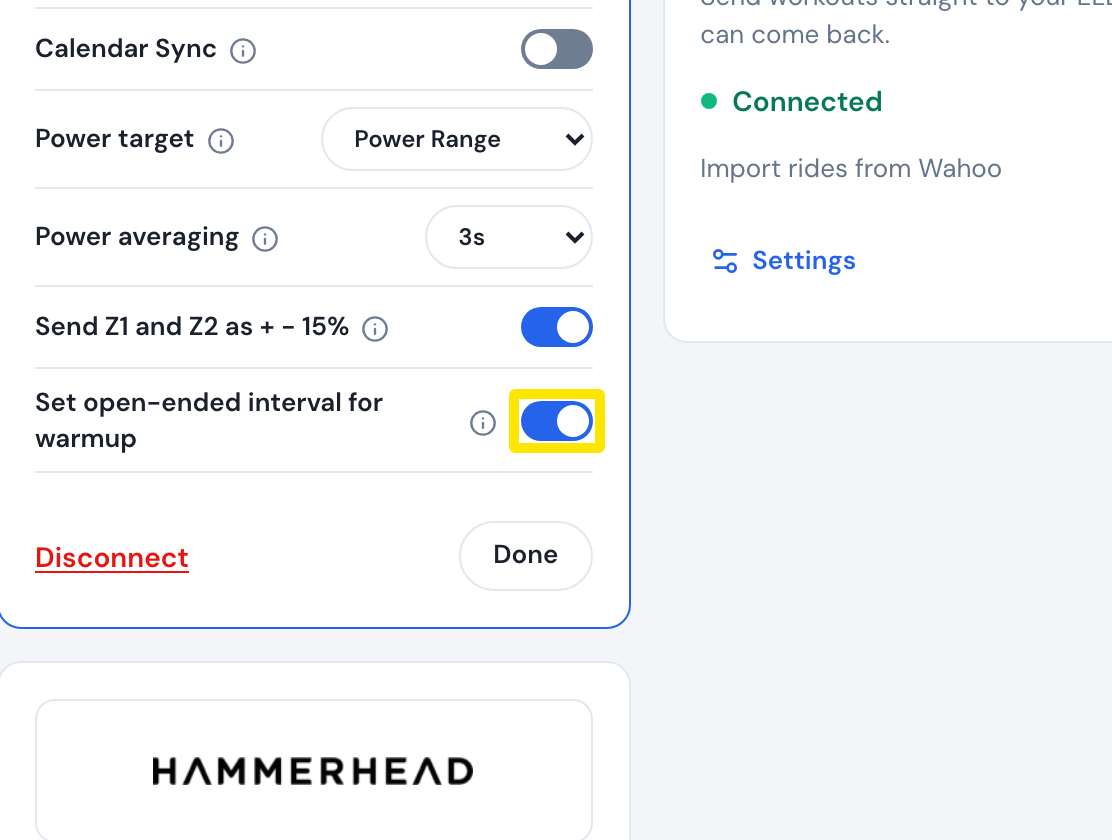 Where: Website · Connections → Garmin settings · open it
- If a step still waits for Lap, it is set to Open-ended in the workout's Type column. Open that workout in the workout editor and choose another Type for it, such as Warm-up or Active.
Good to know: TrainerDay sends every other step to Garmin as a timed step, so those steps end by themselves.
Works on: website, desktop app (Settings → Connections → Garmin card), and mobile app (Settings → Connections → Garmin).