

How do I re-sync my plan to Garmin after changing my FTP?
Change your FTP on the TrainerDay website under Sports, Zones, FTPs and click Confirm when asked to update your Garmin sync. The workouts already on your Garmin calendar are then rebuilt with the new FTP.
- On the TrainerDay website, open the gear menu → Sports, Zones, FTPs (app.trainerday.com/account/profile). Change your FTP and save.
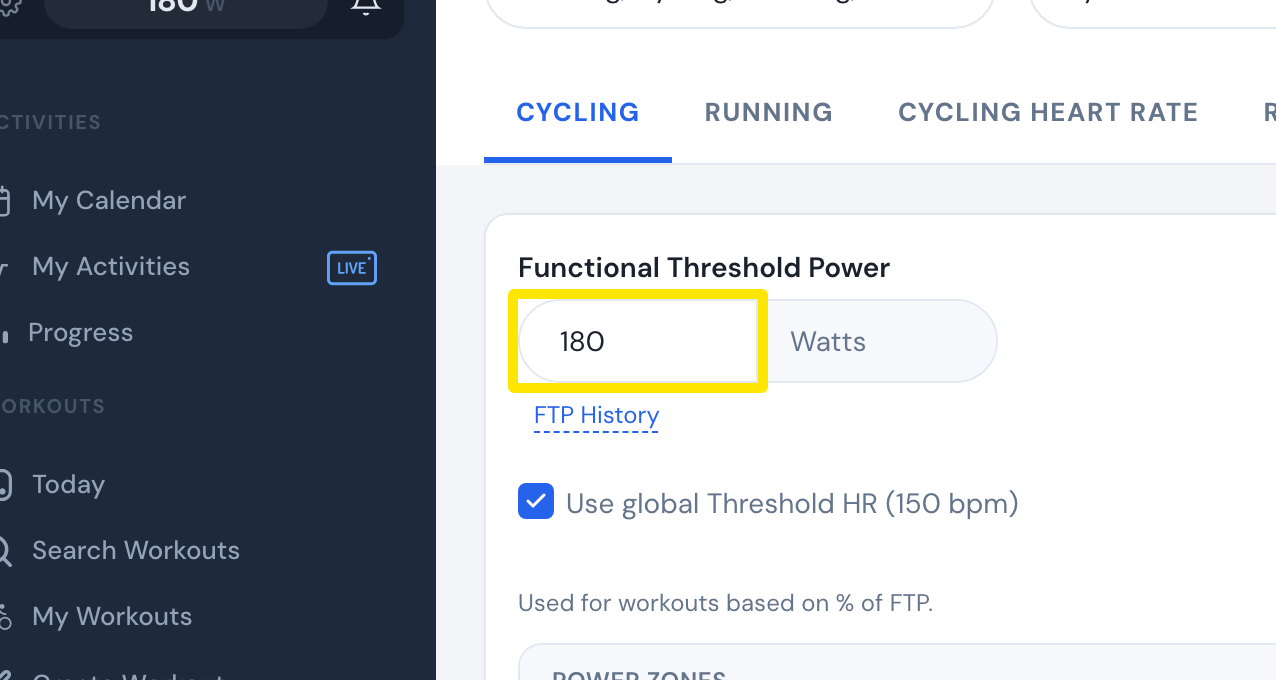 Where: Website · Sports, Zones, FTPs · open it
- With Garmin connected and Calendar Sync on, a box asks "Want to update your Garmin sync?". Click Confirm. The workouts already on your Garmin calendar are rebuilt with the new FTP.
- To re-send one workout instead, go to My Calendar. Click the 3-dots button on the synced workout and choose Resynchronize.
Good to know: The prompt only appears when Calendar Sync is turned on in Connections on the website.
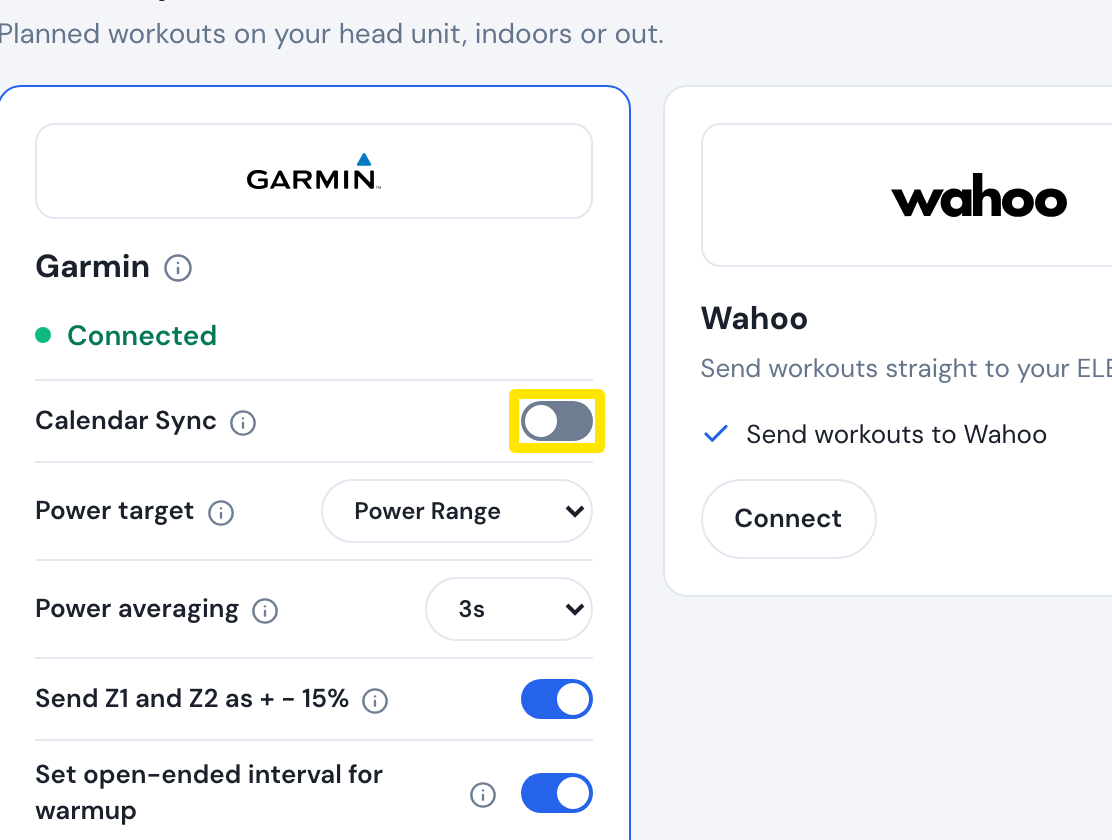 Where: Website · Connections · open it
Works on: Website only for the update prompt. The mobile and desktop apps have no prompt, but calendar sync runs on the server for every app.