

How do I move a workout to another day?
Move a missed workout to a new day by dragging it on the website's My Calendar, or by pressing and holding it in the mobile app's My Calendar.
On the website:
- On the website, click My Calendar in the left sidebar (open it).
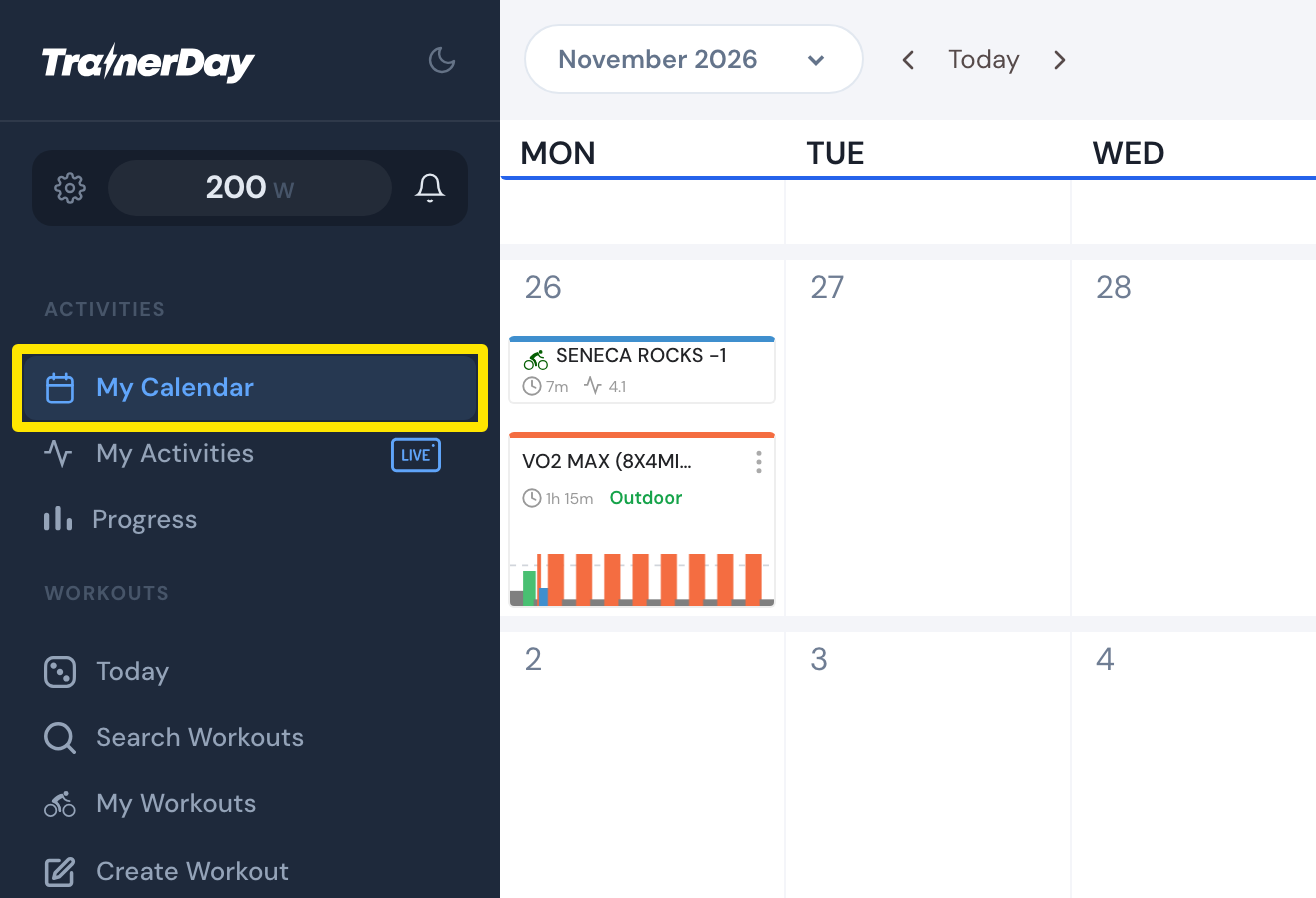 Where: Website · My Calendar · open it
- Drag the missed workout onto the new day and drop it.
In the mobile app:
- On the Today tab, tap the calendar button to open My Calendar.
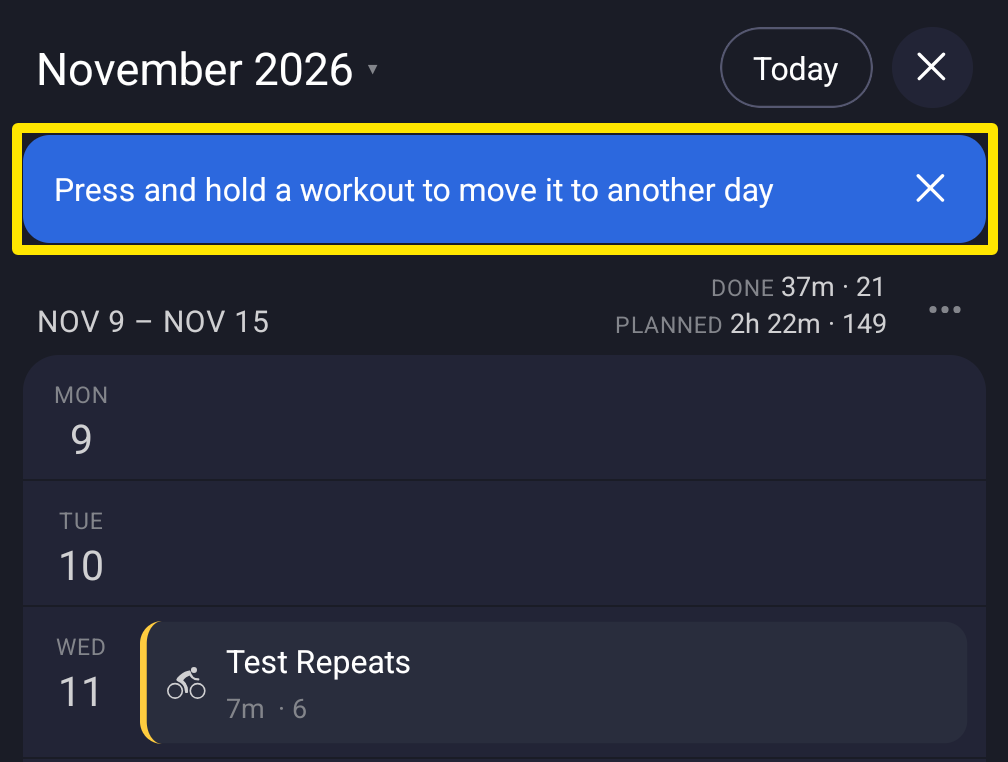 Where: Mobile app · Today tab → My Calendar
- Press and hold the missed workout and drag it to the new day. Or tap its ⋯ menu and choose Move to….
Good to know: On the website, holding Alt (Option on a Mac) when you start the drag copies the workout instead of moving it.
Works on: website and mobile app. The desktop app's calendar is view-only.