

How do I make my event show on the calendar?
Add your race to the website's My Calendar with the + on its day and Add a Race Event, or send a Coach Jack event plan with Send to My Calendar so its race is added for you.
- On the website, click My Calendar in the left sidebar (open it).
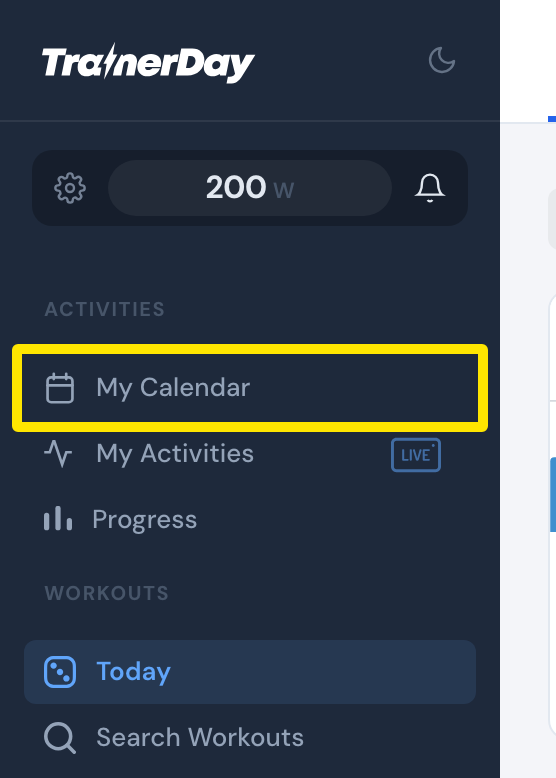 Where: Website · Today · open it
- Point at the race day, click its +, then choose Add a Race Event (A-Race, B-Race, C-Race).
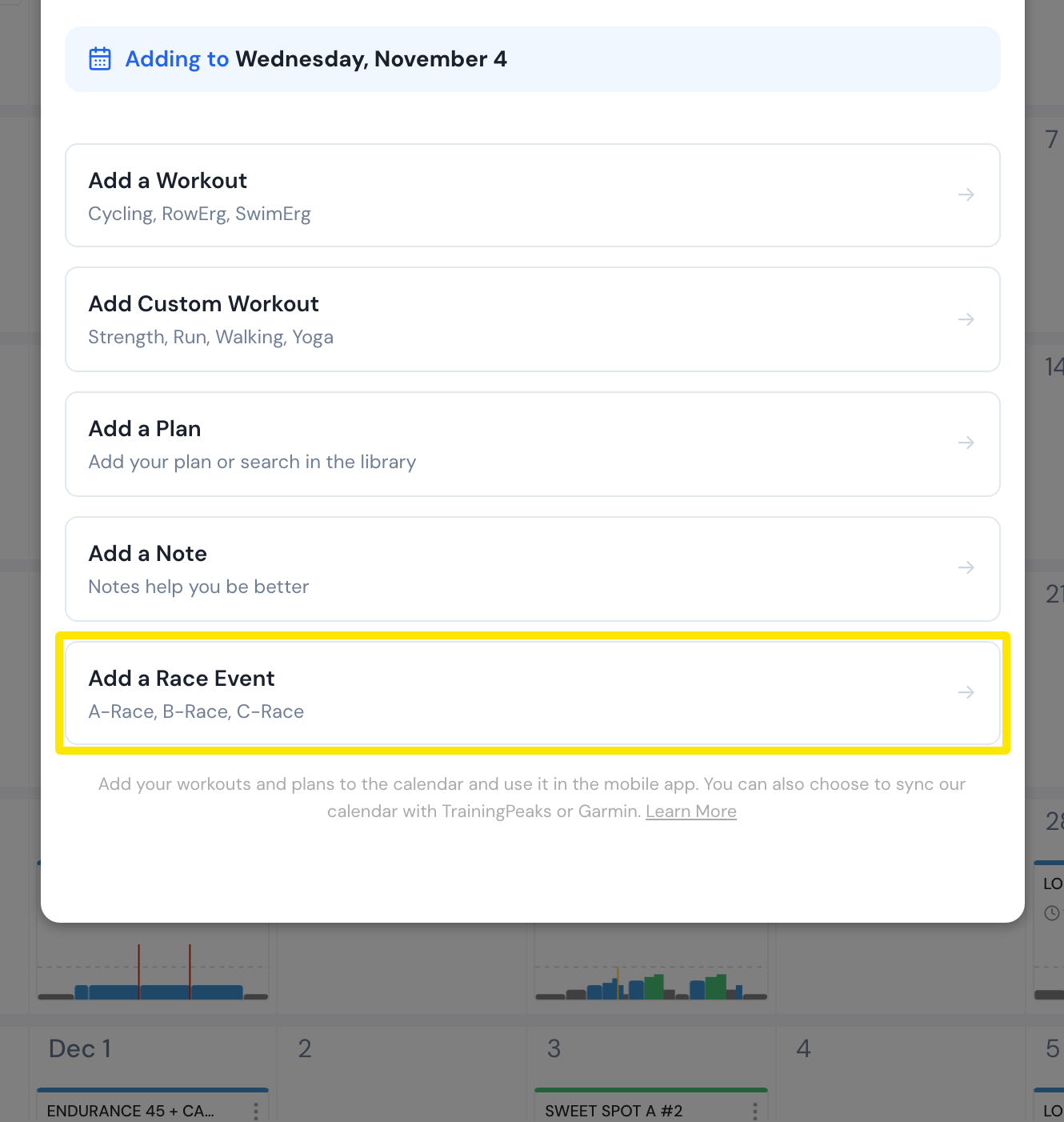 Where: Website · My Calendar · open it
- Fill in the race and click Save. It shows on that day.
Good to know: A Coach Jack plan with an event date adds its race as "Event from Coach Jack's plan" only when you use Send to My Calendar (or Sync with My Calendar); Send to My Plans puts nothing on the calendar.
Works on: Website to add events; the mobile app shows what is on My Calendar; the desktop app has no calendar editing.