

How do I add a note to my calendar?
Add a note to a day on the website's My Calendar by clicking the + on that day, choosing Add a Note, typing a title and clicking Save.
- On the website, click My Calendar in the left sidebar (app.trainerday.com/calendar).
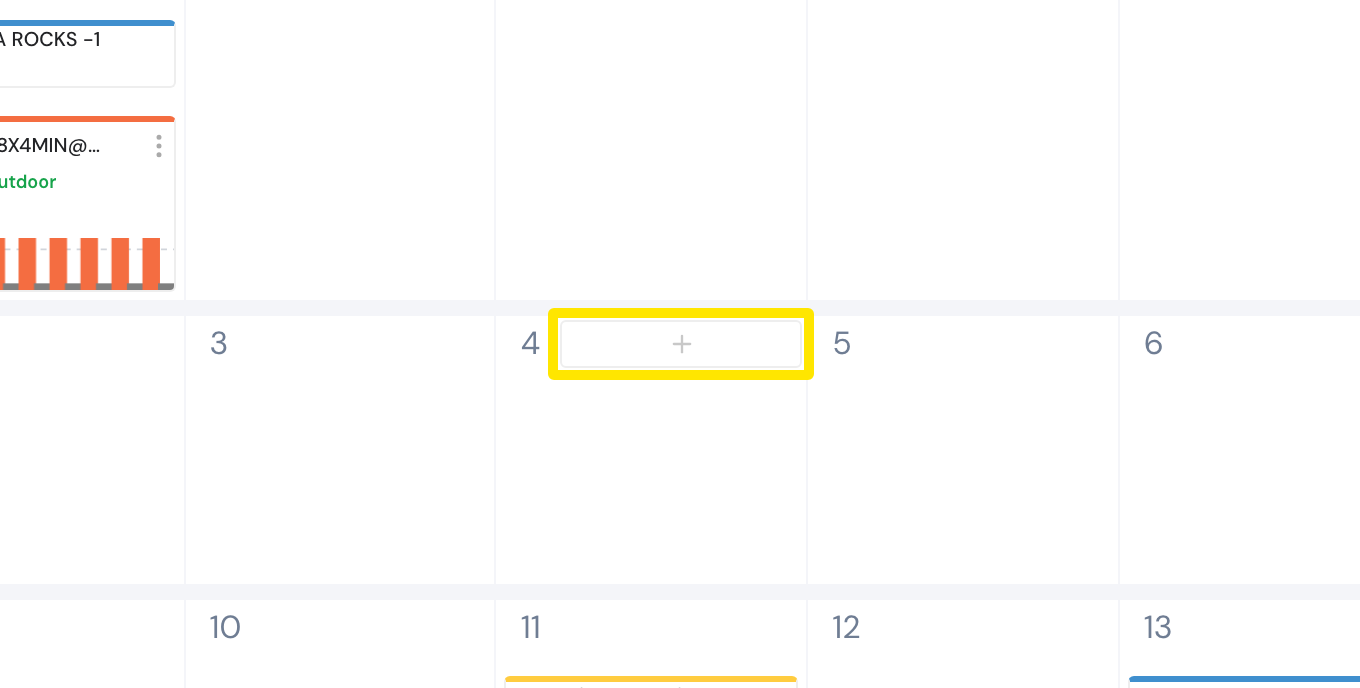
- Point at the day and click the + at the top of it. Add to Calendar opens.
 Where: Website · My Calendar · open it
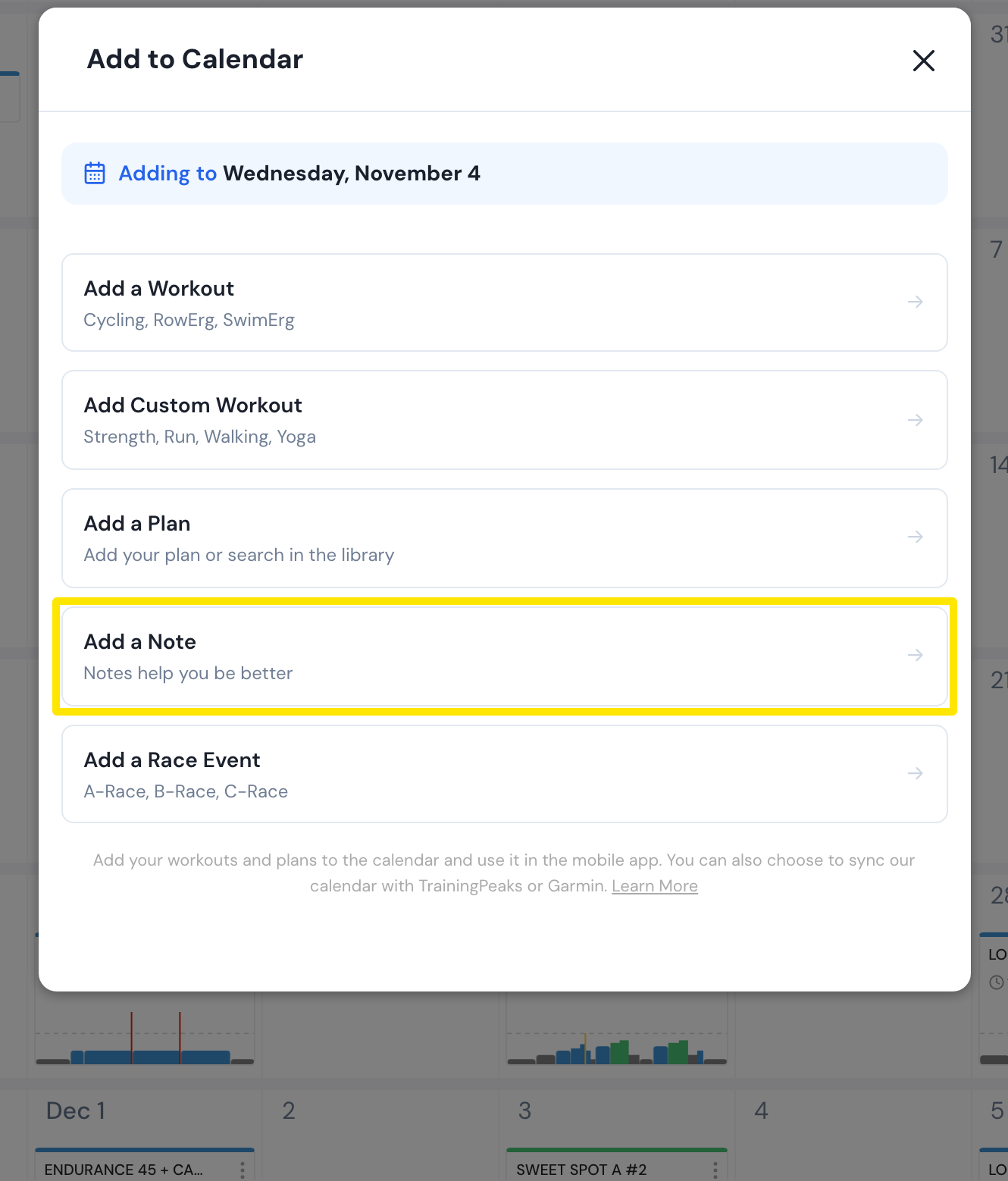
- Click Add a Note.
 Where: Website · My Calendar · open it
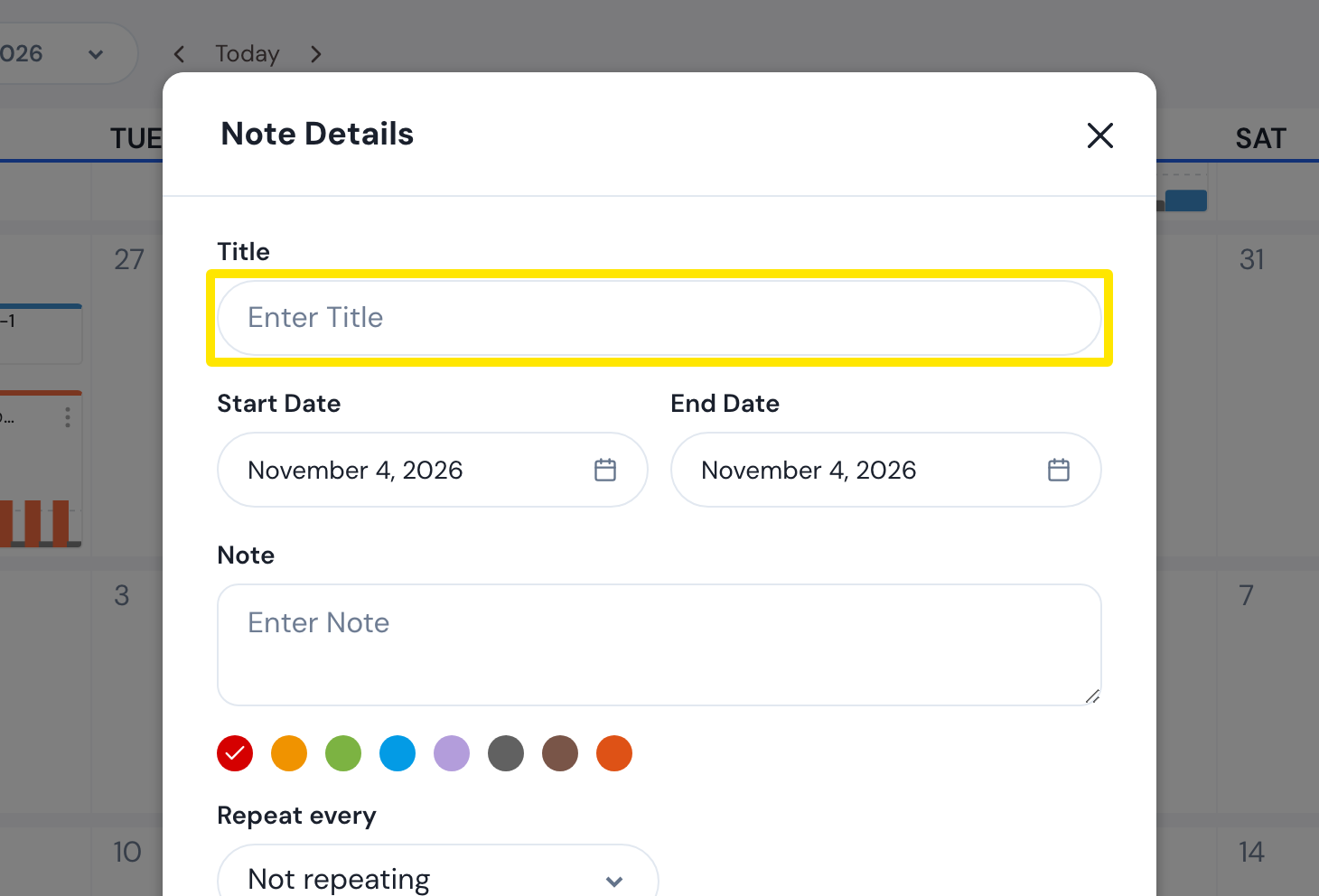
- Type a Title (required). The Start Date is the day you clicked. Set an End Date to make the note span several days, and type the Note text.
 Where: Website · My Calendar · open it
- Pick a color, leave Repeat every at Not repeating (or pick a repeat), and click Save.
Good to know: The title can be up to 100 characters and the note text up to 1,000.
Works on: Website and mobile app (My Calendar's + has Add a note). Not the desktop app.