

How do I add my TrainerDay workouts to Apple Calendar or another calendar app with the .ics feed?
Subscribe to your TrainerDay calendar from Apple Calendar or another calendar app using the live link in the website's My Calendar → Export.
- On the website, click My Calendar in the left sidebar (app.trainerday.com/calendar).
- Click Export at the top right of the calendar. It is a paid feature and is greyed out on a free account.
- In Export Calendar, under View from an external calendar, click Apple / Outlook to open your computer's calendar app with the subscription. You can also click Add to Google Calendar, or click Copy and add the link in your calendar app as a subscribed calendar (by URL).
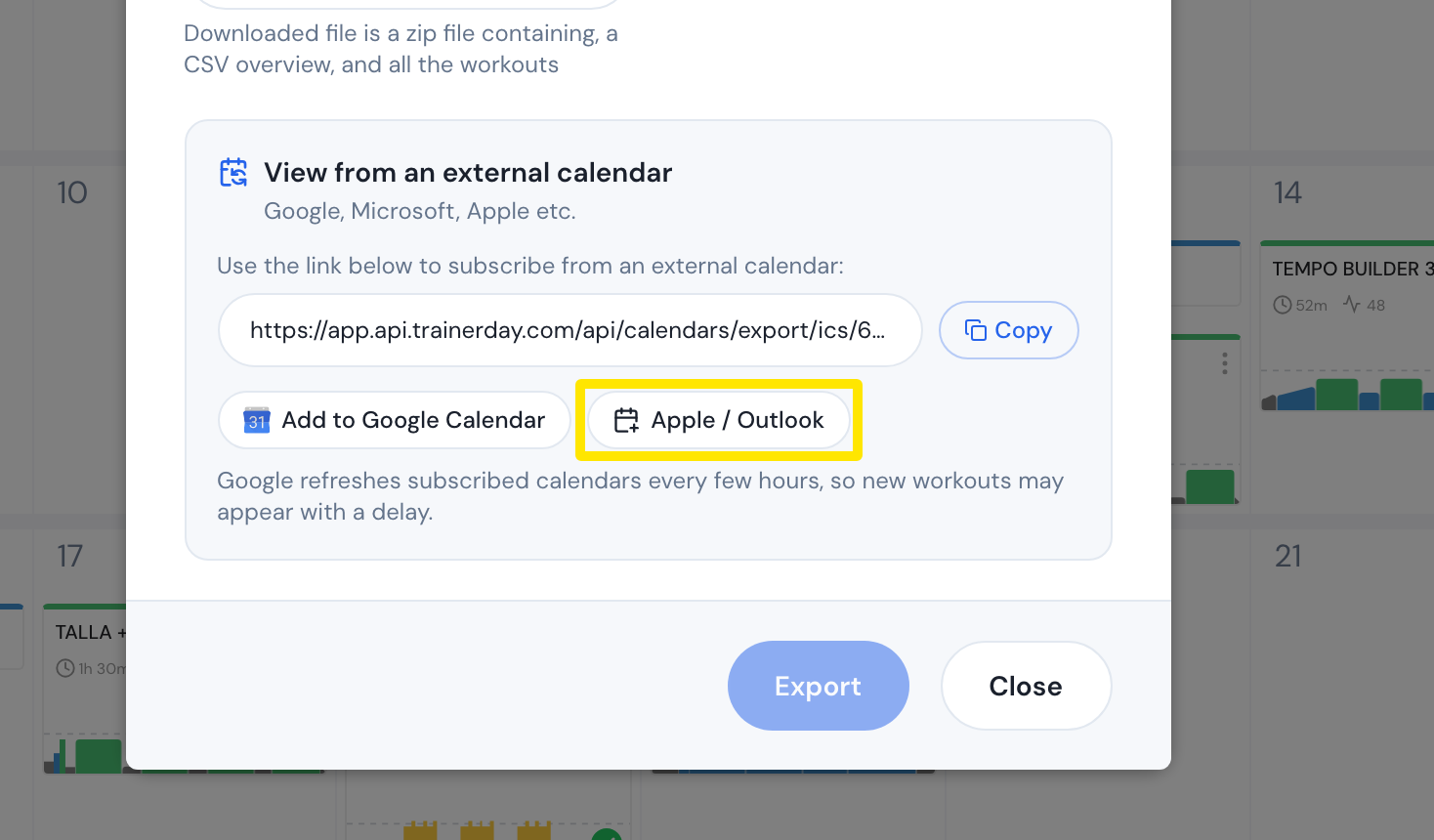 Where: Website · My Calendar · open it
- That's it. This is a live feed, so workouts you add or move in TrainerDay show up in your calendar app. Google refreshes every few hours.
Good to know: The feed holds your workouts, notes and race events from yesterday to 14 days ahead, as all-day events. The Export button at the bottom of that window and a plan's .ics download are one-time copies that never update.
Works on: Website only. The mobile and desktop apps have no calendar subscription link.