

How do I see outdoor plan workouts in the mobile app?
In the TrainerDay mobile app, your outdoor plan workouts show in My Calendar (opened from the Today tab) with a green "Outdoor" badge, but the app does not show the intervals of an outdoor power plan.
- In the TrainerDay mobile app, open the Today tab and tap the calendar button.
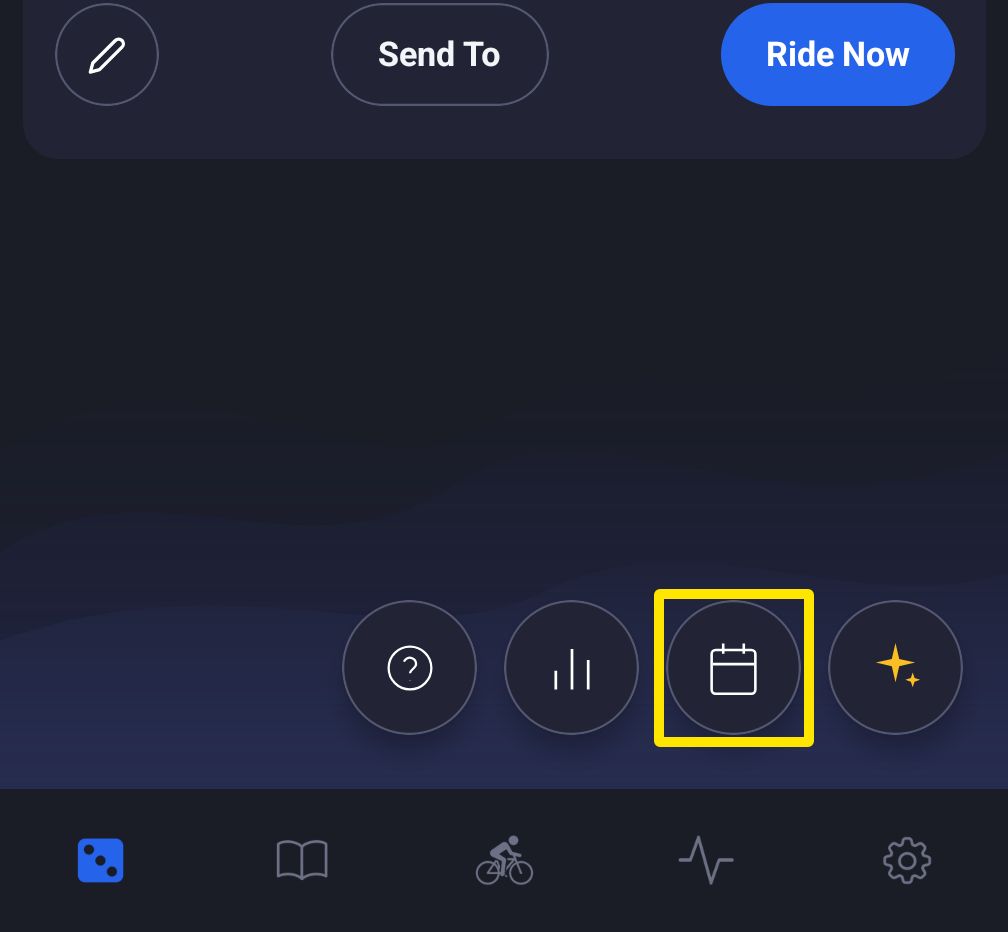 Where: Mobile app · Today tab
- In My Calendar, find the day with a green Outdoor badge. The workout graph shows beside it. Tap the workout to see its details and ride it.
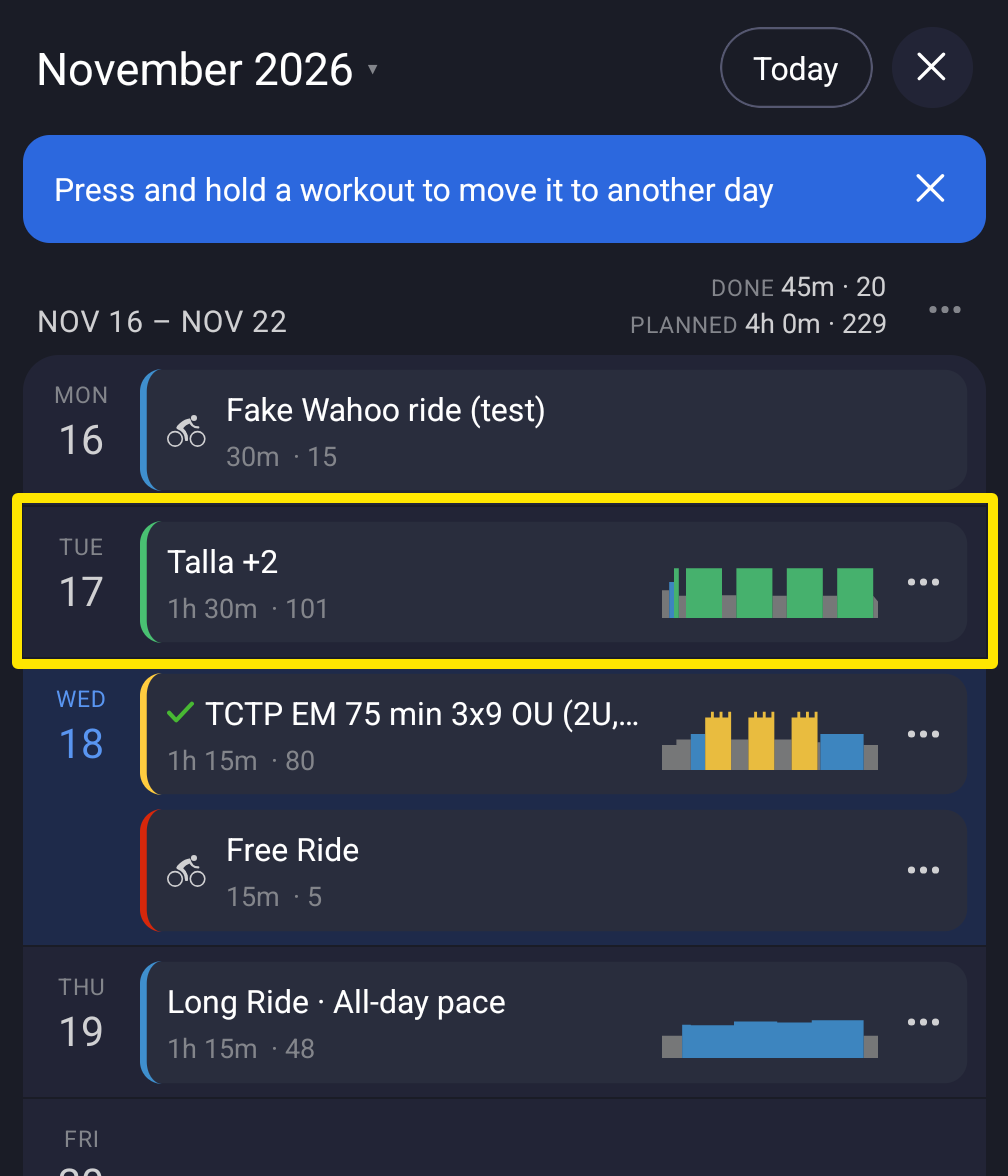 Where: Mobile app · Today tab → My Calendar
- You can also find it from the app's tabs: open the Workouts tab and tap Plan. It is listed there when the app is set to use your calendar for planned workouts (see How do I switch which plan the app uses for my workouts?).
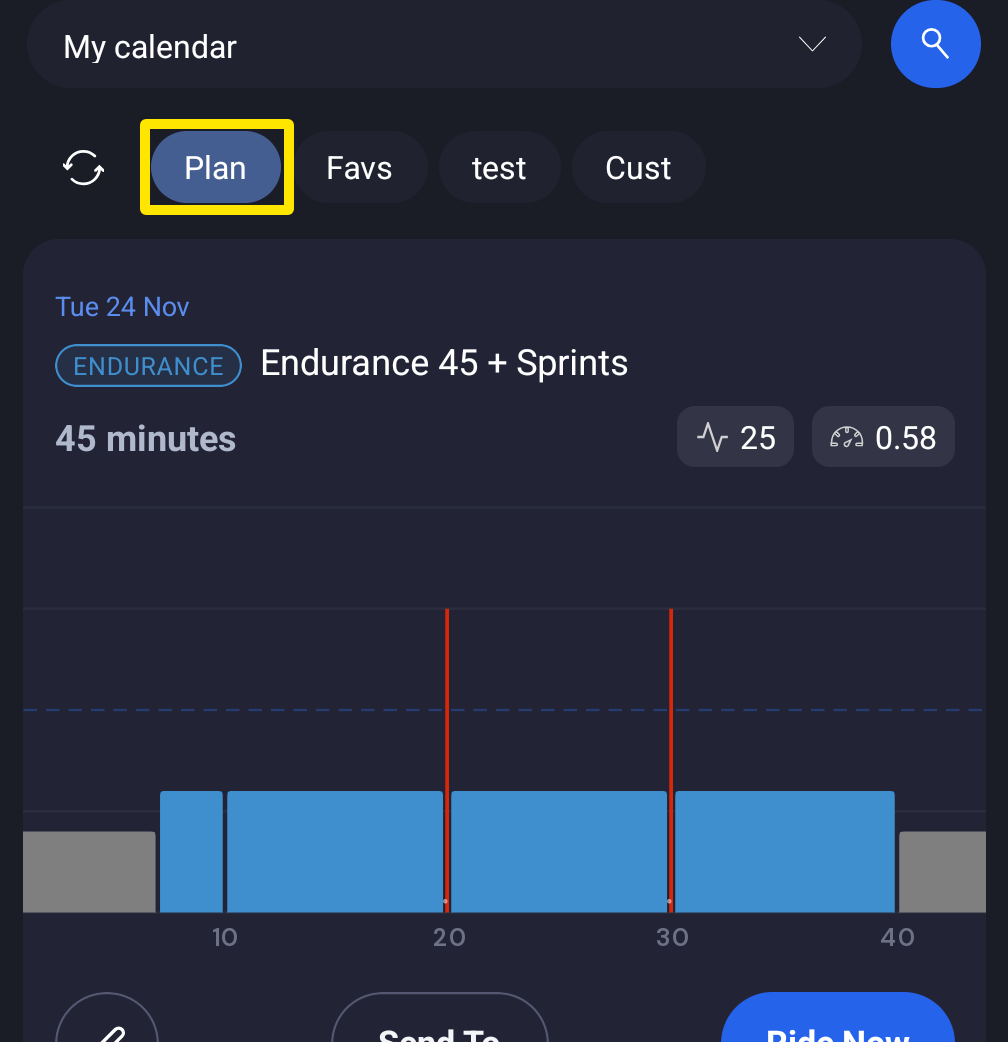 Where: Mobile app · Workouts tab → Plan
Good to know: The mobile app does not show the intervals of an outdoor power plan.