

How do I see my swim workouts in the mobile app?
Open the TrainerDay mobile app's Today tab to see your swim workouts; they also appear on the Workouts and Plan tabs.
- Open the TrainerDay mobile app and go to the Today tab. Your swim workout shows there.
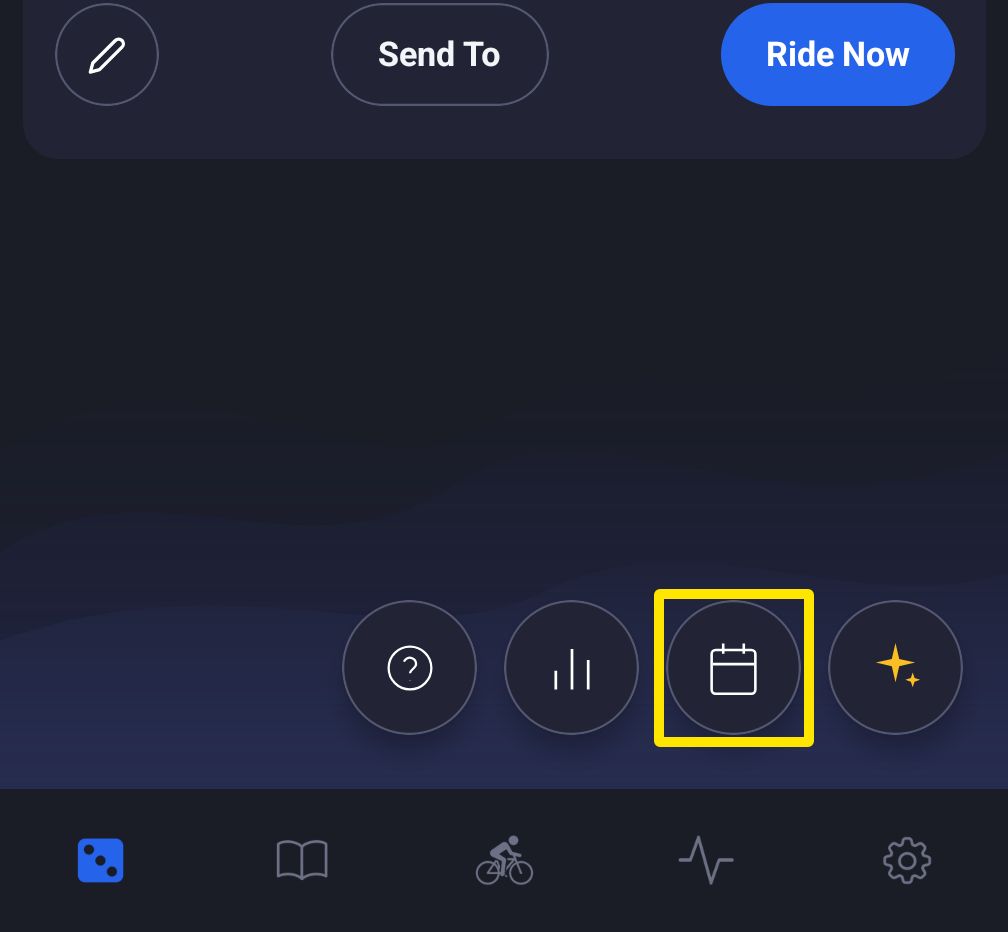 Where: Mobile app · Today tab
- To see your swim workouts in a list, go to the Workouts tab and tap Plan.
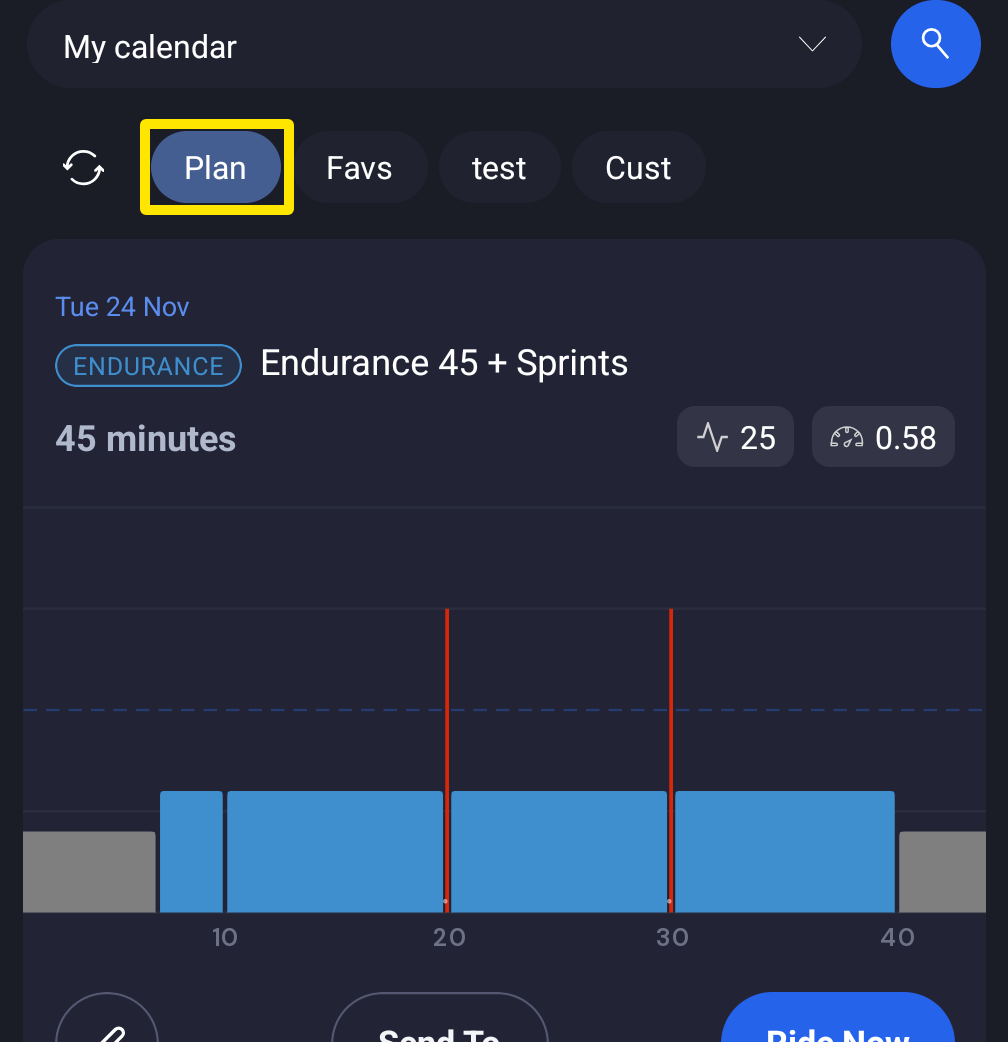 Where: Mobile app · Workouts tab → Plan
Good to know: Swim workouts started showing on the Today tab after an update in October 2026. If you don't see them there, update the app.