

How do I see the date a workout is scheduled for in the app?
In the TrainerDay mobile app, open the Workouts tab and the Plan list: each workout's title starts with its date, like TODAY, TOMORROW or "Wed 5 Nov".
- In the TrainerDay mobile app, open the Workouts tab and choose the Plan list. When your calendar is the plan shown in the app, the list is called My calendar.
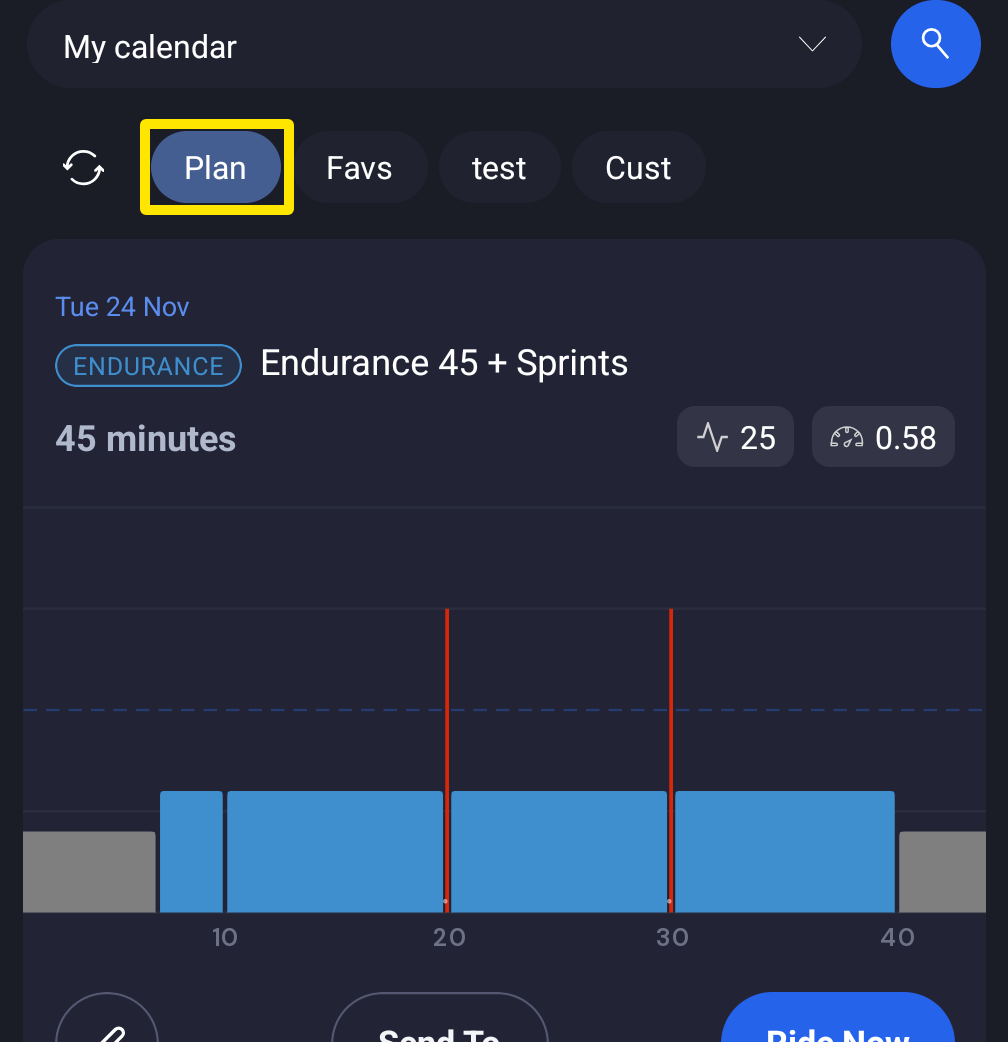 Where: Mobile app · Workouts tab → Plan
- Read the start of each workout's title: TODAY, TOMORROW, YESTERDAY, or a date like "Wed 5 Nov". The list scrolls to today's workout (or the next one) by itself.
- Or open the Today tab and tap the calendar button: My Calendar shows every workout under its day.
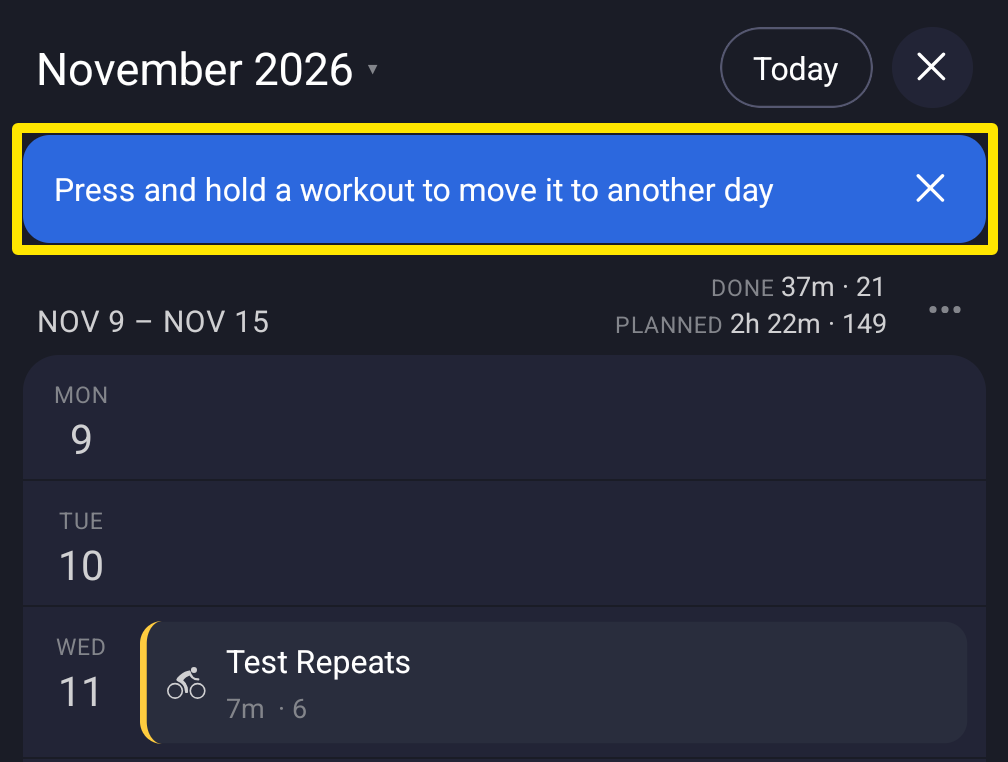 Where: Mobile app · Today tab → My Calendar
Good to know: In a plan workout (not on your calendar), the title starts with its day number instead of a date.
Works on: Mobile app; on the website, My Calendar shows each workout on its day; in the desktop app, the Library's plan list is sorted by date.