

How do I preview a workout's indoor and outdoor versions?
On the TrainerDay website, open a workout's page and use the view button above the chart to switch between its Original · Indoor and Simplified · Outdoor versions.
- On the website, open the workout's page: click a workout in Search Workouts or My Workouts.
- Click the view button above the chart. It shows the current view, for example Simplified · Outdoor.
- Choose Original · Indoor for the steps as written, or Simplified · Outdoor for the outdoor version. The chart and the step list below it change.
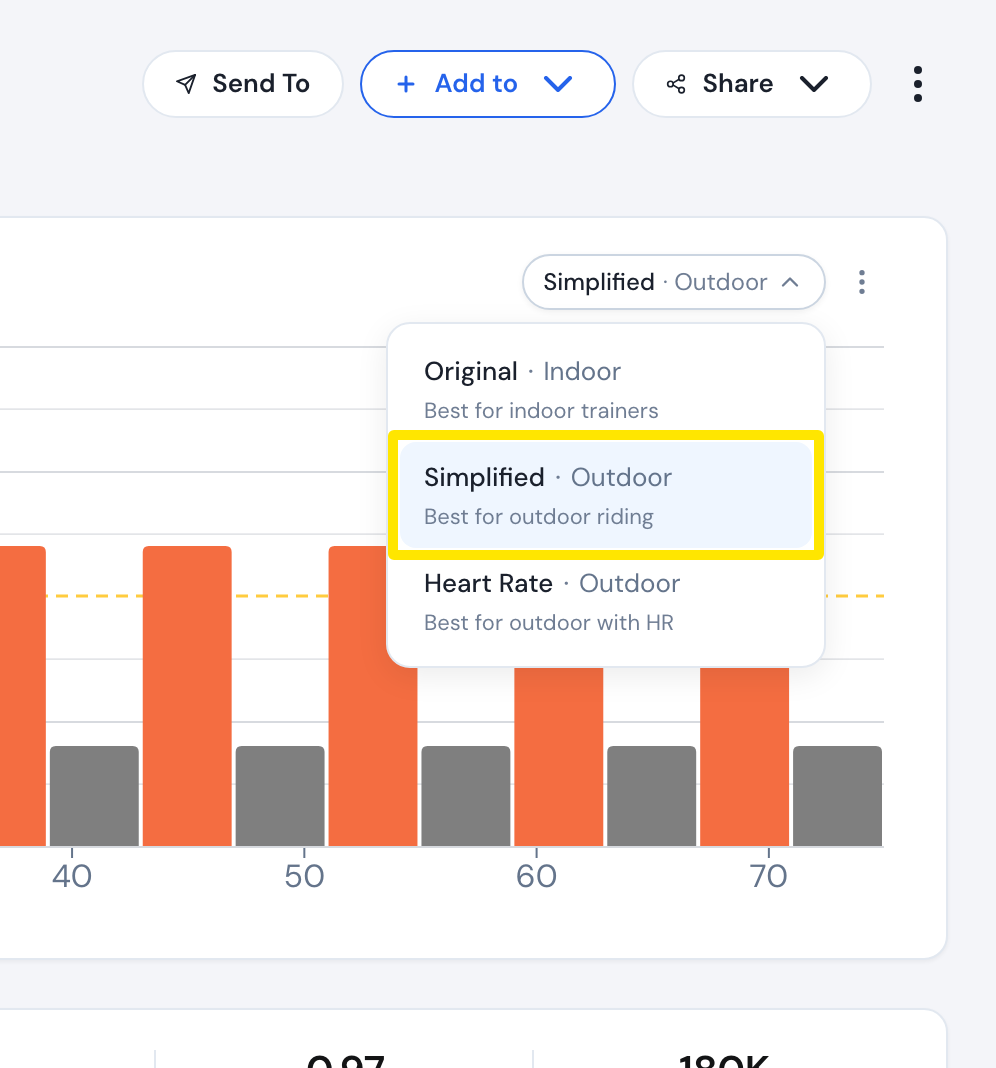 Where: Website · a workout's page
Good to know: Simplified merges steps under 90 seconds into similar neighbours and splits ramps by zone. You must be logged in to choose it. Run workouts have no view button.
Works on: Website only. The desktop app has no preview, but its Send To popup asks Indoor or Outdoor when sending.