

How do I set a flat 0% slope interval?
Set a flat 0% slope interval in the website's Create Workout editor by typing 0 in the row's Slope/BPM cell.
- On the website, click Create Workout in the sidebar (app.trainerday.com/workouts/create).
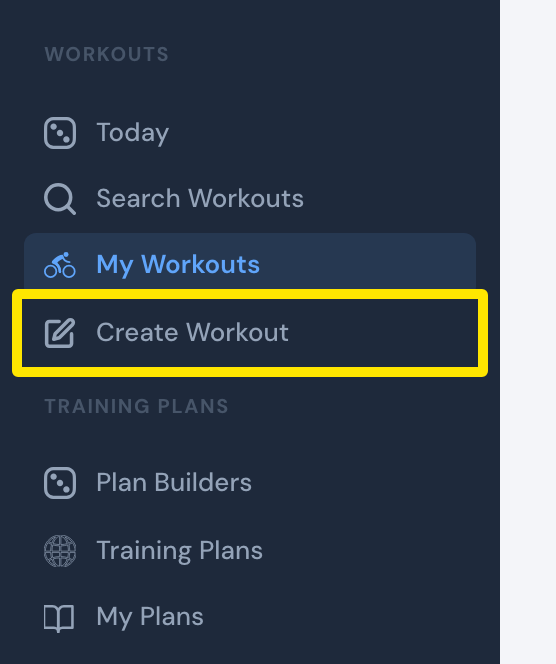 Where: Website · sidebar · open it
- Open the Fields: dropdown and tick Control Mode. The Control Mode and Slope/BPM columns appear.
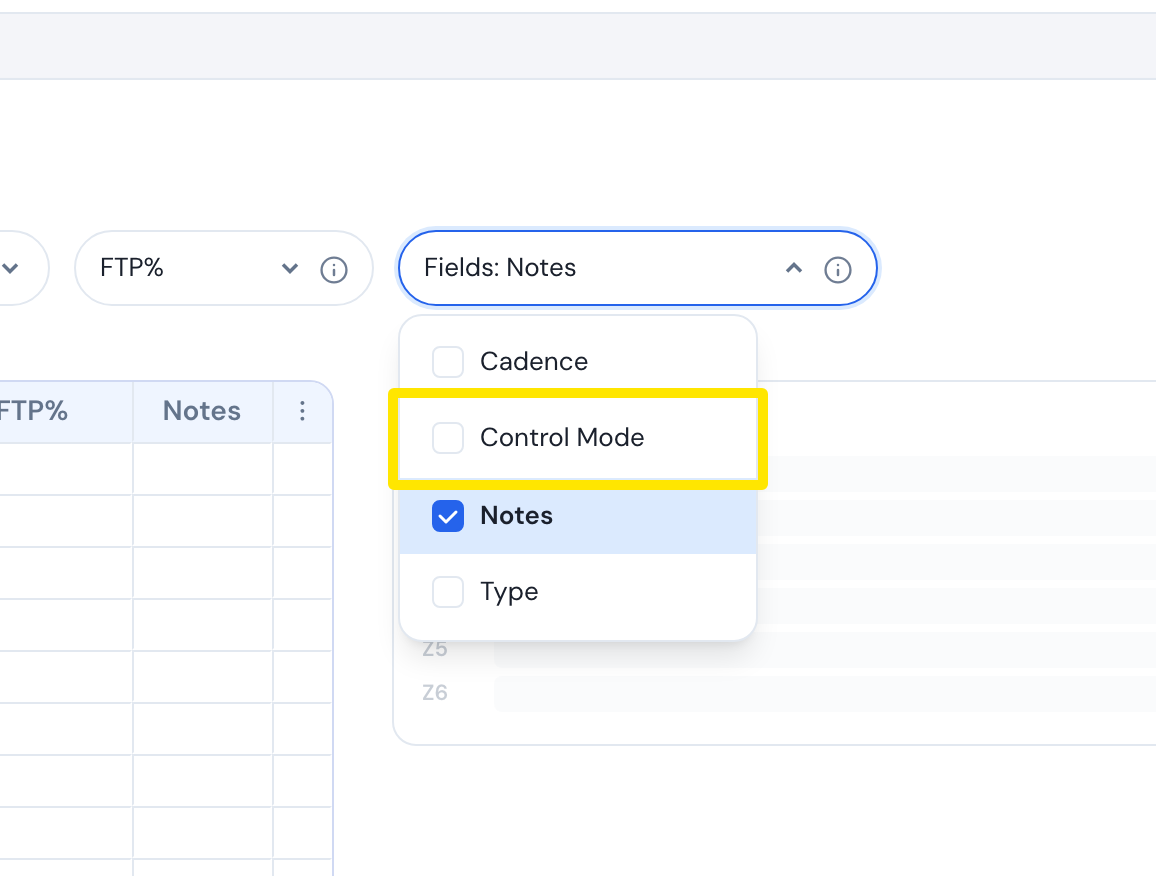 Where: Website · Create Workout · open it
- On the row, type 0 in Slope/BPM. The row switches to slope with a 0% grade. Keep the FTP% filled.
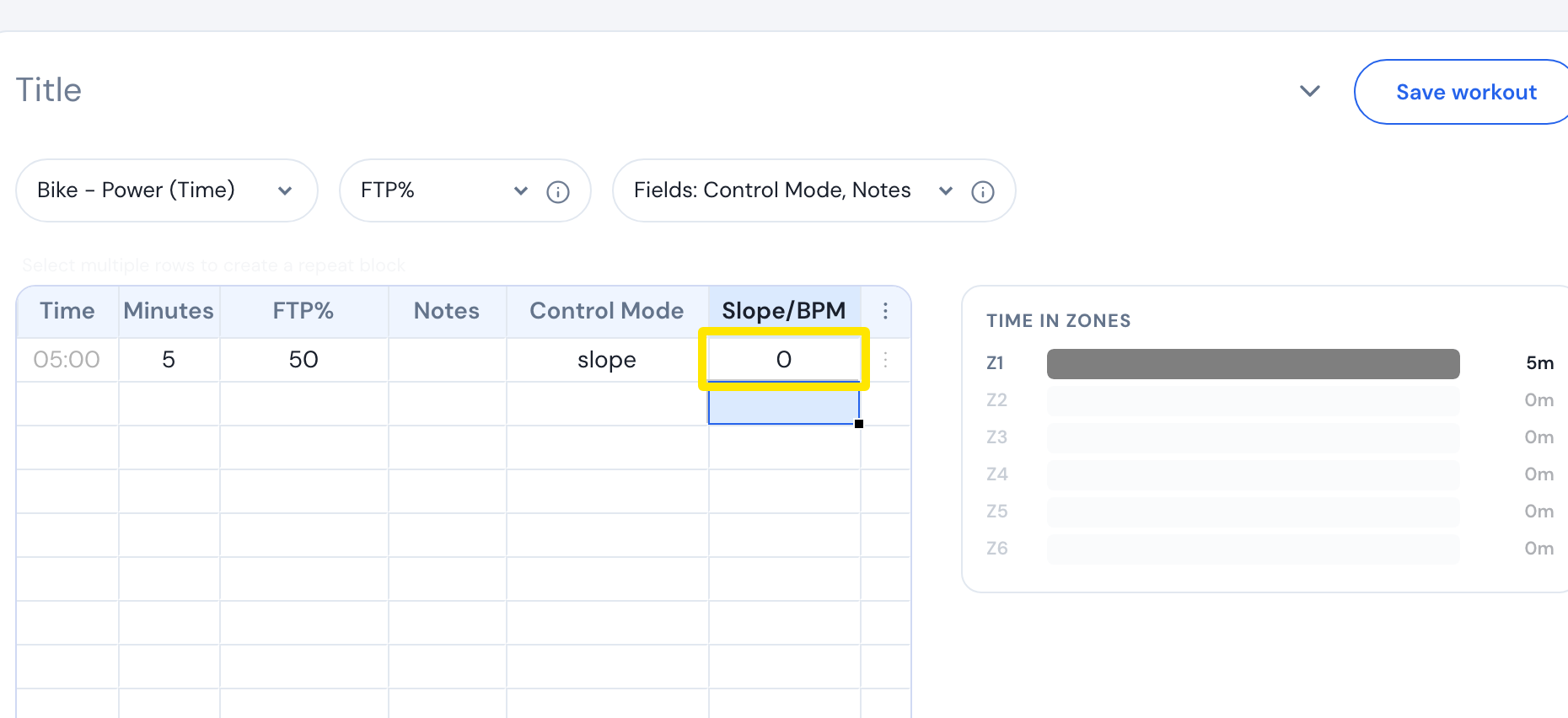 Where: Website · Create Workout · open it
- Click Save workout, then Save.
Good to know: Don't leave Slope/BPM empty on a slope row. An empty cell is not 0%: the mobile app keeps the last grade (3% at the start of a ride), and the desktop app doesn't switch to slope.
Works on: Mobile app follows slope rows when Sim/Slope mode is on (on by default). Desktop app switches by itself. Both ride 0 as a real 0% grade.