

How do I create a ramp interval?
Make a ramp interval on the TrainerDay website's Create Workout page by typing a power range, such as 50-100, in a row's FTP% cell.
- On the website, open Create Workout from the left sidebar.
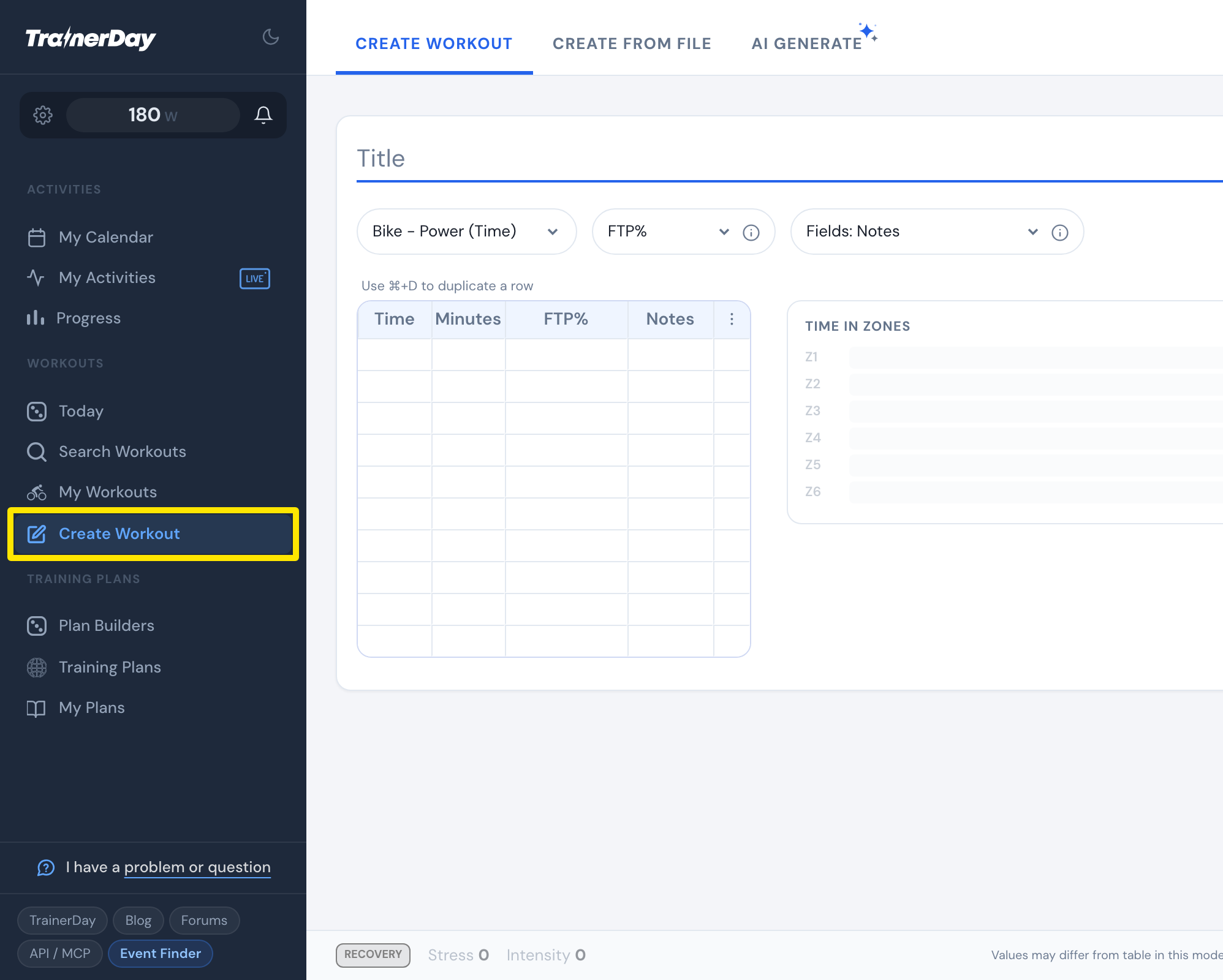 Where: Website · Create Workout · open it
- In a row, click the FTP% cell and type two numbers with a dash, for example 50-100. The row ramps from the first power to the second.
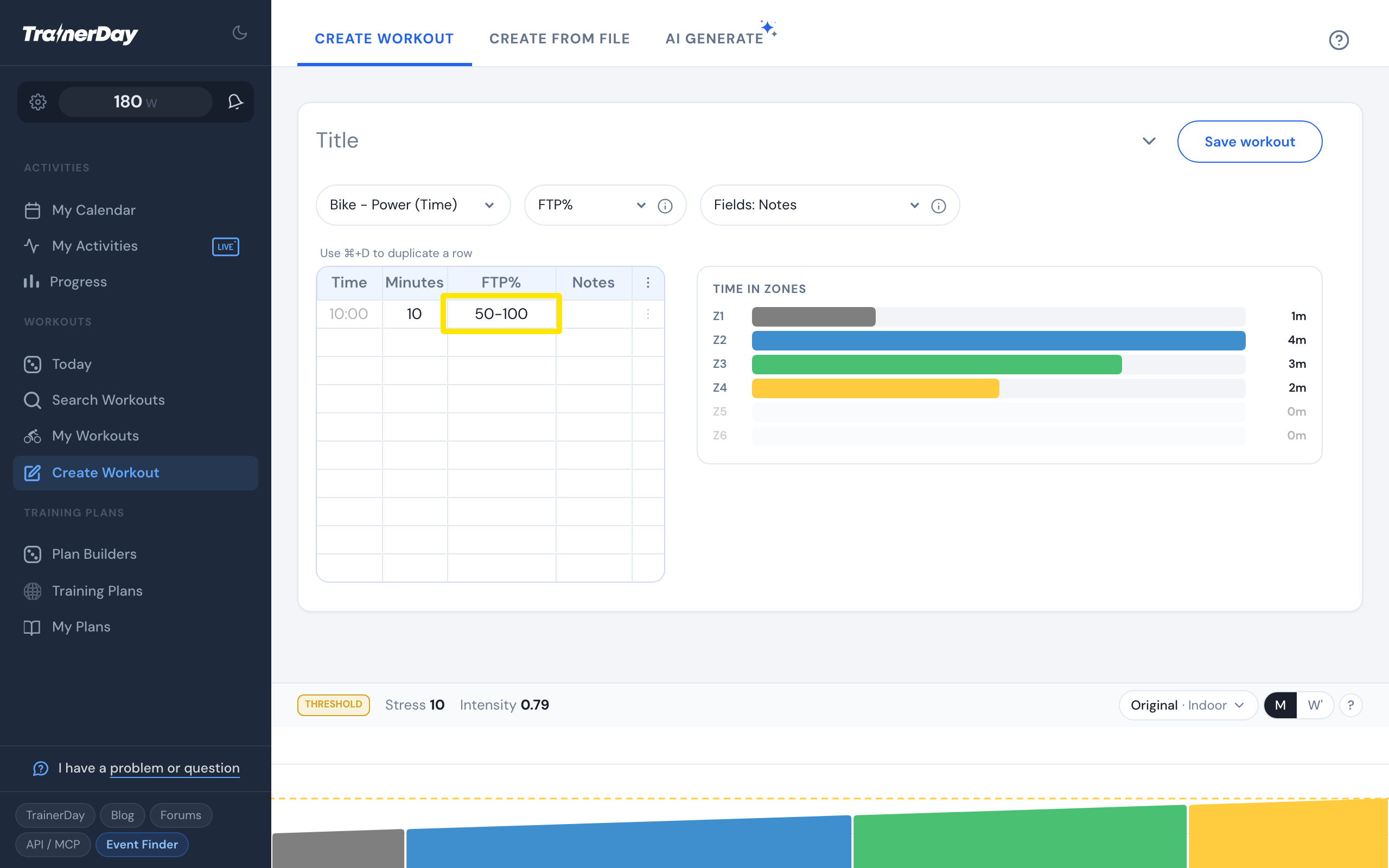 Where: Website · Create Workout · open it
- Optional: use the FTP% dropdown to switch the column to Watts or Zones. A range typed there, such as 150-250 or 2-3, is also a ramp.
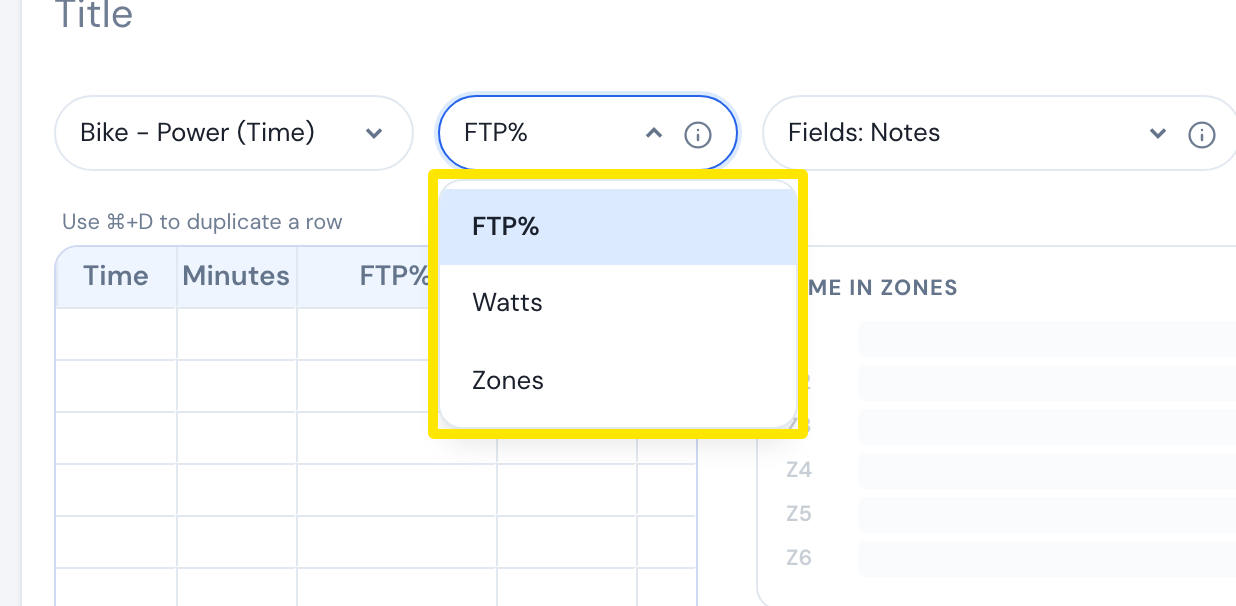 Where: Website · Create Workout · open it
Good to know: A single number, such as 90, gives a flat target instead of a ramp.
Works on: Website only. The mobile and desktop apps have no workout editor.