

How do I build repeating sets in a workout?
Build repeating sets on the TrainerDay website by typing one round of rows in the workout editor, selecting them, and grouping them as a repeat.
- On the website, click Create Workout in the sidebar (app.trainerday.com/workouts/create), or open your workout and choose Edit workout.
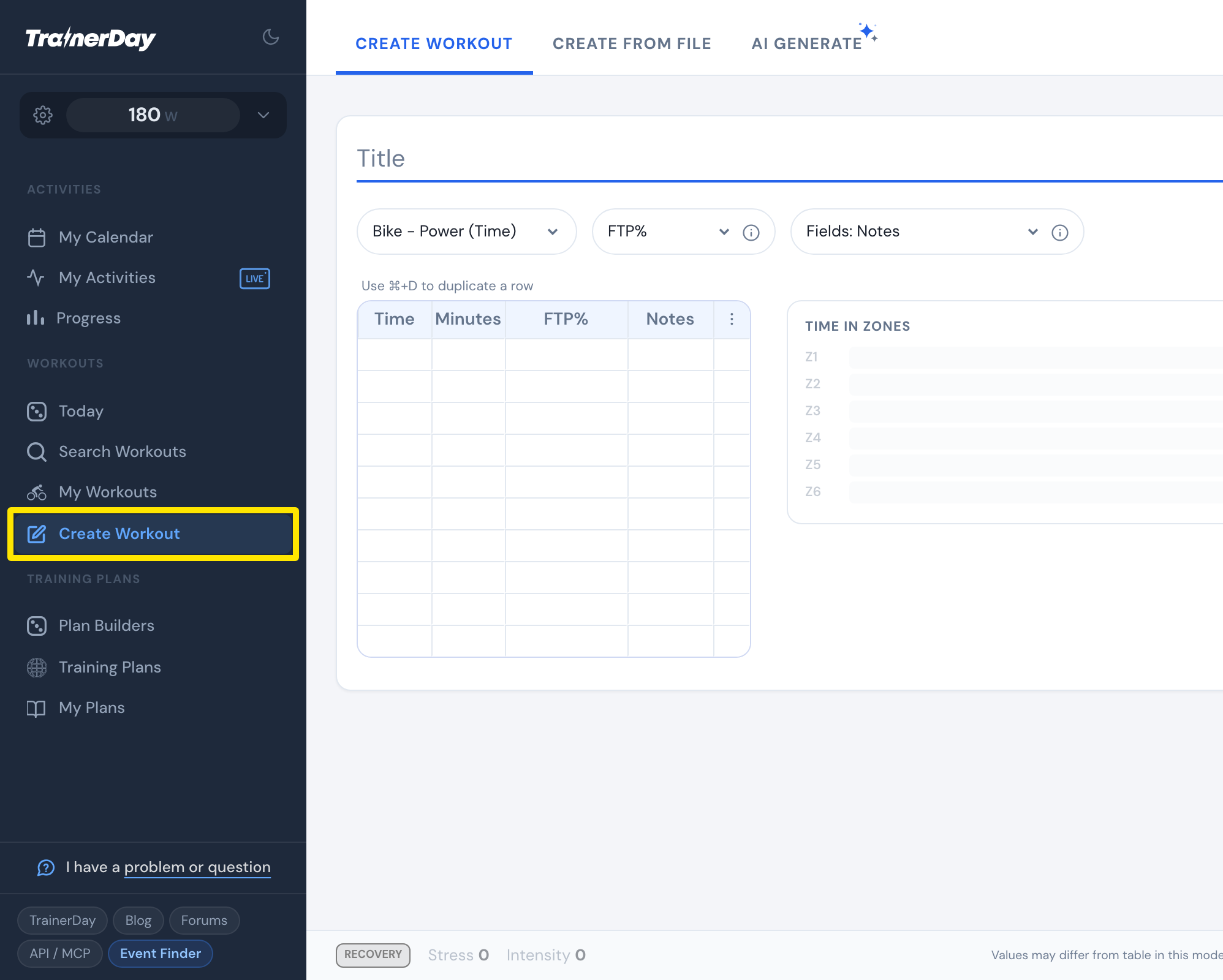 Where: Website · Create Workout · open it
- Type the Minutes and FTP% of each row of one round, for example 4 and 110, then 2 and 50.
- Select those rows: click the first row's Minutes cell and drag down to the last row (or hold Shift and press the down arrow).
- In the box under them, set the repeats with − and + and click Group as Repeat (or press Enter).
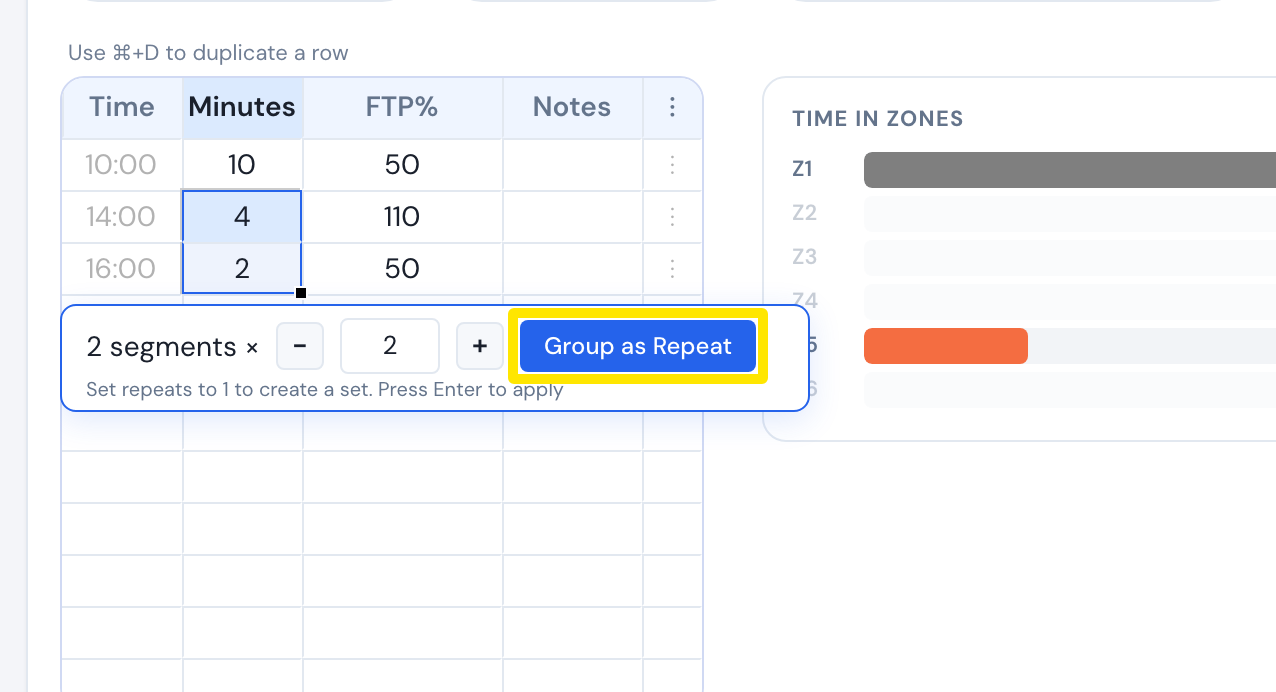 Where: Website · Create Workout · open it
- To change the count later, click the block's Time cell, set Repeats and click Apply. Click Save workout when done.
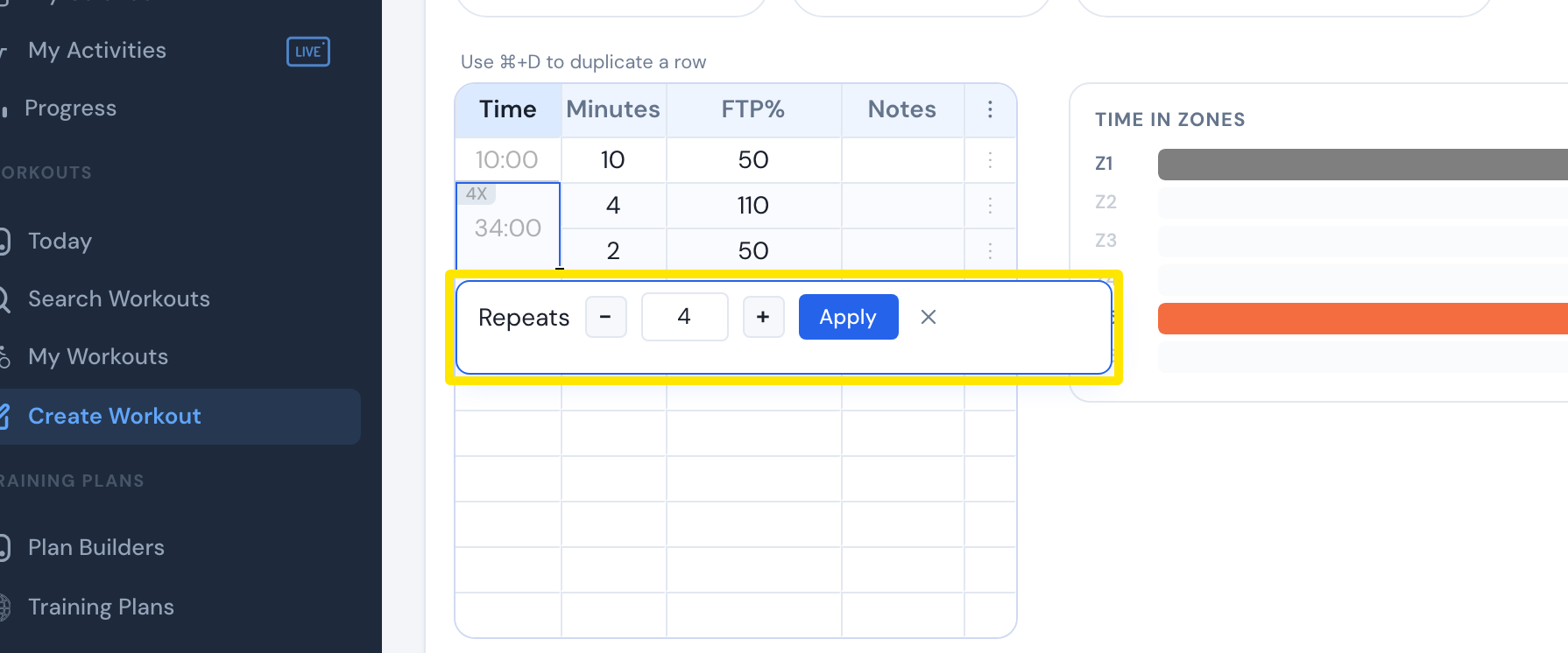 Where: Website · Create Workout · open it
Good to know: Repeats go from 1 to 99. At 1 the button reads Group as Set, which keeps the rows together without repeating them.
Works on: Website editor only. The mobile app has no row editor, but its AI Workout Builder takes a description such as "5 x 4 min at 110%". The desktop app has no editor.