

How do I see each step's details in a workout?
Open a workout's page on the TrainerDay website and scroll below the chart to see every step with its length, power and cadence, with no editing needed.
- On the website, open the workout's page: click its name in My Workouts or in Search Workouts.
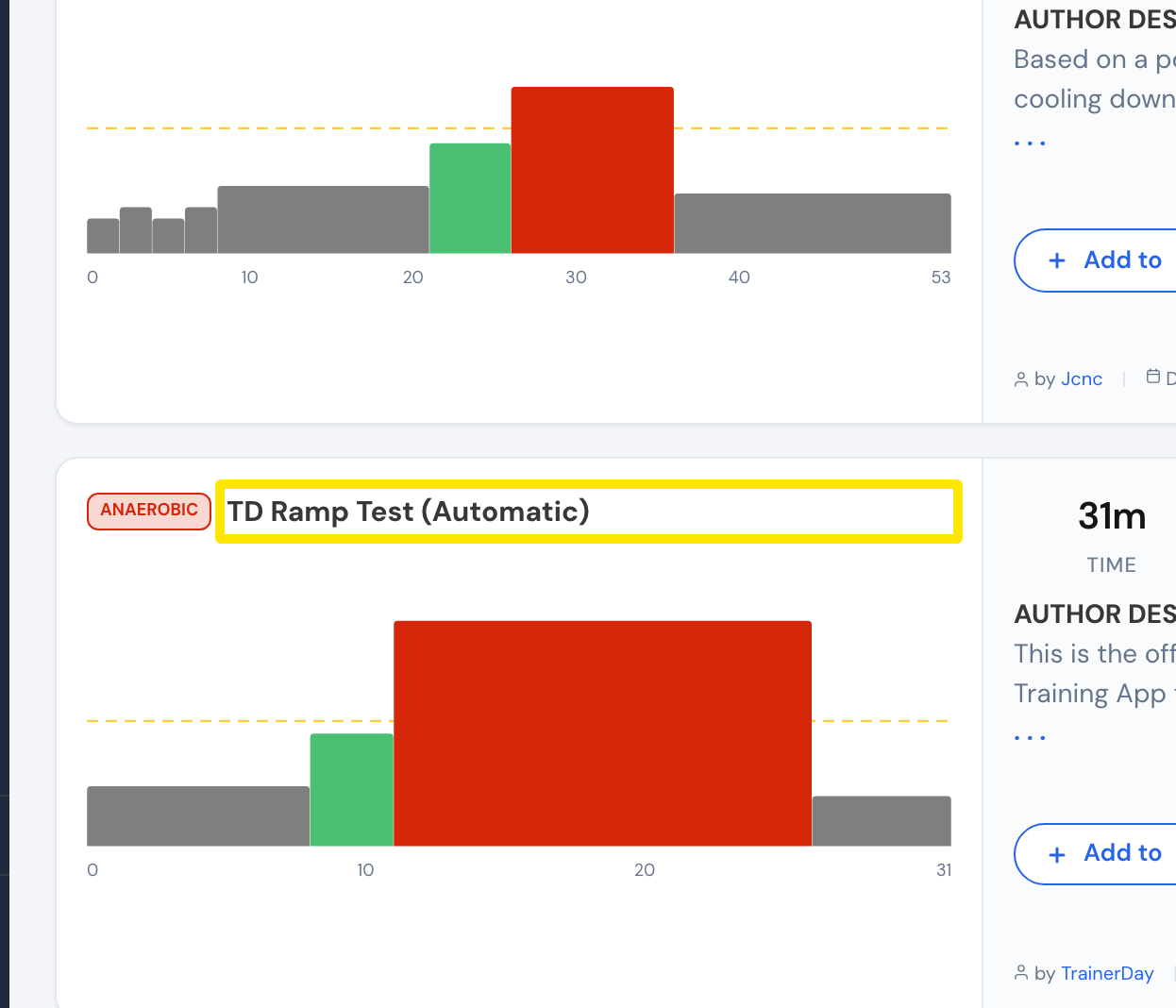 Where: Website · Search Workouts · open it
- Scroll below the chart. The first tab (INDOOR WORKOUT, or OUTDOOR WORKOUT / HR WORKOUT in those views) lists every step with its length, power and cadence. A repeat block shows as "Repeat" with its count and its rows under it. Nothing needs expanding.
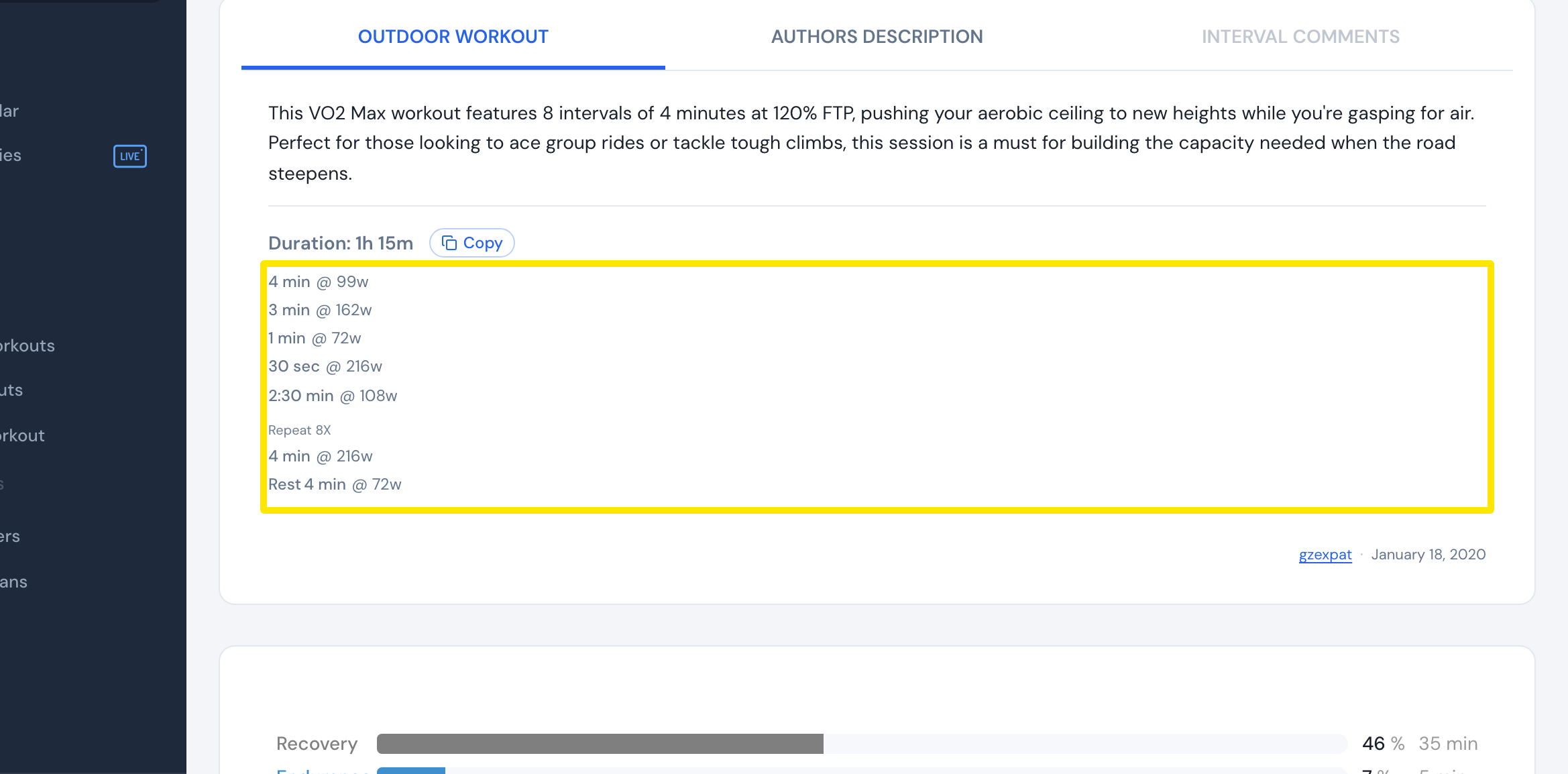 Where: Website · a workout's page
- Click INTERVAL COMMENTS to see the workout's notes with their times, or AUTHORS DESCRIPTION for the author's text. A tab with nothing in it is greyed out.
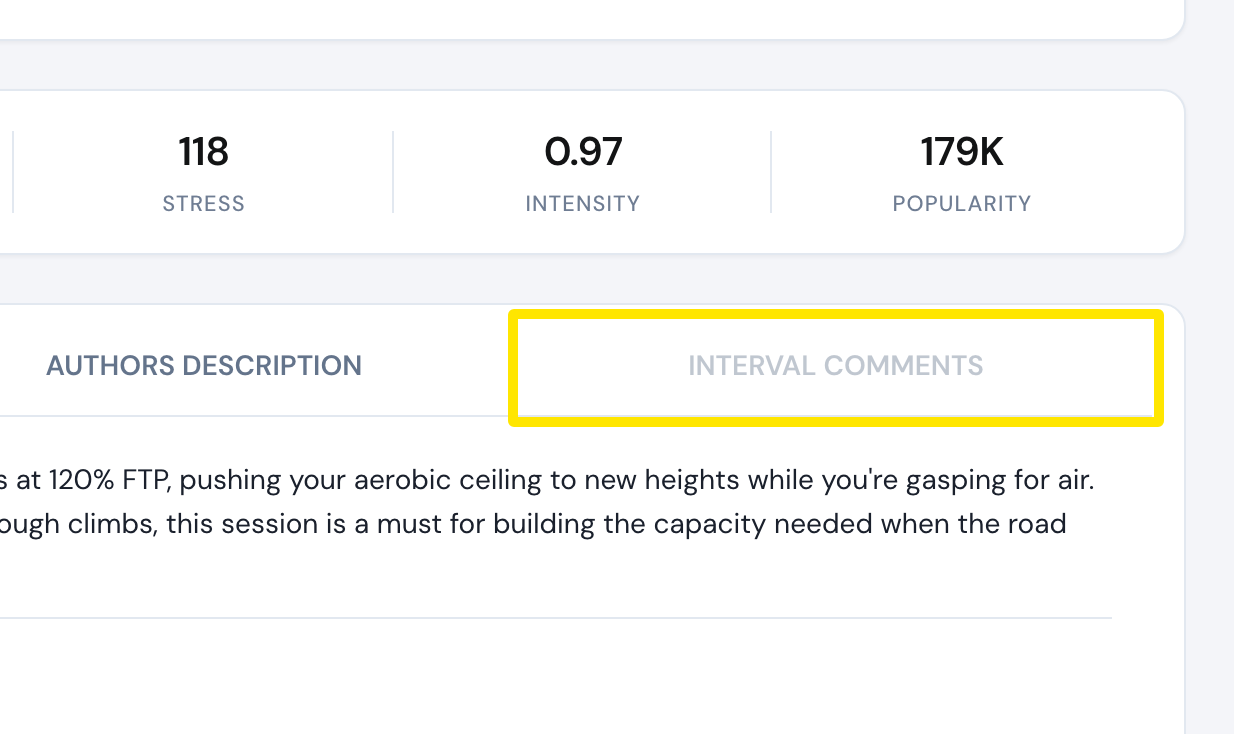 Where: Website · a workout's page
- Click Copy next to the Duration to copy the step list as text.
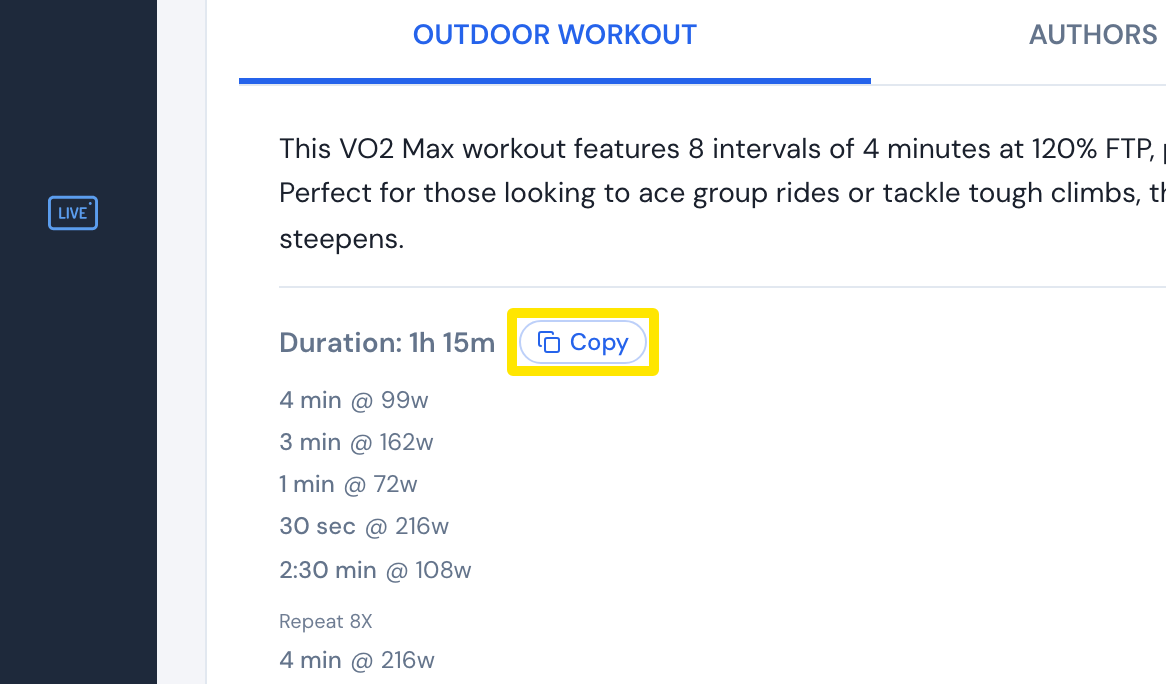 Where: Website · a workout's page
Good to know: The view menu above the chart (Original, Simplified, Heart Rate) changes which steps the list shows.
Works on: Website as above. Mobile and desktop show a workout's steps in its info view.