

How do I see a workout's description from the calendar?
Open a planned workout from My Calendar on the TrainerDay website and read its description in the AUTHORS DESCRIPTION tab.
- On the website, click My Calendar in the left sidebar (app.trainerday.com/calendar).
- Click the workout's name on the calendar. The Workout Details window opens.
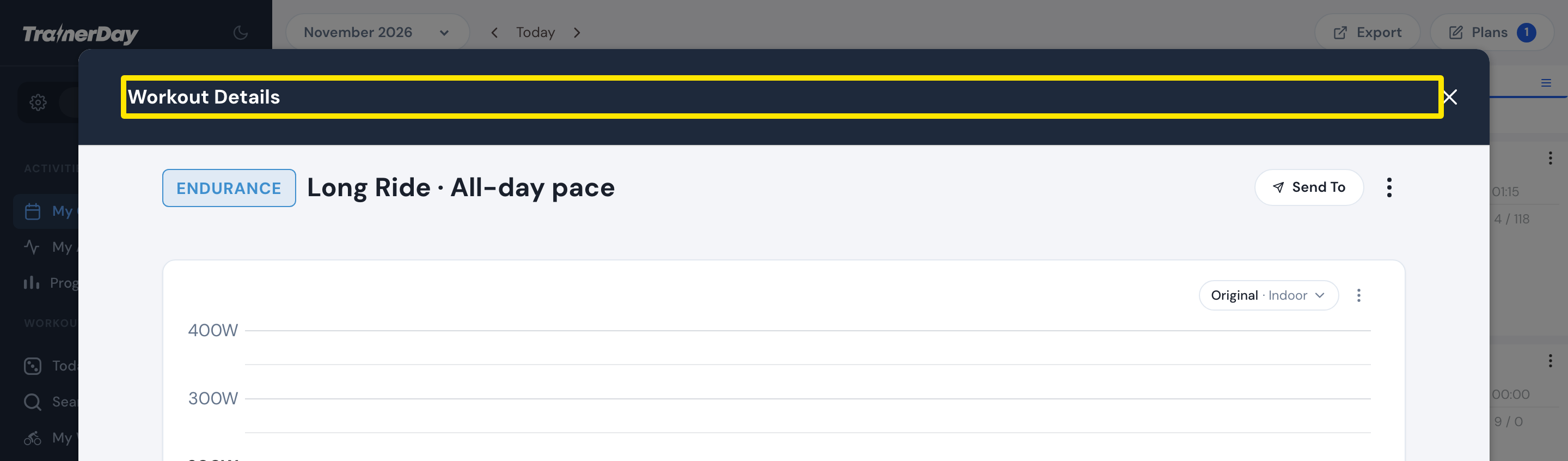 Where: Website · My Calendar · open it
- Under the chart, click the AUTHORS DESCRIPTION tab to read the description. INTERVAL COMMENTS has comments on single intervals.
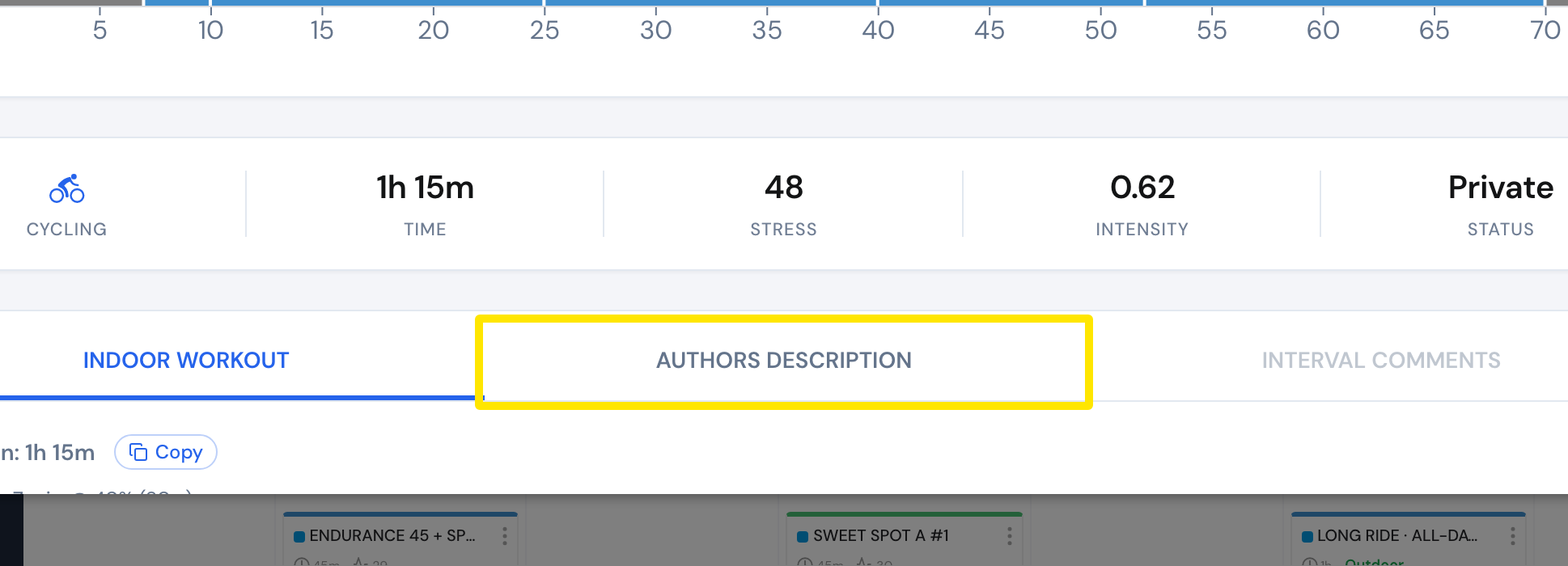 Where: Website · My Calendar · open it
Good to know: Opening a workout from My Calendar needs a paid plan. A free account is asked to upgrade. The AUTHORS DESCRIPTION tab is greyed out when the workout has no description.
Works on: Website. In the mobile app, tap the workout to open its details. They have AUTHORS DESCRIPTION, TEXT DESCRIPTION and INTERVAL COMMENTS.