

How do I copy a plan's workouts into my library?
On the website, open the plan, click a workout, and use Copy Workout in Workout Details to save it to My Workouts, one workout at a time, because there is no button that copies all of a plan's workouts at once.
- On the website, open the plan: under Training Plans for a library plan, or My Plans → the plan's ⋯ → View.
- Click a workout on the plan's calendar. Workout Details opens.
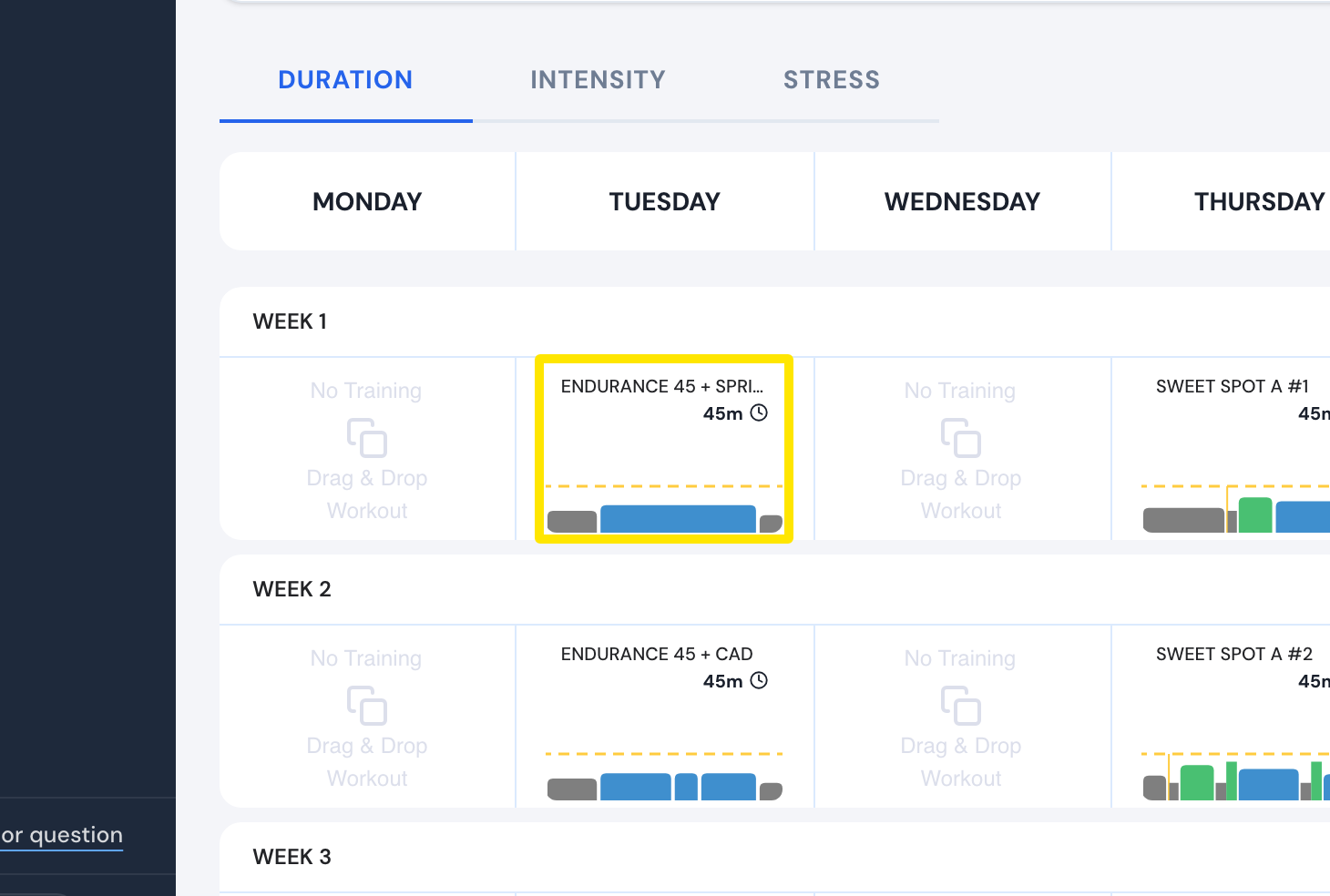 Where: Website · a plan's page (My Plans → View plan)
- In Workout Details, click the ⋯ menu at the top right, then click Copy Workout.
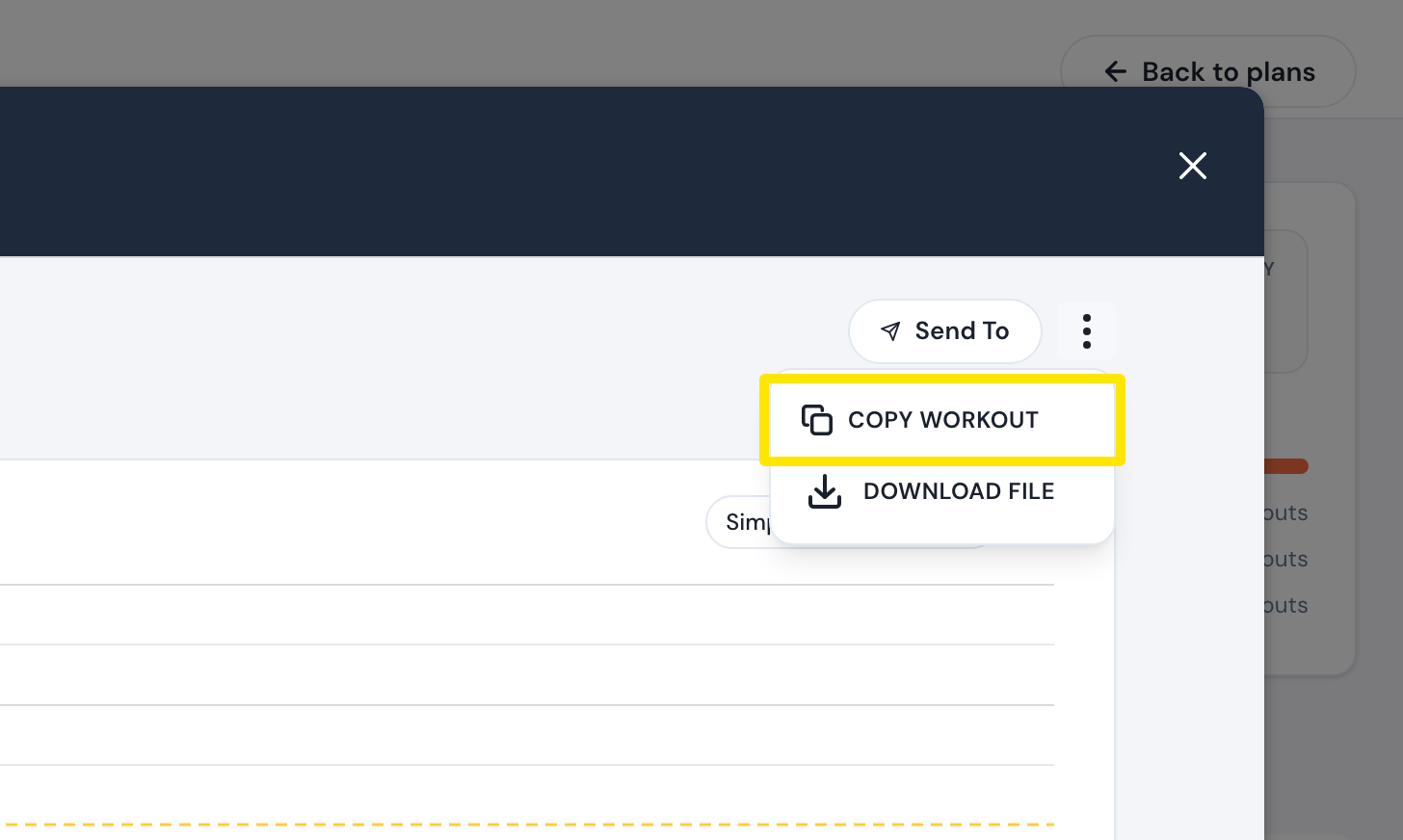 Where: Website · Workout Details, opened from a plan's page
- The editor opens with a copy. Click Save. The copy goes into My Workouts.
- Repeat for each workout you want.
Good to know: Copy plan copies the whole plan into My Plans, not its workouts into your library.
Works on: Website only. The mobile and desktop apps can't copy a plan's workouts into your library.