

How do I view workout details from the Today screen?
On the TrainerDay website's Today page, click a suggested workout card (A Fun Option ★, Intensity or Endurance / Recovery) to open that workout's page with its details.
- On the TrainerDay website, from a page such as My Calendar, click Today in the left sidebar (app.trainerday.com/today).
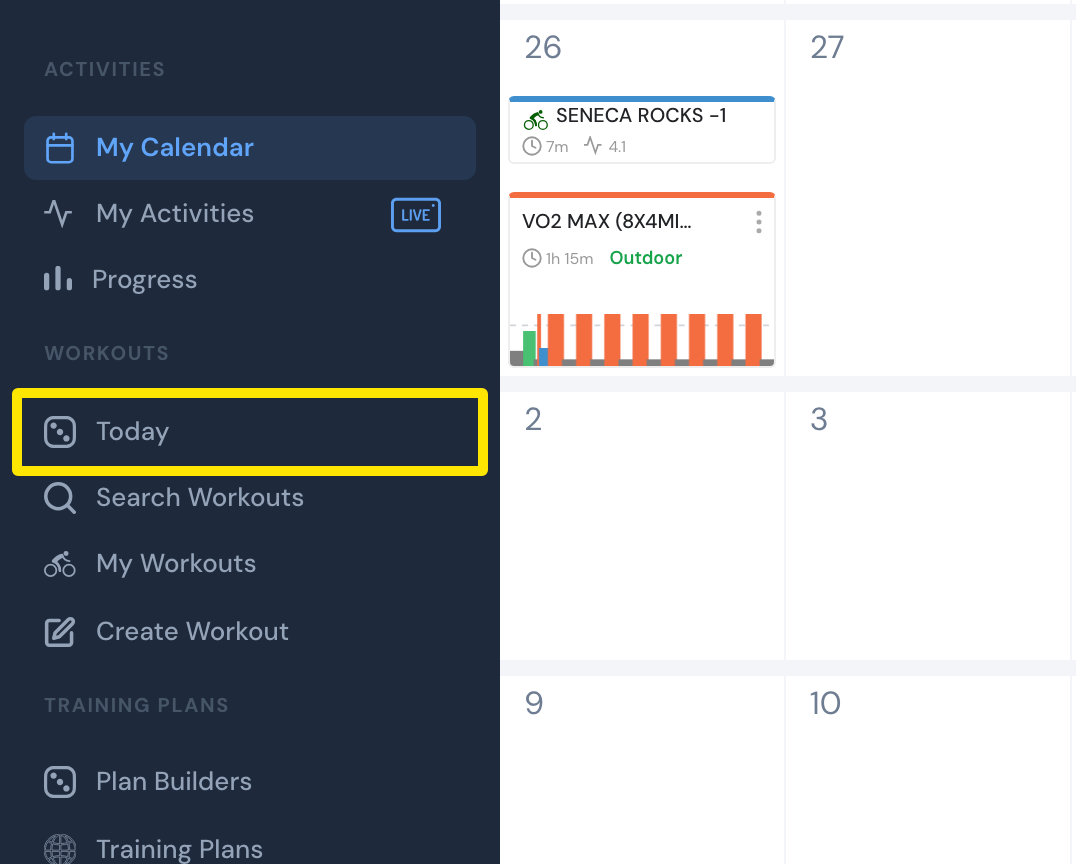 Where: Website · My Calendar · open it
- On the Today page, click a suggested workout card's chart or name. That workout's page opens with its details.
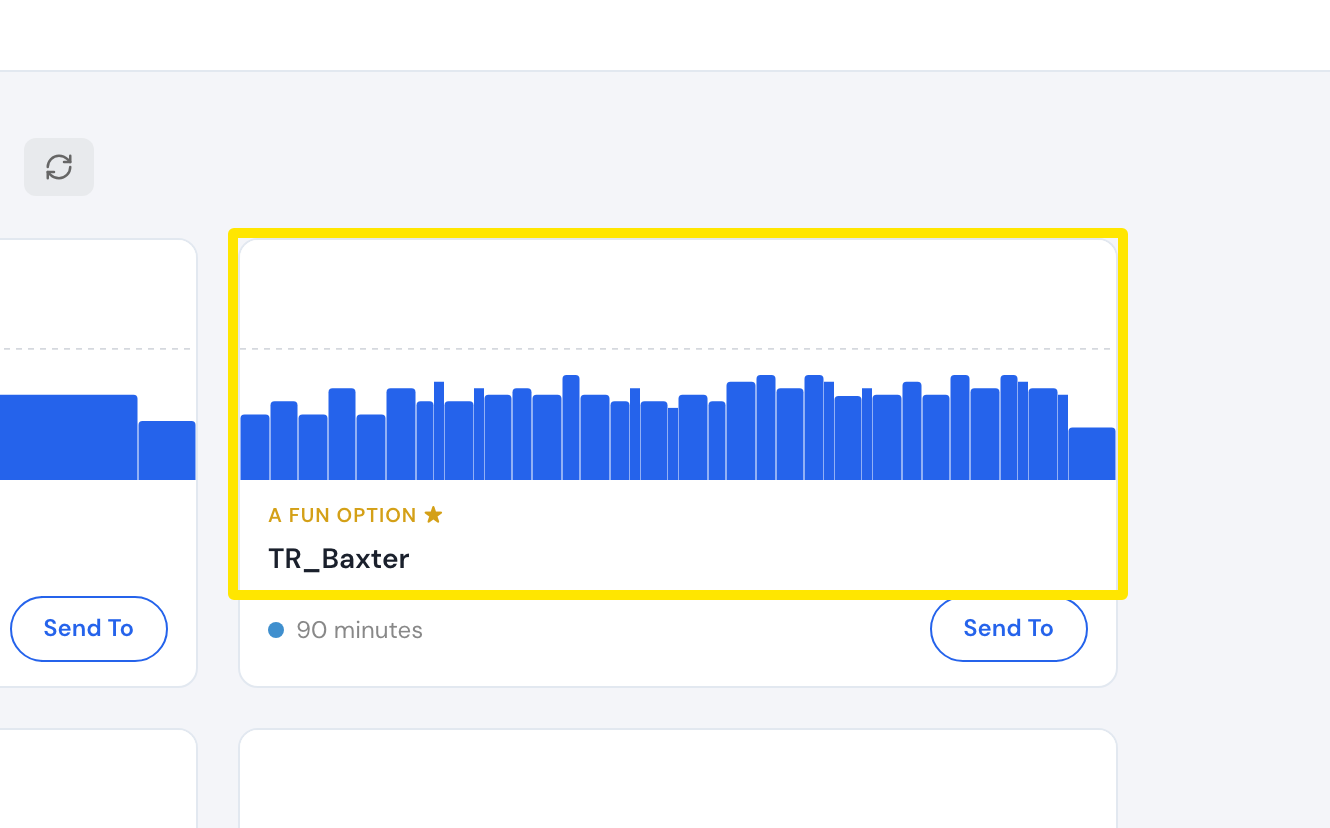 Where: Website · Today · open it
Good to know: The scheduled card (From your calendar or From your plan) opens My Calendar or your plan's page, not the workout's page.
Works on: website; mobile app (Today tab, tap the workout); desktop app (Today, click the workout).