

How do I get a new workout suggestion on the Today screen?
On the website's Today page, click the round refresh button to the right of the duration buttons to load new workout suggestions; in the mobile app, tap the refresh button on the Today tab.
- On the website, click Today in the sidebar (open it).
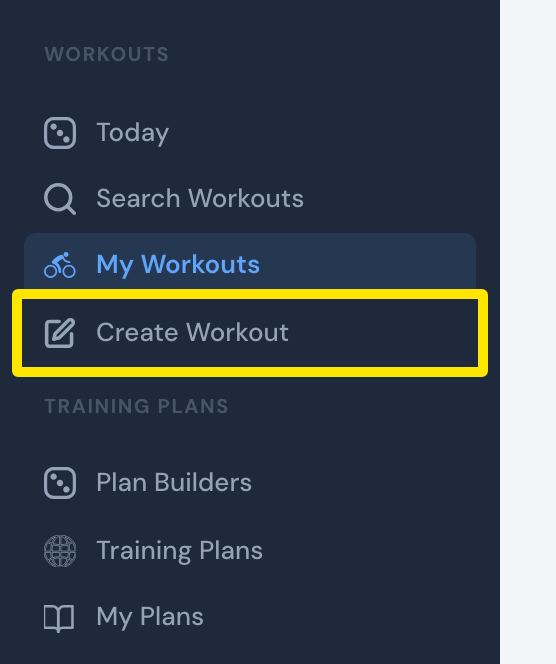 Where: Website · the left sidebar (every page)
- Click the round refresh button (Refresh List) to the right of the duration buttons. Each press loads three new suggestions.
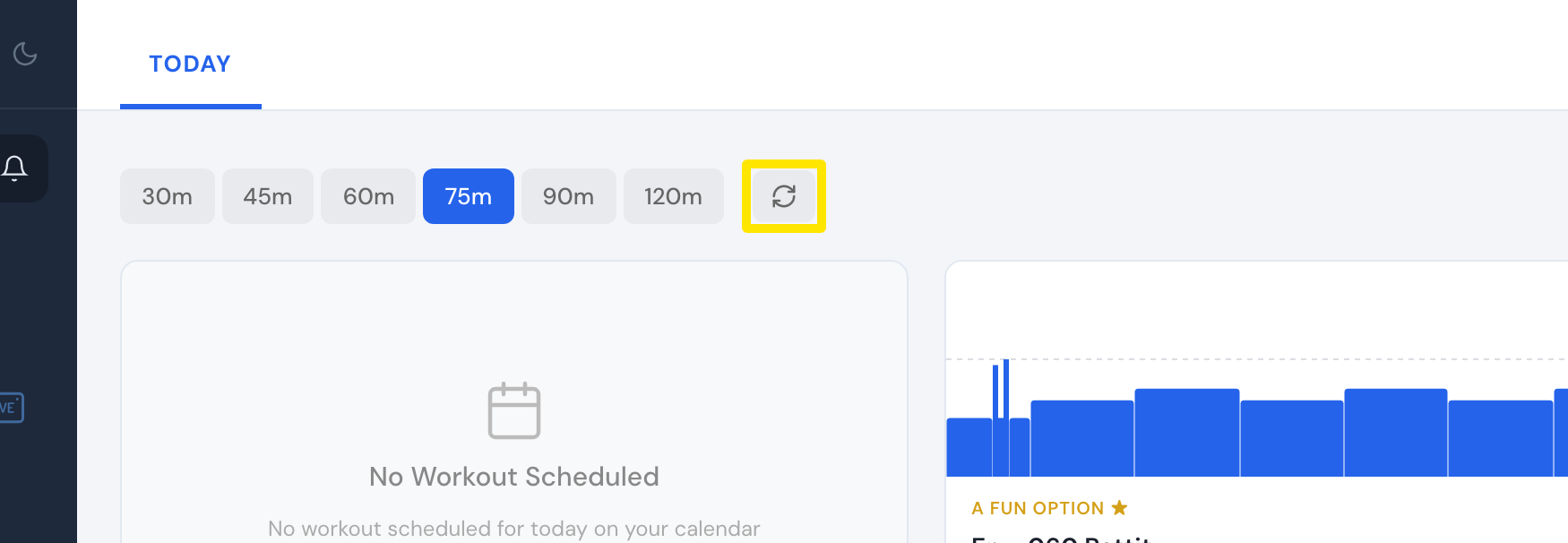 Where: Website · Today · open it
- In the mobile app, open the Today tab and tap the refresh button.
Good to know: On the website, refresh is premium-only. Suggestions are picked at random from popular workouts, so the same one can come back. A plan or calendar workout stays in first place.
Works on: Website and mobile app.