

How do I search the workout library in the mobile app?
Search the full public workout library from the Workouts tab in the TrainerDay mobile app, filter by zone, duration or stress, and add workouts to your library.
- In the mobile app, open the Workouts tab.
- Tap the search icon at the top.
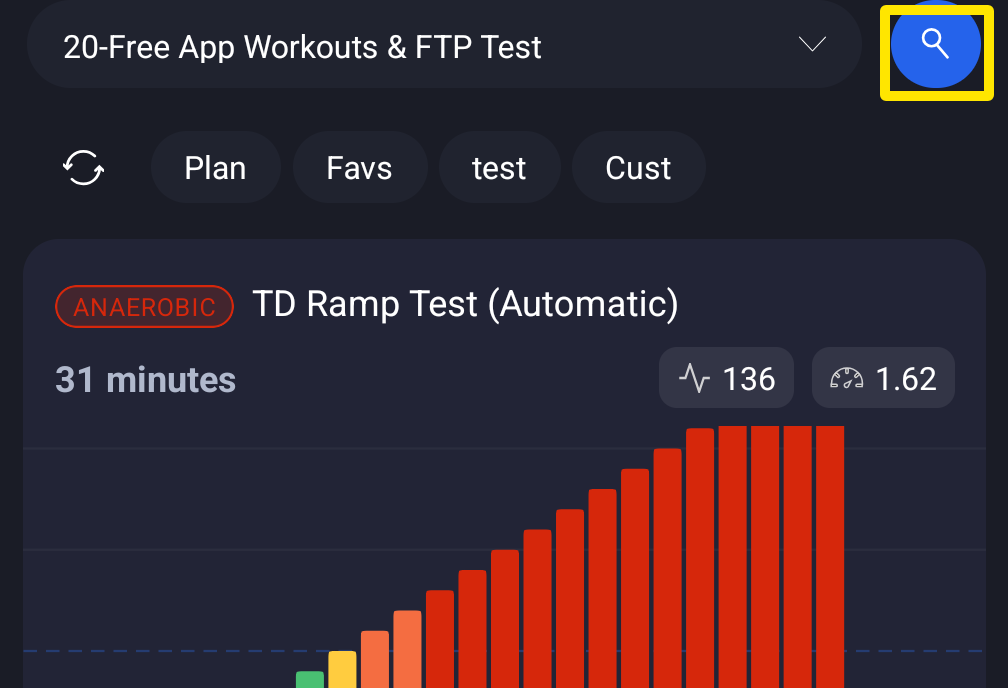 Where: Mobile app · Workouts tab
- Type words. You can also set the Duration, Zone or Stress filters.
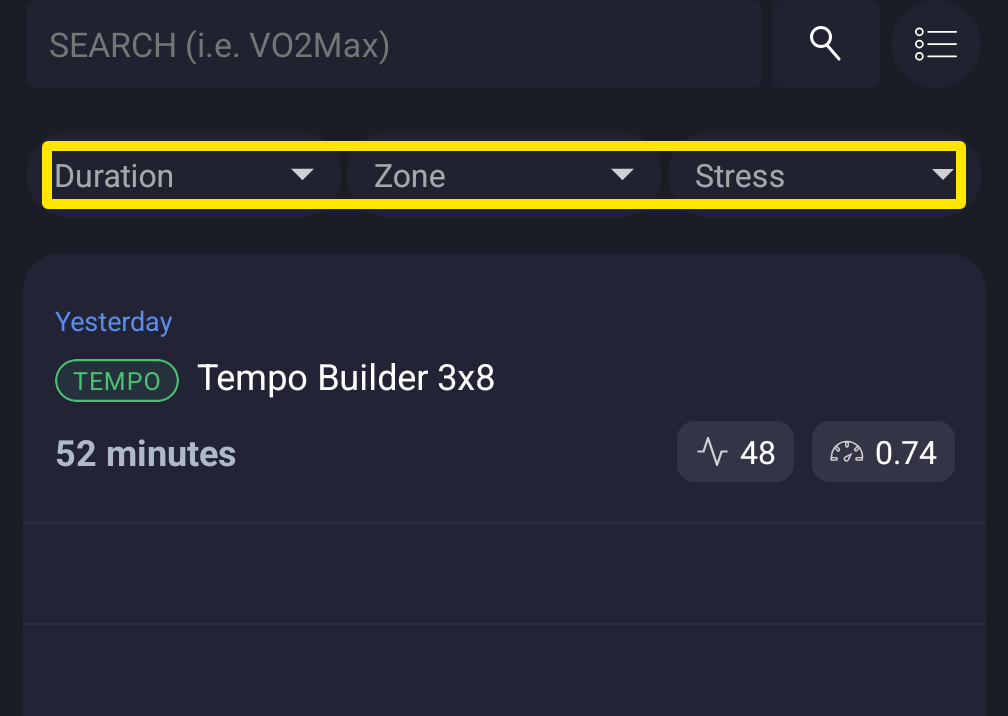 Where: Mobile app · Workouts tab → the search button
- Tap a result to open it or add it to your library.
Good to know: The app searches the whole public library of about 40,000 workouts. It shows 10 results at a time, always sorted by popularity. For sort options and more filters, use Search Workouts on the website.
Works on: Mobile app (this search). The website and the desktop app have their own workout search.